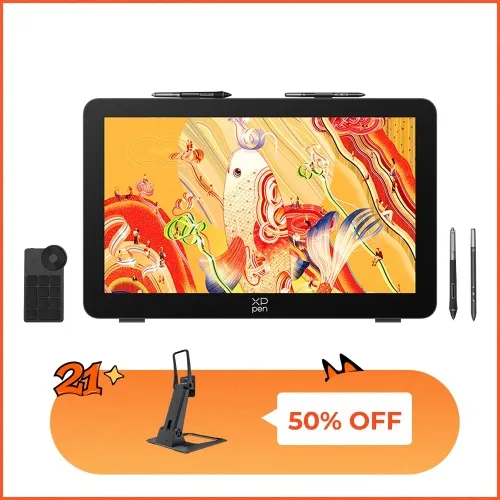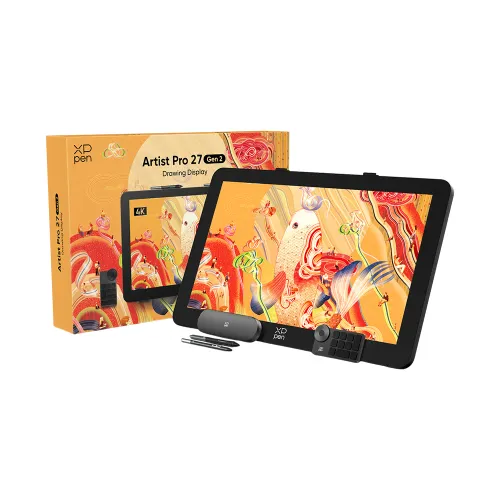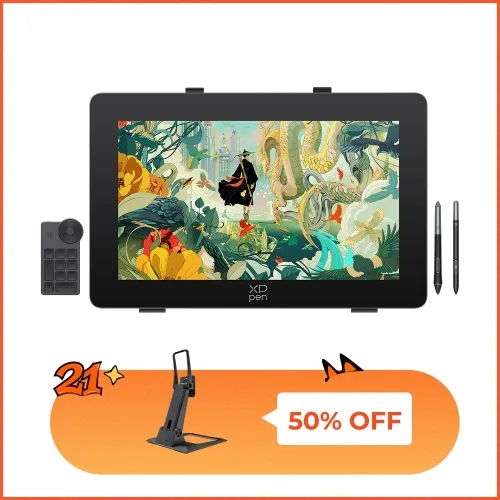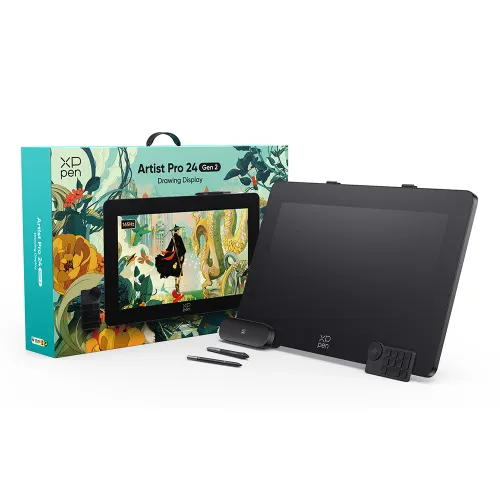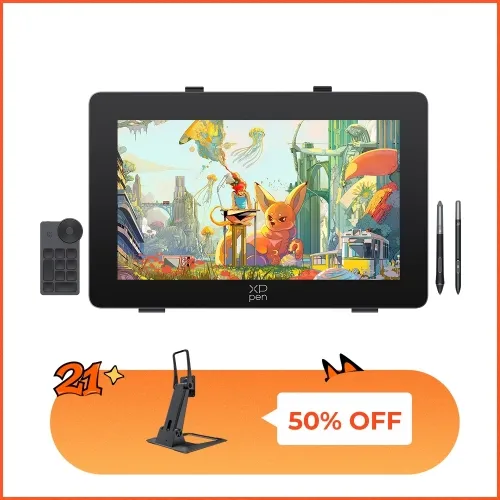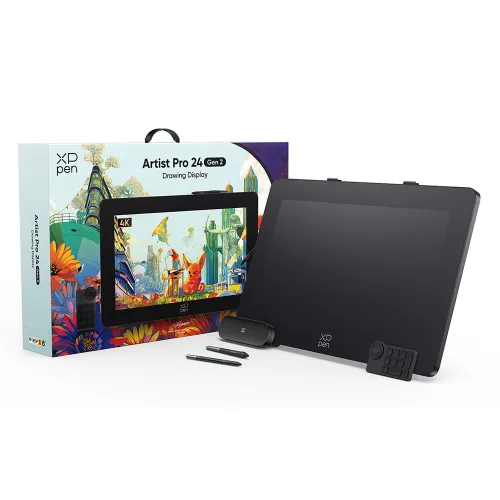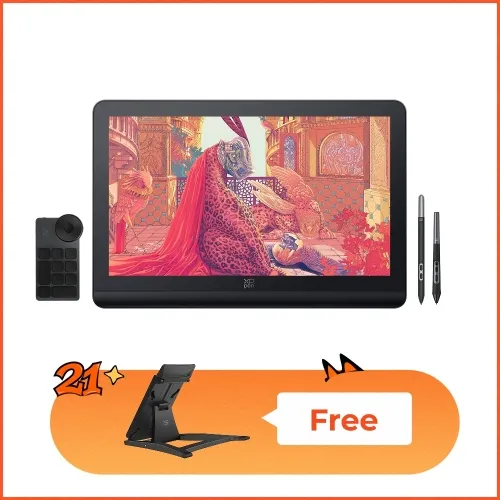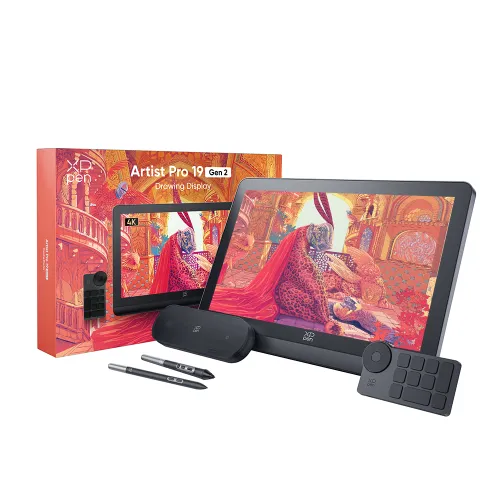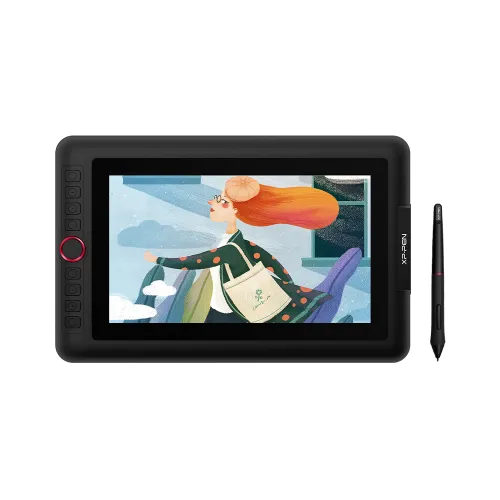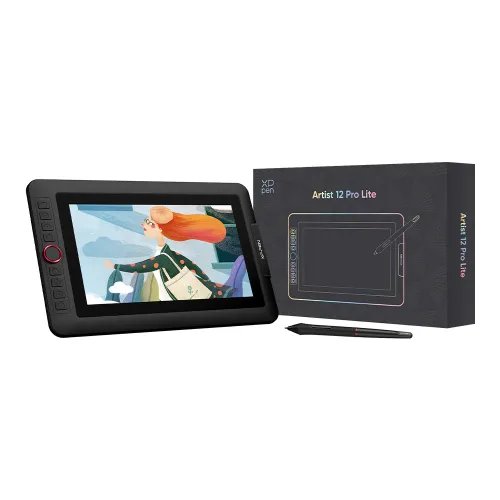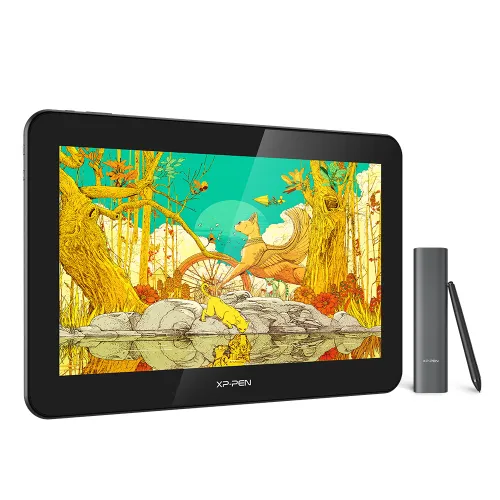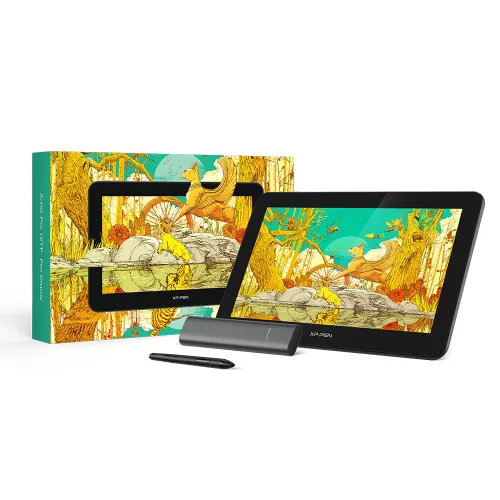

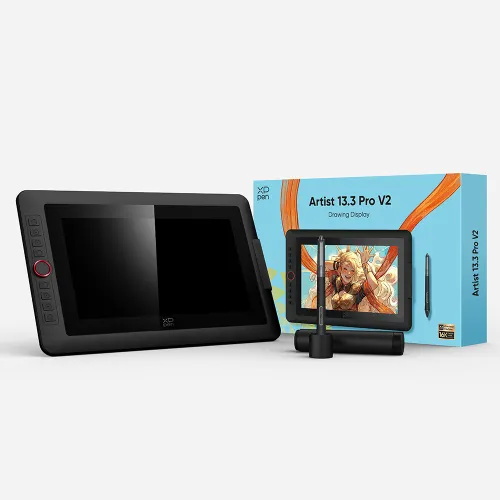
Artist 24 Pro

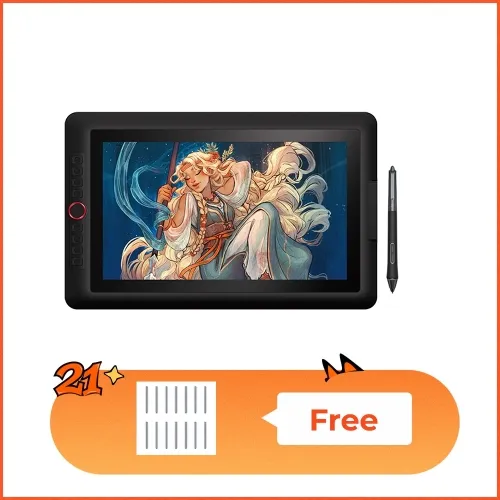
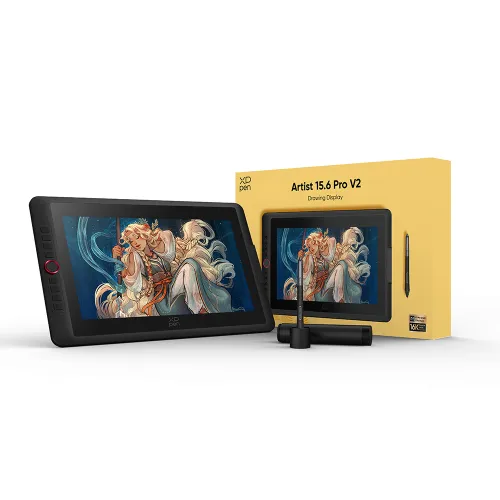
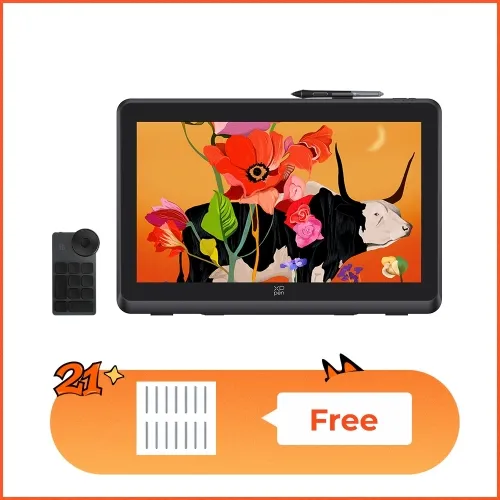
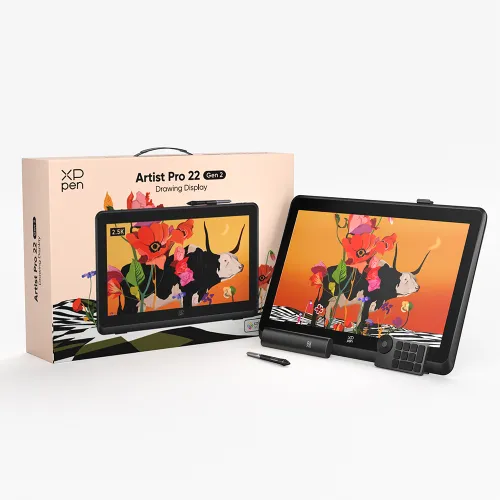
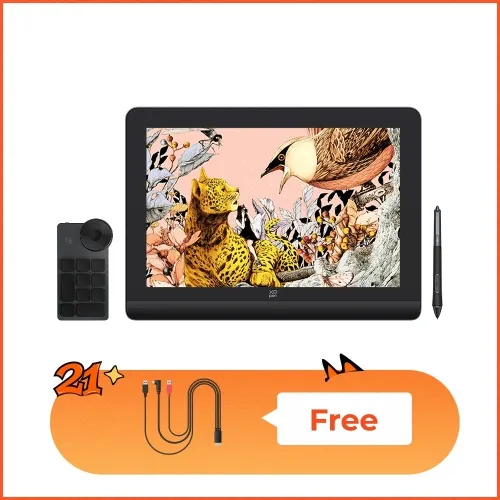
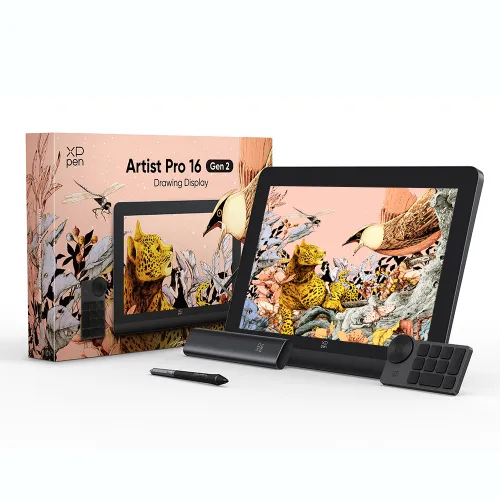
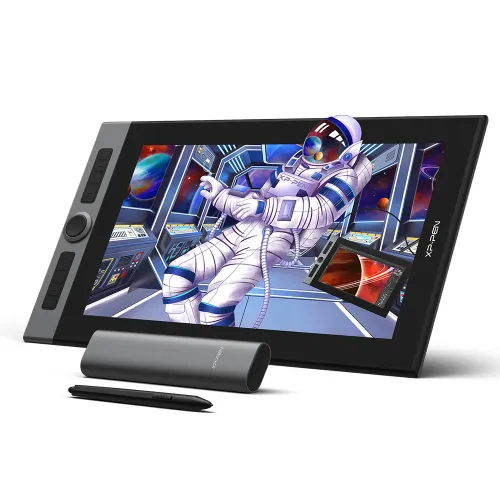
23.8-inch 2K QHD (2560 x 1440) Display Superb color accuracy of 88% NTSC (Adobe® RGB≧90%,sRGB≧120%) 2 red dial wheels and 20 customizable shortcut keys Support a USB-C to USB-C connection

£521.99£899.99
Ends in

FAST FREE SHIPPING

Ship from the UK; Free shipping on all orders

24-MONTH-WARRANTY

Hassle-free warranty

QUALITY PURCHASE

30-day money-back guarantee

TECH SUPPORT

Lifetime customer support

Product:
Artist 24 Pro

Recommended Accessories

https://resource.xp-pen.com/Uploads/uk/goods/20220815/0854e39eb8a0f6f818509e480e689563_200_200.webp

XPPen Extended Warranty 6/12 months 60E

+£40.00£80.00

50% Off
https://resource.xp-pen.com/Uploads/uk/goods/20201124/5c3f67b72e241e215d9ebb09eefd1d25_200_200.webp

AD12 Protector Film For Artist 24 Pro

+£49.99£69.99

29% Off
https://resource.xp-pen.com/Uploads/goods/20180913/a57fbb14d888e274afaa2d2a0d7f212e_200_200.webp

AC08 Drawing Glove S/M/L Size

+£0.00£7.99

FREE
https://resource.xp-pen.com/Uploads/uk/goods/20210515/8d074196f6b49d6861a9fd4e15ad1444_200_200.webp

Creative Shortcut Sticker

+£7.99£8.99

11% Off
https://resource.xp-pen.com/Uploads/uk/goods/20230706/b891d7b0c7fd31b6bf322763706dbb89_200_200.webp

ACK05 Wireless Shortcut Remote

+£43.99£49.99

12% Off
Learn More

Quantity:

Payment icon 0Payment icon 1Payment icon 2Payment icon 3Payment icon 4Payment icon 5Payment icon 6
seel-icon

Worry-Free Delivery available with seel

Estimate:


Artist Display 24 Pro

Immense canvas,
immersive clarity

image

Create in 2K QHD (2560 X 1440)

The Artist Display 24 Pro is the very first 23.8-inch 2K QHD graphics display. With double the resolution of FHD displays and unprecedented vibrancy, the Artist 24 Pro offers a creative experience that exceeds all limits.

image
23.8-inch
2K QHD

Artist 24 Pro
2K QHD 2560 X 1440

image
21.5-inch
FHD

Artist 22R Pro
FHD 1920 X 1080

  • What is 2K QHD?

  • What impact does 2K QHD have?

What is 2K QHD?

2K QHD is a type of display resolution. A screen's resolution is the number of pixels it has in relation to its surface area—the more pixels, the sharper the image. A display is considered to have 2K resolution if it has 2,000 pixels. With 2560 X 1440 pixels, the Artist 24 Pro fulfills this criterion.

image
image

Weimin (Thomas) Chu
Professional Photographer
Grand Prize Winner of the 2019 National Geographic Travel Photo Contest 3rd Place / Nature/Astrophotography/2019 International Photography Awards 2nd Place / Sports/Extreme sports/2018 International Photography Awards

Fuel your creativity

Fuel your creativity with brilliant color and blazing graphics as you draw, design and create on this strikingly large, immersive display.

image
image

90% Adobe®RGB

Ideal connections

The Artist 24 Pro supports a USB-C to USB-C connection, allowing you to connect your iMac, Mac Book Pro or Windows computer without using an adapter.

image

USB-C to
USB-C Cable

Discover new perspectives

Connect the Artist 24 Pro to your USB-C supported Android smartphone to add an extra digital canvas for your creation. Draw, paint, design, or create whatever you need more space for. With Bluetooth headsets or speaker, you can also watch your streaming shows on a big screen with ease.

image

Note: The Artist 24 Pro is compatible with certain Android phones like Samsung, Huawei, etc.

Create more, more naturally

The XP-Pen Artist 24 Pro features two easy-to-control red dial wheels and 20 customizable shortcut keys. These are placed on both sides of the product, making them easily accessible for both left and right-handed users.

imageimage

An intelligently designed stylus

The PA2 Battery-Free Stylus supports up to 60 degrees of tilt function and delivers superior line performance, creating the finest of sketches and lines.

image

Tilt

Small details that make a big difference

The Artist 24 Pro comes equipped with the USB Hub that can be used to connect devices such as your mouse. In addition, unlike most mechanical keys, the display’s touch-sensitive keys are specially designed to avoid sticking.

image
image
Back button
Button
Button
Menu button
Power button
image
Touch

Convenience at its finest

With the Artist 24 Pro’s adjustable stand, you can change the product’s angle to suit your needs, allowing you to create with ease. In addition, the product’s specially-designed pen slot provides quick access to your pen.

image
image

Incredibly versatile

The XP-Pen Artist 24 Pro supports Windows® 10/8/7, Linux (Detailed versions) and Mac OS X® 10.10 (and higher). The product is also compatible with popular digital art software, such as Adobe® Photoshop®, Illustrator®, SAI®, CDR®, GIMP®, Krita®, Medibang®, Fire Alpaca® and Blender® 3D.

image

What's Included in Package

image
image
image
image
image
image
image
image
image
image
image
Getting started with your
XP-Pen Artist display
Learn more >
image
All Artist displays come
with one free creative software
Learn more >

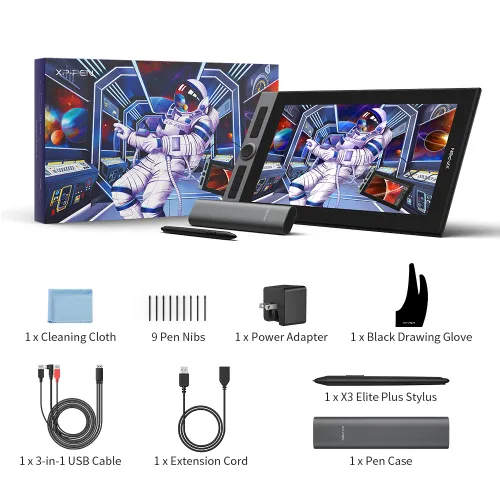
Package includes:

1 x XP-Pen 23.8” Graphics Display

2 x Battery-Free Stylus

1 x USB-A to USB-C adapater

1 x USB-C to USB-C Cable

1 x HDMI Cable

1 x Power Adapter

1 x Power Cord

1 x Pen Holder

8 x Replacement Pen Nibs

1 x Quick Guide

1 x Cleaning Cloth

1 x Black Drawing Glove

1 x Pen Slot

  • Specifications

  • Tutorials

image

Dimensions
632x370x44.8mm

image

Display Resolution
2560x1440

image

Color Gamut
90% Adobe®RGB

image

2 Red Dial Wheel
20 Shortcut Keys

image

Battery-free Stylus
Tilt:60°

  • Show more

PS: Product has to be connected to a PC when running.

Linux OSVersionPackage FormatSupported Software
ArchArch Linux2019.12.01(64-bit).deb, .shGIMP, Krita
CentosCentos7.0(64-bit).rpm, .shGIMP
Centos8(64-bit).rpm, .shGIMP, Krita
Debiandebian-9.5.0-amd64-netinst(64-bit).deb, .shGIMP, Krita
elementary OSelementary OS 5.0(64-bit).deb, .shGIMP, Krita
ezgo Linuxezgo14(64-bit).deb, .shGIMP, Krita
FedoraFedora32(64-bit).rpm, .shGIMP, Krita
MageiaMageia-7.1(64-bit).rpm, .shGIMP, Krita
Manjaromanjaro-xfce-20.1.2-201019(64-bit).deb, .shGIMP
Mintlinuxmint-18.2-cinnamon-64bit.deb, .shGIMP, Krita
OpenSUSEopenSUSE-Tumbleweed(64-bit).rpm, .shGIMP, Krita
Pop!_OSpop-os_19.10(64-bit).deb, .shGIMP, Krita
Red HatRed Hat7(64-bit).rpm, .shGIMP
UbuntuUbuntu14.04(64-bit).deb, .shGIMP, Krita
Ubuntu16.04(64-bit).deb, .shGIMP, Krita
Ubuntu17.04(64-bit).deb, .shGIMP, Krita
Ubuntu18.04(64-bit).deb, .shGIMP, Krita
Ubuntu19.04(64-bit).deb, .shGIMP, Krita
Ubuntu20.04(64-bit).deb, .shGIMP, Krita
FunctionKrita 4.3.0Gimp 2.10.20Inkscape 0.92
Pen Pressure Sensitivity
Tilt
Mouse Function
Eraser Button
(Stylus:PH01, P06)
Switch between Pen
and Eraser Modes
*If you have any further queries, please do not hesitate to contact us at service@xp-pen.com.

Linux OS

Arch
Version
Arch Linux2019.12.01(64-bit)
Package Format
.deb, .sh
Supported Software
GIMP, Krita
Centos
Version
Centos7.0(64-bit)
Centos8(64-bit)
Package Format
.rpm, .sh
.rpm, .sh
Supported Software
GIMP
GIMP, Krita
Debian
Version
debian-9.5.0-amd64-netinst(64-bit)
Package Format
.deb, .sh
Supported Software
GIMP, Krita
elementary OS
Version
elementary OS 5.0(64-bit)
Package Format
.deb, .sh
Supported Software
GIMP, Krita
ezgo Linux
Version
ezgo14(64-bit)
Package Format
.deb, .sh
Supported Software
GIMP, Krita
Fedora
Version
Fedora32(64-bit)
Package Format
.rpm, .sh
Supported Software
GIMP, Krita
Mageia
Version
Mageia-7.1(64-bit)
Package Format
.rpm, .sh
Supported Software
GIMP, Krita
Manjaro
Version
manjaro-xfce-20.1.2-201019(64-bit)
Package Format
.deb, .sh
Supported Software
GIMP
Mint
Version
linuxmint-18.2-cinnamon-64bit
Package Format
.deb, .sh
Supported Software
GIMP, Krita
OpenSUSE
Version
openSUSE-Tumbleweed(64-bit)
Package Format
.rpm, .sh
Supported Software
GIMP, Krita
Pop!_OS
Version
pop-os_19.10(64-bit)
Package Format
.deb, .sh
Supported Software
GIMP, Krita
Red Hat
Version
Red Hat7(64-bit)
Package Format
.rpm, .sh
Supported Software
GIMP
Ubuntu
Version
Ubuntu14.04(64-bit)
Ubuntu16.04(64-bit)
Ubuntu17.04(64-bit)
Ubuntu18.04(64-bit)
Ubuntu19.04(64-bit)
Ubuntu20.04(64-bit)
Package Format
.deb, .sh
.deb, .sh
.deb, .sh
.deb, .sh
.deb, .sh
.deb, .sh
Supported Software
GIMP, Krita
GIMP, Krita
GIMP, Krita
GIMP, Krita
GIMP, Krita
GIMP, Krita

Function

Pen Pressure Sensitivity
Krita 4.3.0
Gimp 2.10.20
Inkscape 0.92
Tilt
Krita 4.3.0
Gimp 2.10.20
Inkscape 0.92
Mouse Function
Krita 4.3.0
Gimp 2.10.20
Inkscape 0.92
Eraser Button(Stylus:PH01, P06)
Krita 4.3.0
Gimp 2.10.20
Inkscape 0.92
Switch between Penand Eraser Modes
Krita 4.3.0
Gimp 2.10.20
Inkscape 0.92

*If you have any further queries, please do not hesitate to contact us at service@xp-pen.com.

Reviews
4.9
starstarstarstarstar
Based on 20
starstarstarstarstar
85%(17)
starstarstarstarstar
15%(3)
starstarstarstarstar
0(0)
starstarstarstarstar
0(0)
starstarstarstarstar
0(0)
Ak1ra
starstarstarstarstar
Dec 31 ,2021 AM 11:48 Artist 24 Pro
Really good.
One of my first tablets to get and this one is just amazing, The quality and the feel of it is just unbearable. I would say it's worth the price.
Useful(1)+1
XFANS7ng2ugzm
starstarstarstarstar
Aug 10 ,2022 AM 06:50 Artist 24 Pro
Very pleasant
The tablet came within a week of ordering for me and the tablet itself was in very good condition when arriving.
Useful(1)+1
Saxon Fullwood
starstarstarstarstar
Jun 27 ,2020 AM 02:39 Artist 24 Pro
Excellent in every way
Great quality and super nice to use. I love the feel of the pen and the shortcut buttons come in very useful.
Useful(0)+1
Learn More
Q & A
XFANSbkkzyyzn
Jan 07 ,2025 PM 23:50 Artist 24 Pro
Will this work with a new chromebook?
Reply0
XFANSygbrm3hj
Sep 11 ,2022 PM 23:30 Artist 24 Pro
This may sound like a stupid question but Do you need a computer to use use the artist 24 pro or can you use it like a normal tablet for drawing as my daughter was looking at them
Reply4
See more answers(3)
Official mall
Aug 08 ,2023 PM 16:29
Dear Customer, Hi, All our products would need to be conntected to a computer to use. Best Regards
Reply to this review
XFANS63ezawsu
Aug 18 ,2022 AM 11:45 Artist 24 Pro
Hi, Is the Paper-like protective film you can buy meant to be applied straight away when you receive the 24 pro, or is it meant to replace the protector that is already on it?
Reply1
Official mall
Aug 08 ,2023 PM 17:34
Dear Customer, Hi, Our products have a film when they leave the factory, but that film is only used to protect the product from dust. There is no substitute for a real protective film to prevent product scratches. Best Regards
Reply to this review
XFANSgce7pftm
Jul 06 ,2022 PM 15:19 Artist 24 Pro
Does this come with X3 pen? When filtering it shows that it has X3 but I don't see it in the specs
Reply1
Official mall
Aug 08 ,2023 PM 17:37
Dear Customer, Hi, The pen that comes with this product is PA2. Artist 24 pro doesn\'t use x3 technology for now. Best Regards
Reply to this review
XFANSb8l9efu2
May 17 ,2022 PM 23:32 Artist 24 Pro
does this have the new x3 chip
Reply1
Official mall
Aug 08 ,2023 PM 17:38
Dear Customer, Hi, Artist 24 pro doesn\'t use x3 technology for now. Best Regards
Reply to this review
Moriarty
Jan 14 ,2022 AM 10:49 Artist 24 Pro
What if something wrong of it, how to contact offcial team to fix? how long of the warranty?
Reply1
Official mall
Feb 17 ,2022 PM 18:24
Hello, The products selling on our official store have a 2-year warranty. You can email us with any questions. shopuk@xp-pen.com Have a nice day. Sincerely
Reply to this review
XFANSn343ify6
Nov 17 ,2021 AM 03:29 Artist 24 Pro
What is the footprint of the Artist 24 Pro (front to back) including the stand - at, for example, 20/30/45/60 degrees? Trying to work out if I have enough space on my desk for it. Also, where does it ship from? Are there any additional fees (customs) to ship to the UK, or are these shipped within the UK? Thanks in advance.
Reply1
Official mall
Nov 17 ,2021 PM 16:07
Hi, it will likely take up 65mm*50mm area. It will be shipped from the UK. Thank you so much : )
Reply to this review
XFANSvozpuu1b
Oct 10 ,2021 PM 15:45 Artist 24 Pro
Will this Tablet run as a normal monitor without installing any drivers? Looking to use it as a second monitor in the day on a work pc where I can't install anything as I don't have admin rights. Also assuming it won't have any issues with a hdmi splitter?
Reply1
Official mall
Oct 12 ,2021 AM 11:35
Hi, yes it can. You can connect it directly as a second monitor without a driver.
Reply to this review
LeeJ
Jul 13 ,2021 AM 06:04 Artist 24 Pro
I have purchased an Artist 24 Pro, how do I register the product with you for the warranty?
Reply1
Official mall
Jul 13 ,2021 AM 09:52
Hi, it\'s under a 24-month warranty already and you don\'t need extra steps to register it. Thank you so much : )
Reply to this review
XFANSjmt0nep2
Jul 03 ,2021 PM 17:42 Artist 24 Pro
Hi I would like to order however I used the discount code HELLO5 and its no longer working when will you have 25% off again?
Reply1
Official mall
Jul 05 ,2021 AM 09:42
Hi, the code is expired. For more promotion information please contact shopuk@xp-pen.com.
Reply to this review
Learn More
Payment icon 0Payment icon 1Payment icon 2Payment icon 3Payment icon 4Payment icon 5Payment icon 6

Copyright© 2025 HANVON UGEE (HK) TECHNOLOGY CO., LIMITED All Rights Reserved.

Payment icon 0Payment icon 1Payment icon 2Payment icon 3Payment icon 4Payment icon 5Payment icon 6