

Getting started with your
XP-PEN Artist Pro pen display
1/9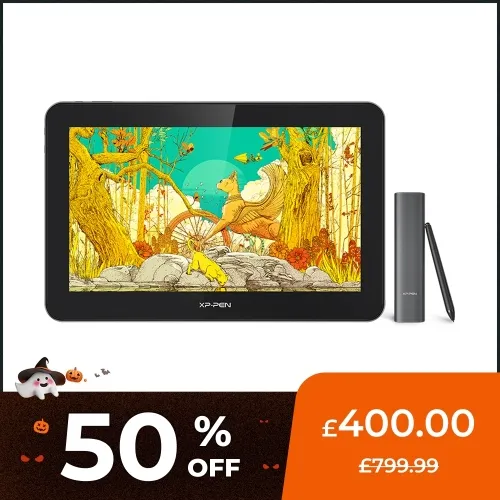
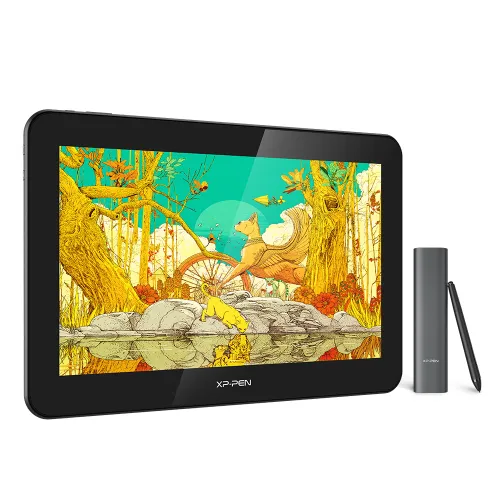
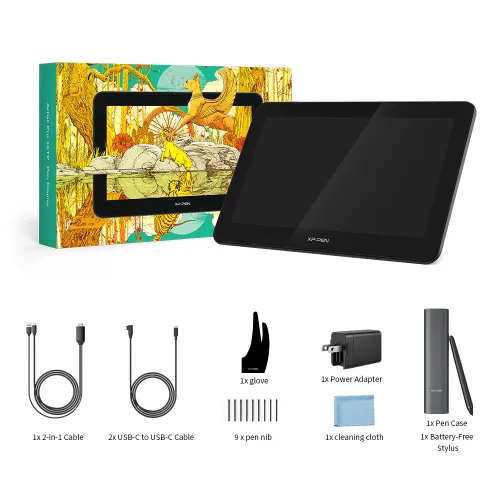
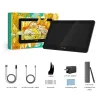
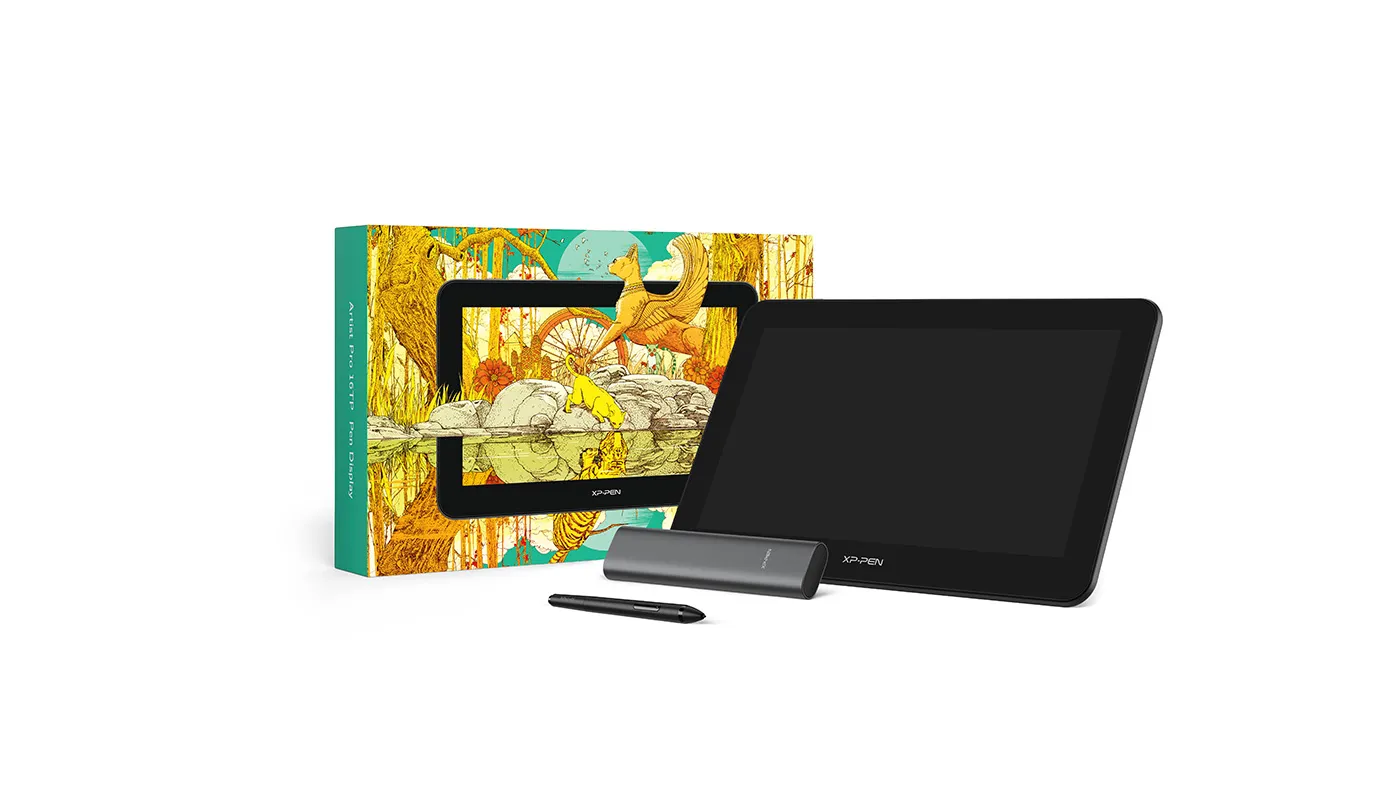
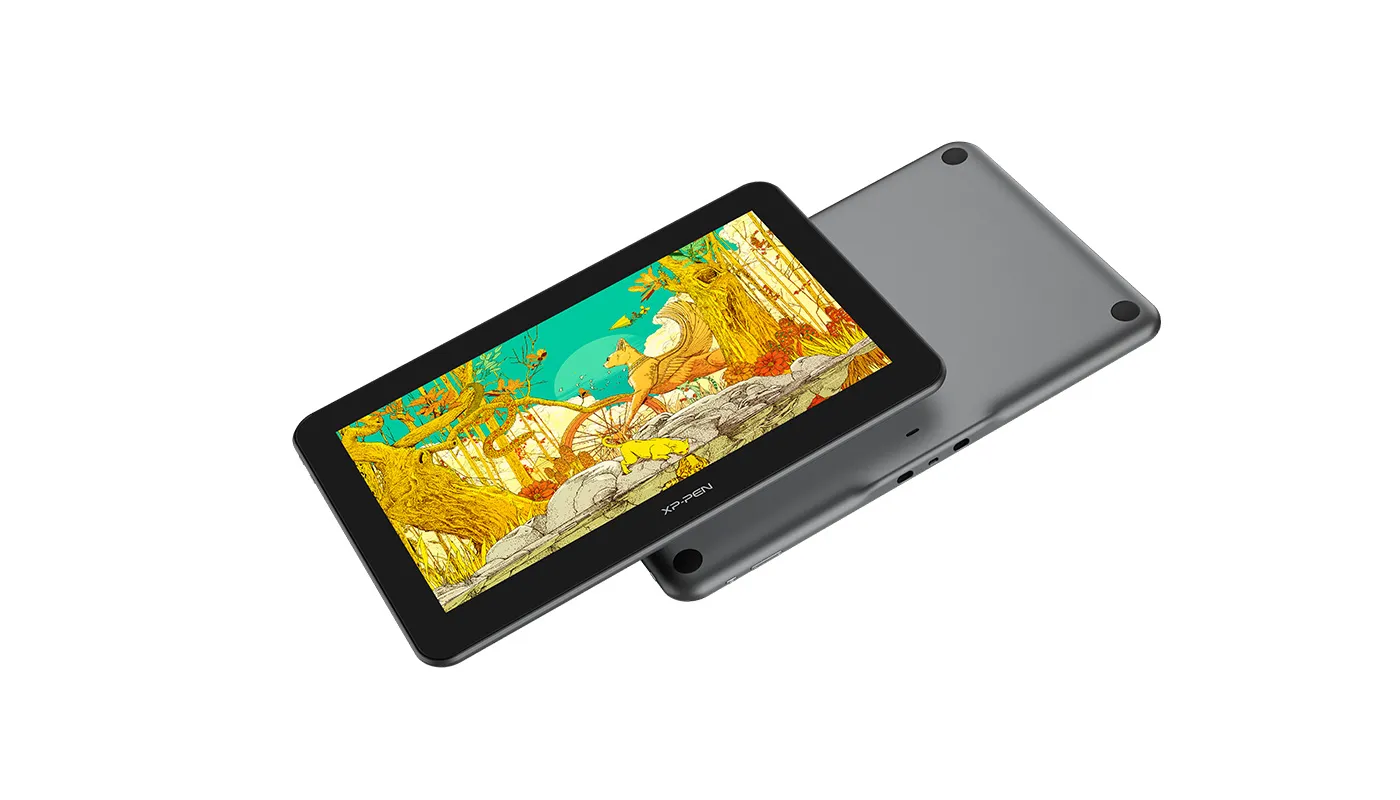
Artist Pro 16TP
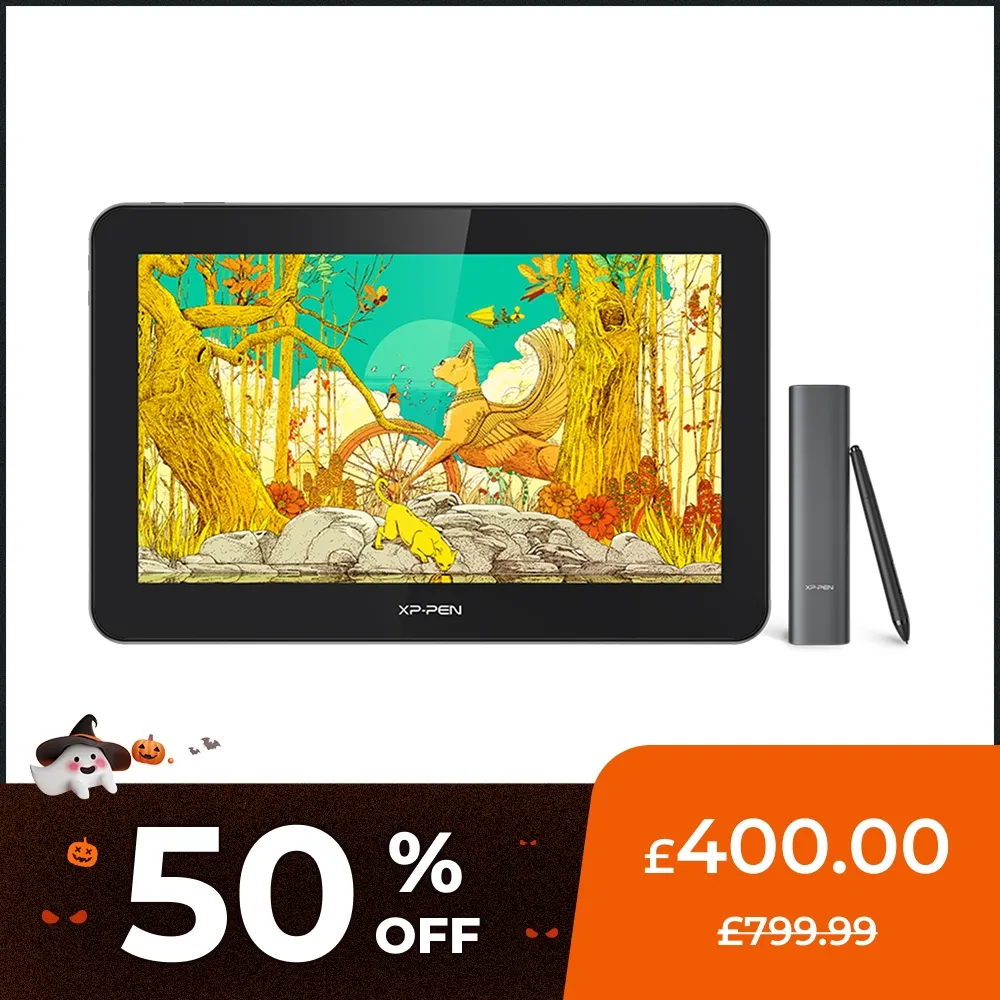
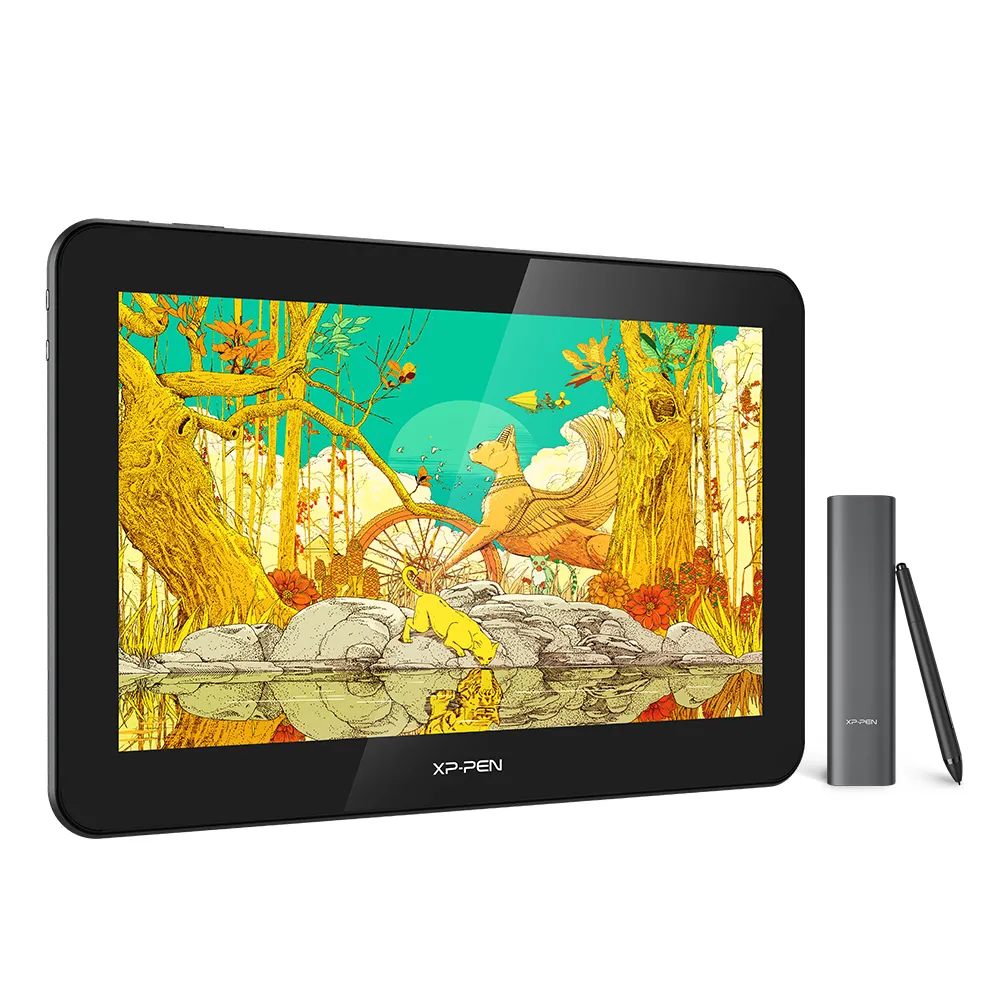
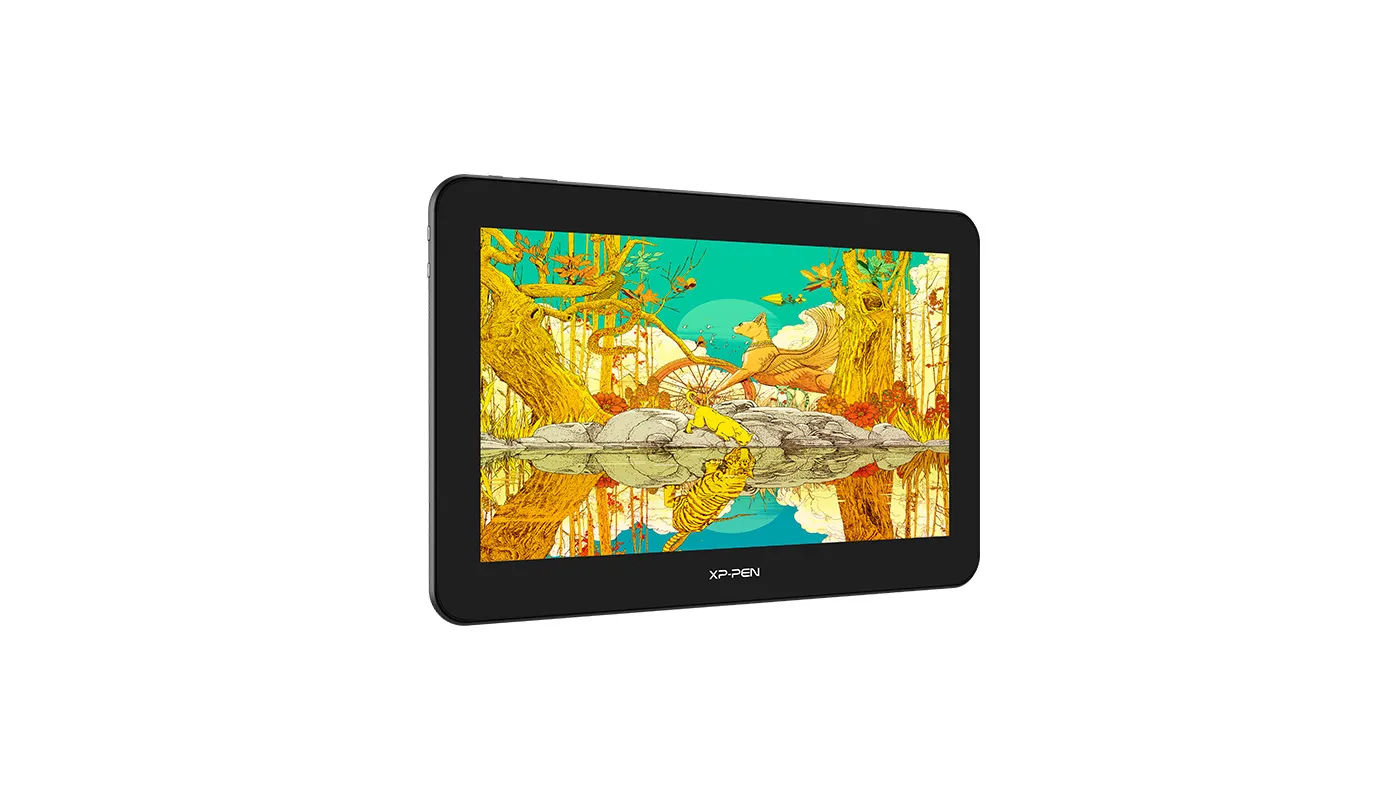
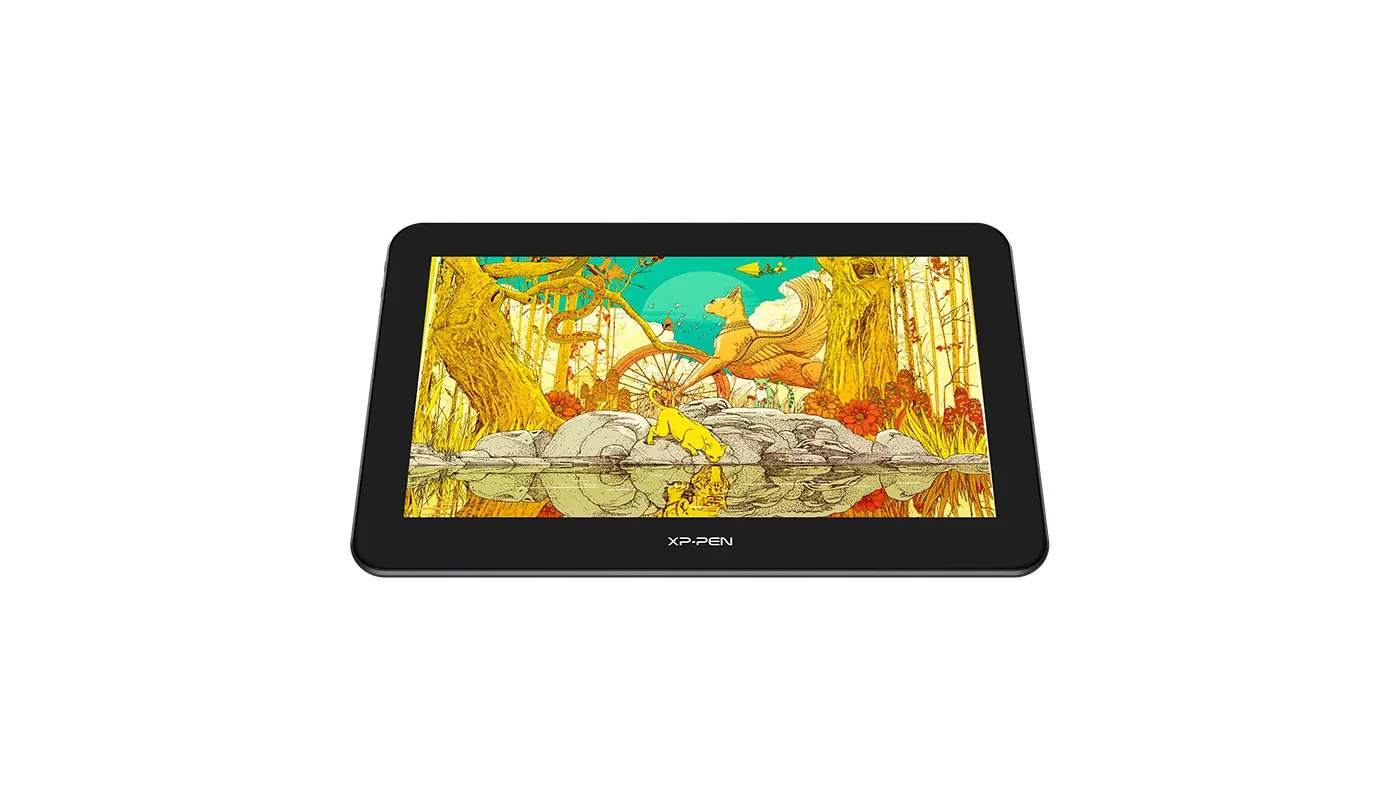
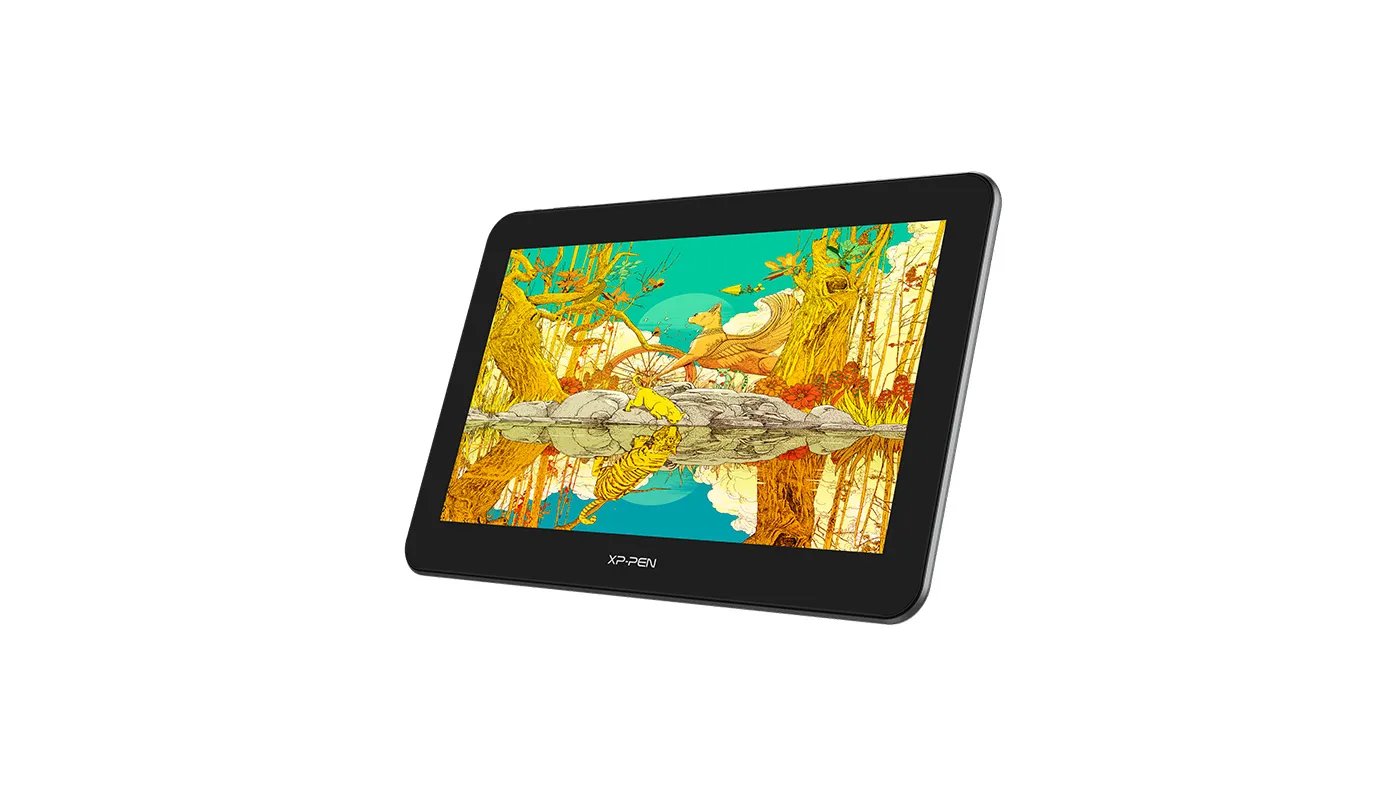
15.6 inch,4K (3840 x 2160) resolution, Multi-touch Screen.
92% Adobe RGB, 124% sRGB color gamut, fully-laminated monitor.
EMR stylus support pressure and tilt function, with digital eraser at the end.
£400.00£799.99
Ends in
FAST FREE SHIPPING
Ship from the UK; Free shipping on all orders
24-MONTH-WARRANTY
Hassle-free warranty
QUALITY PURCHASE
30-day money-back guarantee
TECH SUPPORT
Lifetime customer support
Product:
Artist Pro 16TP
Recommended Accessories
Quantity:
Total
£0.00
 Log in and purchase to receive an estimated 0 X-Coins






Worry-Free Delivery® available with seel
Estimate:
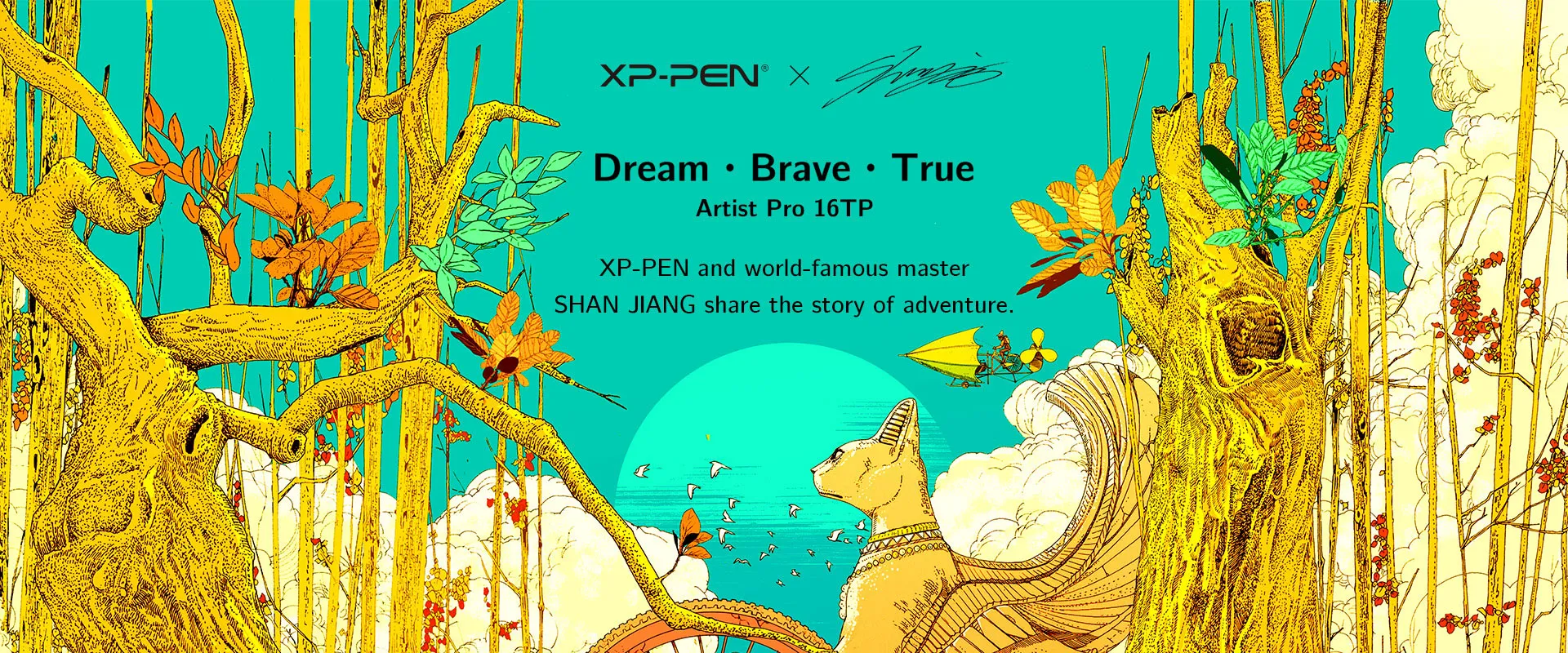



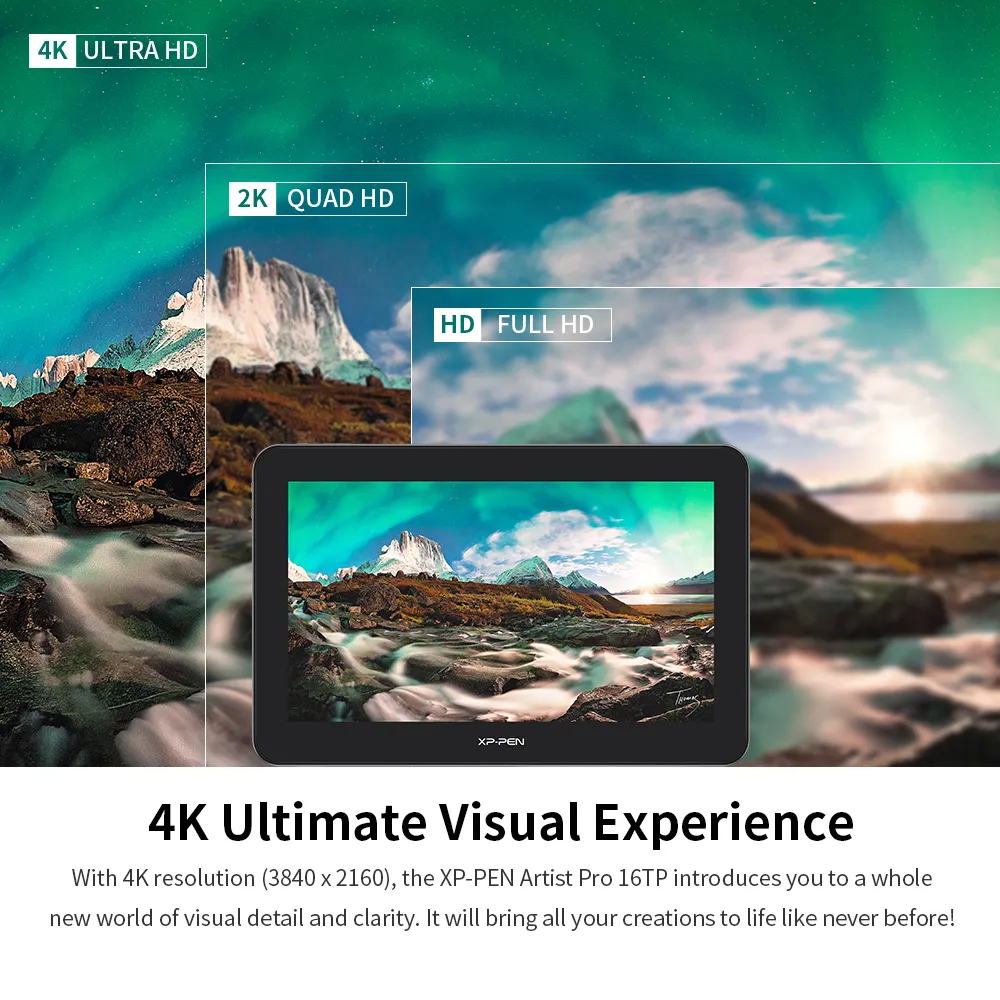
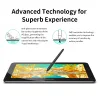
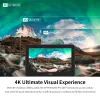
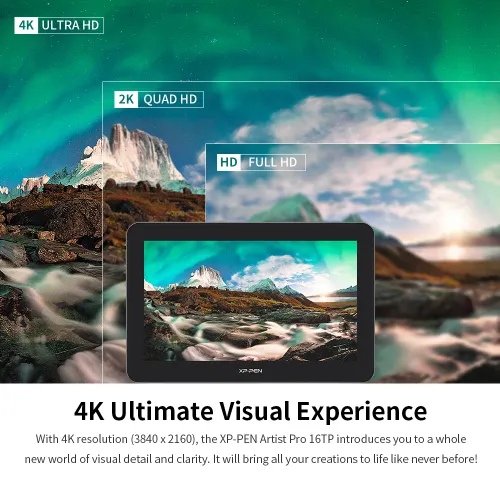
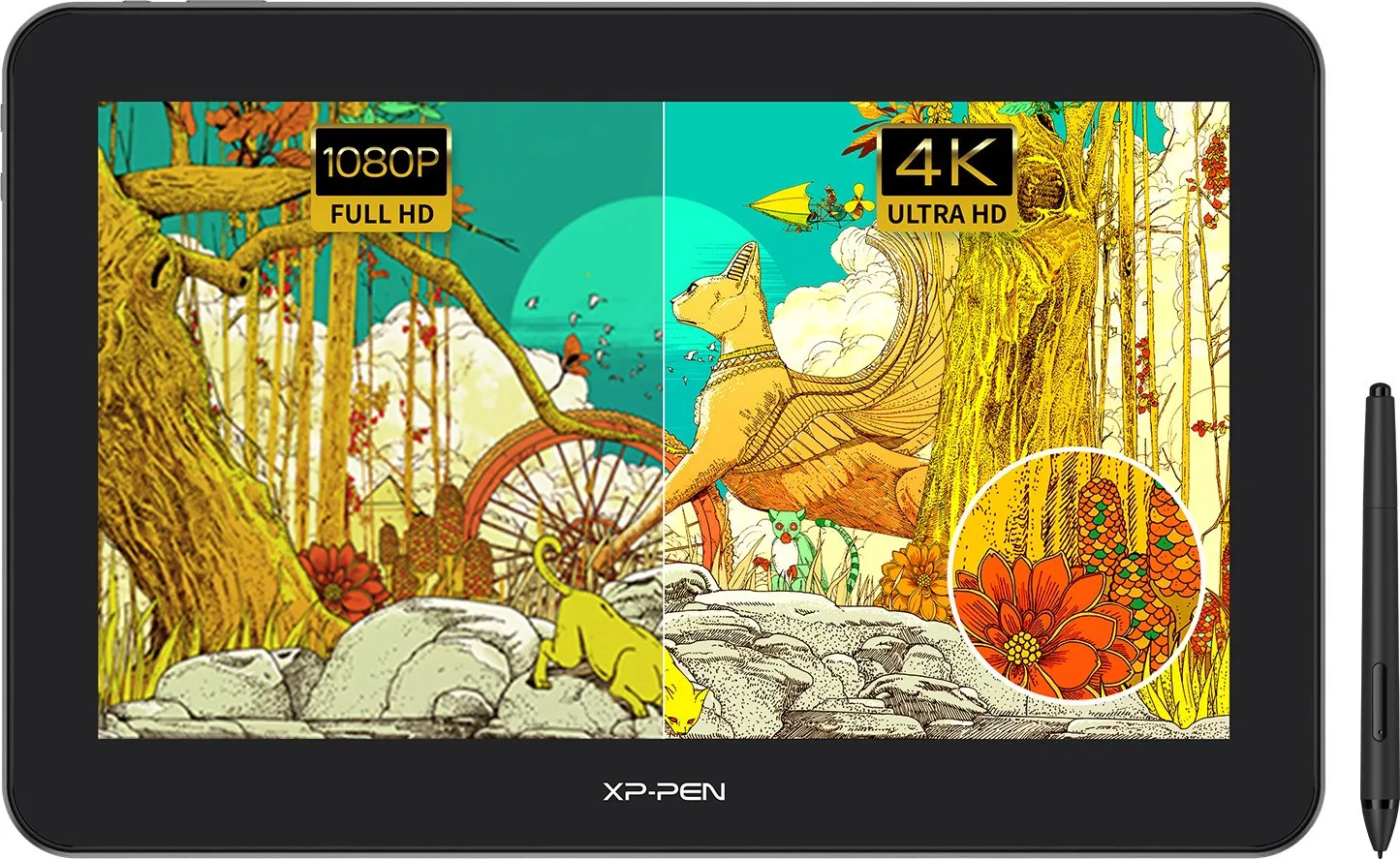
4K Ultimate Visual Experience
With 4K resolution (3840 x 2160), the XP-PEN Artist Pro 16TP introduces you to a whole new world of visual detail and clarity. It will bring all your creations to life like never before!


The Most Natural Colors
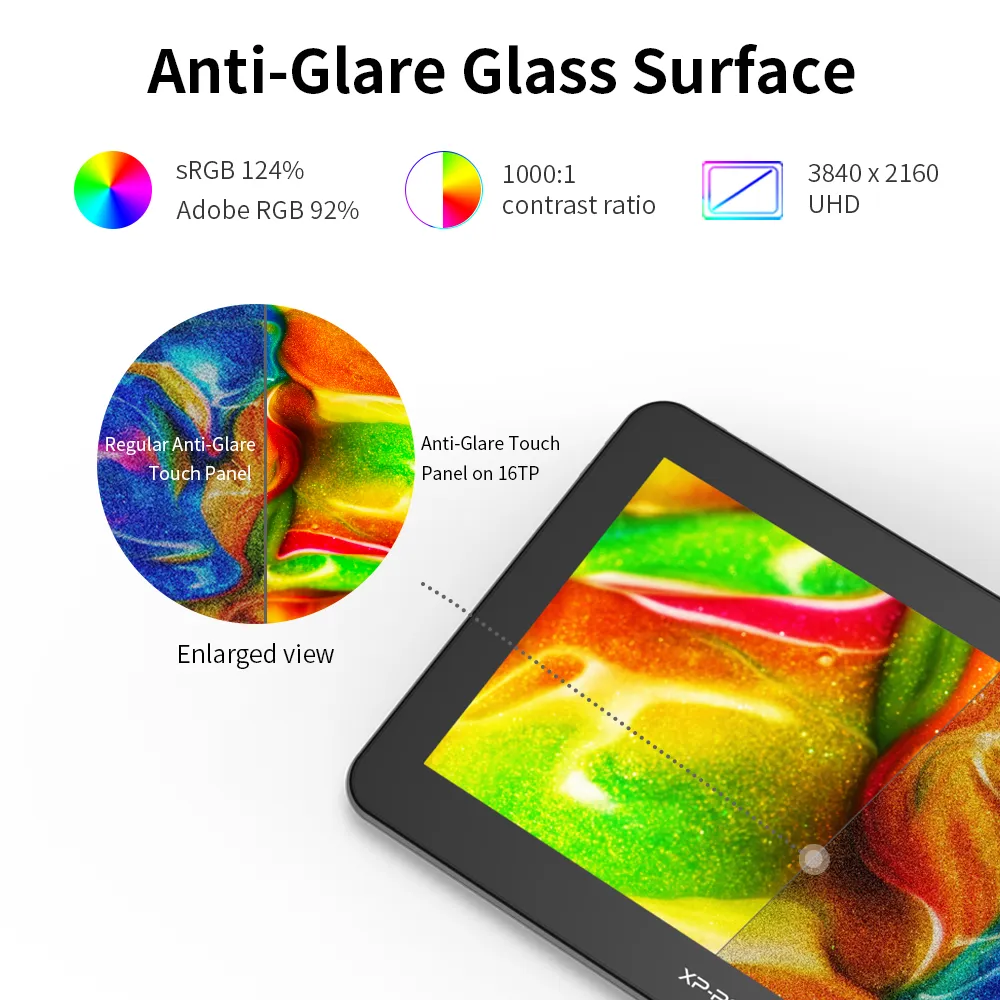
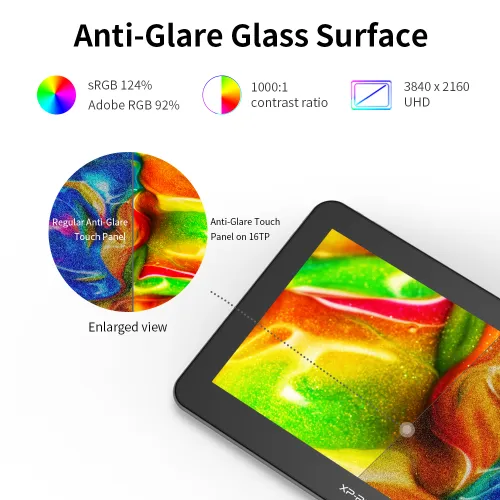
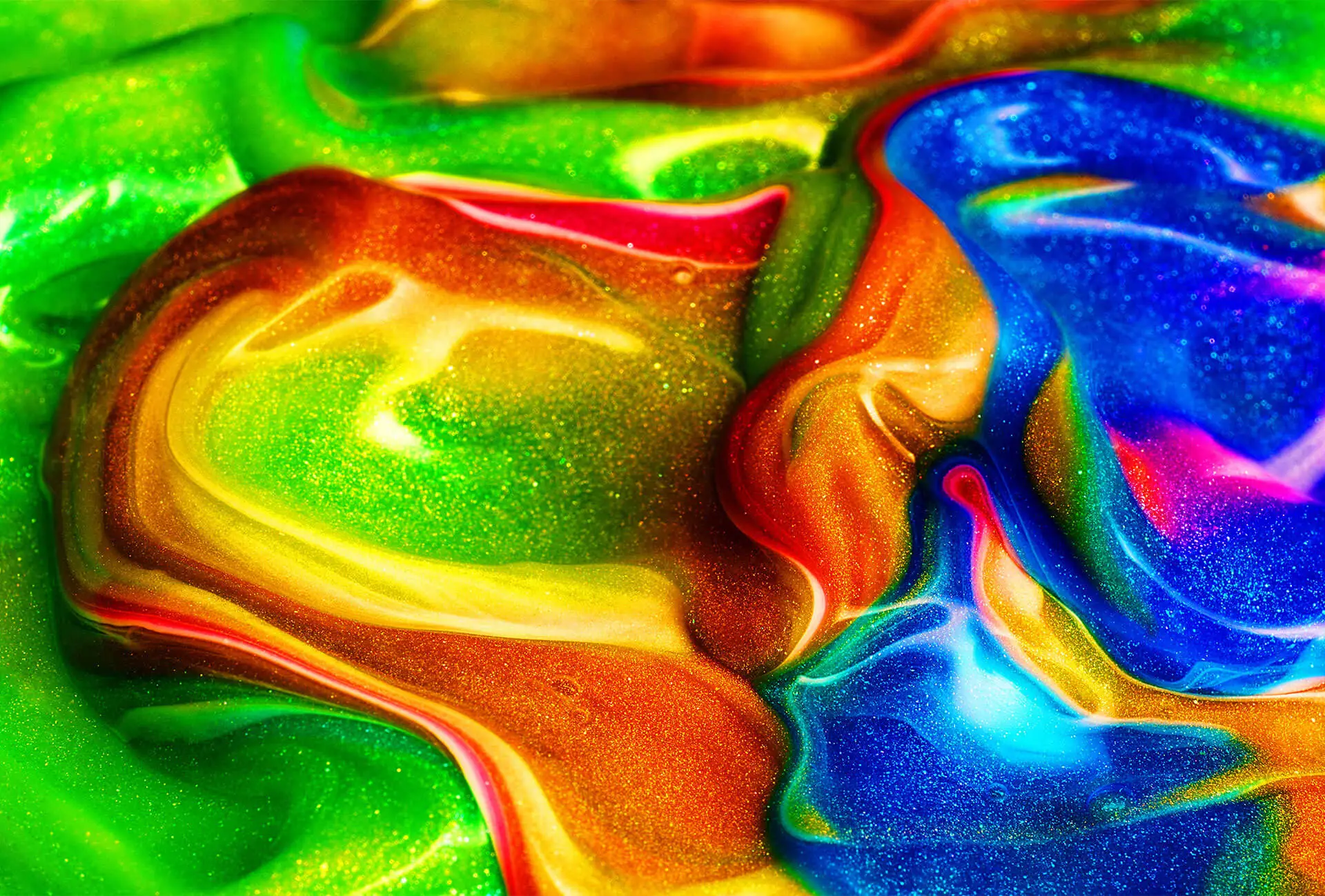
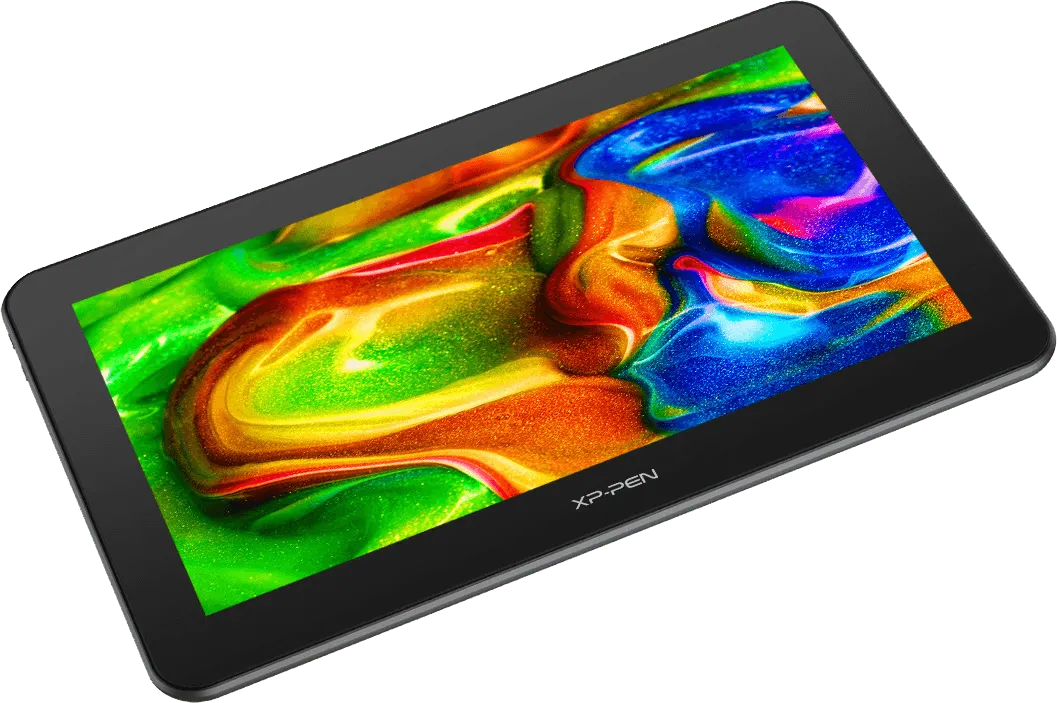
With 92% Adobe RGB, 124% sRGB in color gamut and a 1000:1 contrast ratio, the XP-PEN Artist Pro 16TP delivers natural color transition, super color accuracy and saturation.
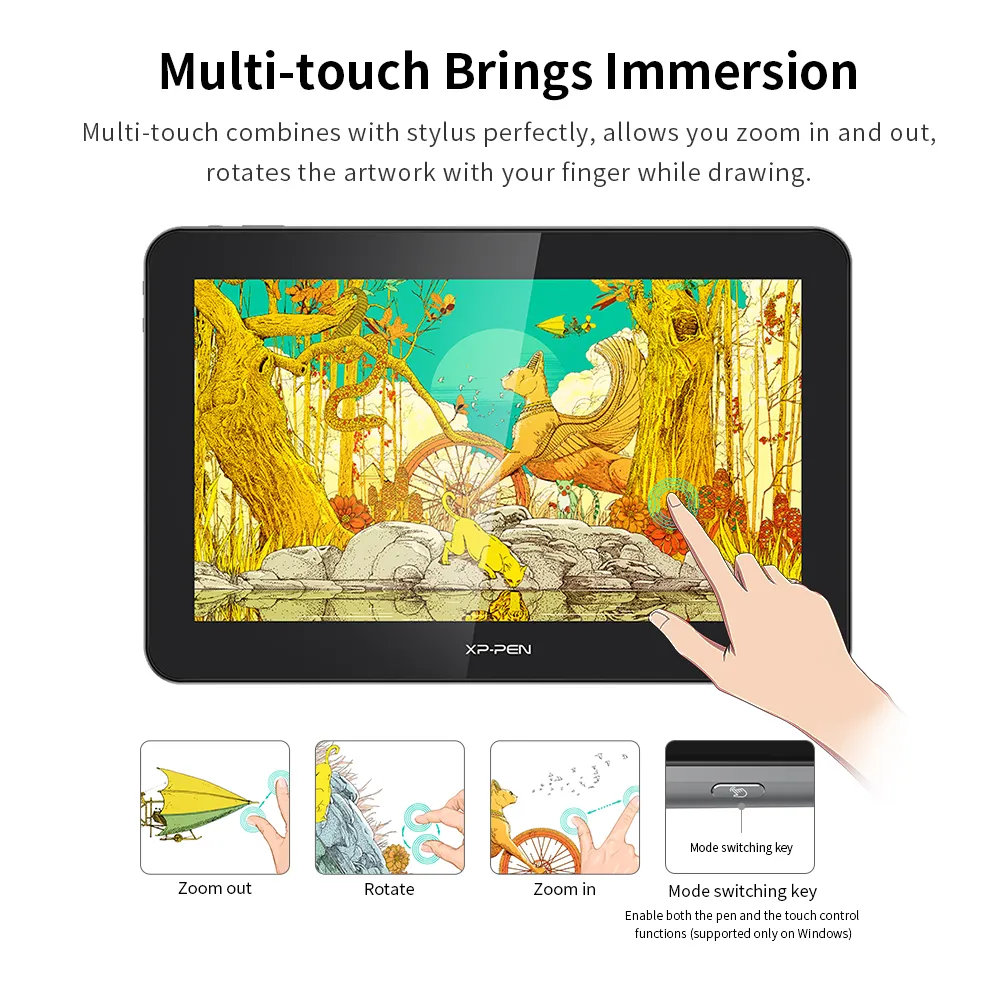
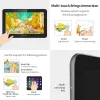
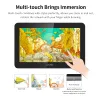
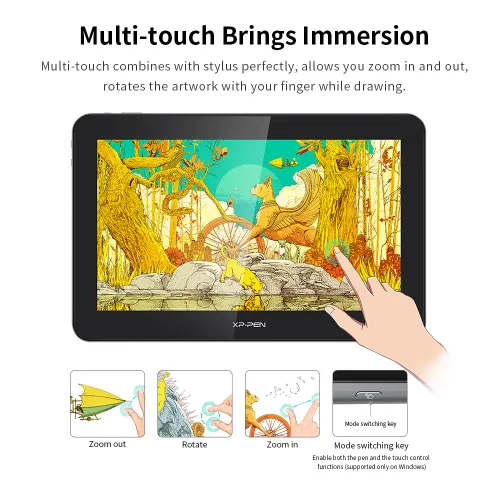
Multi-touch Brings Immersion
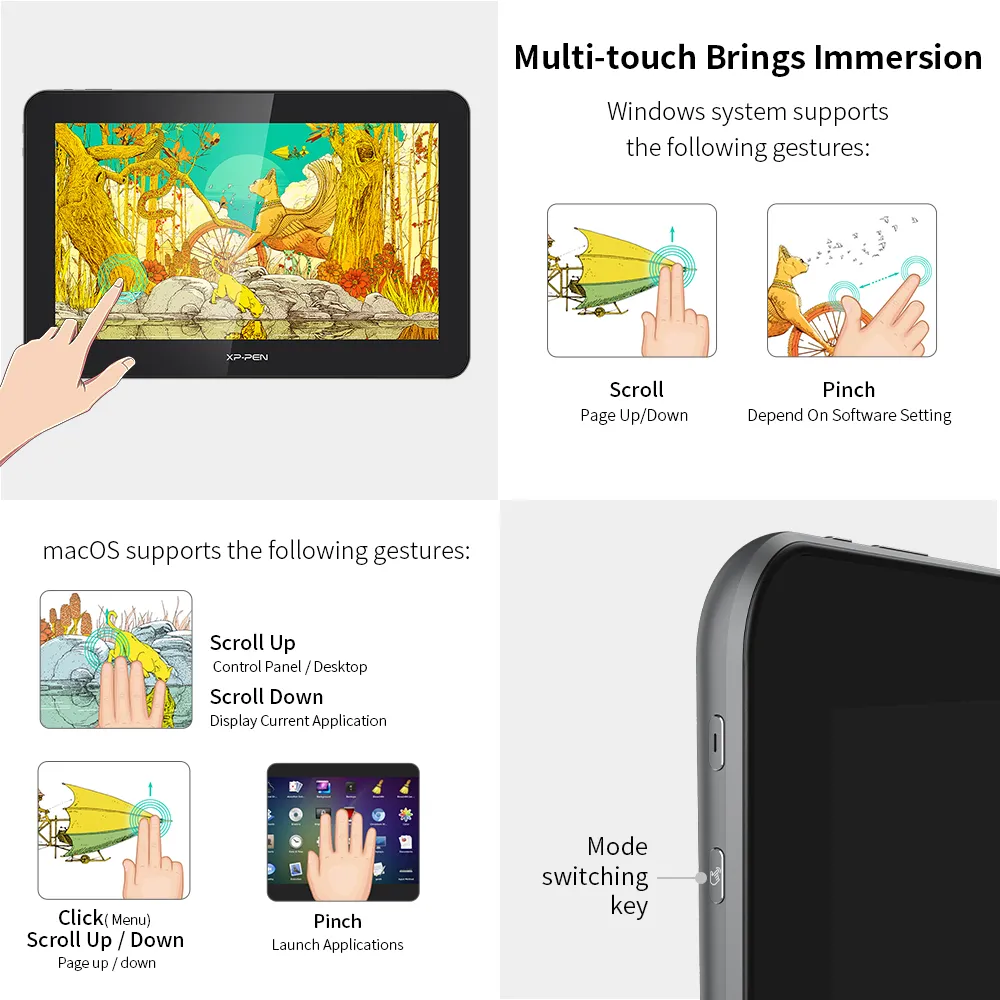
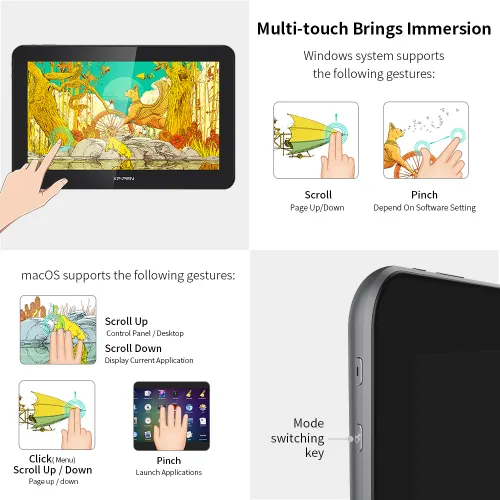
In Windows, the Artist Pro 16TP features a perfect combination of multi-touch control and pen function. You can easily zoom in and out, rotate your canvas and navigate more freely with your fingers while drawing with a stylus. The creative experience is now profoundly immersive and responsive.
Compatibility list of other systems >>
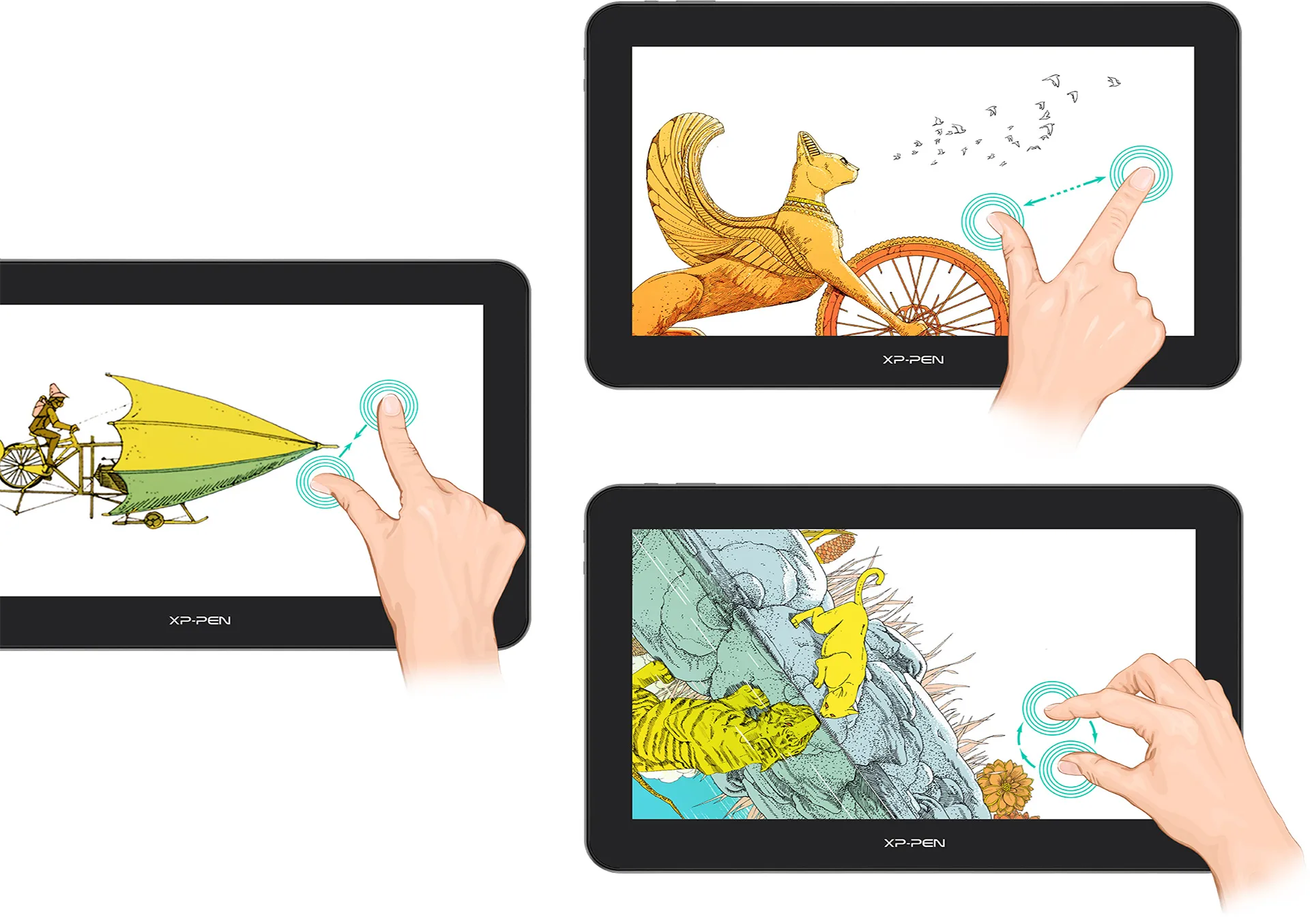
Zoom in
Zoom out
Rotate
Incredibly Innovative, Extremely Comfortable
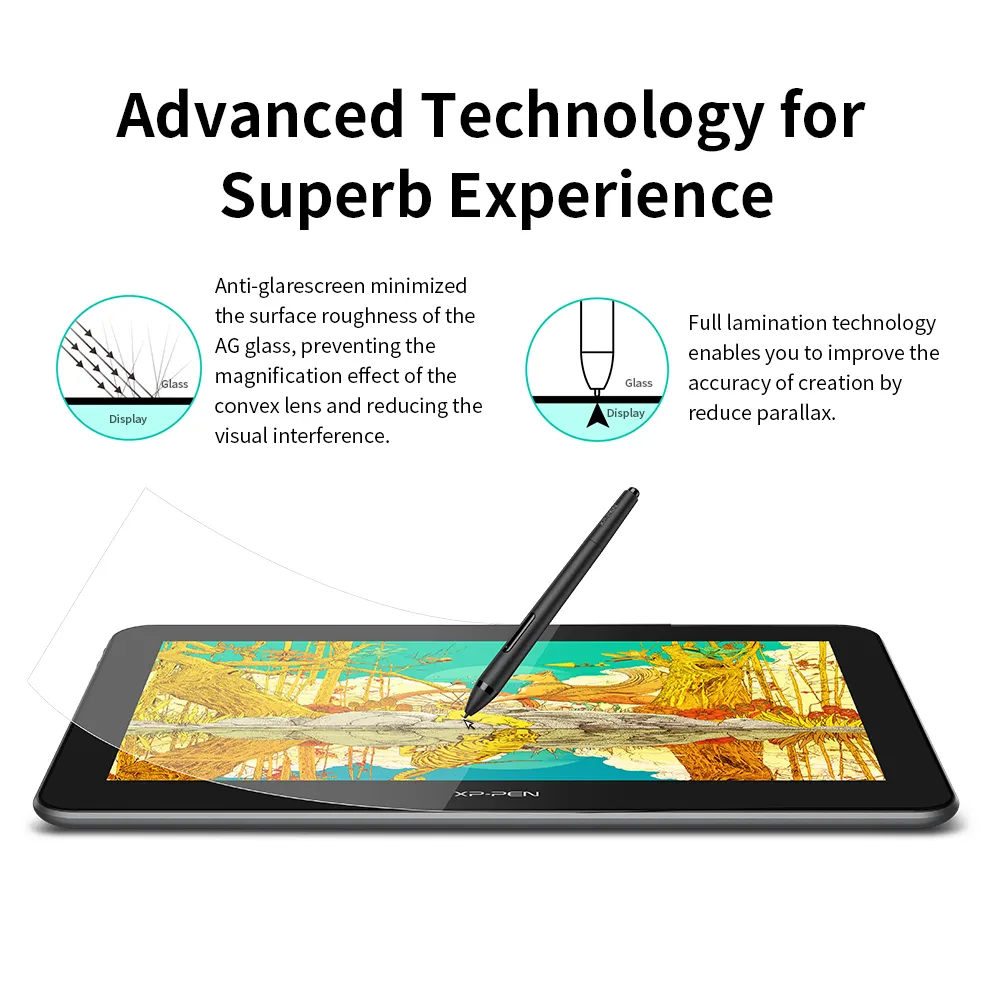
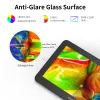
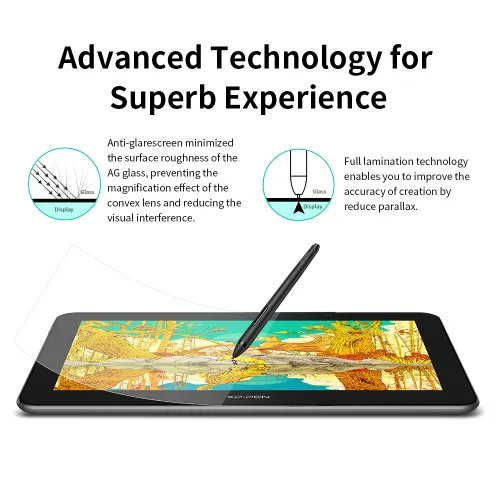
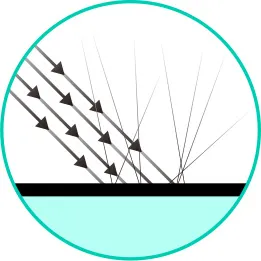
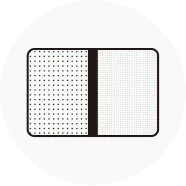
The Artist Pro 16TP offers a perfect balance between "Non-grainy" and "Anti-glare", providing a solution to one of the key technical problems in the industry. By reducing the AG glass’s surface roughness, narrowing particle spacing, and preventing convex lens amplification effect, this pen display delivers a stunning visual experience with neither grainy dots nor reflection interference. Relieve eye fatigue and release your creativity with ease.
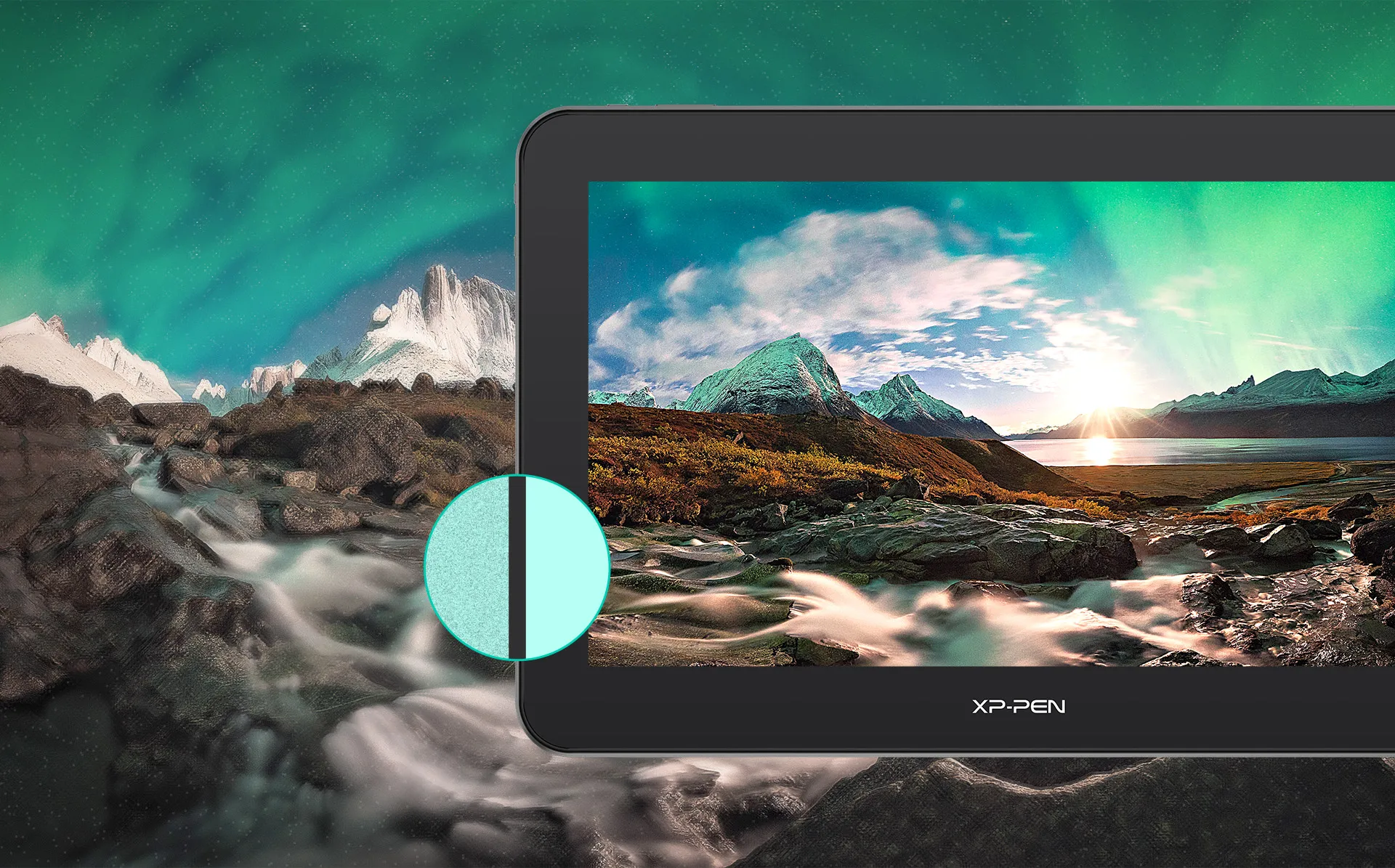
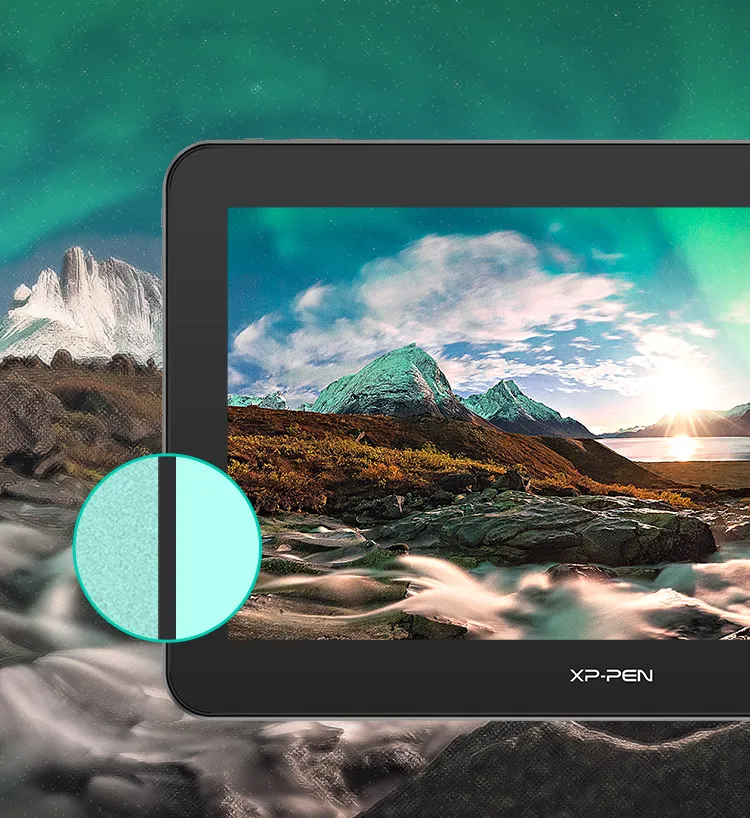
Conventional Anti-glare glass
Anti-glare, Grainy
Artist Pro 16TP’s Anti-glare glass
Anti-glare, Non-grainy
Grainy
Non-grainy
 GlassDisplay
Combining eye strain relief technology with an anti-glare glass screen minimizes visual interference from your surroundings, ensuring a gentler image presentation and reducing eye fatigue.
 GlassDisplay
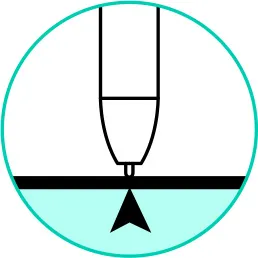
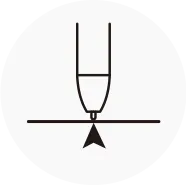
Full lamination technology is applied to seamlessly combine the glass with the screen, which optimizes cursor positioning and minimizes parallax, offering a totally natural way to draw and create.
Pick Up the Pen and Be Inspired
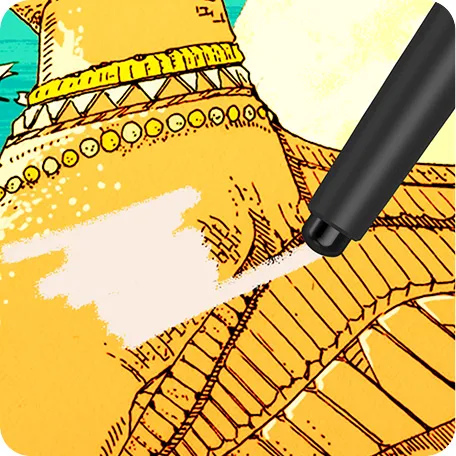
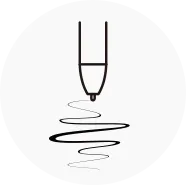
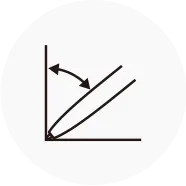
The PH2 stylus has an eraser at one end, enabling you to instantly modify or remove unwanted marks without having to switch between settings. Supporting up to 60 degrees of tilt action and with 8192 pressure sensitivity levels allows you to create exquisite lines and seamless shading.
 Digital eraser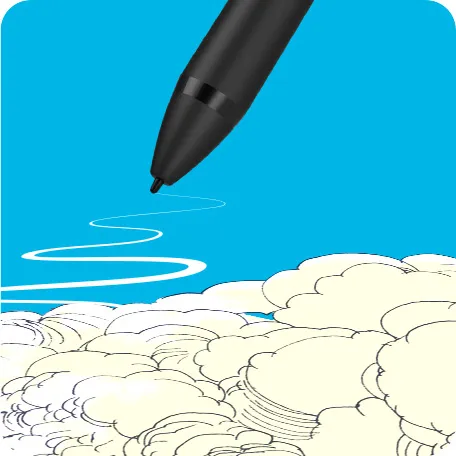
 8192 levels
pressure sensitivity
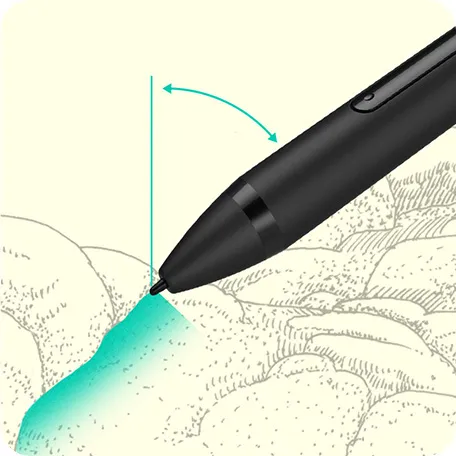
60° Tilt
 60° tilt function
Simplicity Meets Functionality
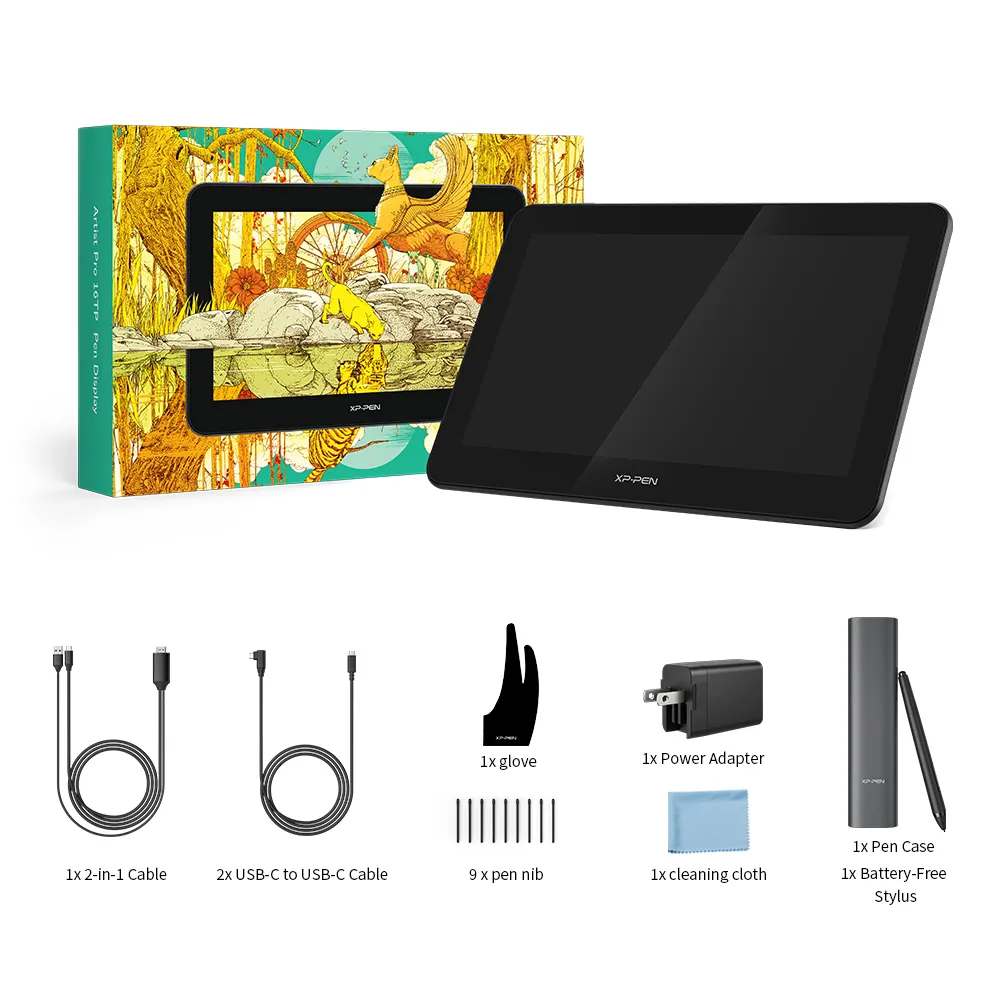
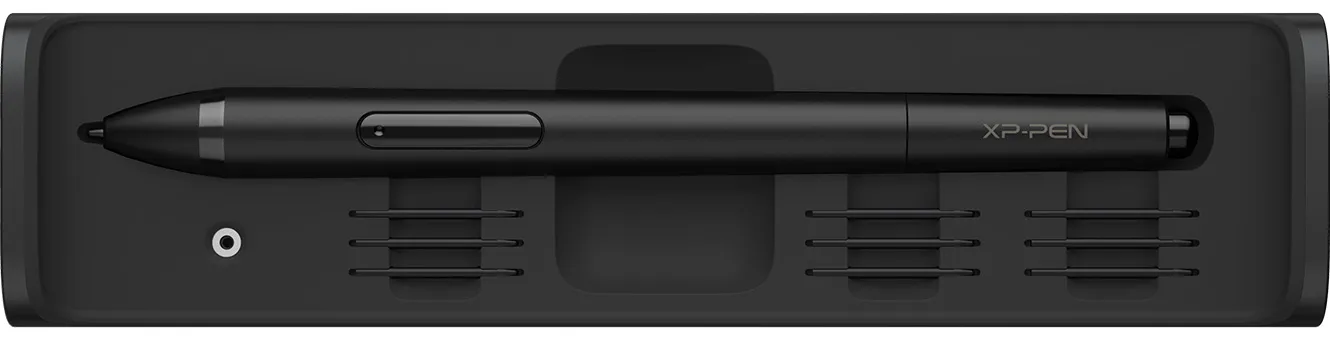
The streamlined design push-push pen case provides quick access to keep your pen and pen nibs safe. Take it with you wherever you go.
A New Level of Professionalism
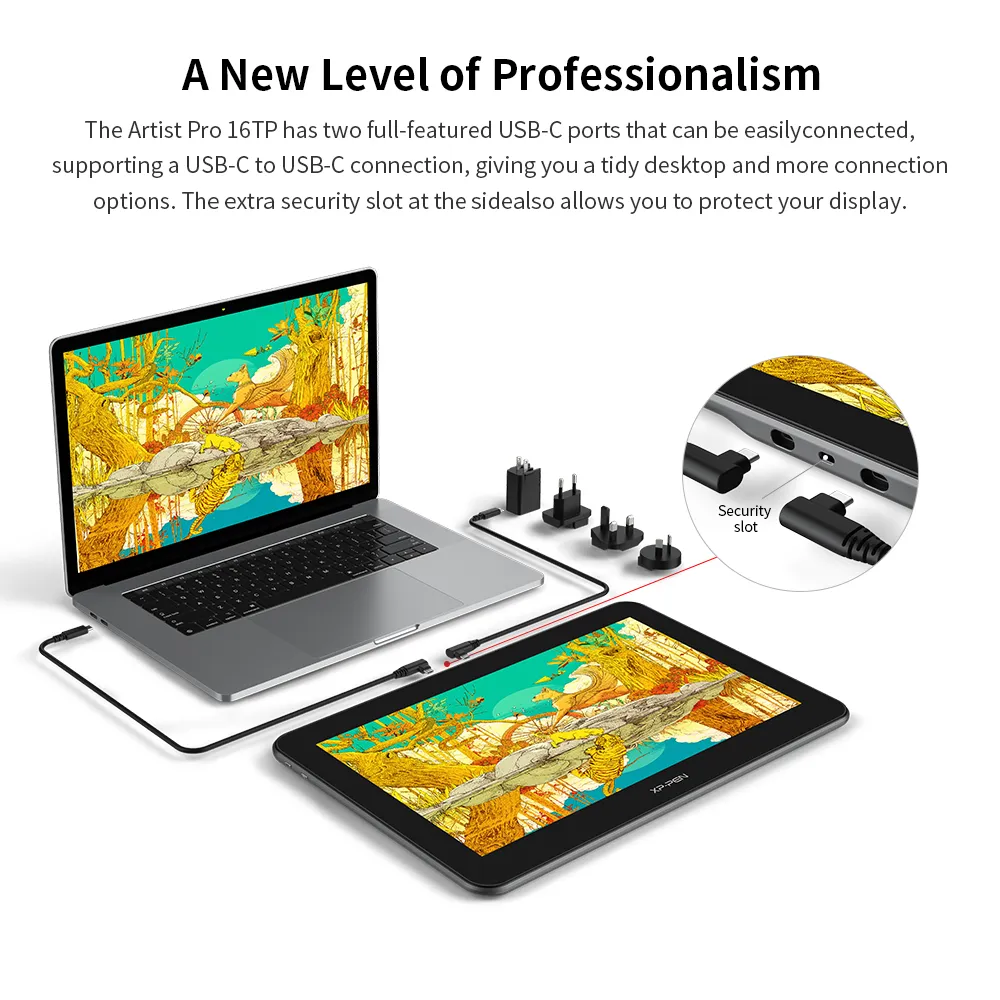
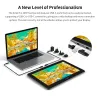
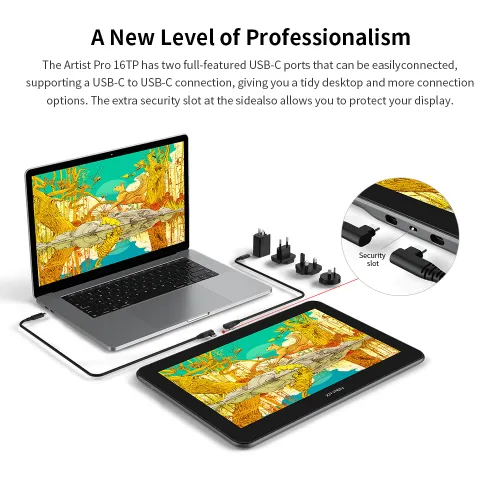
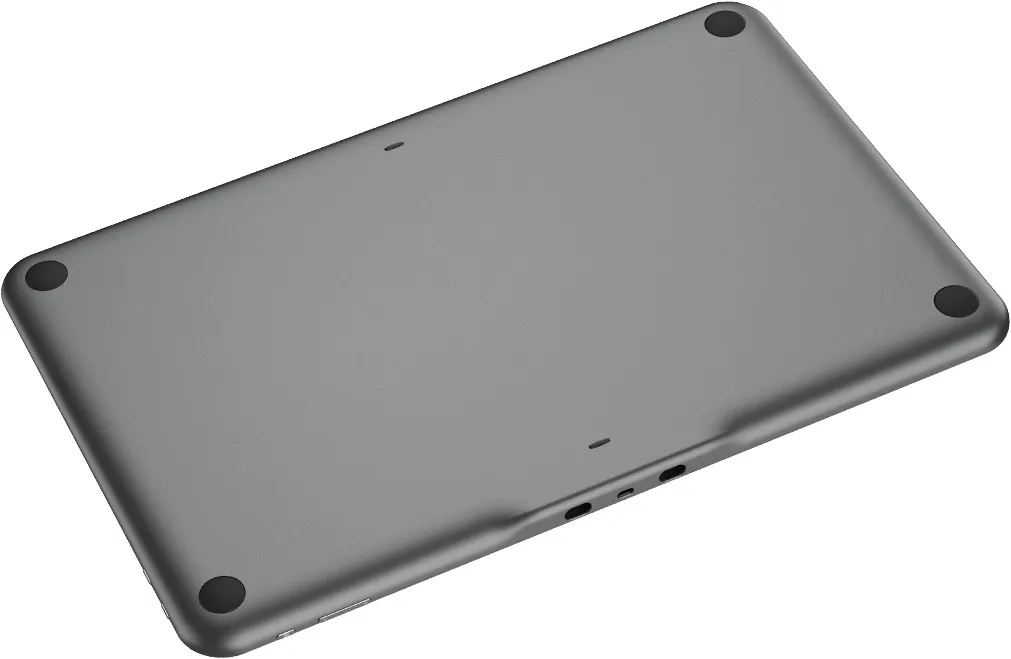
The Artist Pro 16TP has two full-featured USB-C ports that can be easily connected, supporting a USB-C to USB-C connection, giving you a tidy desktop and more connection options. The extra security slot at the side also allows you to protect your display.
* Some old model laptops or desktops need to be connected via an HDMI cable.
* Supports USB-C DC 5V/300mA output, allowing for easy connection to Nintendo Switch.
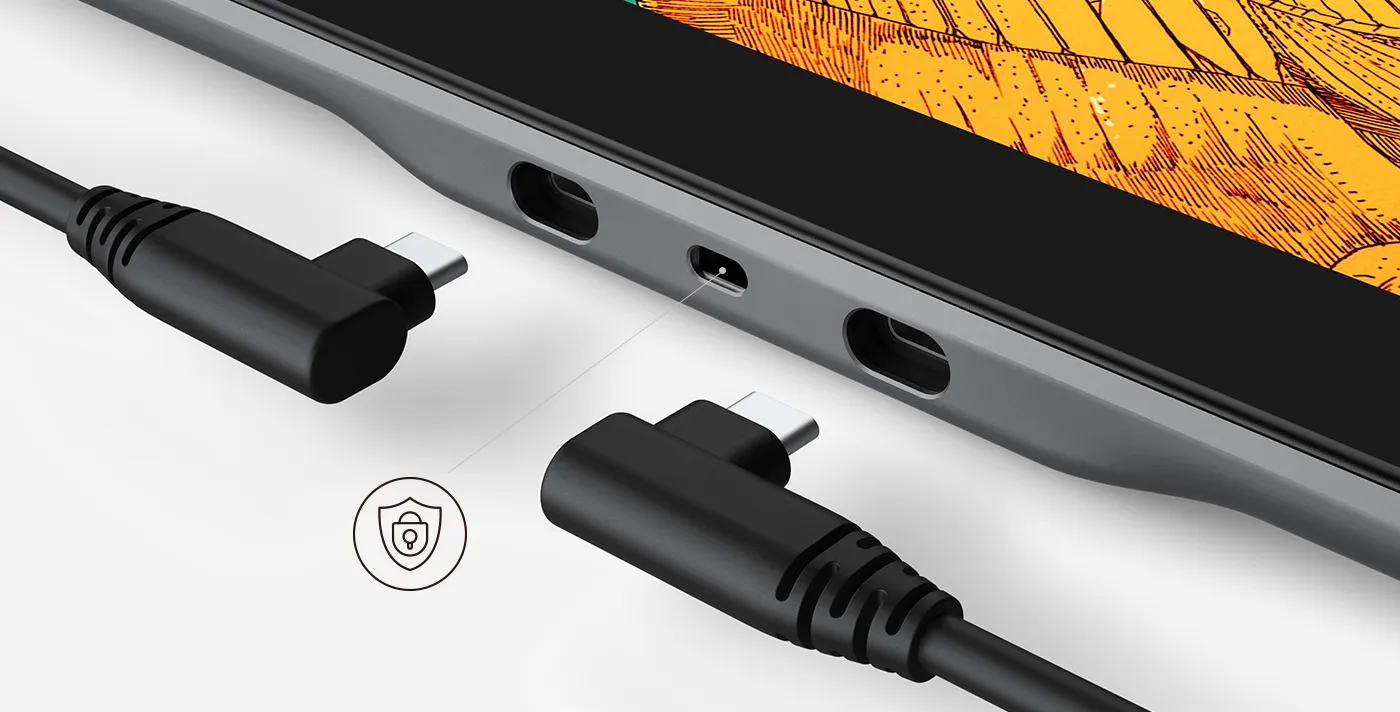
Security slot

Contemporary Good Design Award
Contemporary Good Design Award, abbreviated as CGD, is an international design award organized by Red Dot.
CGD is the indication of outstanding designs.
The Story Behind
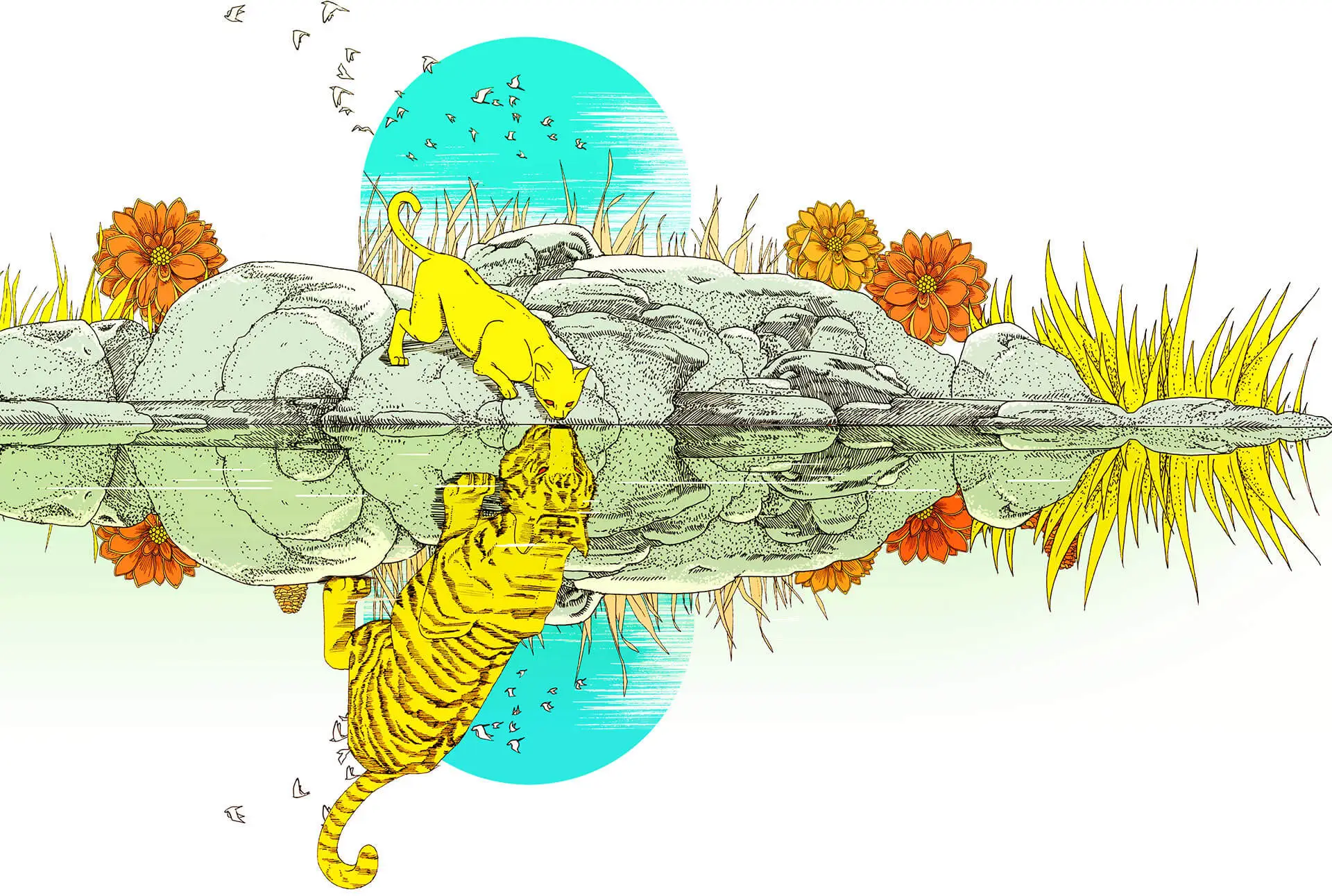
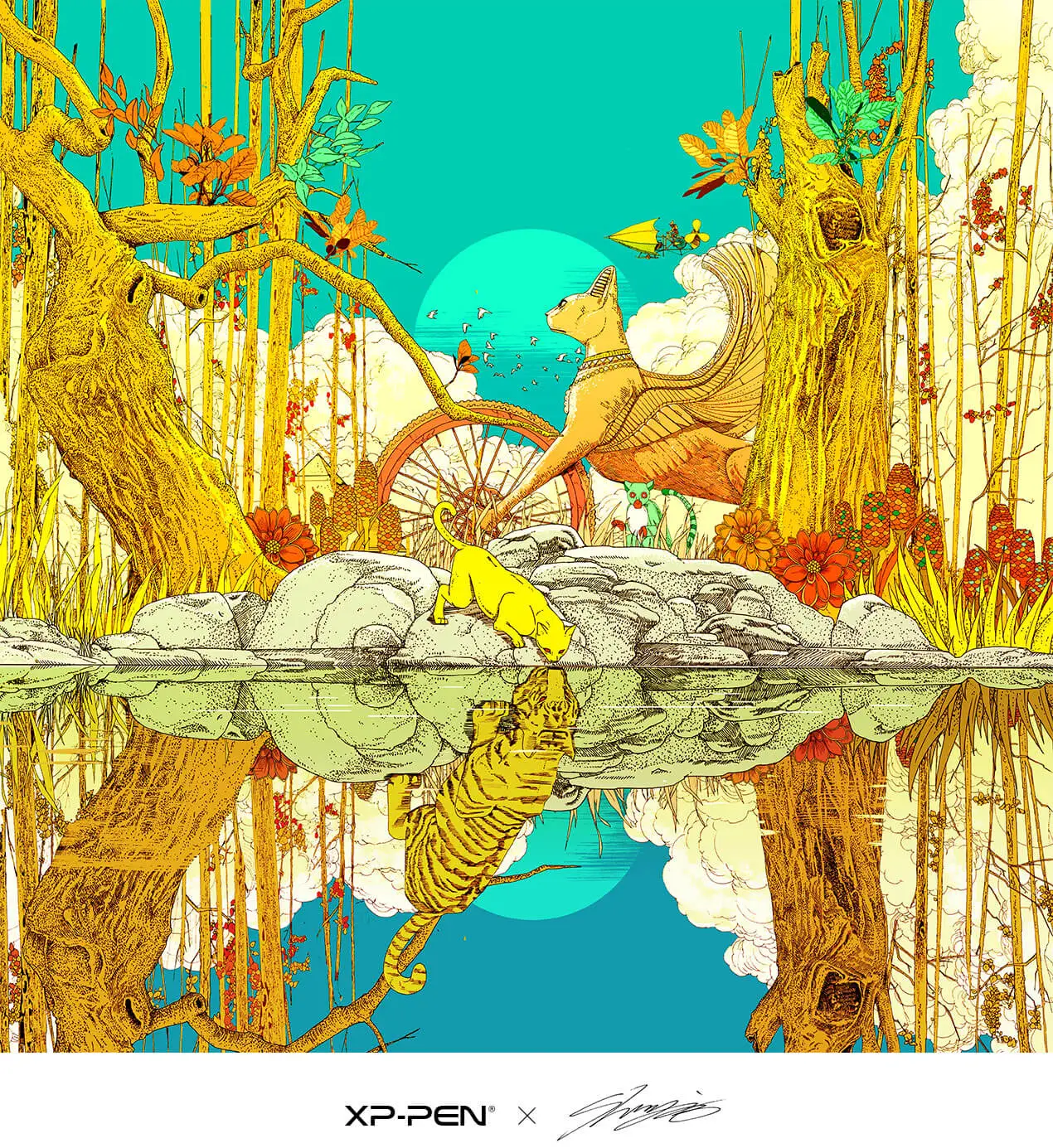
The dreamlike jungle is bathed in the golden sun, and the living creatures wander among the colorful flowers.
The jungle is beautiful yet dangerous: the ancient trees by the river appear to be battle-hardened.
The small cat sees the reflection of a strong tiger in the clear water–the image of the true self,
deep in the soul. Everyone has their journey, full of surprises and adventures. Only when we are honest with ourselves can we be as strong as a tiger and always follow dreams full of courage and passion.
Product Gallery


Specifications
DIM. 406.4 x 263.1 x 15.4mm
3840 x 2160 (UHD)
Multi-touch Screen
92% Adobe RGB, 88% NTSC 124% sRGB
Windows/Mac/Android
Grainy vs Non-grainy
Fully Laminated Display
8192 Levels
60° Tilt

2 x USB-C
Show more
| Compatibility list of other systems | |||
| Mode Switch | |||
 |  |  | |
| System | Turn off Touch function | Turn on Pen Priority mode | Turn on both Pen and Touch functions |
| Windows | Support | Support | Support |
| Mac | Support | Support | Not supported |
| Android (List of compatible Android devices) | Support | Support | Not supported |
| Touch Gesture | |||
| Single-finger | Two-finger | Multi-finger | |
| Windows | Support | Support | Not supported |
| Mac | Support | Not supported | Support |
| Android | Support | Support | Not supported |
| Compatibility list of other systems | |||
| Mode Switch | |||
| Turn off Touch function | Windows: support Mac: support Android (List of compatible Android devices): support | ||
| Turn on Pen Priority mode | Windows: support Mac: support Android (List of compatible Android devices): support | ||
| Turn on both Pen and Touch functions | Windows: support Mac: not supported Android (List of compatible Android devices): not supported | ||
| Touch Gesture | |||
| Single-finger | Windows: support Mac: support Android: support | ||
| Two-finger | Windows: support Mac: not supported Android: support | ||
| Multi-finger | Windows: not supported Mac: support Android: not supported | ||
PS: Product has to be connected to a PC when running.
| Linux OS | Version | Package Format | Supported Software |
| Arch | Arch Linux2019.12.01(64-bit) | .deb, .sh | GIMP, Krita |
| Centos | Centos7.0(64-bit) | .rpm, .sh | GIMP |
| Centos8(64-bit) | .rpm, .sh | GIMP, Krita | |
| Debian | debian-9.5.0-amd64-netinst(64-bit) | .deb, .sh | GIMP, Krita |
| elementary OS | elementary OS 5.0(64-bit) | .deb, .sh | GIMP, Krita |
| ezgo Linux | ezgo14(64-bit) | .deb, .sh | GIMP, Krita |
| Fedora | Fedora32(64-bit) | .rpm, .sh | GIMP, Krita |
| Mageia | Mageia-7.1(64-bit) | .rpm, .sh | GIMP, Krita |
| Manjaro | manjaro-xfce-20.1.2-201019(64-bit) | .deb, .sh | GIMP |
| Mint | linuxmint-18.2-cinnamon-64bit | .deb, .sh | GIMP, Krita |
| OpenSUSE | openSUSE-Tumbleweed(64-bit) | .rpm, .sh | GIMP, Krita |
| Pop!_OS | pop-os_19.10(64-bit) | .deb, .sh | GIMP, Krita |
| Red Hat | Red Hat7(64-bit) | .rpm, .sh | GIMP |
| Ubuntu | Ubuntu14.04(64-bit) | .deb, .sh | GIMP, Krita |
| Ubuntu16.04(64-bit) | .deb, .sh | GIMP, Krita | |
| Ubuntu17.04(64-bit) | .deb, .sh | GIMP, Krita | |
| Ubuntu18.04(64-bit) | .deb, .sh | GIMP, Krita | |
| Ubuntu19.04(64-bit) | .deb, .sh | GIMP, Krita | |
| Ubuntu20.04(64-bit) | .deb, .sh | GIMP, Krita |
| Function | Krita 4.3.0 | Gimp 2.10.20 | Inkscape 0.92 |
| Pen Pressure Sensitivity | |||
| Tilt | |||
| Mouse Function | |||
| Eraser Button (Stylus:PH01, P06) | |||
| Switch between Pen and Eraser Modes | |||
| *If you have any further queries, please do not hesitate to contact us at service@xp-pen.com. | |||
Linux OS
Arch
Version
Arch Linux2019.12.01(64-bit)
Package Format
.deb, .sh
Supported Software
GIMP, Krita
Centos
Version
Centos7.0(64-bit)
Centos8(64-bit)
Centos8(64-bit)
Package Format
.rpm, .sh
.rpm, .sh
.rpm, .sh
Supported Software
GIMP
GIMP, Krita
GIMP, Krita
Debian
Version
debian-9.5.0-amd64-netinst(64-bit)
Package Format
.deb, .sh
Supported Software
GIMP, Krita
elementary OS
Version
elementary OS 5.0(64-bit)
Package Format
.deb, .sh
Supported Software
GIMP, Krita
ezgo Linux
Version
ezgo14(64-bit)
Package Format
.deb, .sh
Supported Software
GIMP, Krita
Fedora
Version
Fedora32(64-bit)
Package Format
.rpm, .sh
Supported Software
GIMP, Krita
Mageia
Version
Mageia-7.1(64-bit)
Package Format
.rpm, .sh
Supported Software
GIMP, Krita
Manjaro
Version
manjaro-xfce-20.1.2-201019(64-bit)
Package Format
.deb, .sh
Supported Software
GIMP
Mint
Version
linuxmint-18.2-cinnamon-64bit
Package Format
.deb, .sh
Supported Software
GIMP, Krita
OpenSUSE
Version
openSUSE-Tumbleweed(64-bit)
Package Format
.rpm, .sh
Supported Software
GIMP, Krita
Pop!_OS
Version
pop-os_19.10(64-bit)
Package Format
.deb, .sh
Supported Software
GIMP, Krita
Red Hat
Version
Red Hat7(64-bit)
Package Format
.rpm, .sh
Supported Software
GIMP
Ubuntu
Version
Ubuntu14.04(64-bit)
Ubuntu16.04(64-bit)
Ubuntu17.04(64-bit)
Ubuntu18.04(64-bit)
Ubuntu19.04(64-bit)
Ubuntu20.04(64-bit)
Ubuntu16.04(64-bit)
Ubuntu17.04(64-bit)
Ubuntu18.04(64-bit)
Ubuntu19.04(64-bit)
Ubuntu20.04(64-bit)
Package Format
.deb, .sh
.deb, .sh
.deb, .sh
.deb, .sh
.deb, .sh
.deb, .sh
.deb, .sh
.deb, .sh
.deb, .sh
.deb, .sh
.deb, .sh
Supported Software
GIMP, Krita
GIMP, Krita
GIMP, Krita
GIMP, Krita
GIMP, Krita
GIMP, Krita
GIMP, Krita
GIMP, Krita
GIMP, Krita
GIMP, Krita
GIMP, Krita
Function
Pen Pressure Sensitivity
Krita 4.3.0
Gimp 2.10.20
Inkscape 0.92
Tilt
Krita 4.3.0
Gimp 2.10.20
Inkscape 0.92
Mouse Function
Krita 4.3.0
Gimp 2.10.20
Inkscape 0.92
Eraser Button(Stylus:PH01, P06)
Krita 4.3.0
Gimp 2.10.20
Inkscape 0.92
Switch between Penand Eraser Modes
Krita 4.3.0
Gimp 2.10.20
Inkscape 0.92
*If you have any further queries, please do not hesitate to contact us at service@xp-pen.com.
5.0

Based on 1
100%(1)

0(0)
0(0)
0(0)
0(0)
XFANS33dgyxzj
Dec 01 ,2022 AM 09:24 Artist Pro 16TP
I love this tablet!
I can't describe how much I like this tablet. It's so fun to draw with. The screen is smoother than other tablets and doesn't have that paper-like feel, I like this smoother surface much more as it makes sketching super fun. The size is also really good, fits on my desk without taking too much space and I can put it away easily.
The tablet is 4K, the touch options are great, I can use it with my hands or just switch to pen-only, and the accuracy of the pen when drawing on the screen is very accurate! Can't fault it really, super excited to keep drawing with it. Only thing I noticed is I don't think it has speakers which doesn't really matter to me. For a drawing tablet, I'd highly recommend it!
Useful(0)+1
XFANSxr1dlhn5
Nov 21 ,2023 PM 21:58 Artist Pro 16TP
is this compatible with Windows 11? Or just up to Windows 10?
Reply1
Official mall
Nov 22 ,2023 PM 18:30
Dear Customer,
Hi, This product can support Windows 11.
Best Regards
Reply to this review
XFANStf39jbdp
Oct 29 ,2023 AM 05:11 Artist Pro 16TP
Can I zoom in/out and rotate the canvas on Mac? If not, do you have any plans to make the tablet fully compatible with Mac in the future?
Reply0
XFANS3fychvlj
Mar 12 ,2023 AM 11:32 Artist Pro 16TP
Can I draw with my finger with this tablet? Or is it just for adjusting the screen?
Reply1
Official mall
Aug 08 ,2023 PM 16:59
Dear Customer,
Hi, Fingers are unrecognizable, only with our pen.
Best Regards
Reply to this review
XFANSdyyf36ln
Nov 25 ,2022 PM 16:06 Artist Pro 16TP
Does this have the x3 chip pen technology?
Reply1
Official mall
Nov 25 ,2022 PM 16:18
Dear Customer,
The Artist Pro 16TP does not have the x3 chip pen technology.
Best Regards
Reply to this review
XFANSdyyf36ln
Nov 24 ,2022 AM 01:47 Artist Pro 16TP
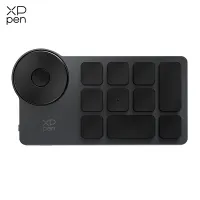
Does the Artist 16 Pro TP have any express keys and a roller?
Reply1
Official mall
Nov 24 ,2022 PM 15:40
Dear Customer,
The product itself does not have its own express keys or roller. You can purchase an additional keypad to use.
Best Regards
Reply to this review
XFANSccqhjwf6
Jun 26 ,2022 AM 02:30 Artist Pro 16TP
With the Artist Pro 16TP
15.6 inch,4K (3840 x 2160) resolution, Multi-touch Screen can I use the touch screen to surf the web when I have finished drawing or does it only work with drawing software please?
Reply1
Official mall
Nov 25 ,2022 PM 16:22
Dear Customer,
The Artist Pro 16TP can still touch and click when you finished drawing.
Best Regards
Reply to this review
XFANSxdot7afk
Jun 16 ,2022 AM 09:33 Artist Pro 16TP
Does the tablet display a 4k image even if the device you have it connected to only goes up to 1080p?
Reply1
Official mall
Nov 25 ,2022 PM 16:24
Dear Customer,
Hi, as long as the computer video interface supports 4K output, it can be displayed as 4K.
Best Regards
Reply to this review
XFANSeao42mg3
Jun 30 ,2021 PM 21:08 Artist Pro 16TP
do you know if this tablet is compatible with Adobe Fresco?
Reply0
Official mall
Jul 01 ,2021 AM 11:56
Hi, it support the PC version of Adobe Fresco. Thank you so much : )
Reply to this review