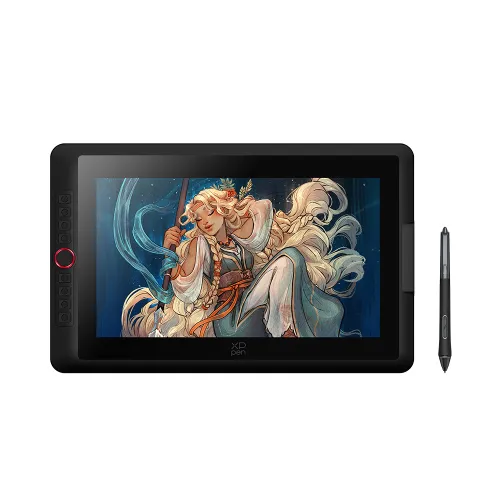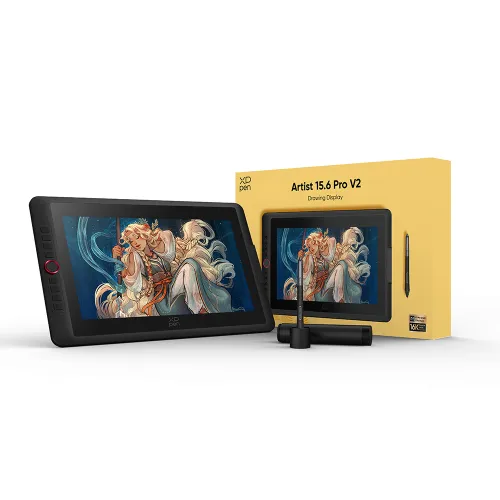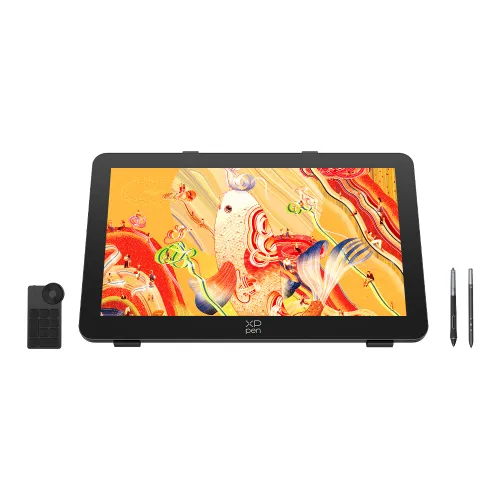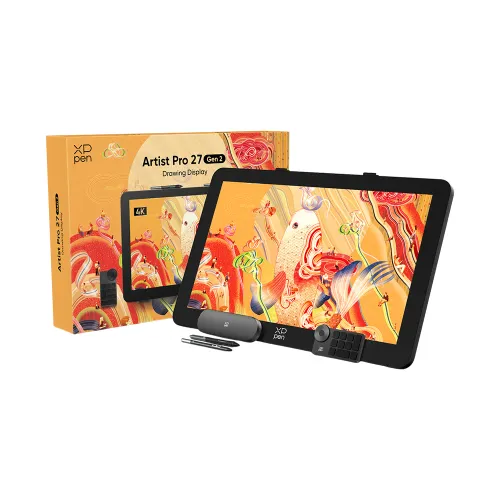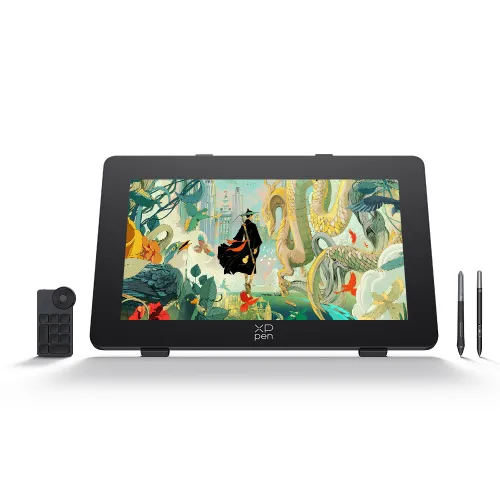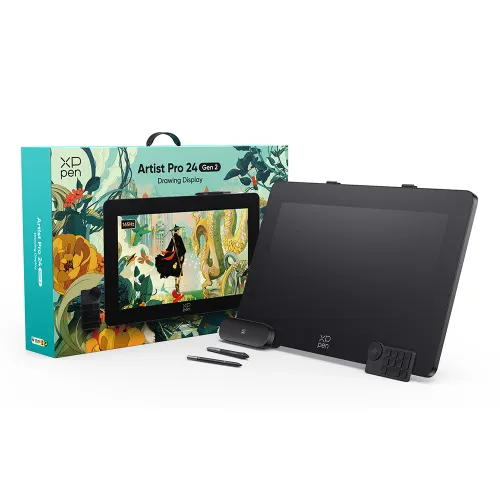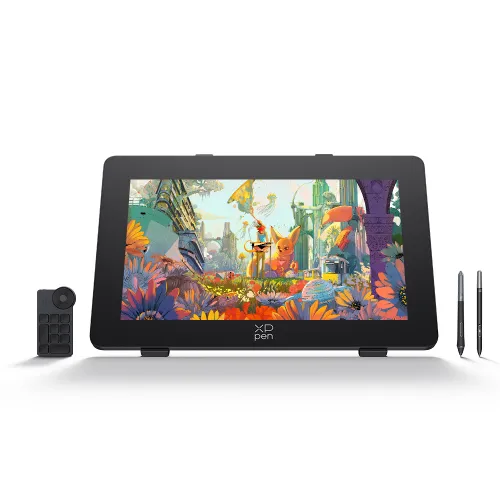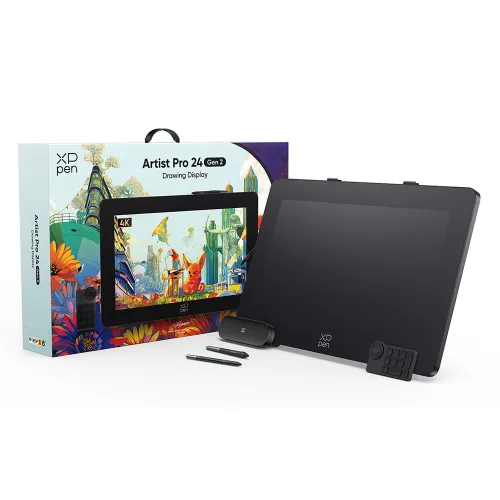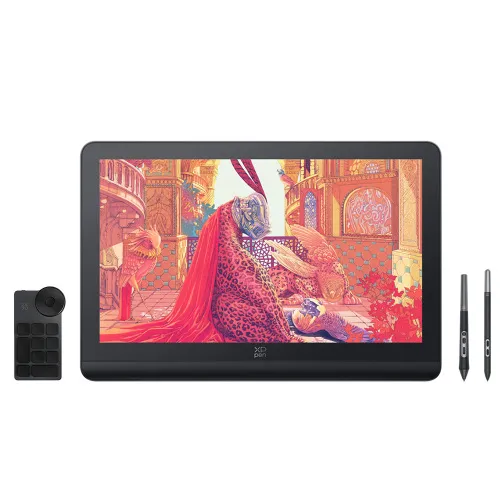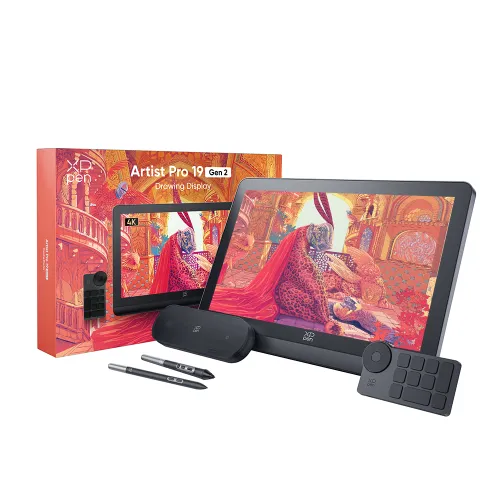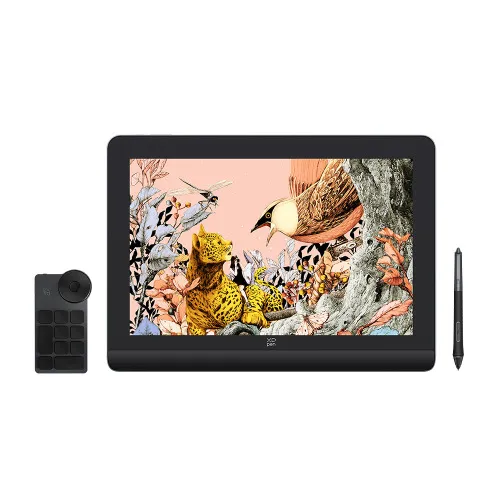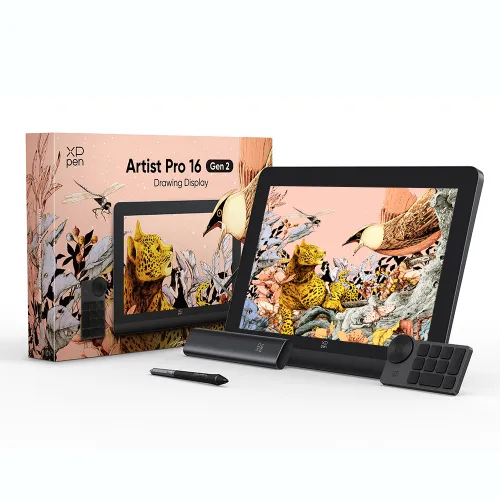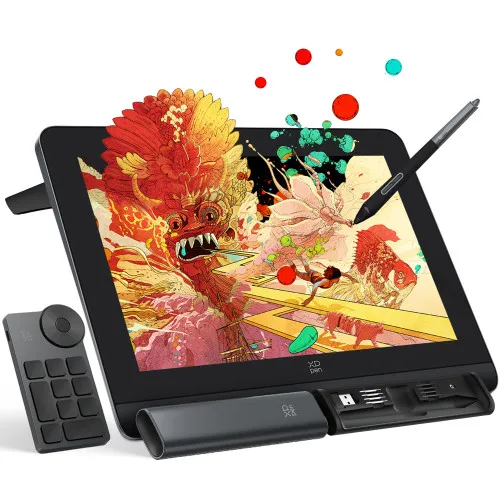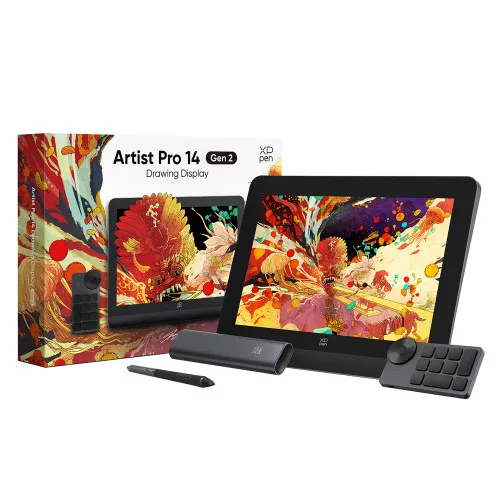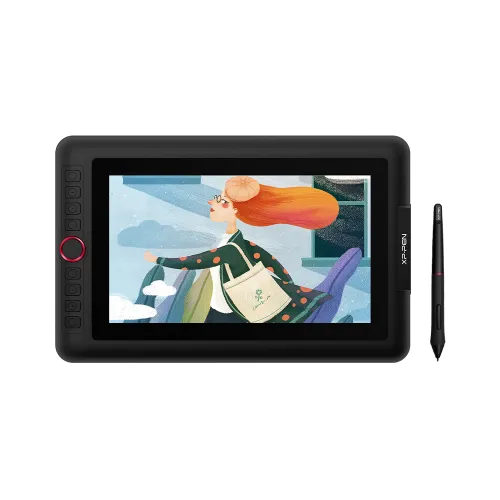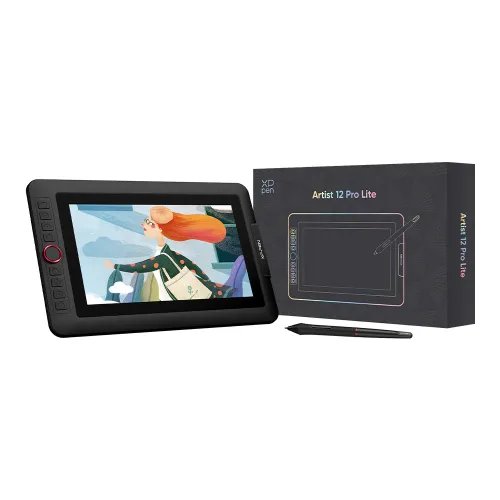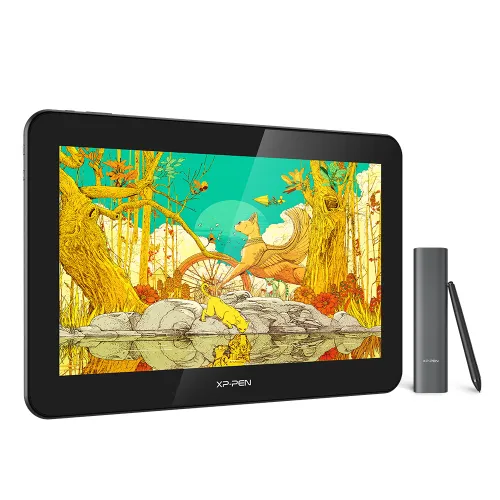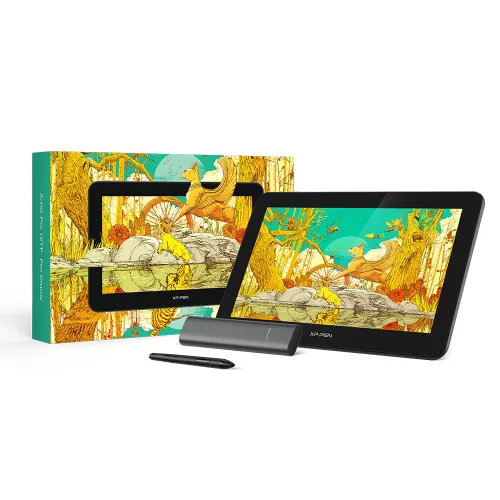

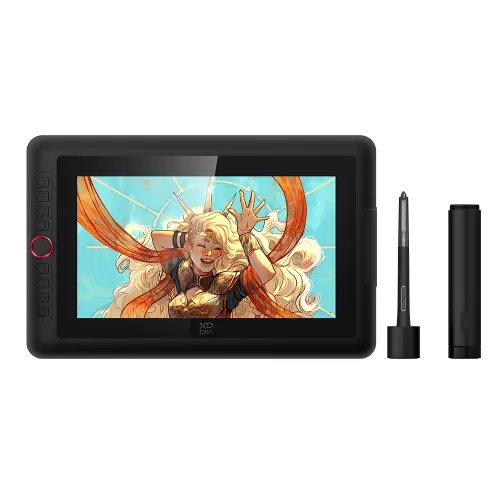
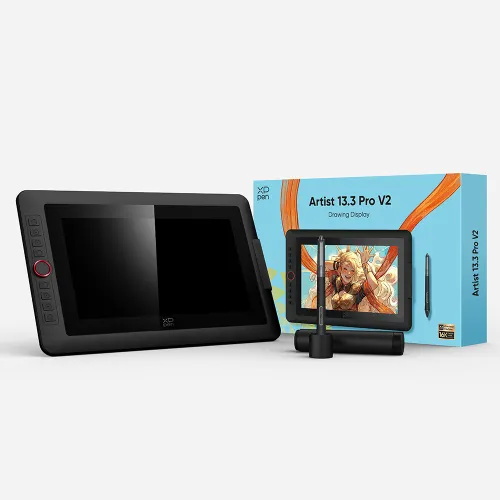
Artist 15.6 Pro

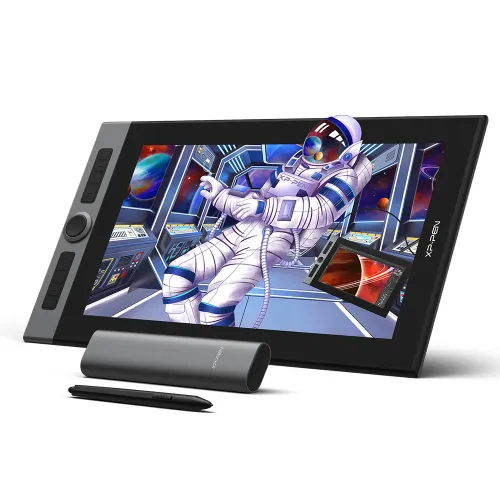
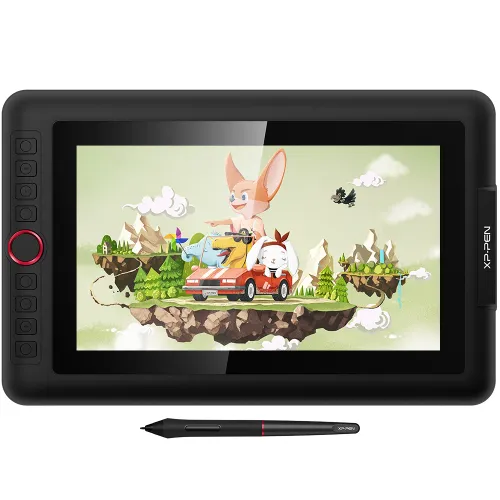
15.6-inch FHD fully-laminated display, 60 degrees of tilt function Red Dial interface combines 8 fully customizable shortcut keys 88% NTSC / 120% sRGB color accuracy

£399.99

FAST FREE SHIPPING

Ship from the UK; Free shipping on all orders

24-MONTH-WARRANTY

Hassle-free warranty

QUALITY PURCHASE

30-day money-back guarantee

TECH SUPPORT

Lifetime customer support

Product:
Artist 15.6 Pro

Recommended Accessories

https://resource.xp-pen.com/Uploads/uk/goods/20220815/63e84669bfbfad3595883986504b5bb4_60_60.webp

XPPen Extended Warranty 6/12 months 80C

+£20.00£40.00

50% Off
https://resource.xp-pen.com/Uploads/uk/goods/20211106/aee0963505b7c0e521b32a643504028f_60_60.webp

AC91 Protective Film for Artist 15.6 /Artist 15.6 Pro

+£31.99£39.99

20% Off
https://resource.xp-pen.com/Uploads/goods/20171115/aad4191ed345b0fde9394d0a024eca79_60_60.webp

AC20 Cable Bag

+£27.99£29.99

7% Off
https://resource.xp-pen.com/Uploads/uk/goods/20230706/b891d7b0c7fd31b6bf322763706dbb89_60_60.webp

ACK05 Wireless Shortcut Remote

+£43.99£49.99

12% Off
https://resource.xp-pen.com/Uploads/uk/goods/20200901/5373fd6a089243bc13c63b27a06e739f_60_60.webp

ACJ01 Protective Case For Artist Pro 16, Artist Pro 16TP, Innovator 16, Artist 15.6Pro, Artist 15.6, Artist 13.3Pro

+£34.99£39.99

13% Off
Learn More

Quantity:

Payment icon 0Payment icon 1Payment icon 2Payment icon 3Payment icon 4Payment icon 5Payment icon 6
seel-icon

Worry-Free Delivery available with seel

Estimate:

A Red Dial interface that
looks and performs at its finest.

The innovative Red Dial interface is designed for a smooth workflow and optimal efficiency. It fits comfortably in your hand and can be programmed to zoom in and out on your canvas and scroll up and down more easily and accurately.

image

Puts optimized solutions
right at your fingertips.

Compared to the Artist 15.6,the Artist 15.6 Pro features 8 fully customizable shortcut keys and puts more customization options at your fingertips to suit you preferred work style, allowing you to capture and express your ideas easier and faster for optimized workflow.

image

Sensitively Tilt,
naturally display.

The XP-Pen Artist 15.6 Pro supports 60 degrees of tilt function to ensure accurate imitation of a real tilting brush effect, delivering smoother and more natural transition between lines and strokes. You will enjoy a more naturally familiar drawing experience than ever before.

image

Marvelously colorful with
minimal visual distractions.

Adopting full-laminated technology, the Artist 15.6 Pro seamlessly combines the glass and the screen, to create a distraction-free working environment that's also easy on the eyes. The 15.6 inch full-laminated IPS Display pairs a superb color accuracy of 88% NTSC(120% sRGB ) with 178 degrees of visual angle and delivers rich colors, vivid images, and dazzling details in wider view.

image
image

88% NTSC

image

More vibrant colors

image

More exquisite details

Premium performance
than the rest.

With up to 8,192 levels of pressure sensitivity, the PA2 Battery-free Stylus provides you with increased accuracy and enhanced performance to create the finest sketches and lines.

image

8192

image

Sleek and smart designed.

The XP-Pen Artist 15.6 Pro features a slim 11mm profile, and with an easily accessible smart screen-brightness button, you can easily adjust it to your preferred brightness for comfortable drawing.

image
image

11mm

Accessories perfectly matched.

The portable stand is built to prevent shaking or sliding as well as relieve eye fatigue and hand stiffness. It also comes with a protective film to help protect your screen and reduce glare, while the pen holder keeps your pen and pen nibs safe and doubles as a pen stand or pen holder.

imageimage

Scratch Resistance

Anti-glare

High Transparency

image

Draw and create your
better digital art world.

Sketch, paint, and design directly on the XP-Pen Artist 15.6 Pro’s digital monitor surface! Get the full power of a pen display and draw and create anything creatively, naturally, and intuitively on the go.

image
digital sketching,drawing ,animation ,painting and editing photos with XP-Pen Artist 13.3 Pro Screen graphics Tablet
image
image

Singularly versatile.

The XP-Pen Artist 15.6 Pro is compatible with Windows® 10/8/7(32/64bit), Linux (Detailed versions), Mac OS X® 10.10 or later, and works with major graphics software like Photoshop®, Painter®, Illustrator®, Clip Studio®, and many more.

image

Specification

Product Dimension443 x 280 x 12.6 mm
Active Area344.16 x 193.59 mm
Thickness11 mm((thinnest)
Shortcut Keys8
Roller Wheel1
PenBattery-free Stylus
Pen Pressure8192 levels
Tilt60 Degrees
Report Rate≧200 RPS
Display Resolution1920 (H)*1080(V) pixels
Display Color Gamut88% NTSC, 120% sRGB
Resolution5080LPI
Visual Angle178°
Input DeviceUSB
Supply VoltageDC 5V
Reading Height10mm
Accuracy0.25mm(center)
ColorBlack+Red Dial

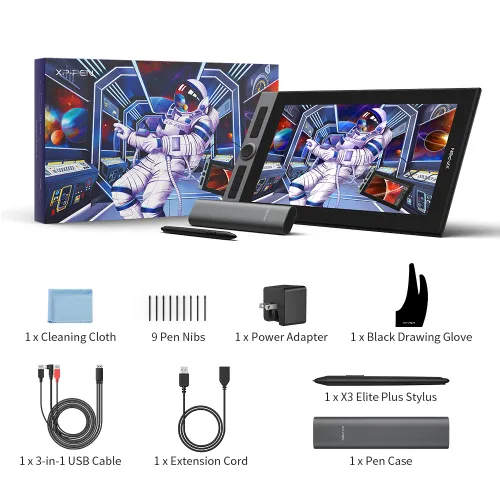
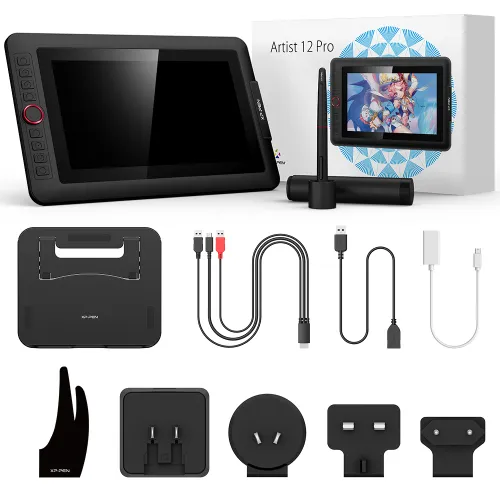
Package includes

1 x Pen Display

1 x Battery-free Stylus

8 x Replacement Nibs

1 x Pen Holder

1 x Portable Stand

1 x 3-in-1 Cable

1 x Extension Cord

1 x Quick Guide

1 x Drawing Glove

1 x Cleaning Cloth

PS: Product has to be connected to a PC when running.

Linux OSVersionPackage FormatSupported Software
ArchArch Linux2019.12.01(64-bit).deb, .shGIMP, Krita
CentosCentos7.0(64-bit).rpm, .shGIMP
Centos8(64-bit).rpm, .shGIMP, Krita
Debiandebian-9.5.0-amd64-netinst(64-bit).deb, .shGIMP, Krita
elementary OSelementary OS 5.0(64-bit).deb, .shGIMP, Krita
ezgo Linuxezgo14(64-bit).deb, .shGIMP, Krita
FedoraFedora32(64-bit).rpm, .shGIMP, Krita
MageiaMageia-7.1(64-bit).rpm, .shGIMP, Krita
Manjaromanjaro-xfce-20.1.2-201019(64-bit).deb, .shGIMP
Mintlinuxmint-18.2-cinnamon-64bit.deb, .shGIMP, Krita
OpenSUSEopenSUSE-Tumbleweed(64-bit).rpm, .shGIMP, Krita
Pop!_OSpop-os_19.10(64-bit).deb, .shGIMP, Krita
Red HatRed Hat7(64-bit).rpm, .shGIMP
UbuntuUbuntu14.04(64-bit).deb, .shGIMP, Krita
Ubuntu16.04(64-bit).deb, .shGIMP, Krita
Ubuntu17.04(64-bit).deb, .shGIMP, Krita
Ubuntu18.04(64-bit).deb, .shGIMP, Krita
Ubuntu19.04(64-bit).deb, .shGIMP, Krita
Ubuntu20.04(64-bit).deb, .shGIMP, Krita
FunctionKrita 4.3.0Gimp 2.10.20Inkscape 0.92
Pen Pressure Sensitivity
Tilt
Mouse Function
Eraser Button
(Stylus:PH01, P06)
Switch between Pen
and Eraser Modes
*If you have any further queries, please do not hesitate to contact us at service@xp-pen.com.

Linux OS

Arch
Version
Arch Linux2019.12.01(64-bit)
Package Format
.deb, .sh
Supported Software
GIMP, Krita
Centos
Version
Centos7.0(64-bit)
Centos8(64-bit)
Package Format
.rpm, .sh
.rpm, .sh
Supported Software
GIMP
GIMP, Krita
Debian
Version
debian-9.5.0-amd64-netinst(64-bit)
Package Format
.deb, .sh
Supported Software
GIMP, Krita
elementary OS
Version
elementary OS 5.0(64-bit)
Package Format
.deb, .sh
Supported Software
GIMP, Krita
ezgo Linux
Version
ezgo14(64-bit)
Package Format
.deb, .sh
Supported Software
GIMP, Krita
Fedora
Version
Fedora32(64-bit)
Package Format
.rpm, .sh
Supported Software
GIMP, Krita
Mageia
Version
Mageia-7.1(64-bit)
Package Format
.rpm, .sh
Supported Software
GIMP, Krita
Manjaro
Version
manjaro-xfce-20.1.2-201019(64-bit)
Package Format
.deb, .sh
Supported Software
GIMP
Mint
Version
linuxmint-18.2-cinnamon-64bit
Package Format
.deb, .sh
Supported Software
GIMP, Krita
OpenSUSE
Version
openSUSE-Tumbleweed(64-bit)
Package Format
.rpm, .sh
Supported Software
GIMP, Krita
Pop!_OS
Version
pop-os_19.10(64-bit)
Package Format
.deb, .sh
Supported Software
GIMP, Krita
Red Hat
Version
Red Hat7(64-bit)
Package Format
.rpm, .sh
Supported Software
GIMP
Ubuntu
Version
Ubuntu14.04(64-bit)
Ubuntu16.04(64-bit)
Ubuntu17.04(64-bit)
Ubuntu18.04(64-bit)
Ubuntu19.04(64-bit)
Ubuntu20.04(64-bit)
Package Format
.deb, .sh
.deb, .sh
.deb, .sh
.deb, .sh
.deb, .sh
.deb, .sh
Supported Software
GIMP, Krita
GIMP, Krita
GIMP, Krita
GIMP, Krita
GIMP, Krita
GIMP, Krita

Function

Pen Pressure Sensitivity
Krita 4.3.0
Gimp 2.10.20
Inkscape 0.92
Tilt
Krita 4.3.0
Gimp 2.10.20
Inkscape 0.92
Mouse Function
Krita 4.3.0
Gimp 2.10.20
Inkscape 0.92
Eraser Button(Stylus:PH01, P06)
Krita 4.3.0
Gimp 2.10.20
Inkscape 0.92
Switch between Penand Eraser Modes
Krita 4.3.0
Gimp 2.10.20
Inkscape 0.92

*If you have any further queries, please do not hesitate to contact us at service@xp-pen.com.

Reviews
4.7
11111
Based on 32
11111
81%(26)
11111
16%(5)
11111
0(0)
11111
0(0)
11111
3%(1)
XFANSofzzy1yy
11111
Oct 11 ,2021 PM 23:31 Artist 15.6 Pro
A nice size!
Found it to be a nice size that gives you more screen space then the claustraphobic cintiq 13hd without taking over your desk.
Useful(0)+1
XFANS2msgoobc
11111
Oct 20 ,2021 AM 00:24 Artist 15.6 Pro
Happy, I made the right choice!
The wonderful feeling of getting the package, a well presented box, and how everything was easy to locate, wires etc. I was pleasantly surprised that it came with the power plug and which if I am correct was not stated in the contents list on the web page, obviously not complaining, but was happily surprised. The set-up was a little awkward for me, but not a great person for following instructions, so for English speakers make sure you download the right driver which was for me the "Official one" which worked out better for me as I have win 7 not 10. the free software I got was "Open canvas", my machine wasn't happy with working with Photoshop and Krita didn't want to work either... not a good start as my machine is older than I'd like. Anyways with Open Canvas (Make sure you download the English version and follow the instructions. The tablet display is working like I dreamed it would and I was as my wife said giggling like a school kid! Really though, everything just takes my breath away. The quality is amazing, the stand is solid and the Red radial dial is so cool, its my 1st Display tablet, I have a normal Wacom bamboo tablet, but this being able to draw as if you were drawing on paper is a beautiful experience, just think that it all stemmed from reading reviews on Digital FX. So thank you for making this old man having one of his dreams fulfilled. Well worth it. The screen is massive, the cable set up is easy, Again thank you, Thank you!!!
Useful(1)+1
Ash Saleem
11111
Sep 20 ,2019 PM 15:44 Artist 15.6 Pro
Amazing tablet. Best non Wacom tablet on the market right now.
After a terrible courier service, and about a week later, I received the product and after first use, it was an amazing treat to have.
Useful(0)+1
Learn More
Q & A
XFANSdv9p99rr
Mar 21 ,2025 PM 20:33 Artist 15.6 Pro
which pens can the artist 15.6 pro be used with? i broke one of the buttons and just wondering if there are any upgradable pen thats better or atleast compatible.
Reply0
XFANSdmwhj2ui
Dec 23 ,2024 AM 00:19 Artist 15.6 Pro
Hi, would this work with ZBrush, Maya, blender ect? Many thanks
Reply1
XFANS957f5dot
Feb 17 ,2025 AM 04:31
Hi, yes this graphics tablet will work with Zbrush, Maya, Blender ect...
Reply to this review
XFANSdmwhj2ui
Dec 23 ,2024 AM 00:19 Artist 15.6 Pro
Hi, would this work with ZBrush, Maya, blender ect? Many thanks
Reply0
XFANSejtzmzks
Nov 20 ,2024 PM 18:47 Artist 15.6 Pro
Does my Chromebook need a HDMI port or will it work with just USB c
Reply0
XFANSejtzmzks
Nov 20 ,2024 PM 18:47 Artist 15.6 Pro
Does my Chromebook need a HDMI port or will it work with just USB c
Reply0
XFANSxmesc3aj
Jul 01 ,2024 PM 20:59 Artist 15.6 Pro
Is this drawing pad compatible with an Acer Chromebook running on Linux? Thank you
Reply0
XFANS9aywna0j
Oct 20 ,2023 AM 01:54 Artist 15.6 Pro
Can 8t connect to a Samsung galaxy tab a? Thanks
Reply0
XFANSwakos9so
Jun 19 ,2023 AM 00:37 Artist 15.6 Pro
please can you tell me could I use this for example on my lap not connected to my computer
Reply2
See more answers(1)
Official mall
Aug 08 ,2023 PM 17:56
Dear Customer, Hi, All of our products need to be connected to a computer or mobile phone to use. Best Regards
Reply to this review
XFANSn6t2y987
Jun 14 ,2023 AM 03:20 Artist 15.6 Pro
Hi, Is this product compatible with a MAC OS and photoshop software? Thanks
Reply1
Official mall
Aug 08 ,2023 PM 18:01
Dear Customer, Hi, It can be compatible with Mac OS X® 10.10 or later, and works with major graphics software like Photoshop®, Painter®, Illustrator®, Clip Studio®, and many more. Best Regards
Reply to this review
XFANSh2llajks
May 19 ,2023 AM 02:16 Artist 15.6 Pro
Hi XP Pen, As a prospective customer and a beginner when it comes to Digital Art, I am interested in purchasing the Artist 15.6 Pro. However, is it compatible with Clip Studio Paint? Thank you so much, Sarah
Reply1
Official mall
May 24 ,2023 PM 15:01
Dear Customer, Hi, Artist 15.6 pro could work with Clip Studio Paint. Best Regards
Reply to this review
Learn More
Payment icon 0Payment icon 1Payment icon 2Payment icon 3Payment icon 4Payment icon 5Payment icon 6

Copyright© 2025 HANVON UGEE (HK) TECHNOLOGY CO., LIMITED All Rights Reserved.