
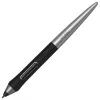
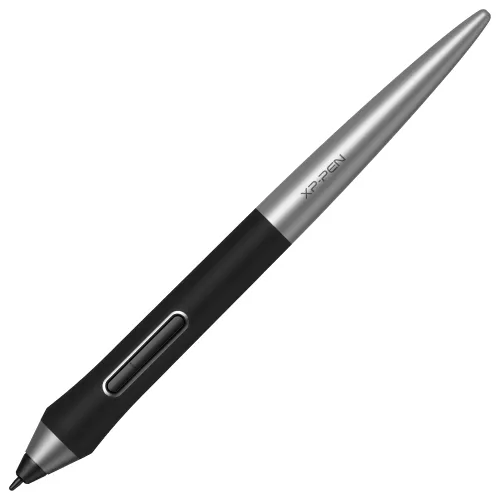
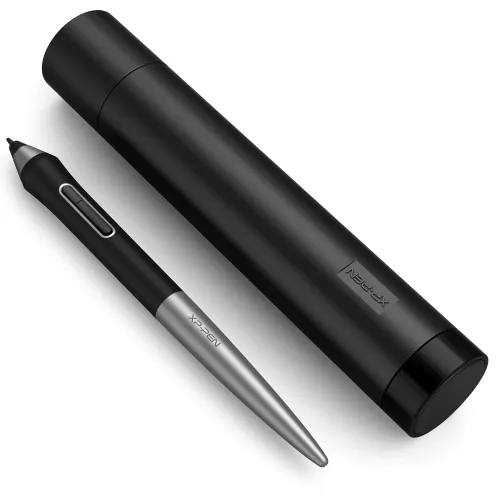
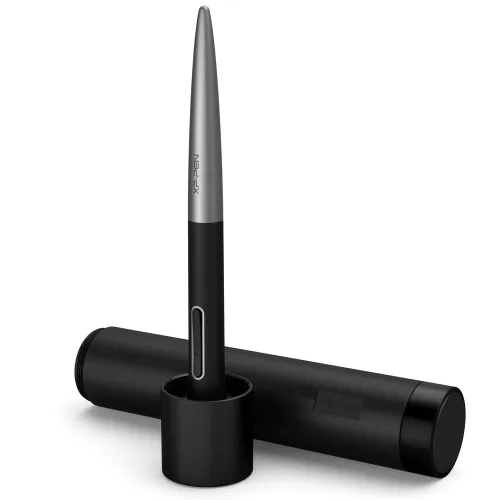
PA1 Battery-free Stylus

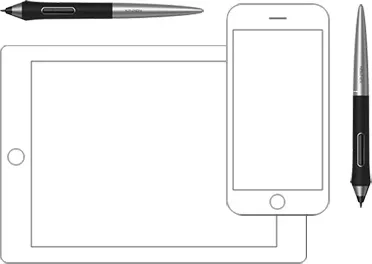
PA1 Stylus are compatible with Deco Pro S/M/SW/MW

£23.99£29.99
Ends in

FAST FREE SHIPPING

Ship from the UK; Free shipping on all orders

24-MONTH-WARRANTY

Hassle-free warranty

QUALITY PURCHASE

30-day money-back guarantee

TECH SUPPORT

Lifetime customer support

Recommended Accessories

https://resource.xp-pen.com/Uploads/goods/20250313/e5a3kufpBZJEcCBeMvE6_200_200.webp

Pen nibs for Stylus: PA1//PA2 (40 Units)

+£7.99£8.99

11% Off
https://resource.xp-pen.com/Uploads/uk/goods/20210929/b35c73d0370bf8f72a265fa2d0c771e7_200_200.webp

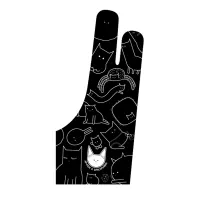
ACG15 Artist Anti-fouling Glove

+£8.99£9.99

10% Off
https://resource.xp-pen.com/Uploads/goods/20180913/a57fbb14d888e274afaa2d2a0d7f212e_200_200.webp

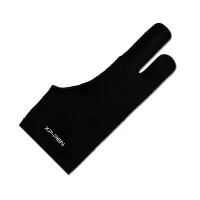
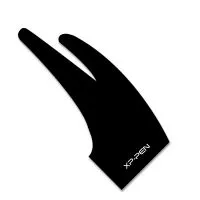
AC08 Drawing Glove S/M/L Size

+£6.99£7.99

13% Off
https://resource.xp-pen.com/Uploads/thumb/goods/93268/5723f091e67d04f9322b31cf271975fe_thumb_200_200.webp

AC01 Drawing Glove Free Size

+£6.99£7.99

13% Off

Quantity:

Payment icon 0Payment icon 1Payment icon 2Payment icon 3Payment icon 4Payment icon 5Payment icon 6
seel-icon

Worry-Free Delivery® available with seel
Estimate:
image
image

PA1 Battery-free Stylus

image
image

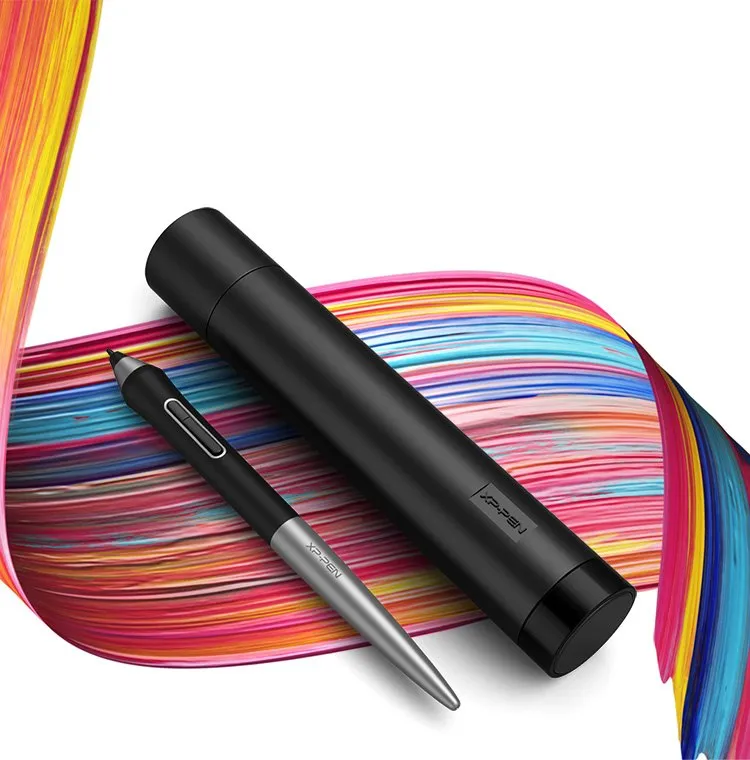
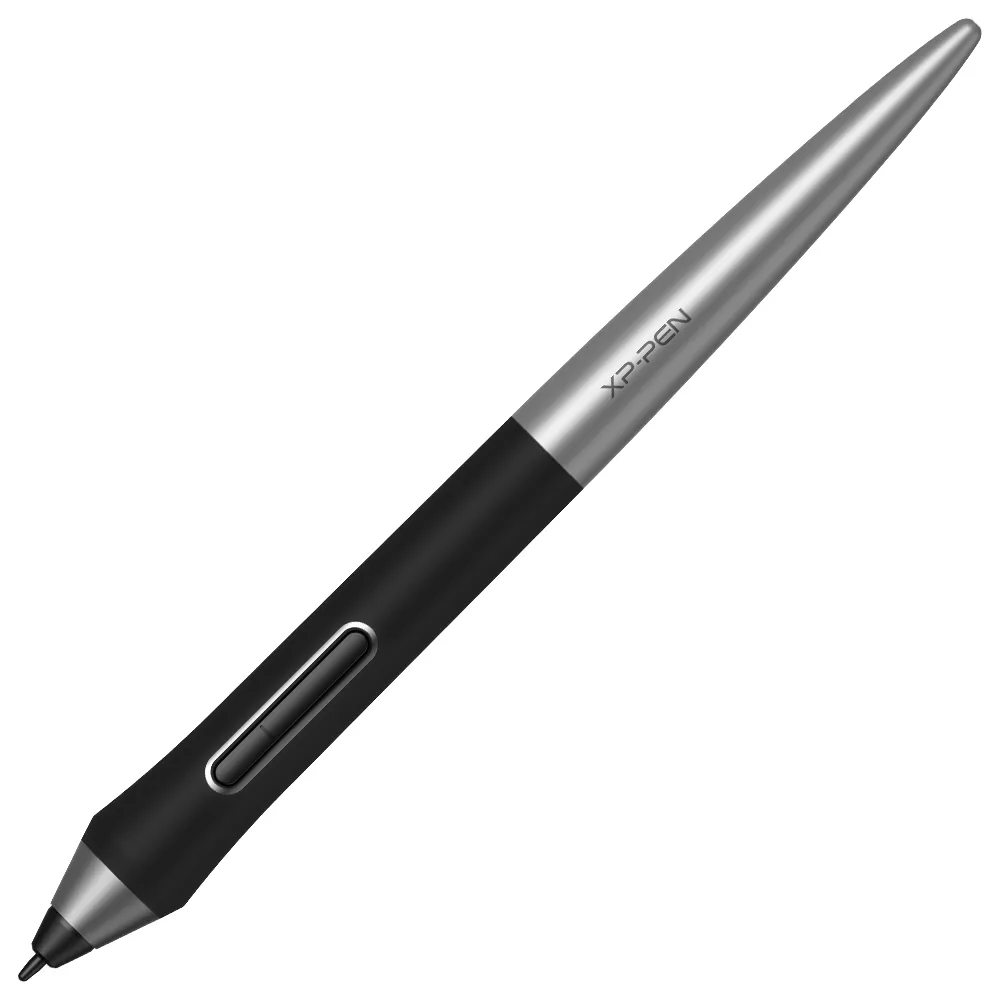
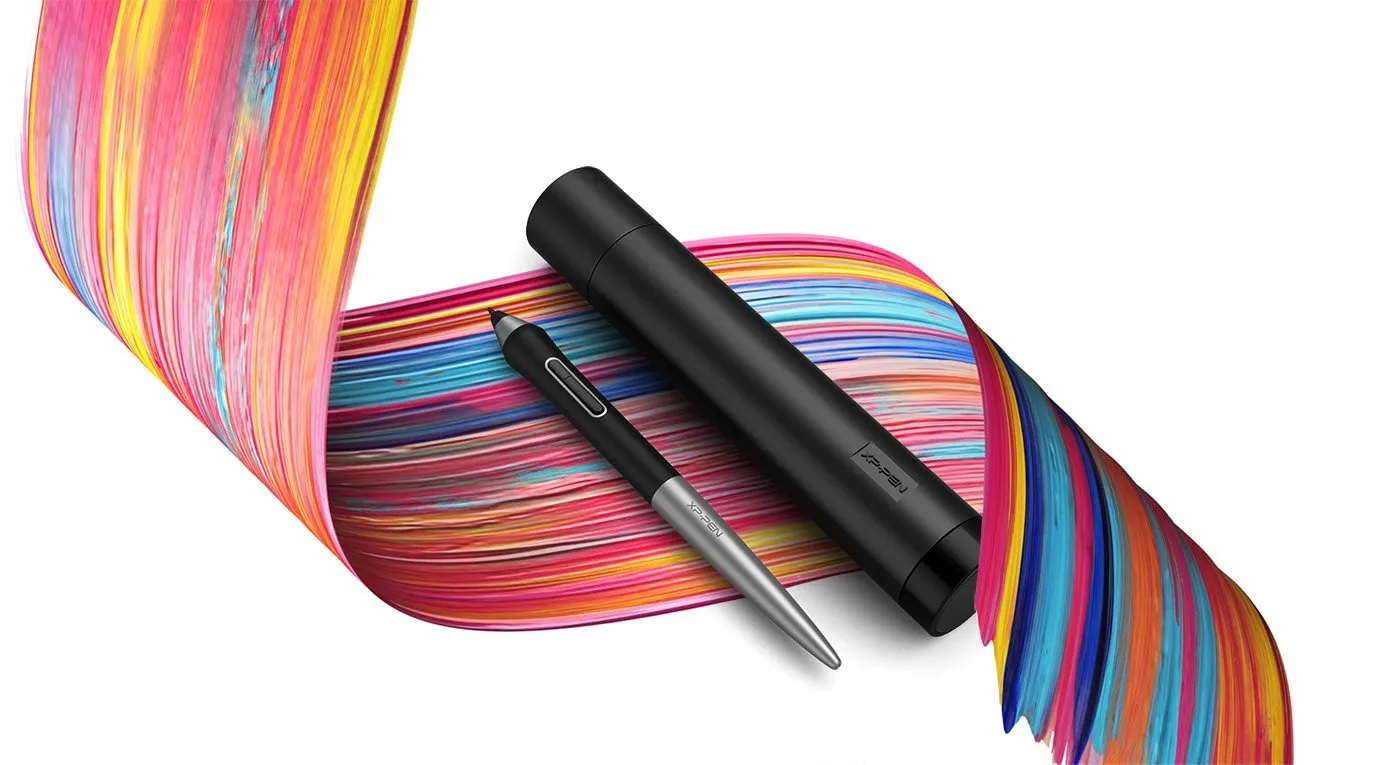
Newly designed battery-free stylus.

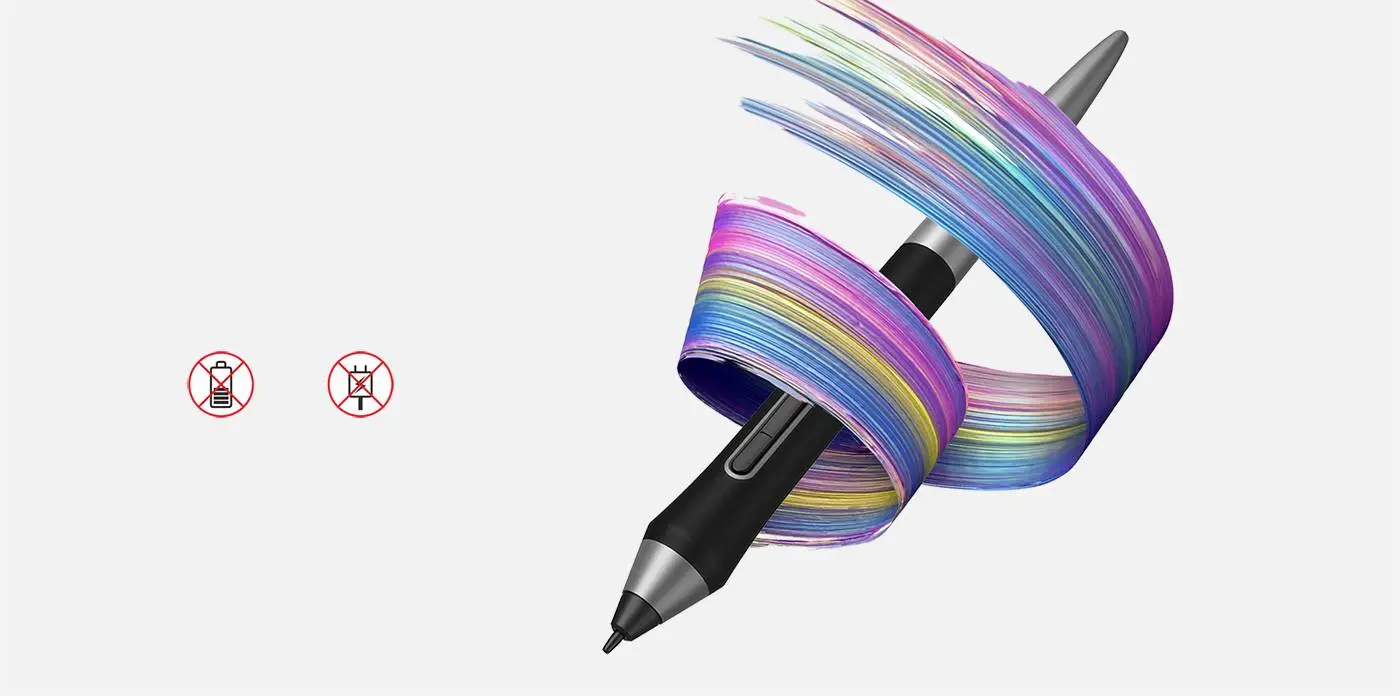
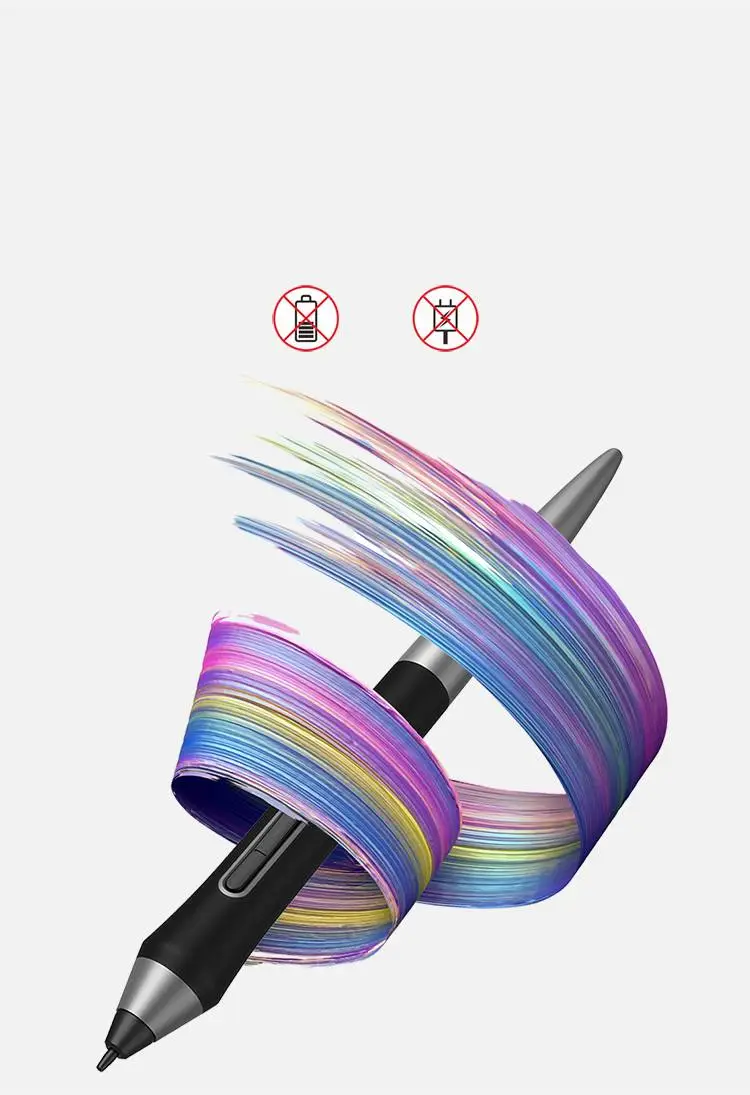
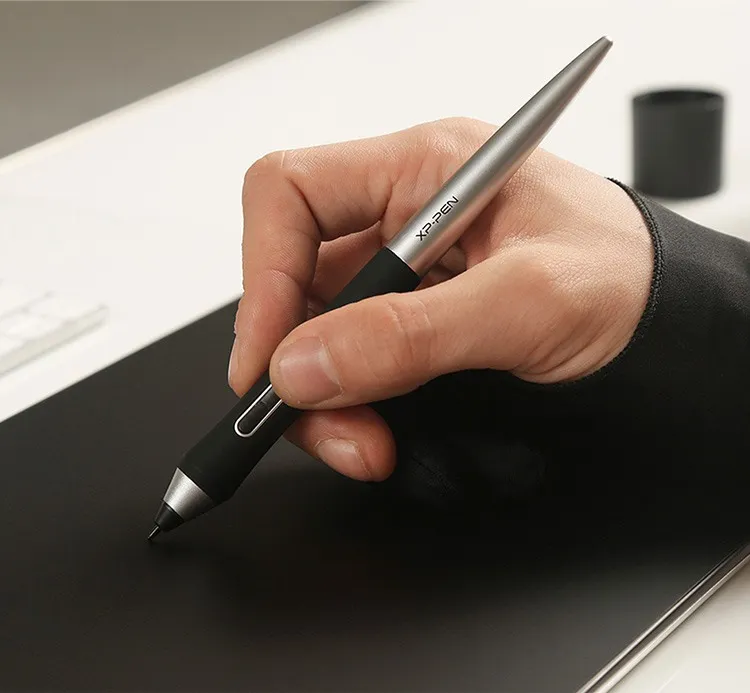
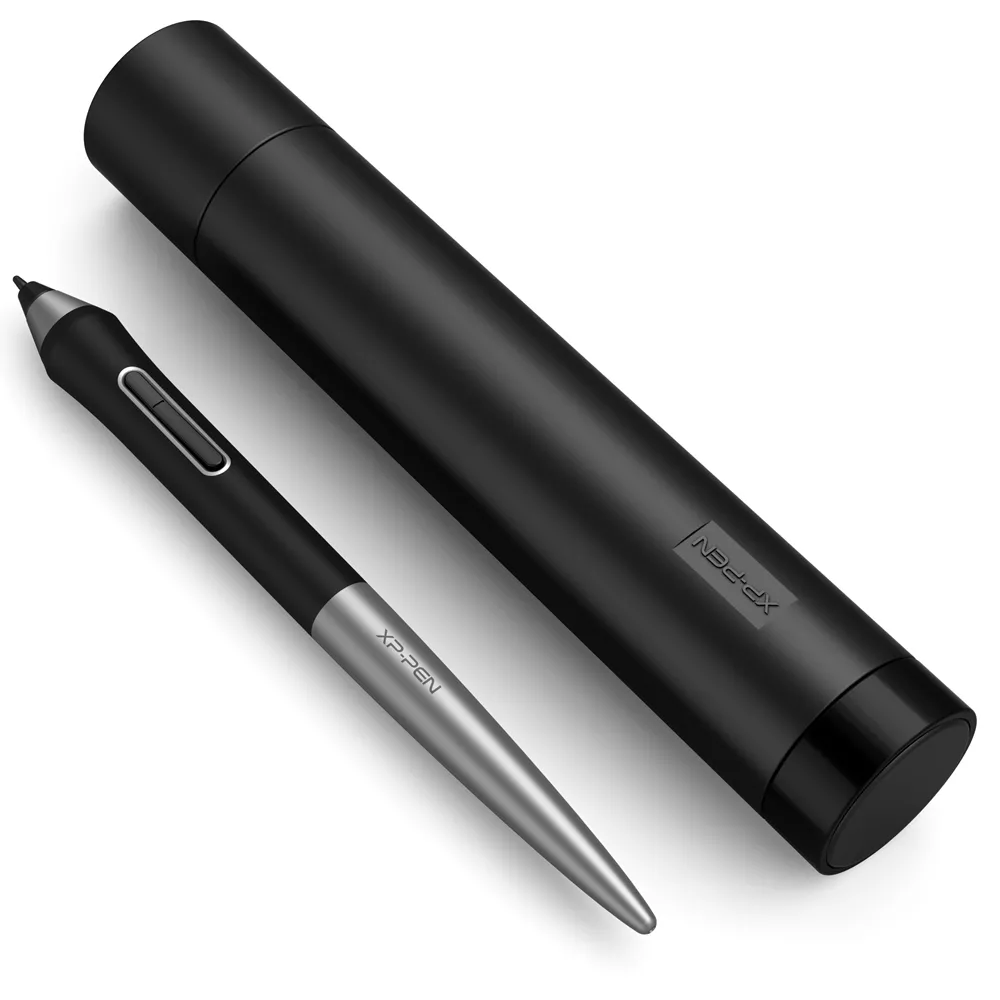
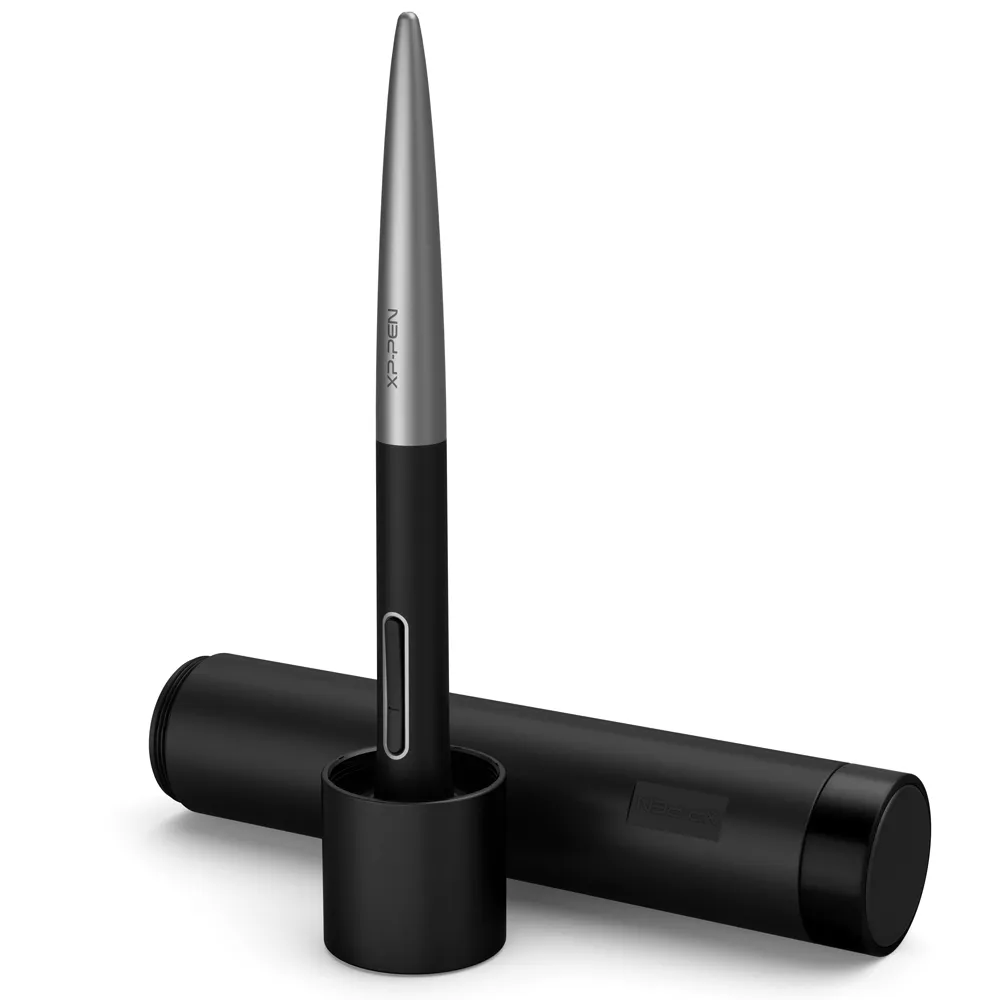
The new PA1 stylus is battery-free and features a nice black and silver design with a sleek pointed end. There are no batteries or clumsy cords for charging and no extra cost for an extra pen!

NO battery

No need charging
image
image

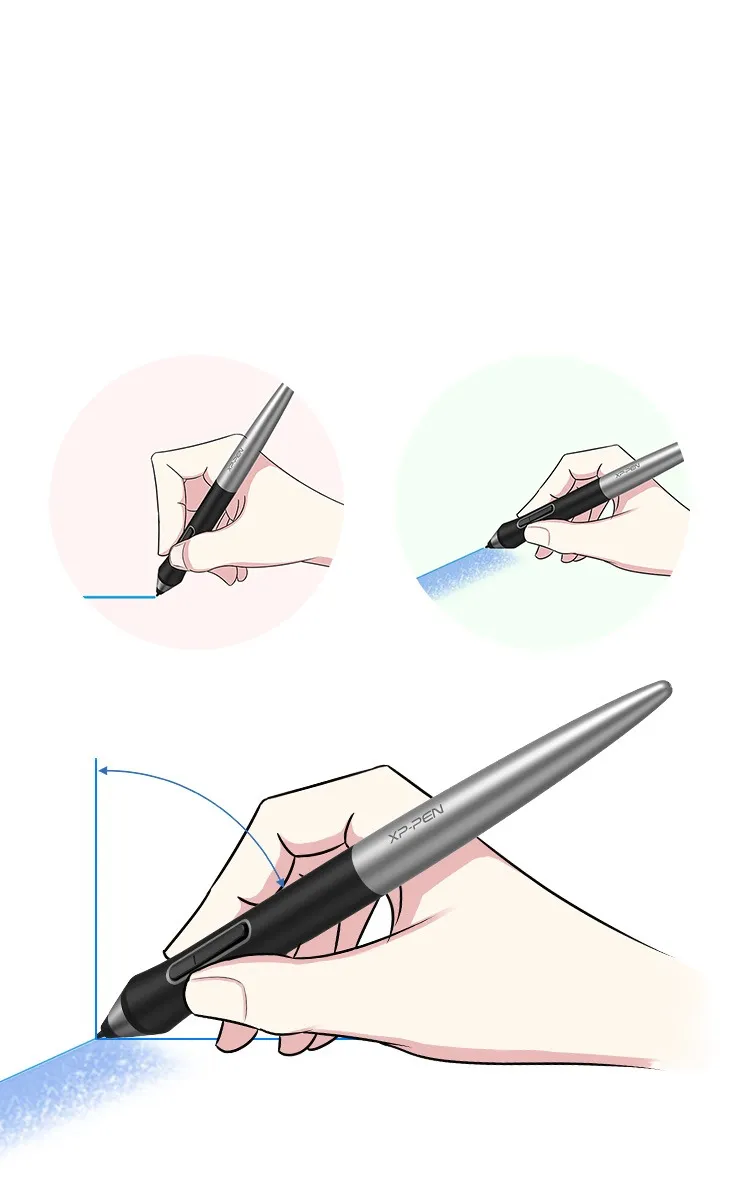
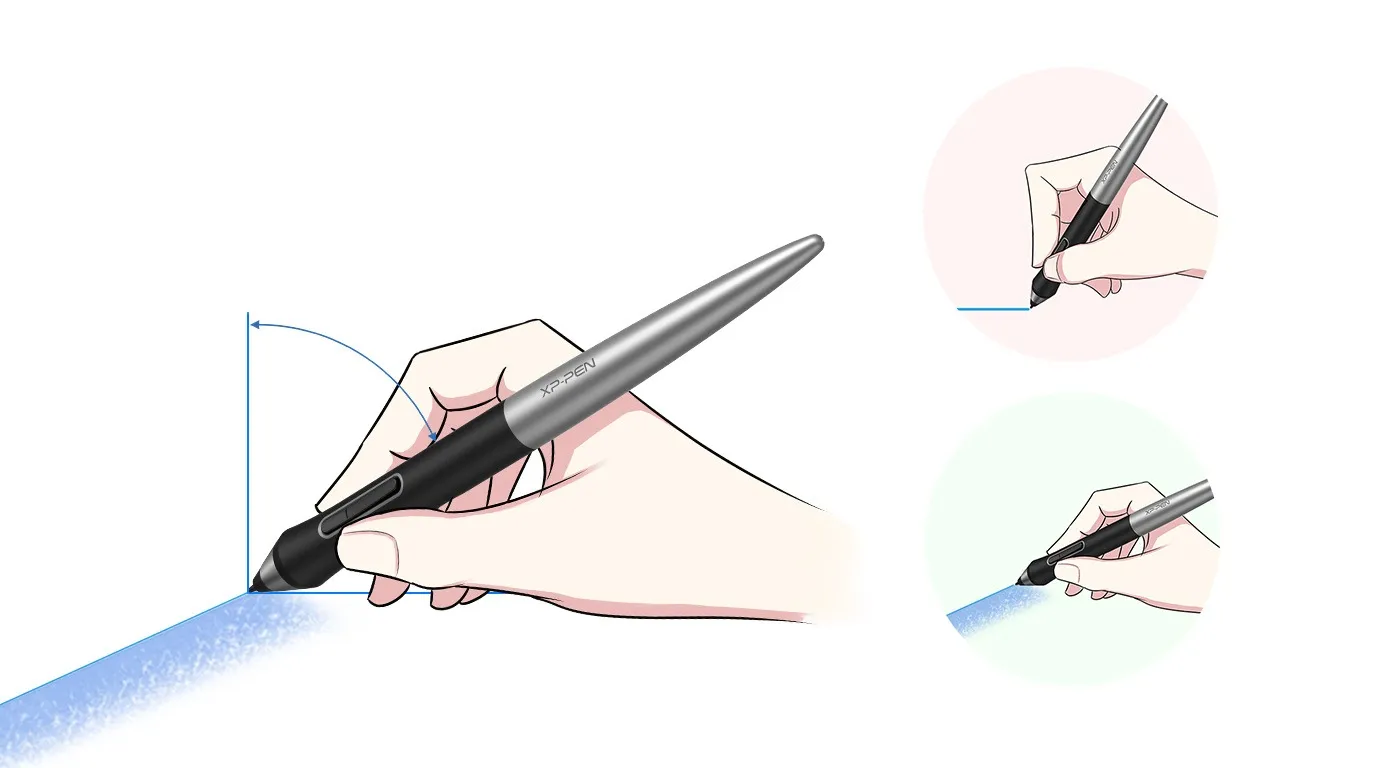
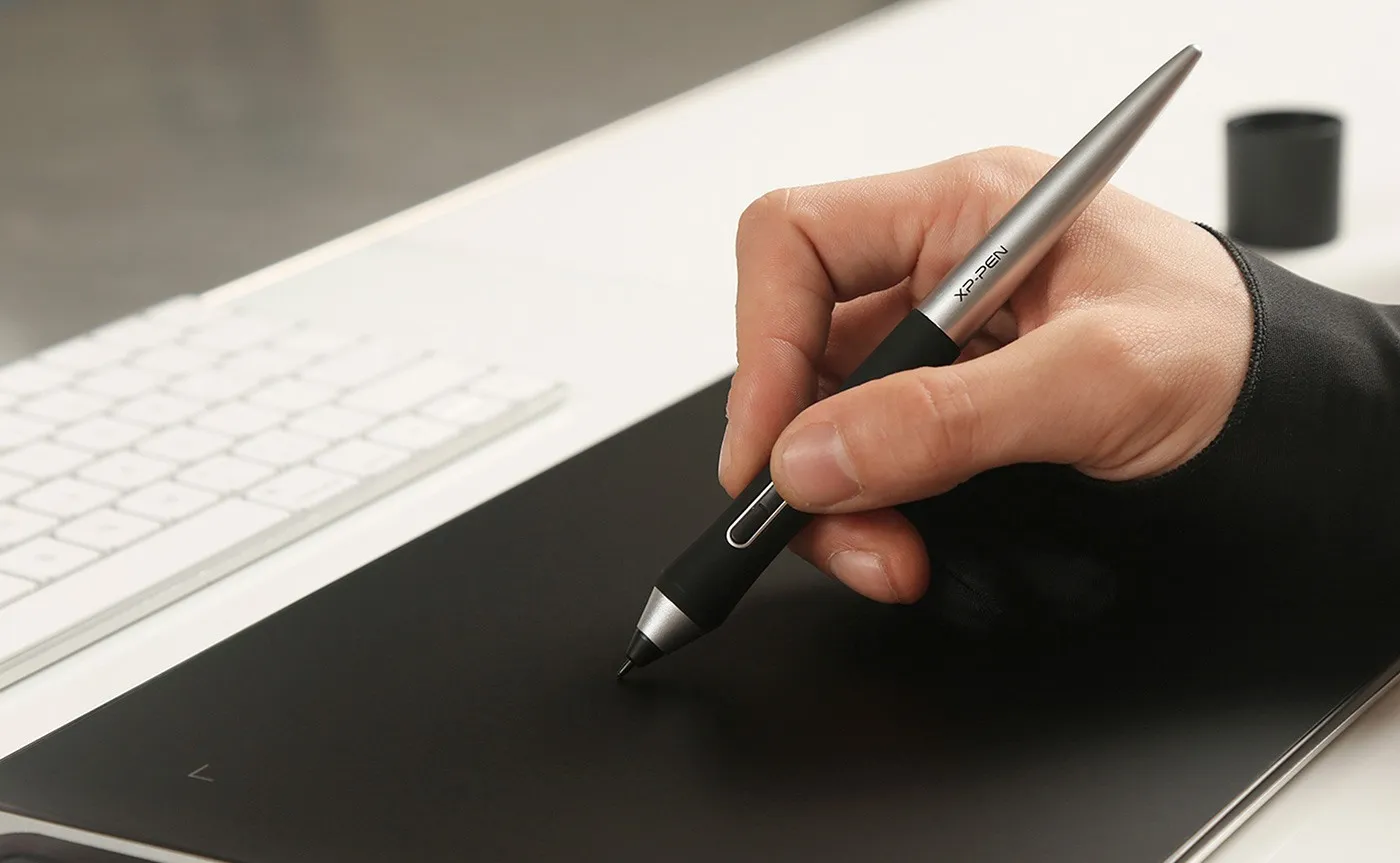
60 degrees of tilt brush effect supported.

The XP-Pen PA1 stylus supports up to 60 degrees of tilt brush effect and delivers smoother and more natural lines and strokes, while also giving you the ability to add shading to your creation and offering a more natural writing and drawing experience.

60° Tilt

Virtually No Lag

Sensitively Tilt for Shading
image
image
image
image

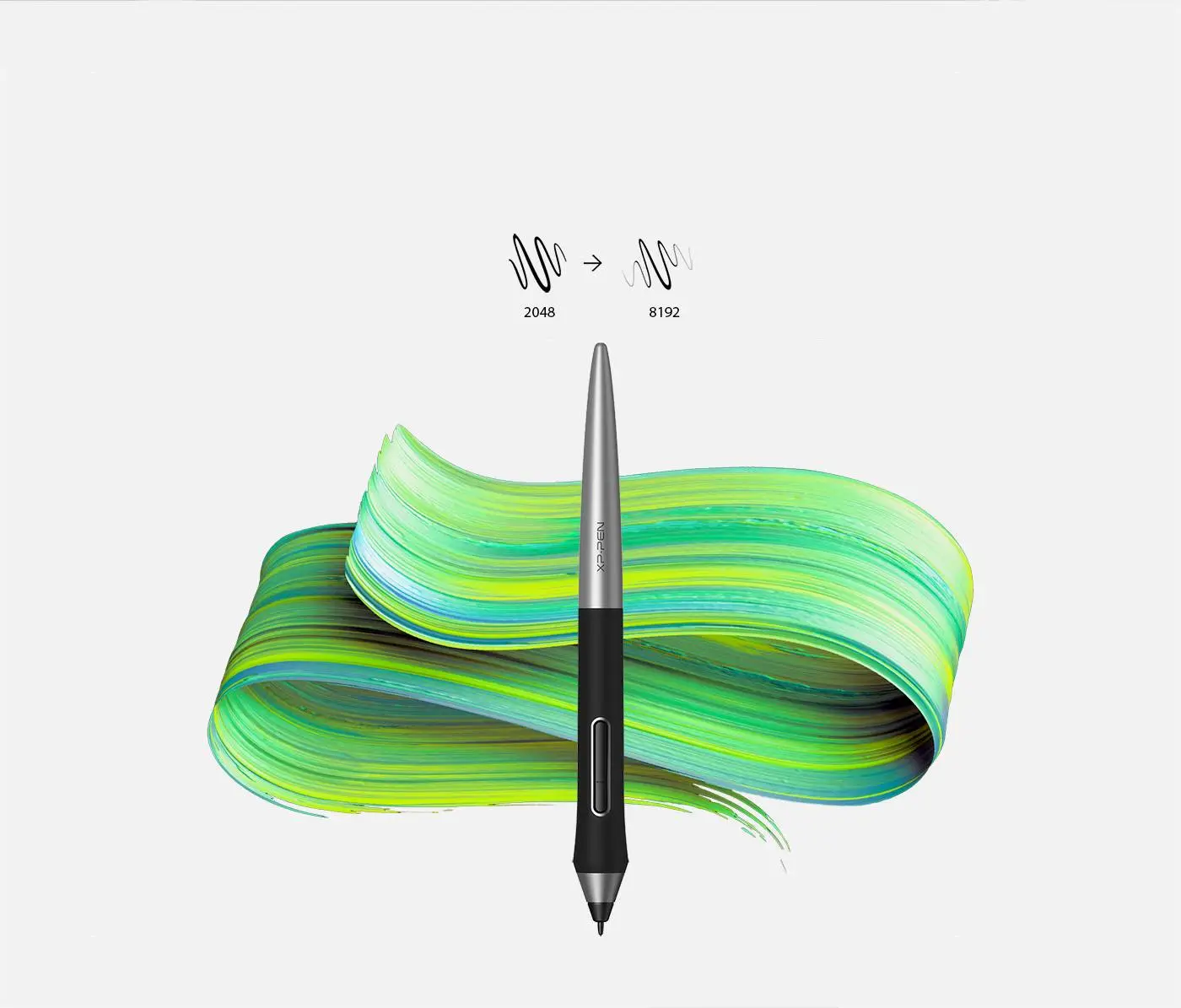
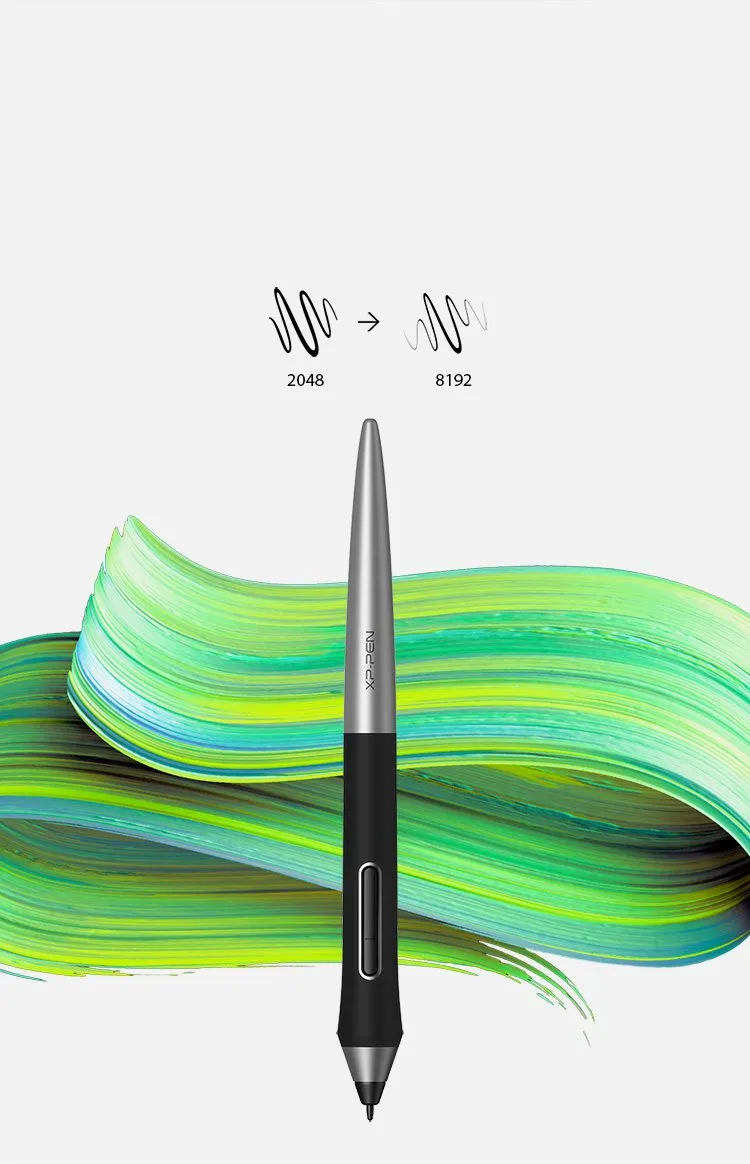
8192 levels of pressure sensitivity.

With up to 8,192 levels of pressure sensitivity, the PA1 stylus provides you with precise control and accuracy. Create fine lines in a fluid and incredibly natural experience.
image
image

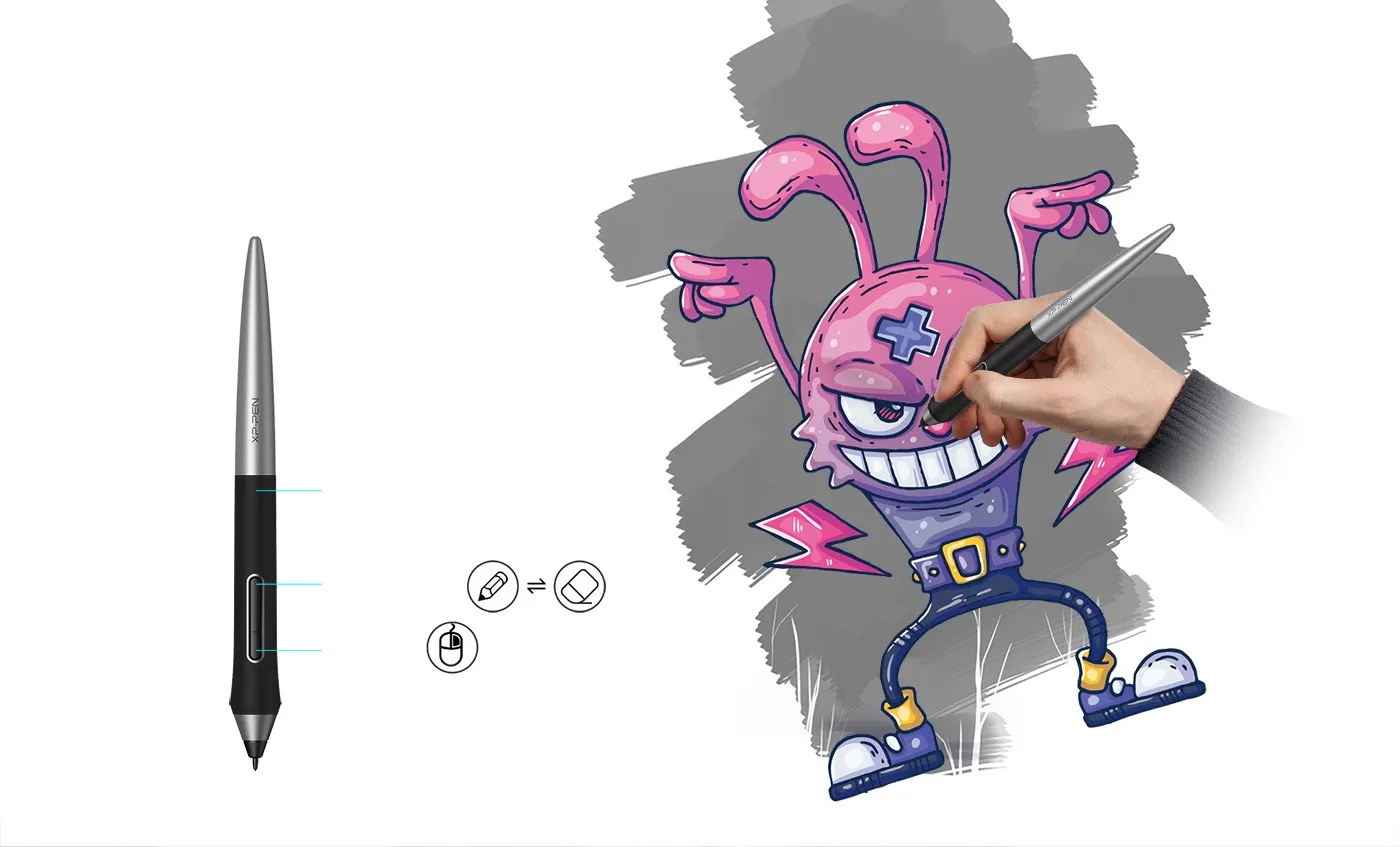
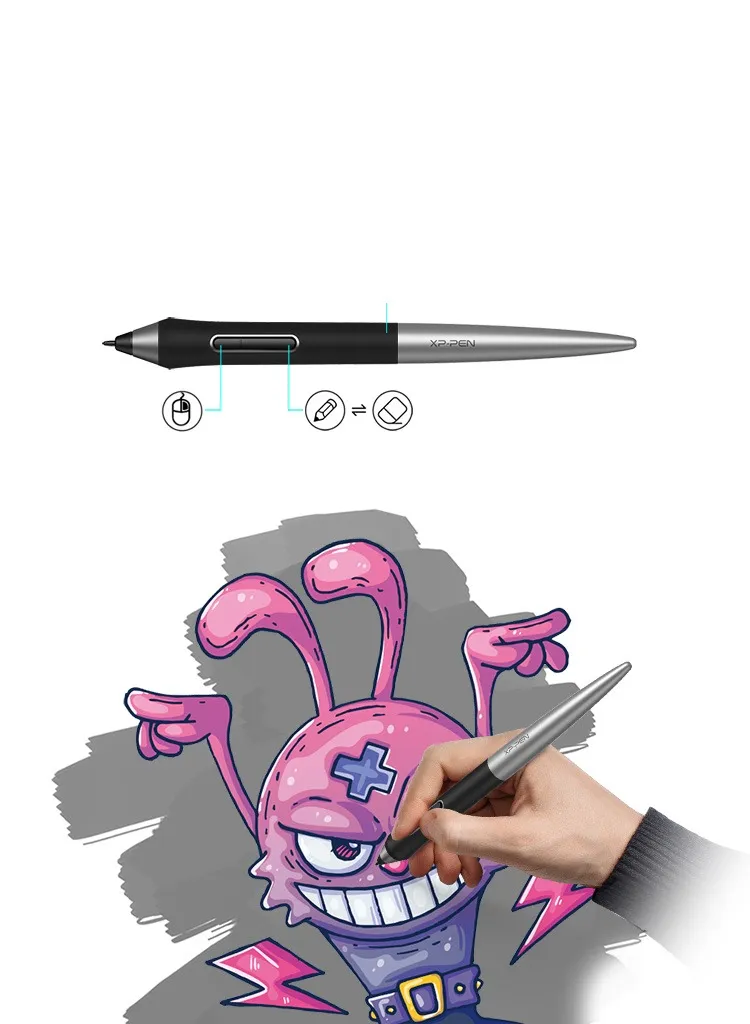
Efficient One-click toggle.

The one-click toggle allows you to switch between pen and eraser modes instantly, creating a more efficient and less frustrating work flow.

Non-slip rubber design

One-click toggle

Right click

image
image

Specification

Net weight(g)

13.3

Power

Battery free

image

Compatibility

Deco Pro Series

Ratio

image
Reviews
0
starstarstarstarstar
Based on 0
starstarstarstarstar
0(0)
starstarstarstarstar
0(0)
starstarstarstarstar
0(0)
starstarstarstarstar
0(0)
starstarstarstarstar
0(0)
no-evaluation No review
Q & A
XFANSvrto93bg
Sep 08 ,2023 AM 01:01 PA1 Battery-free Stylus
I've had my Deco Pro medium for about a month and love it, but unfortunately today the Stylus has started thinking it is pressed down even when it isn't, making it draw lines everywhere. I attempted changing the nib but that doesn't seem to have made a difference. Thoughts?
Reply1
Official mall
Sep 08 ,2023 PM 17:54
Dear Customer, Hi, Please contact this email: service@xp-pen.com. We have 24-month- warranty. Please don\'t worry. Best Regards
Reply to this review
XFANSbpw6xk7p
Jun 19 ,2023 AM 06:00 PA1 Battery-free Stylus
hello. i would like to know, do you sell the black rubber part separately? ty
Reply1
Official mall
Jun 27 ,2023 PM 18:05
Dear Customer, Hi, we are temporarily unable to purchase the accessory part of the pen separately. Best Regards
Reply to this review
XFANSbfj4j63n
Mar 09 ,2023 PM 17:01 PA1 Battery-free Stylus
I have the following model: XP-Pen Artist13.3 Pro Drawing Tablet Digital Graphics Art Display with PA1 Battery-Free Stylus Supports Windows &Mac. Will this stylus be suitable as a replacement: PA1 Battery-free Stylus (PA1 Battery-free Stylus PA1 Battery-free Stylus for Deco Pro Series)
Reply1
Official mall
Mar 09 ,2023 PM 17:35
Dear Customer, Hi, if the model you have is Artist 13.3 pro, the PA1 won\'t be suitable for you. Please choose PA2. Best Regards
Reply to this review
MGW
Jun 21 ,2022 PM 19:36 PA1 Battery-free Stylus
How to remove the pen nib?
Reply0
Nazia Akhtar
Mar 23 ,2021 AM 01:49 PA1 Battery-free Stylus
Hi, Around 3 months ago I got the Deco Pro Medium drawing tablet, and the PA1 battery free stylus came with it. Everything was completely fine until today- I was using the pen and tablet yesterday, but when I went to use it today the pen won't work at all? I tried using the pentablet driver and the tablet was connecting fine, the pen just wasn't working at all, even when I changed nibs. Is there anything I can do? Do I need to buy a new one?
Reply1
Official mall
Mar 23 ,2021 AM 09:48
Hi, we are sorry to hear that. Could you please send a short video showing the situation to shopuk@xp-pen.com? We will handle it for you. Thank you so much : )
Reply to this review
Jones Gary
Dec 15 ,2019 AM 10:12 PA1 Battery-free Stylus
Does this pen work with an xp-pen pro 15,6
Reply1
Official mall
Dec 26 ,2019 PM 15:10
Hi,
P05R works with the Artist 15.6 pro (old version)
PA2 works with Artist 15.6 pro (the latest version)

If you want to know the version of your tablet, please sennd us the serial key of the product.
Reply to this review
Payment icon 0Payment icon 1Payment icon 2Payment icon 3Payment icon 4Payment icon 5Payment icon 6

Copyright© 2025 HANVON UGEE (HK) TECHNOLOGY CO., LIMITED All Rights Reserved.

Payment icon 0Payment icon 1Payment icon 2Payment icon 3Payment icon 4Payment icon 5Payment icon 6