
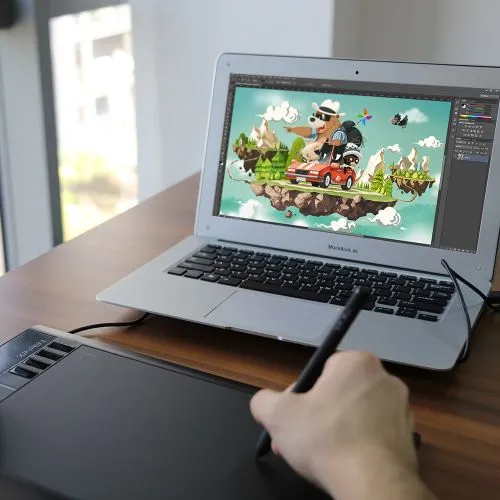
Star 03
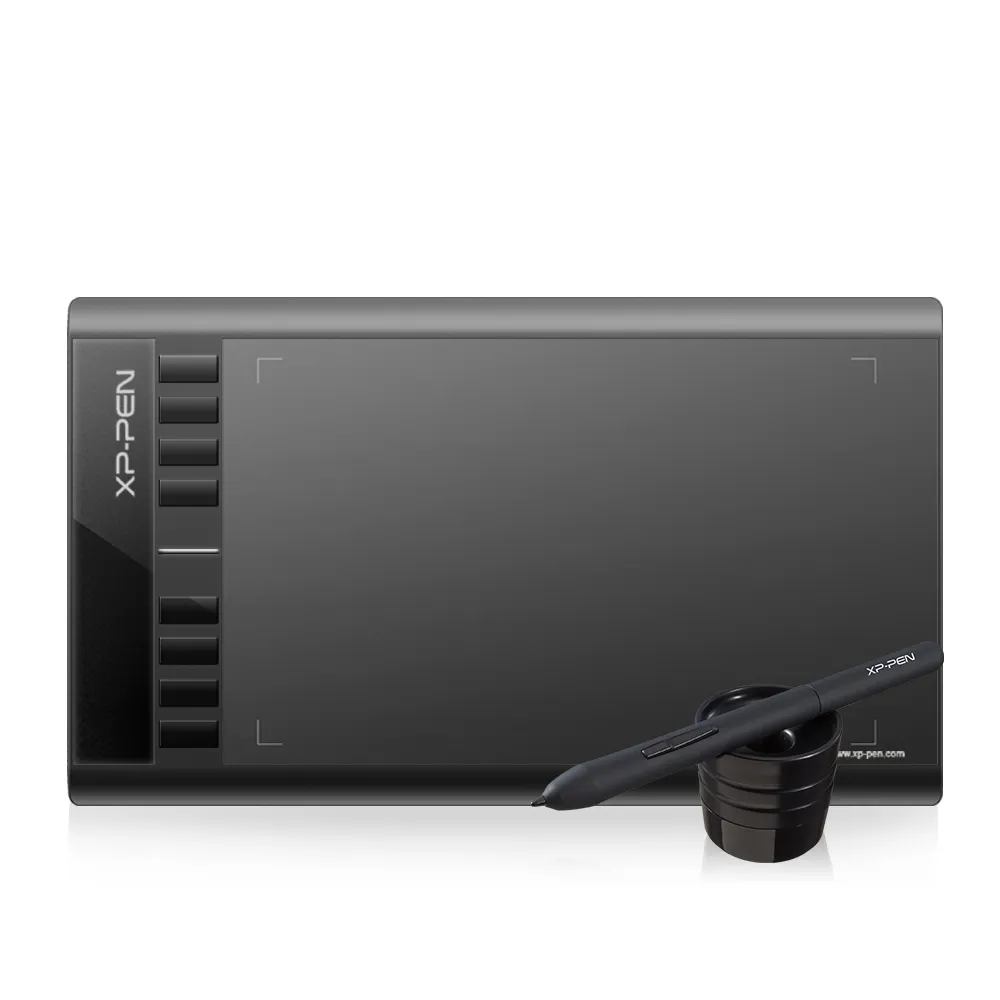
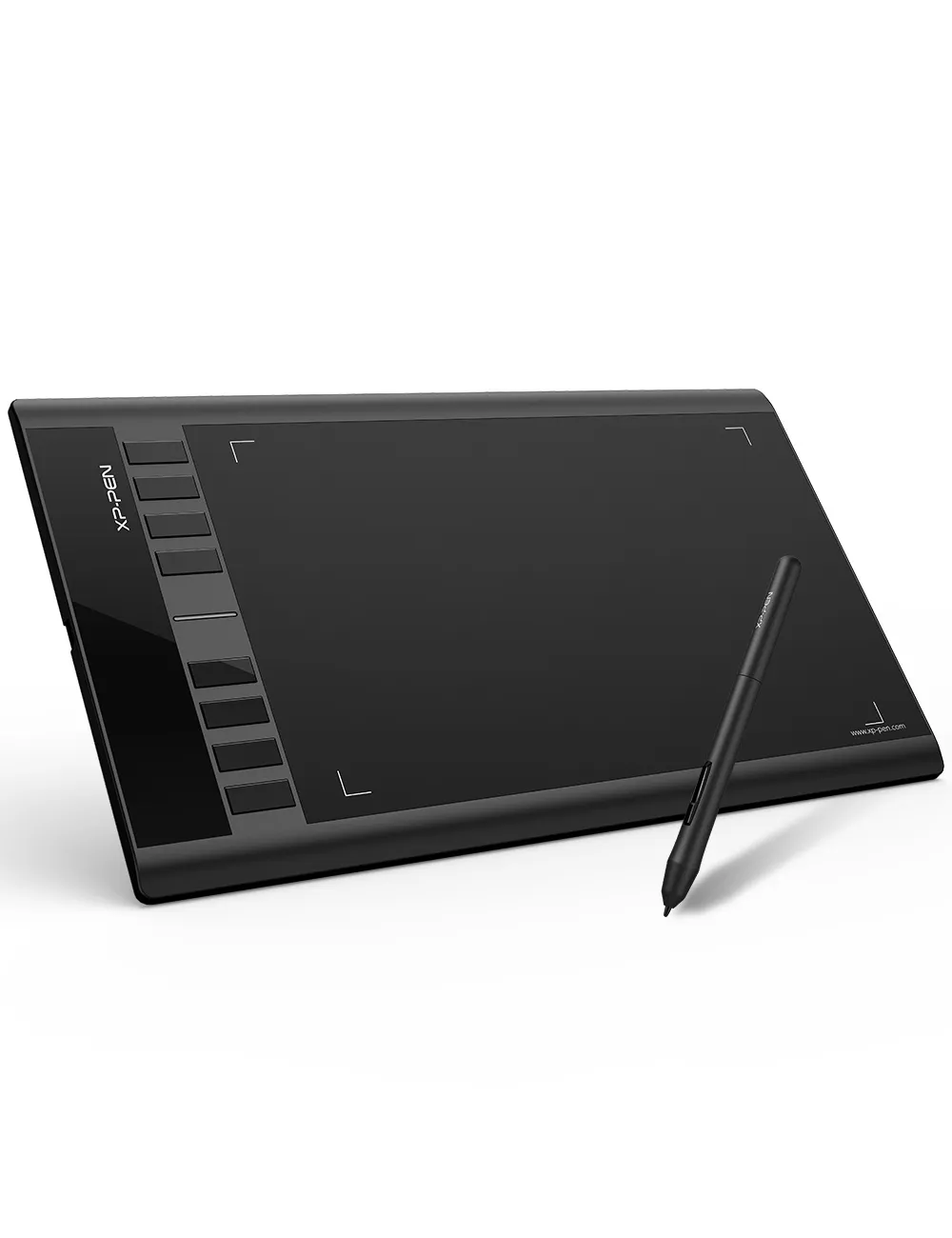
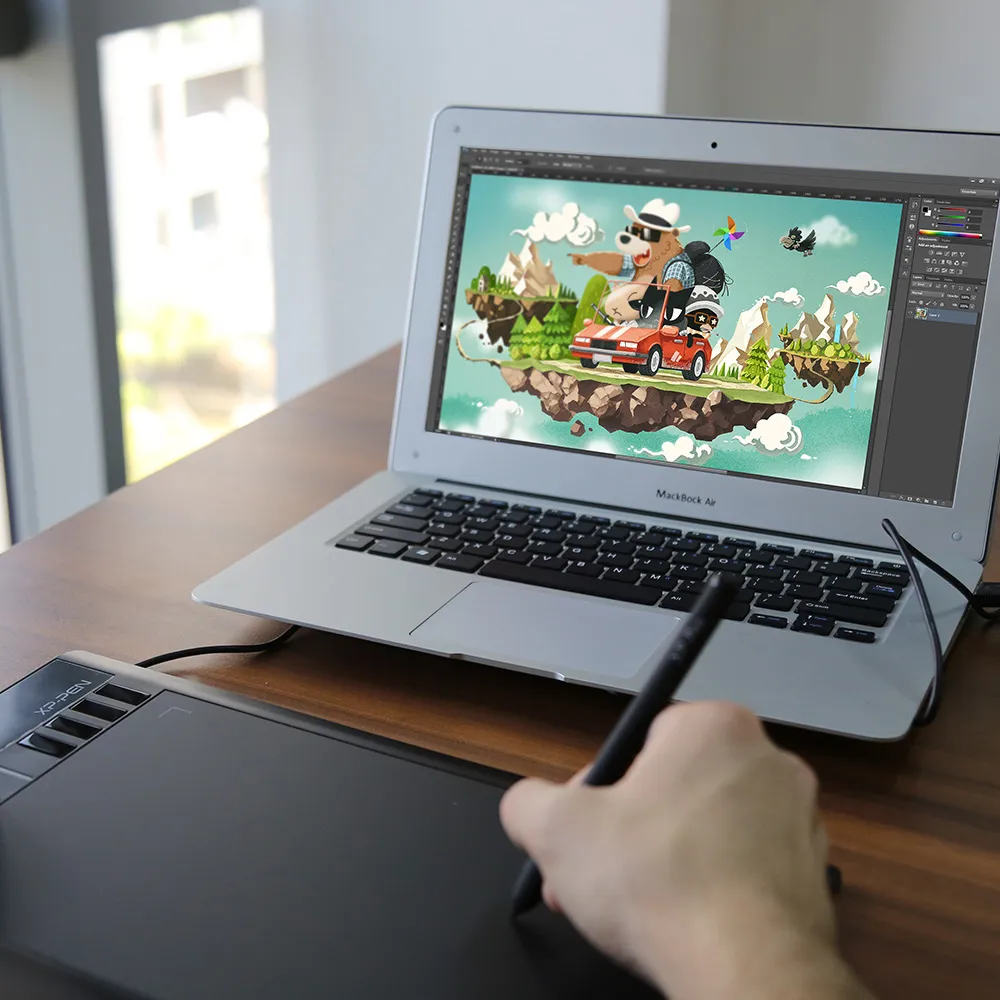
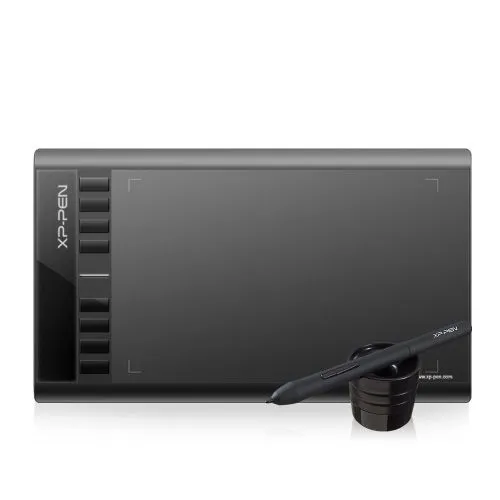
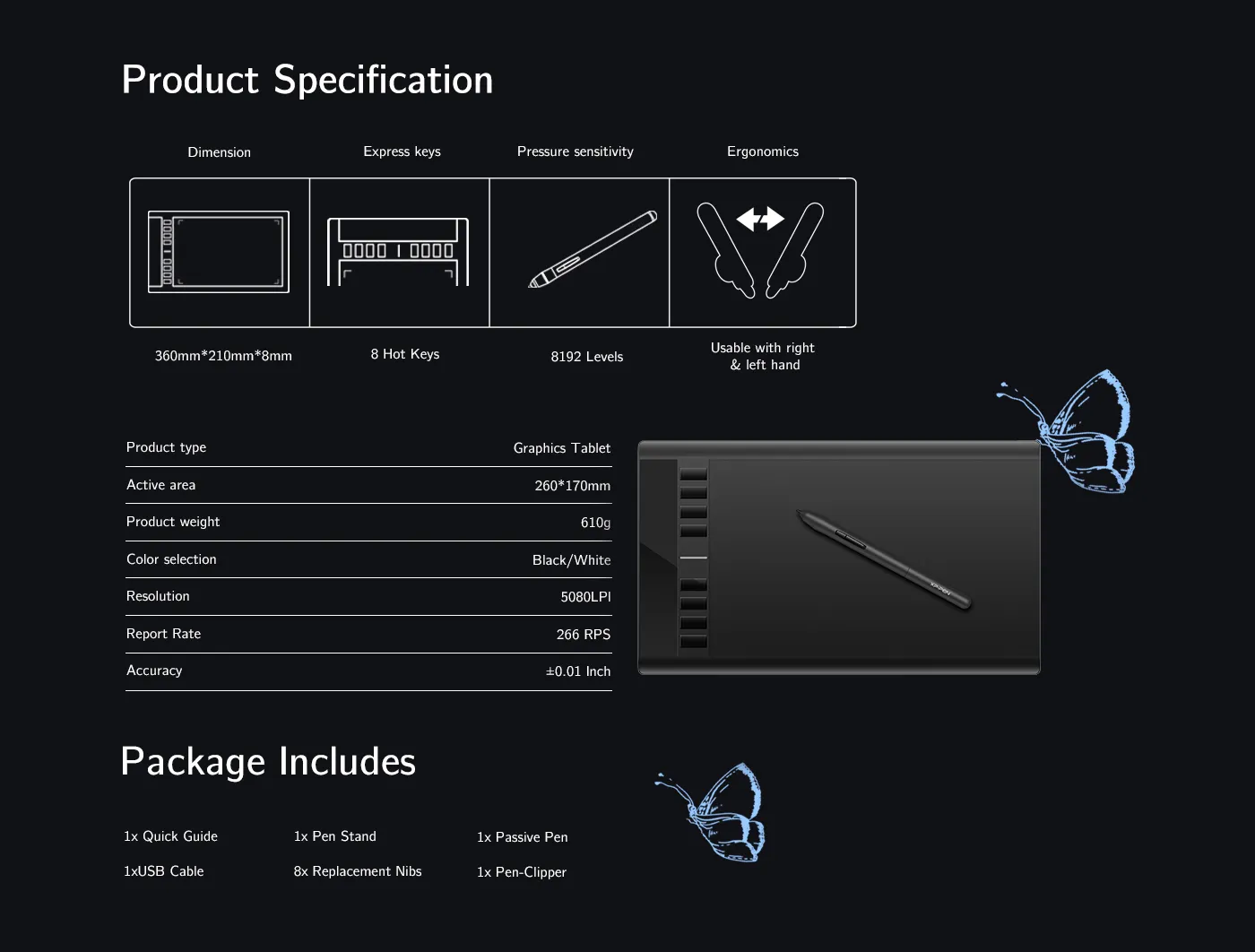
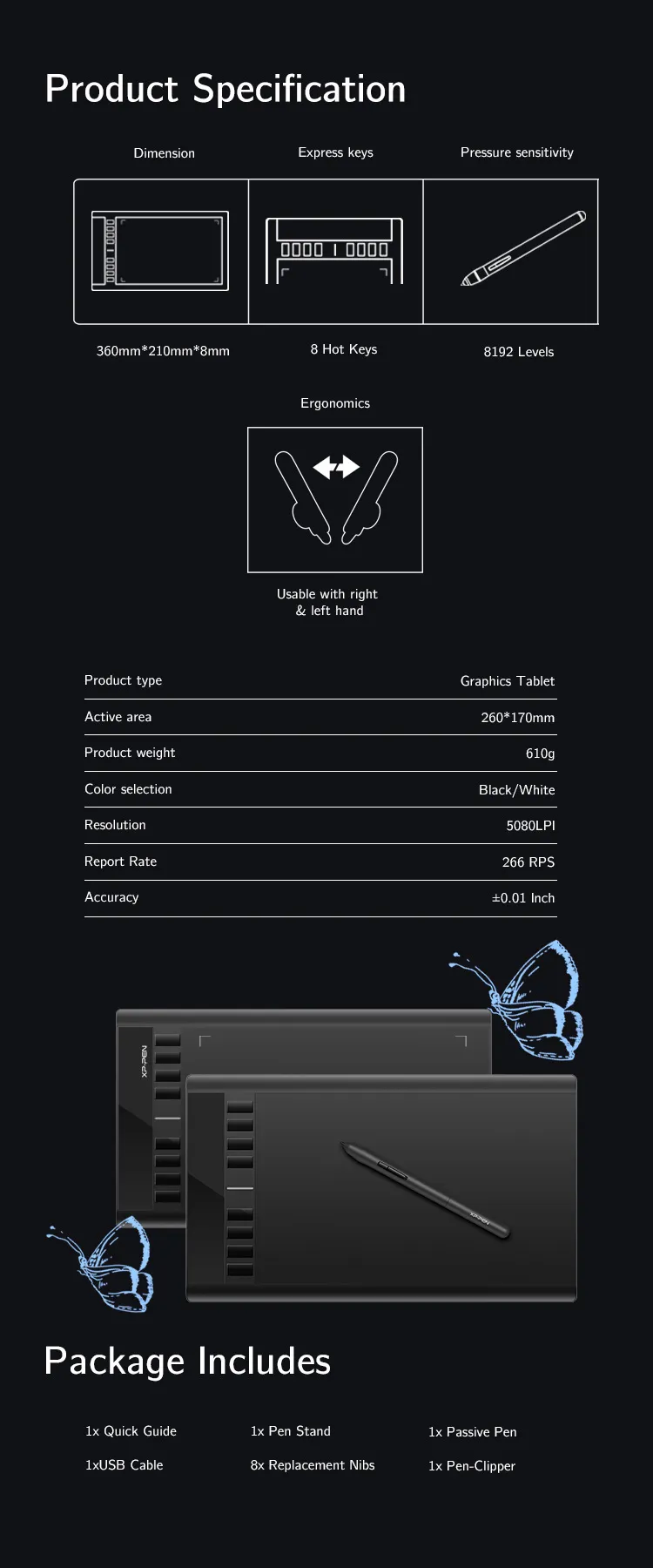
10 x 6-inch working area, 8192 pressure sensitivity,8 shortcut keys.
The battery-free stylus does not require batteries or charging.
an affordable drawing pad with a responsive stylus, perfect for beginners to draw, sketch, and edit photos.
FAST FREE SHIPPING
Ship from the UK; Free shipping on all orders
24-MONTH-WARRANTY
Hassle-free warranty
QUALITY PURCHASE
30-day money-back guarantee
TECH SUPPORT
Lifetime customer support
ESSENTIAL_ACCESSORIES
QUANTITY:
 POINTS_ESTIMATE_T2_TITLE_GUEST






Worry-Free Delivery® available with seel


Star 03 V2
Expand your creativity with the Star 03's expanded working area.
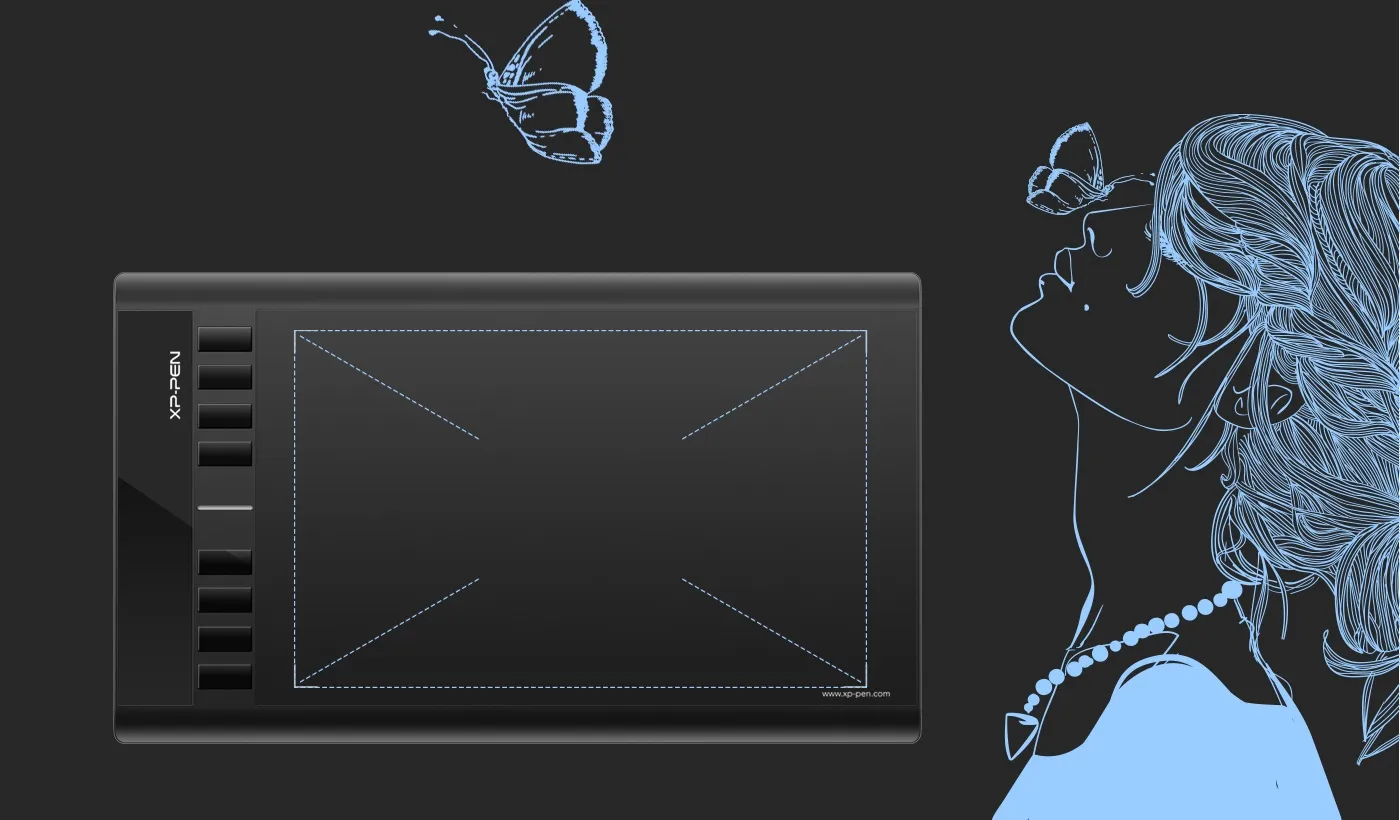

More room to work and draw.
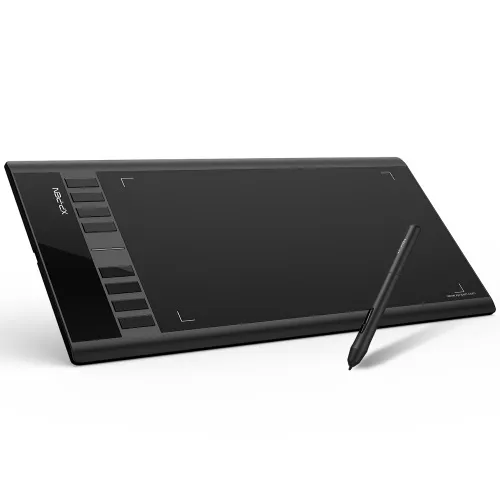
The Star 03 features a 10x6 inch working area for artists who need their space.
10x6 inch
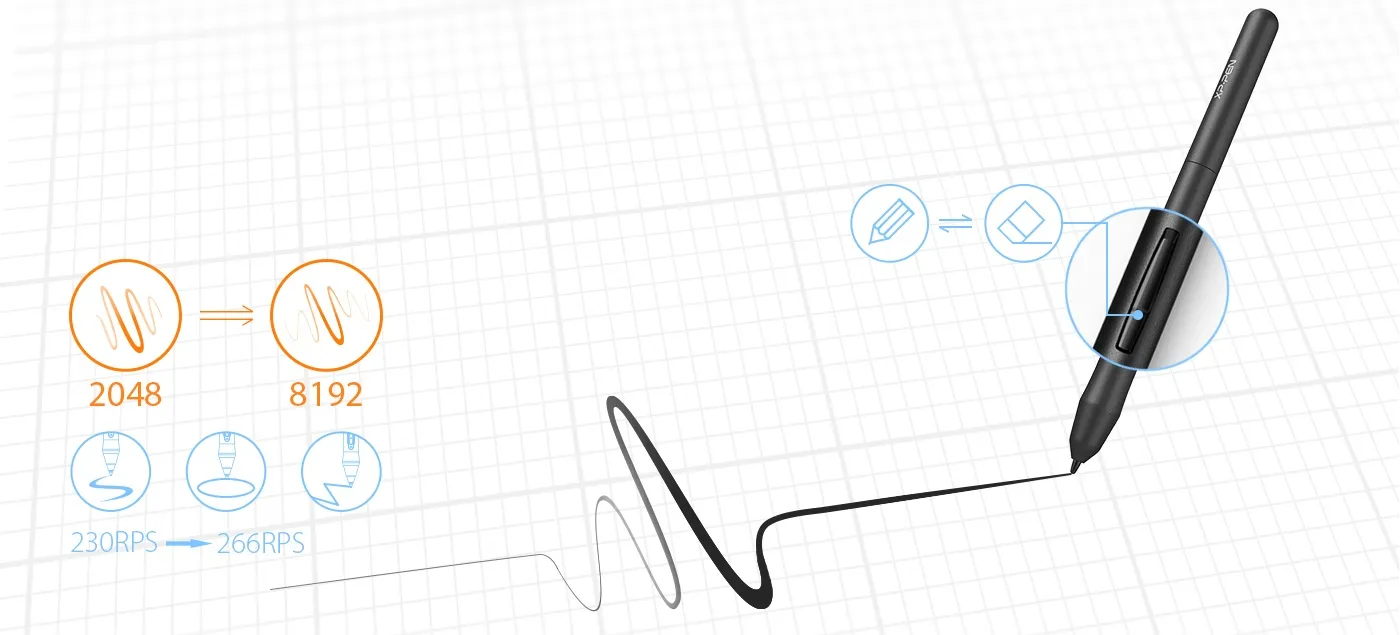
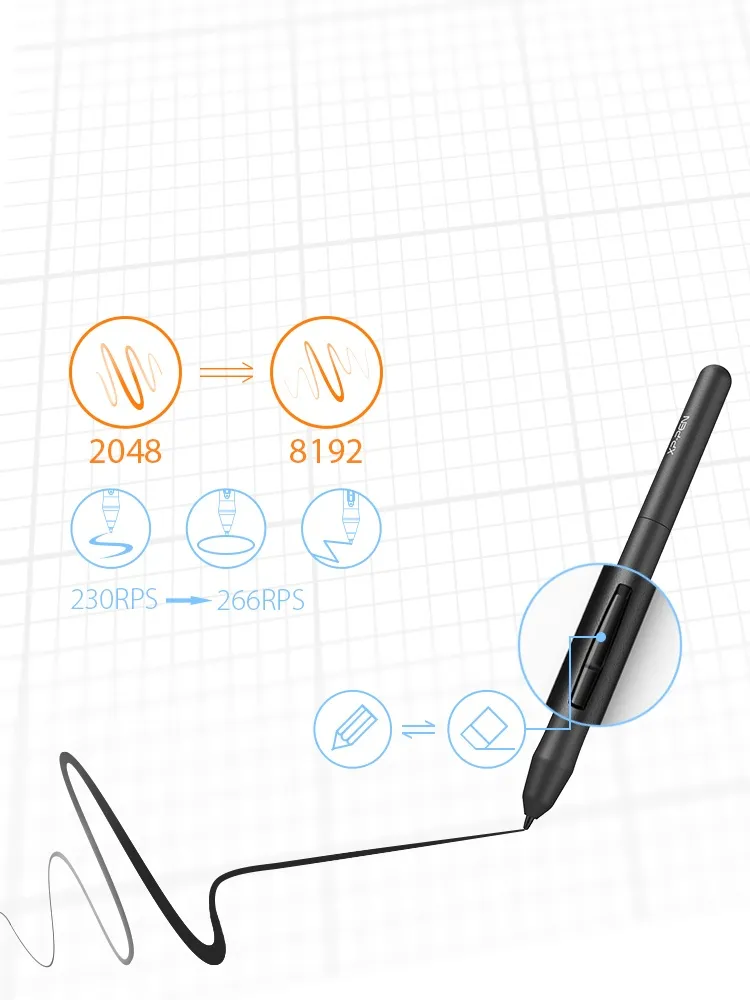
Enhancing performance
Capable of reaching 8192-levels of pressure sensitivity and 266RPS report rate, providing you with precise accuracy and quick response to draw and paint naturally with smooth, enhanced, performance.
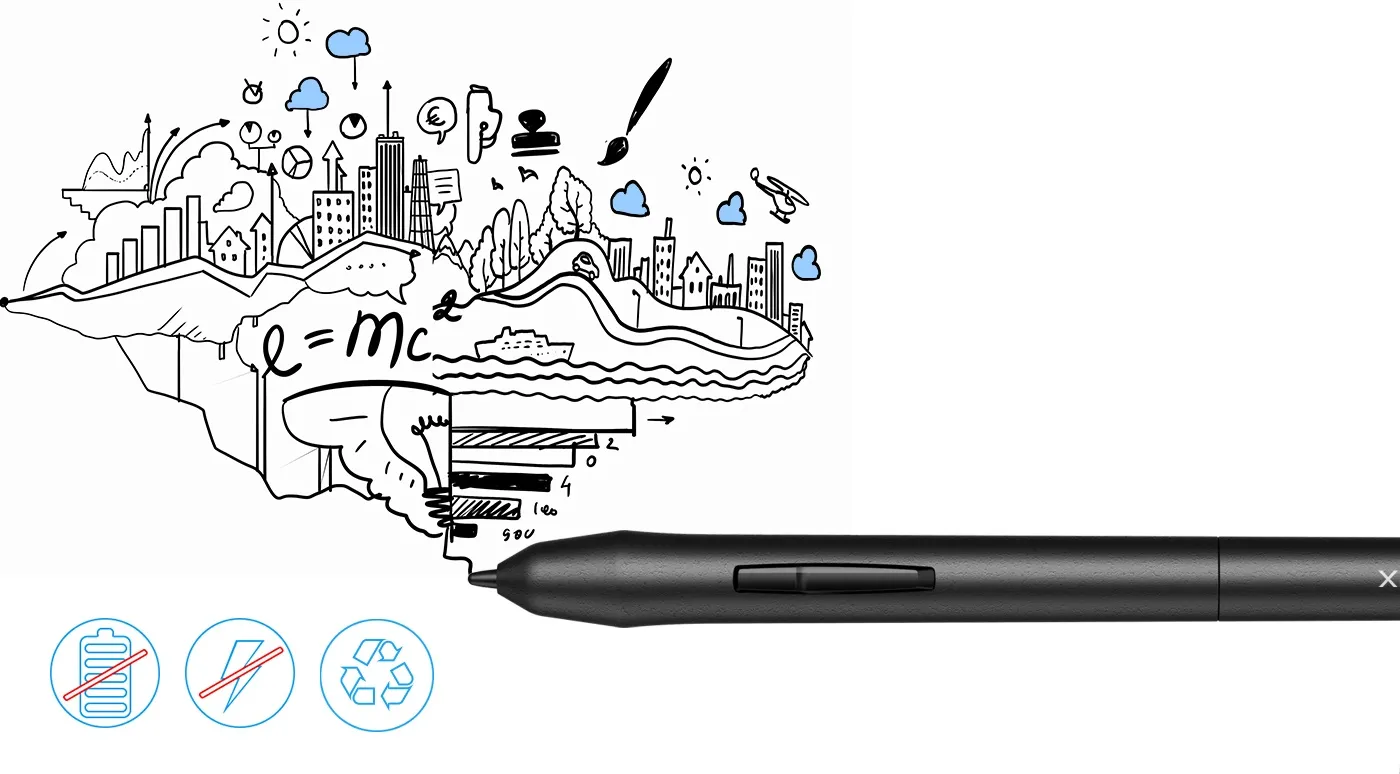
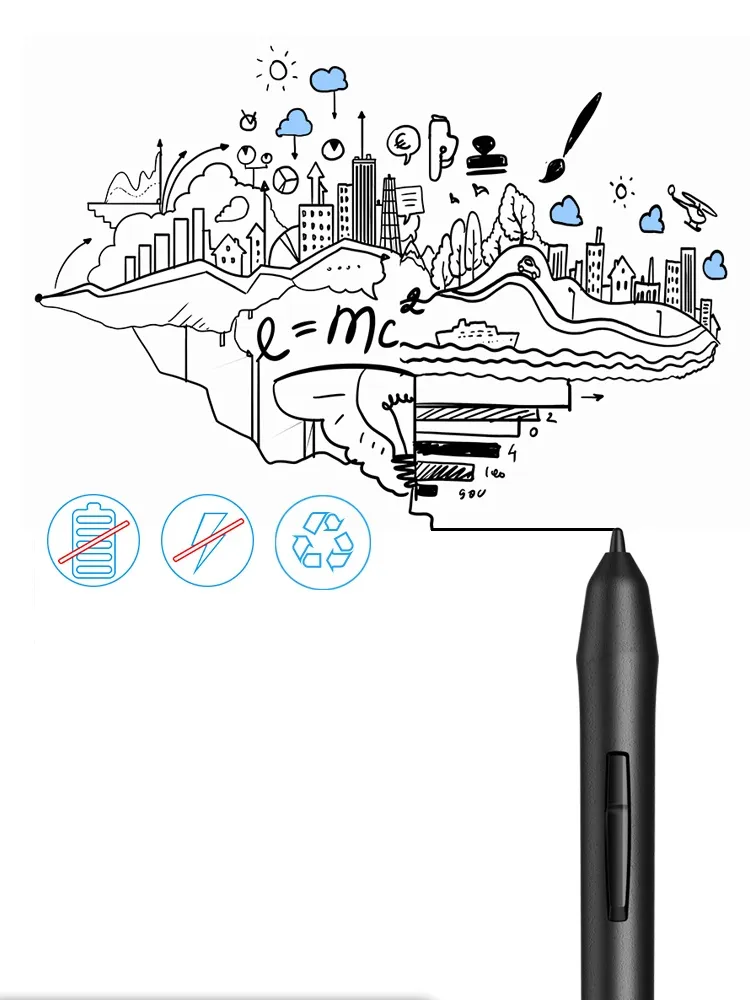
Advanced battery-free stylus—convenient for both you and the environment.
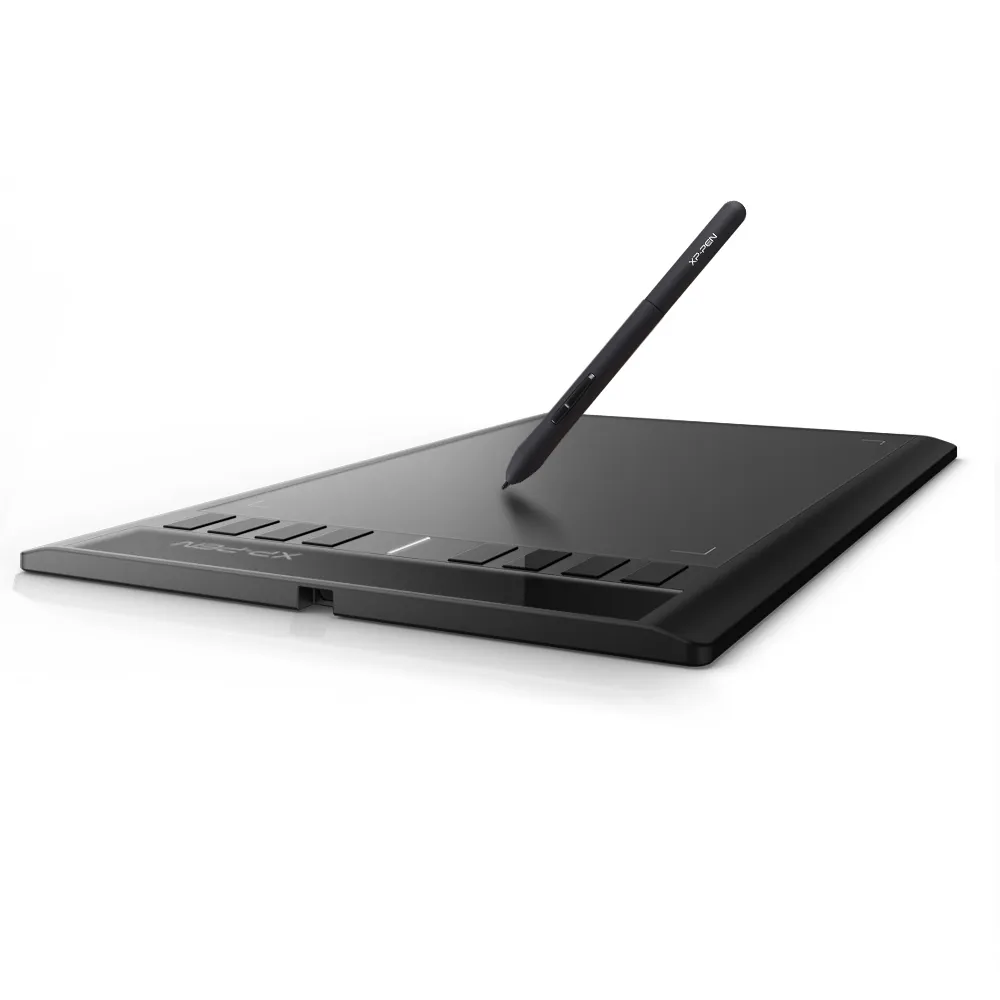
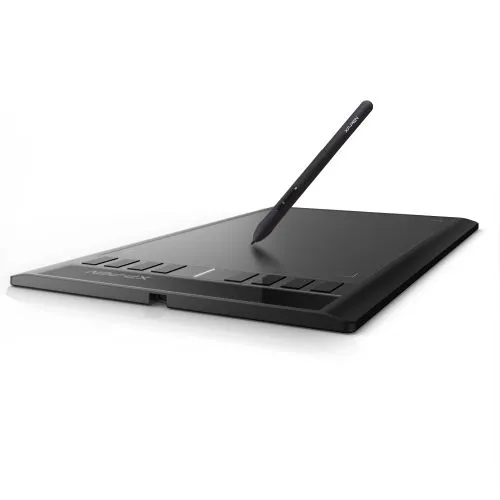
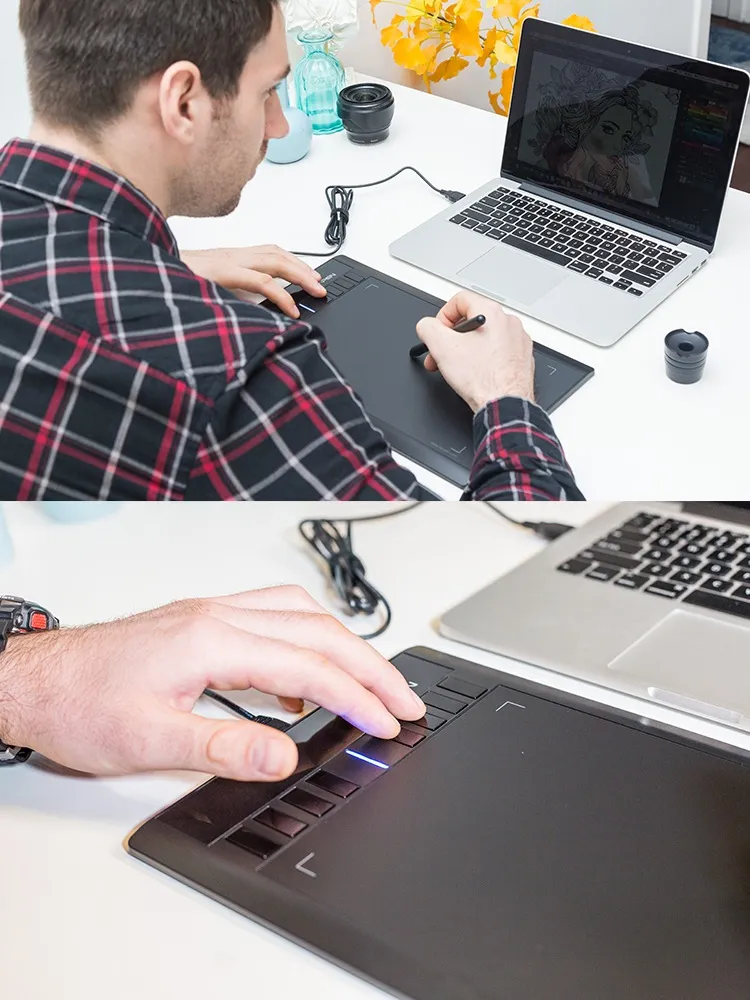
The P01 stylus is outstandingly ergonomic, allowing you to draw as smoothly as with a paper and pencil. The stylus does not require batteries or charging—no clumsy cords or extra costs.
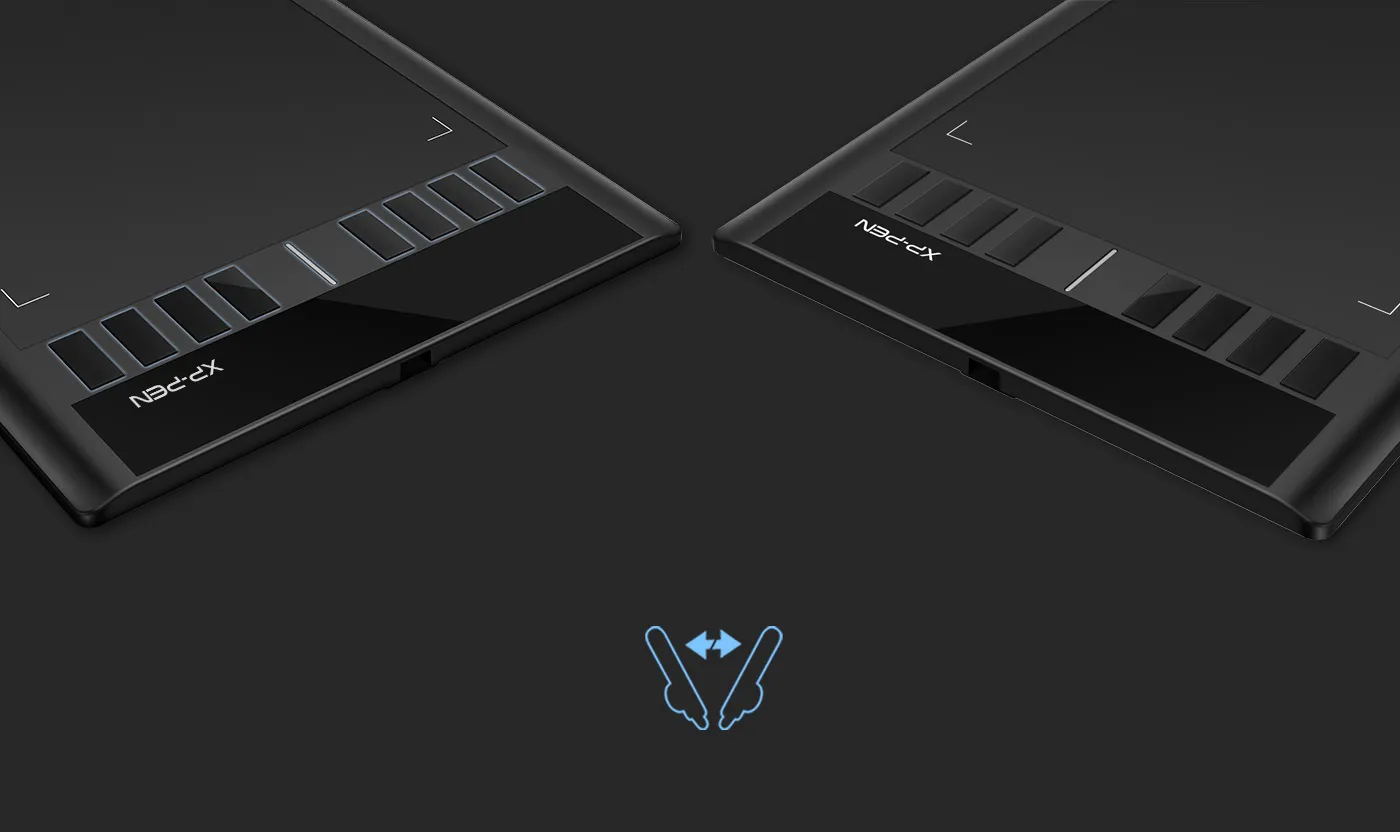
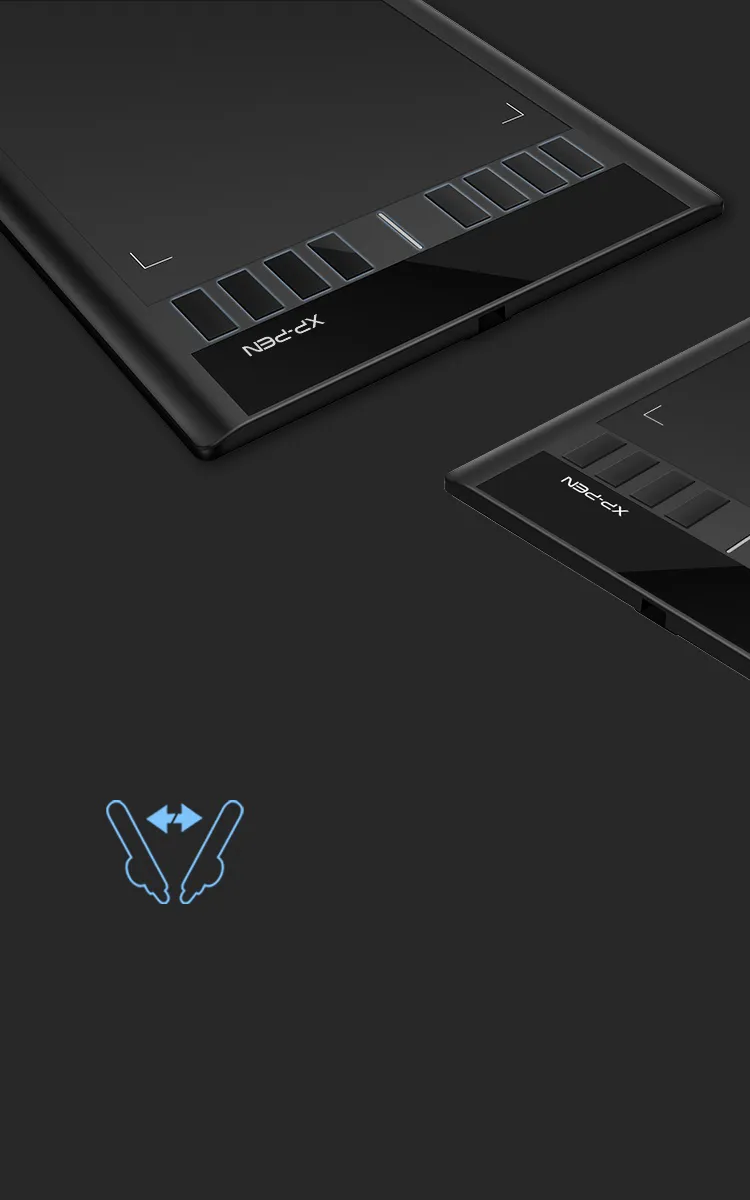
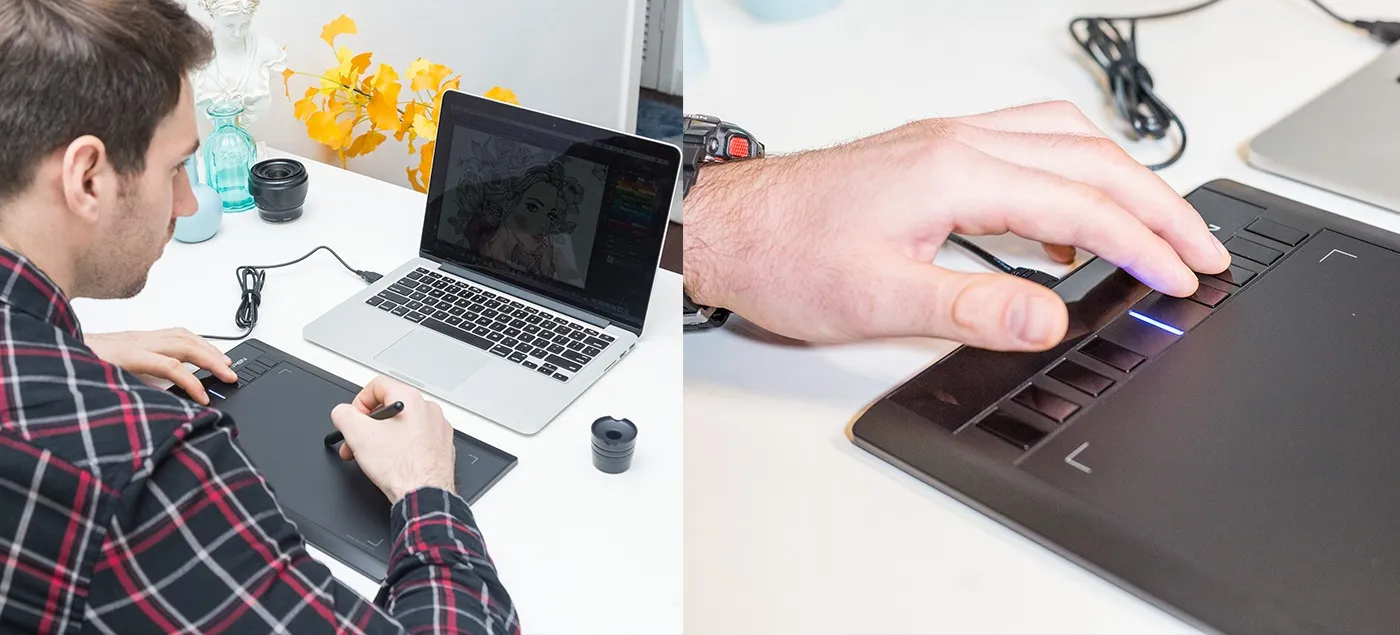
Fully customizable shortcut keys.
8 convenient shortcut keys minimize the need to use an external keyboard for common functions and keystrokes.
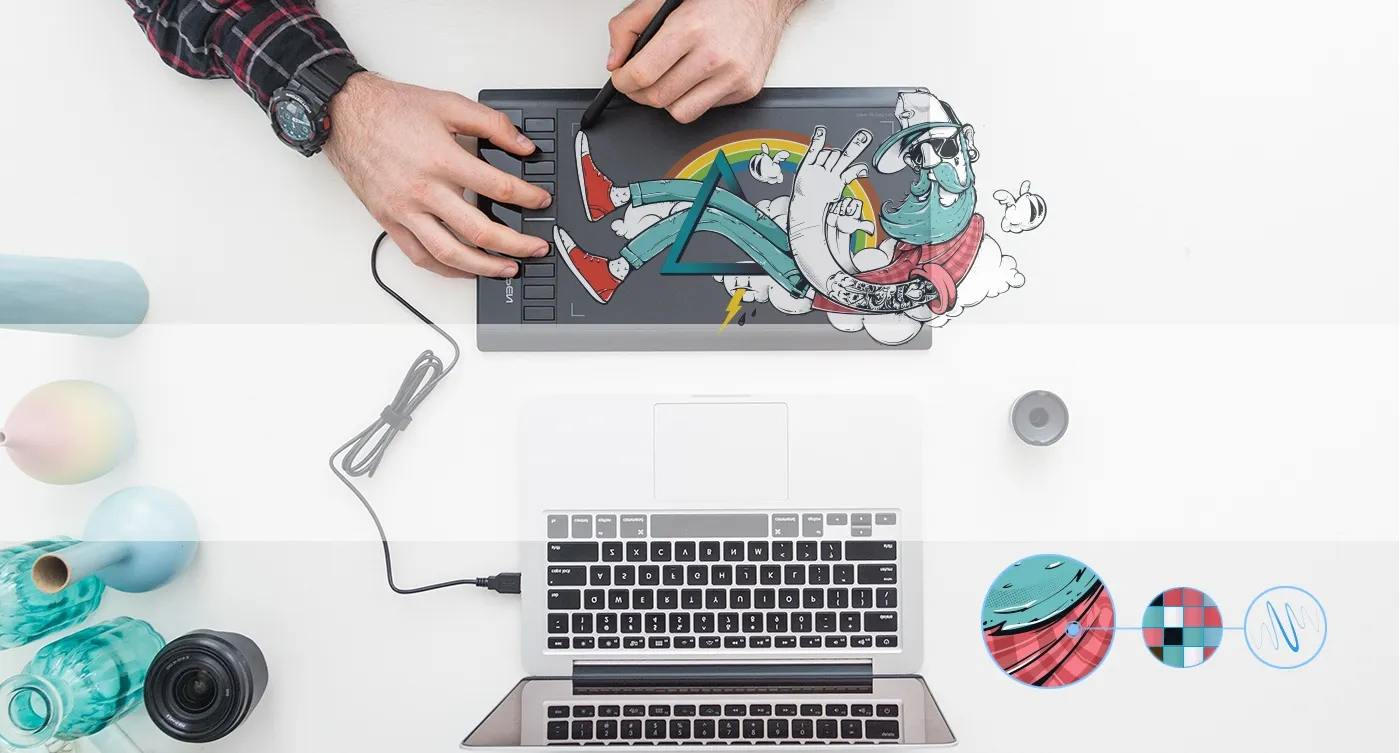

Draw and create smoothly and accurately.
The Star 03's automatic line correction, intelligent anti-shake function, and 8192 pressure levels come together to provide a comfortable, stress-free drawing experience.
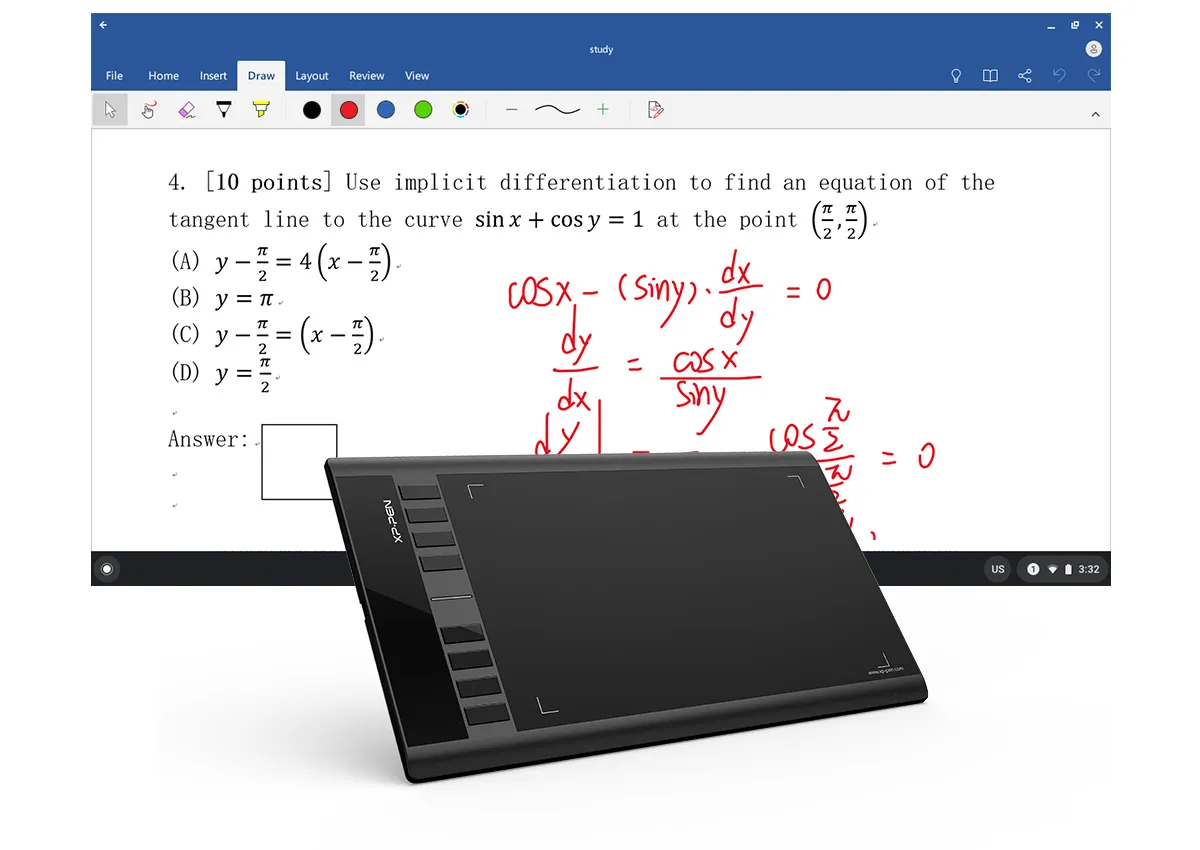
Enhance your Chromebook experience
You can now use Chrome OS on your XP-PEN Star 03 V2, allowing you to write and create digitally effortlessly. You can then share and collaborate with teachers and classmates, creating an interactive class atmosphere even in a virtual learning environment. The stylus offers the functionality of a standard mouse, meaning that you can write, edit, draw and navigate on your Chromebook with ease.
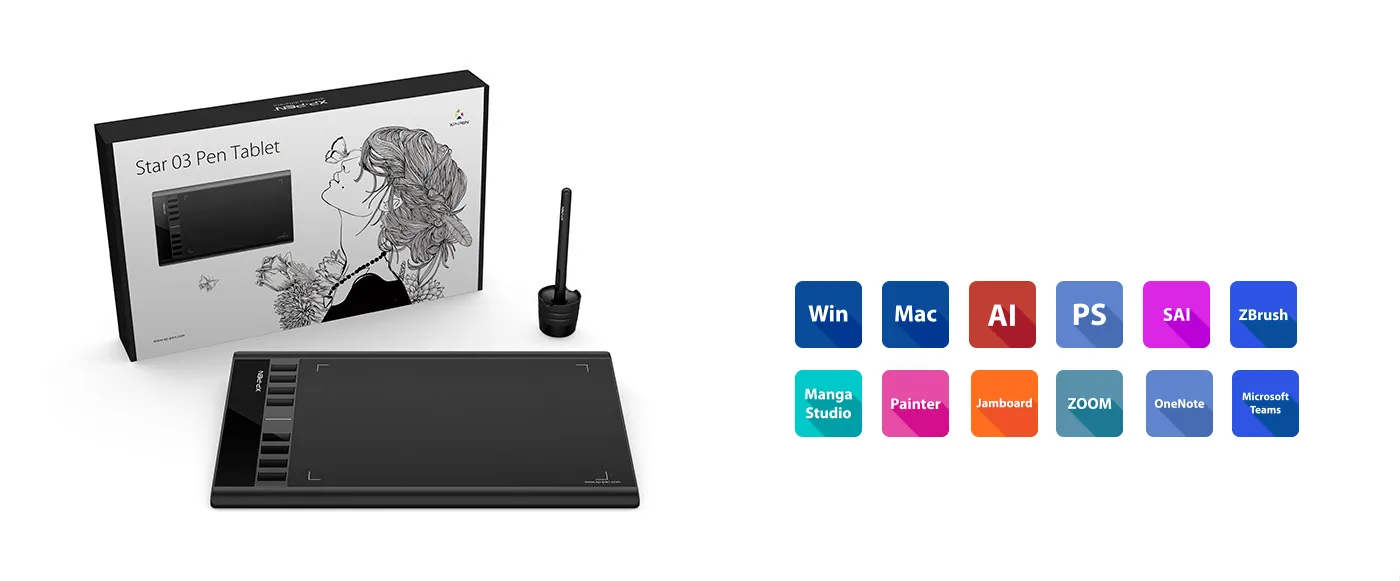
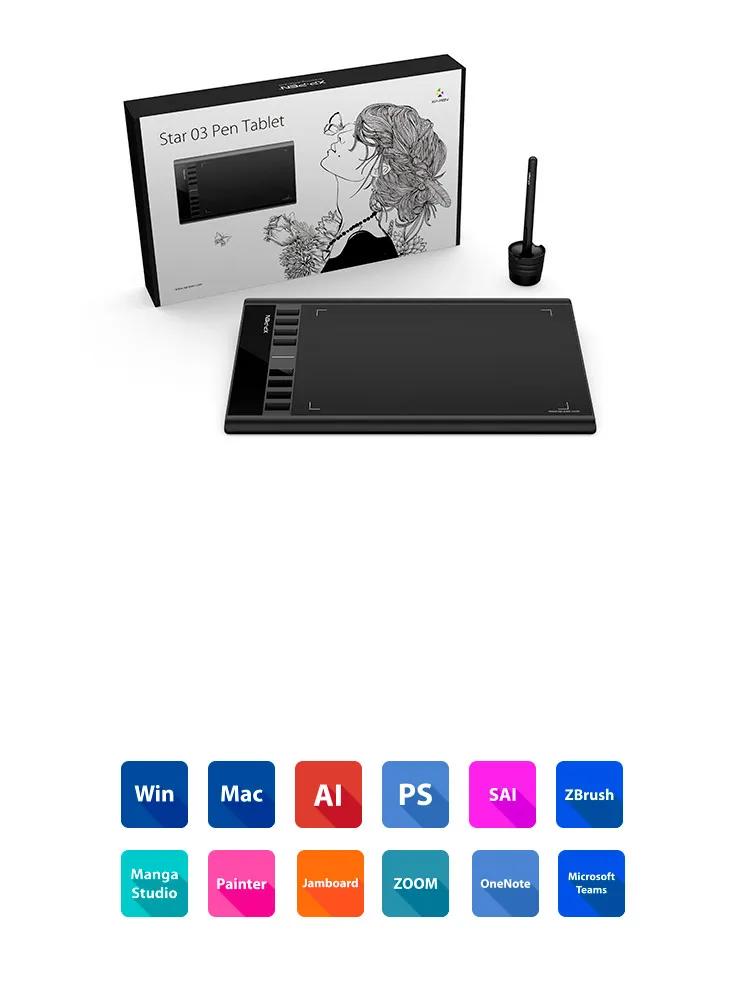
Compatible with most operating systems and applications.
Our drivers work with Windows® 10/8/7, Linux (Detailed versions), Mac OS X® 10.10 and above, and Chrome OS 88.0.4324.109, and all major graphic applications such as Photoshop®, Painter®, Adobe® Illustrator®, etc.
* Please update your Chrome OS to 88.0.4324.109 first.
| Linux OS | Version | Package Format | Supported Software |
| Arch | Arch Linux2019.12.01(64-bit) | .deb, .sh | GIMP, Krita |
| Centos | Centos7.0(64-bit) | .rpm, .sh | GIMP |
| Centos8(64-bit) | .rpm, .sh | GIMP, Krita | |
| Debian | debian-9.5.0-amd64-netinst(64-bit) | .deb, .sh | GIMP, Krita |
| elementary OS | elementary OS 5.0(64-bit) | .deb, .sh | GIMP, Krita |
| ezgo Linux | ezgo14(64-bit) | .deb, .sh | GIMP, Krita |
| Fedora | Fedora32(64-bit) | .rpm, .sh | GIMP, Krita |
| Mageia | Mageia-7.1(64-bit) | .rpm, .sh | GIMP, Krita |
| Manjaro | manjaro-xfce-20.1.2-201019(64-bit) | .deb, .sh | GIMP |
| Mint | linuxmint-18.2-cinnamon-64bit | .deb, .sh | GIMP, Krita |
| OpenSUSE | openSUSE-Tumbleweed(64-bit) | .rpm, .sh | GIMP, Krita |
| Pop!_OS | pop-os_19.10(64-bit) | .deb, .sh | GIMP, Krita |
| Red Hat | Red Hat7(64-bit) | .rpm, .sh | GIMP |
| Ubuntu | Ubuntu14.04(64-bit) | .deb, .sh | GIMP, Krita |
| Ubuntu16.04(64-bit) | .deb, .sh | GIMP, Krita | |
| Ubuntu17.04(64-bit) | .deb, .sh | GIMP, Krita | |
| Ubuntu18.04(64-bit) | .deb, .sh | GIMP, Krita | |
| Ubuntu19.04(64-bit) | .deb, .sh | GIMP, Krita | |
| Ubuntu20.04(64-bit) | .deb, .sh | GIMP, Krita |
| Function | Krita 4.3.0 | Gimp 2.10.20 | Inkscape 0.92 |
| Pen Pressure Sensitivity | |||
| Tilt | |||
| Mouse Function | |||
| Eraser Button (Stylus:PH01, P06) | |||
| Switch between Pen and Eraser Modes | |||
| *If you have any further queries, please do not hesitate to contact us at service@xp-pen.com. | |||
Linux OS
Centos8(64-bit)
.rpm, .sh
GIMP, Krita
Ubuntu16.04(64-bit)
Ubuntu17.04(64-bit)
Ubuntu18.04(64-bit)
Ubuntu19.04(64-bit)
Ubuntu20.04(64-bit)
.deb, .sh
.deb, .sh
.deb, .sh
.deb, .sh
.deb, .sh
GIMP, Krita
GIMP, Krita
GIMP, Krita
GIMP, Krita
GIMP, Krita
Function
*If you have any further queries, please do not hesitate to contact us at service@xp-pen.com.


We will dispatch star 03 from the UK.
Usually, the shipment take 7-14 days.