






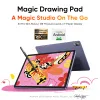










Magic Drawing Pad
comes with one free creative software.
1/11
![https://resource.xp-pen.com/Uploads/goods/20251027/nKkAYoLLHEQBOPU5mHLJ_500_500.webp]()
![https://resource.xp-pen.com/Uploads/goods/20251027/L2Dyq3xtPdWeZQcnB0z5_500_500.webp]()
![https://resource.xp-pen.com/Uploads/goods/20251027/IBpMjvrzeUcy4BPauAeC_500_500.webp]()
![https://resource.xp-pen.com/Uploads/goods/20251027/X3HASz5dHApyTYUTPtSY_500_500.webp]()
![https://resource.xp-pen.com/Uploads/goods/20251027/VCIOqv4n84iqslH6PCO4_500_500.webp]()
![https://resource.xp-pen.com/Uploads/goods/20251027/Jatqu94NHSRYnF4fIDIt_500_500.webp]()
![https://resource.xp-pen.com/Uploads/goods/20251027/94bu4IPi9ldofMAWoQ93_500_500.webp]()
![https://resource.xp-pen.com/Uploads/goods/20251027/bTuEmYWpzPfFtaYBWp5O_500_500.webp]()
![https://resource.xp-pen.com/Uploads/goods/20251027/1rV5xsfZPn85NEmPiEw_500_500.webp]()
![https://resource.xp-pen.com/Uploads/goods/20251027/VvUA94xbe71BGOjrgGN2_500_500.webp]()
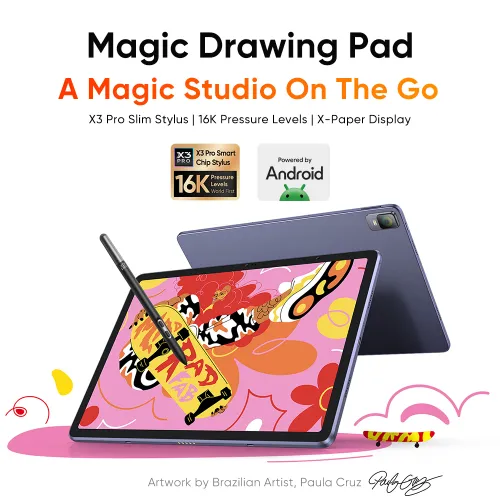
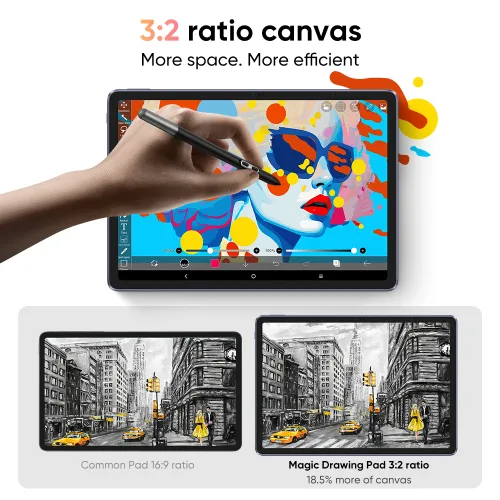
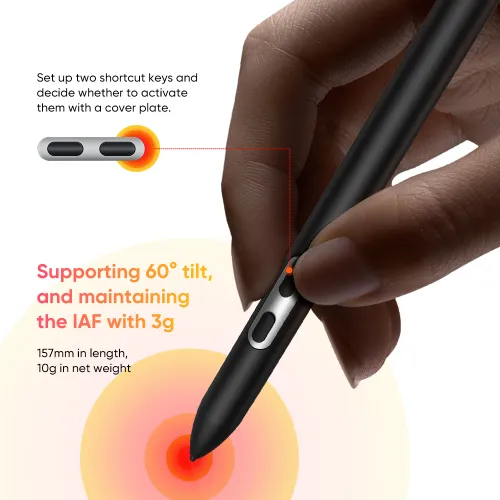


Magic Drawing Pad
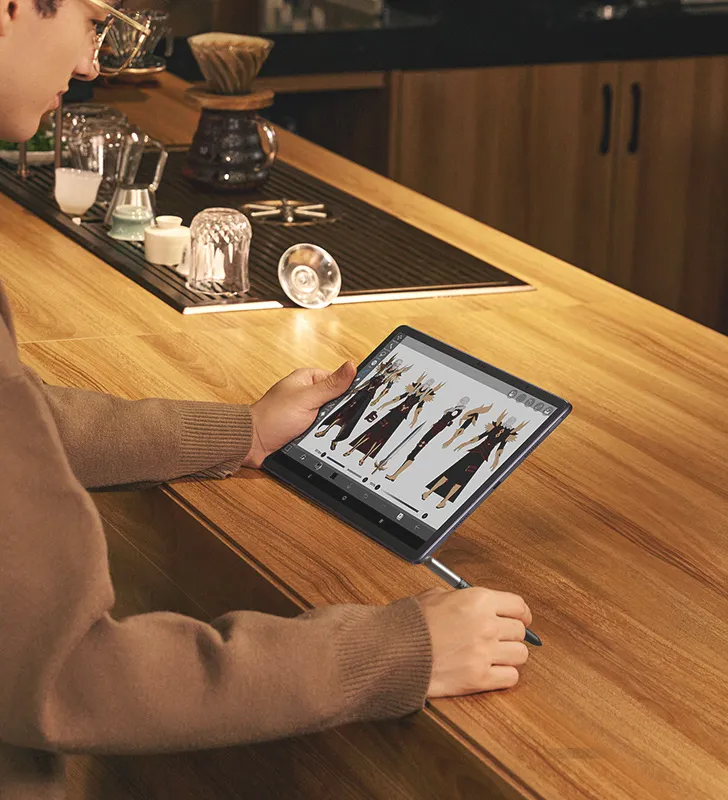
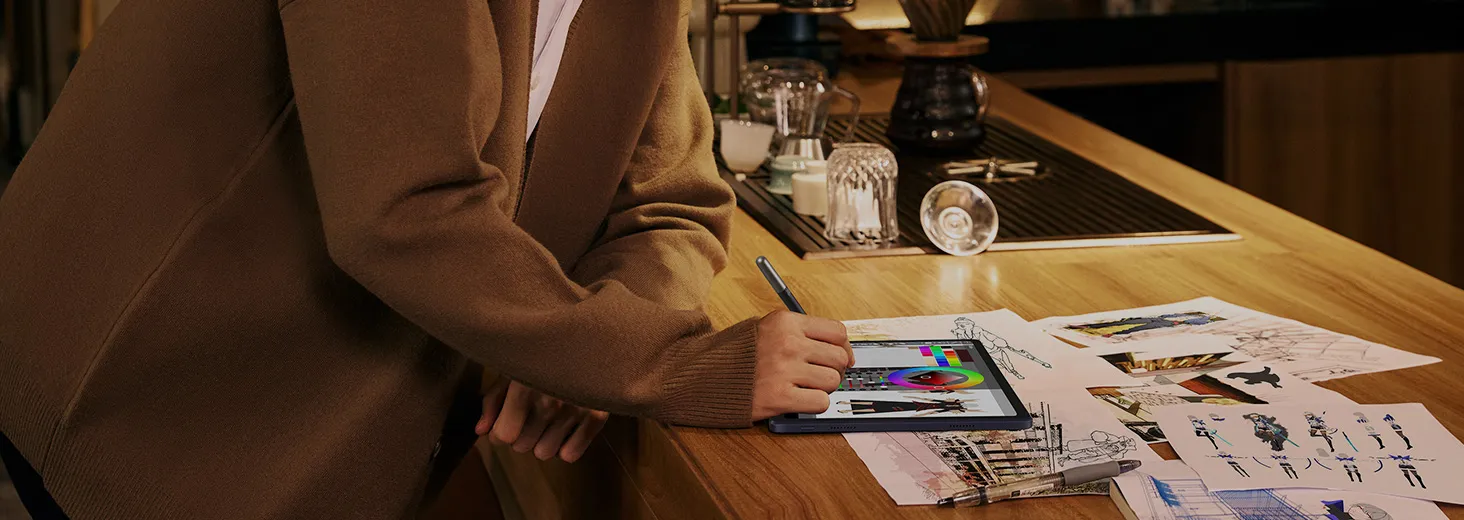
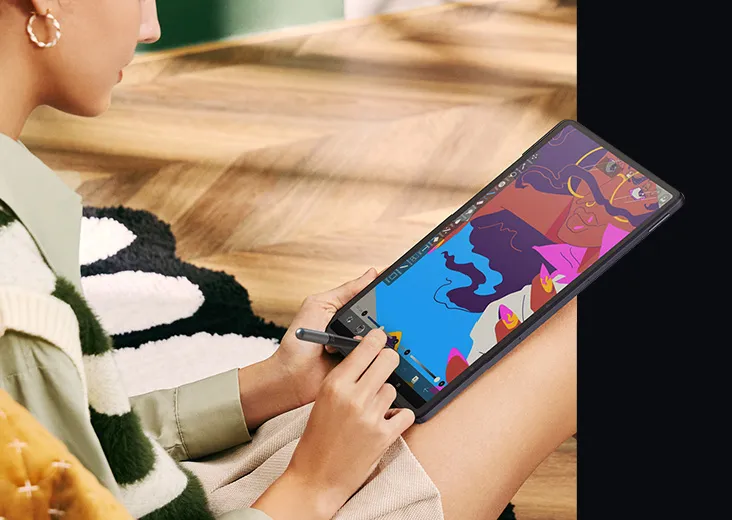
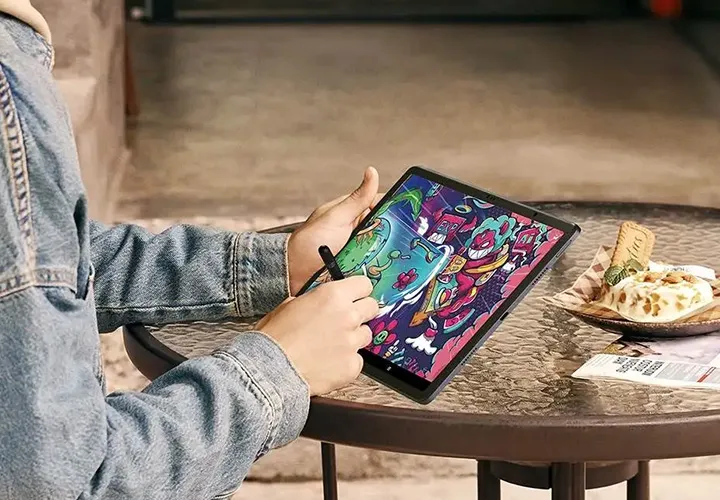
Standalone Drawing Pad – No Computer Needed
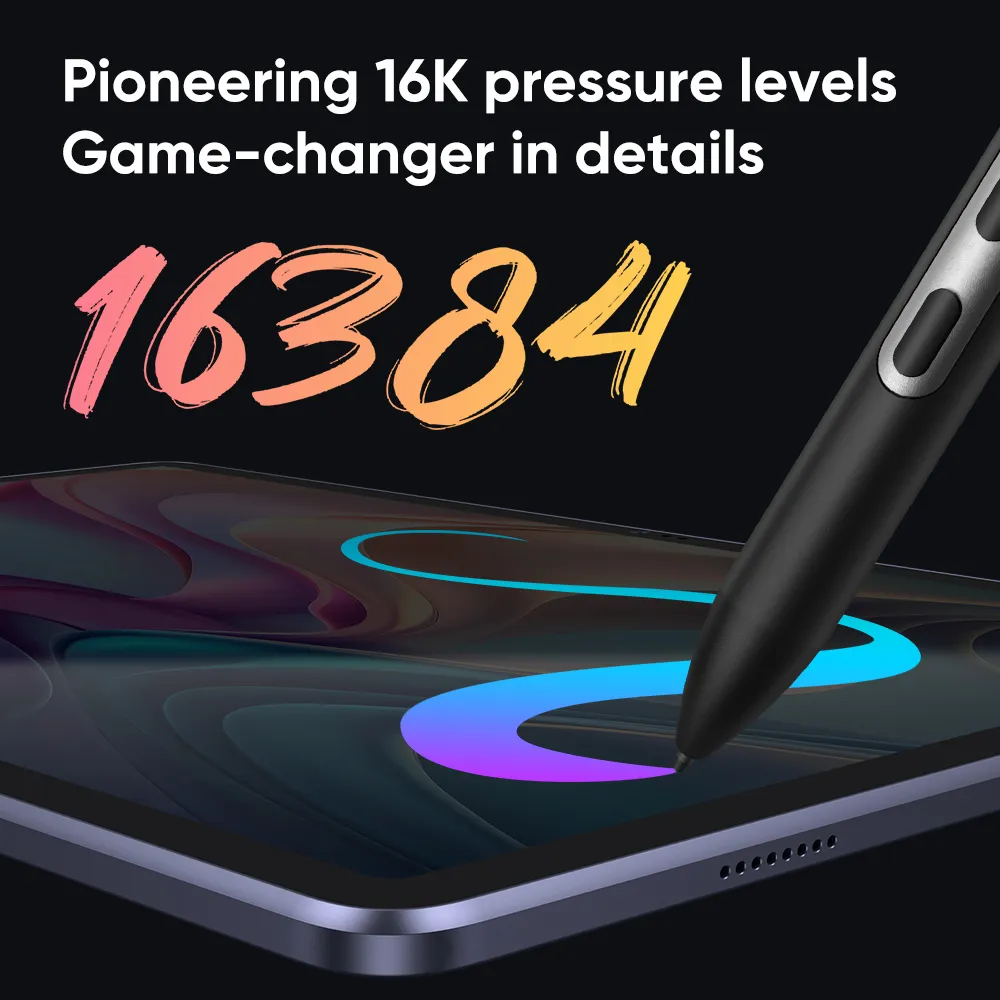
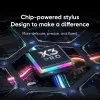
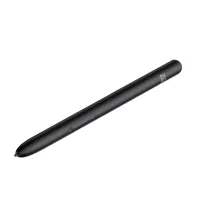
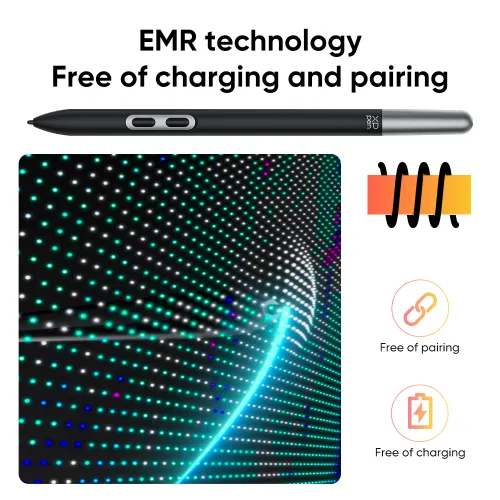
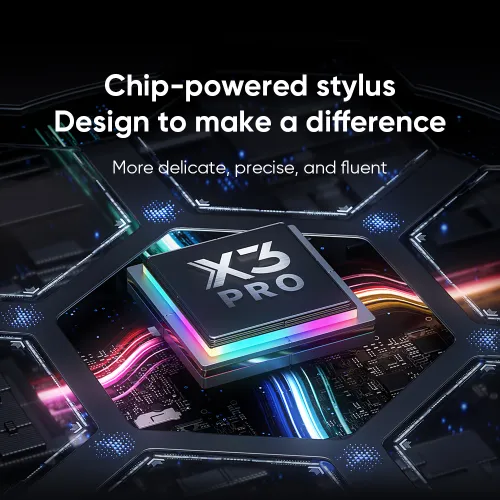
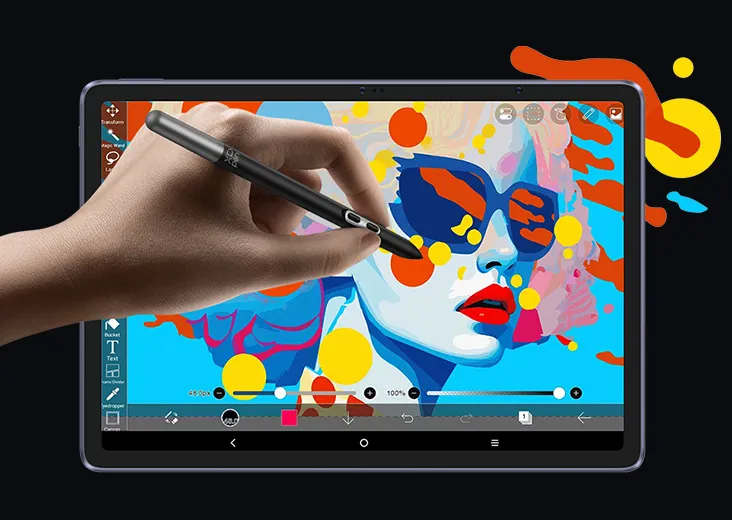
X3 Pro Slim Stylus: 16K Pressure Levels
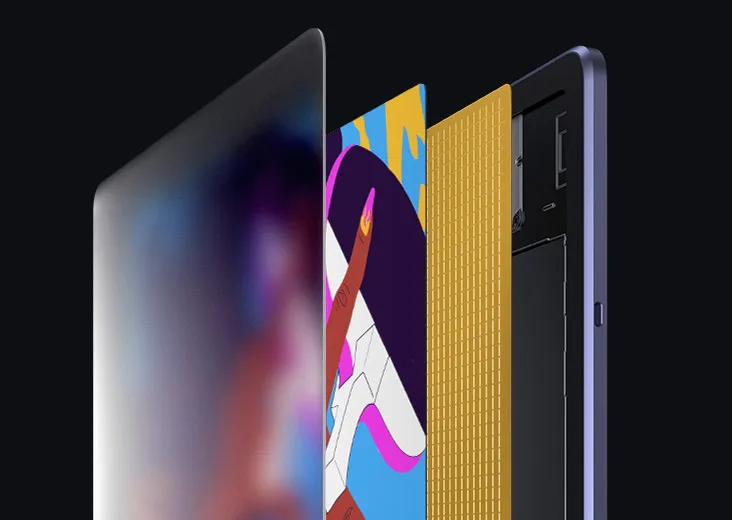
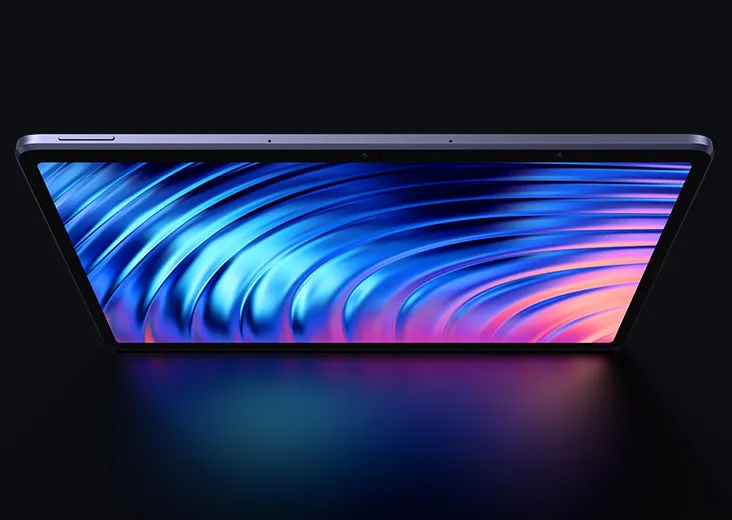
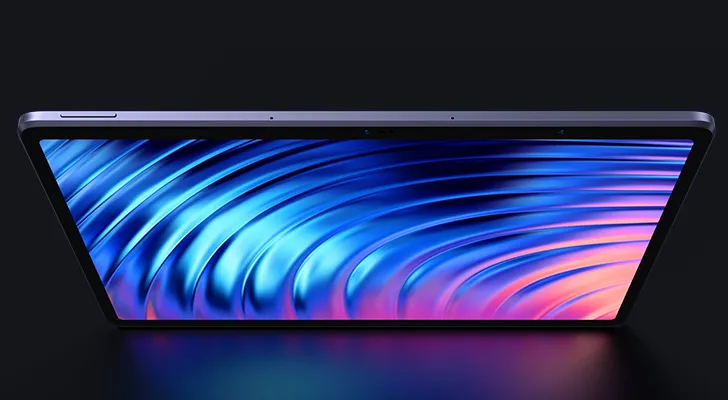
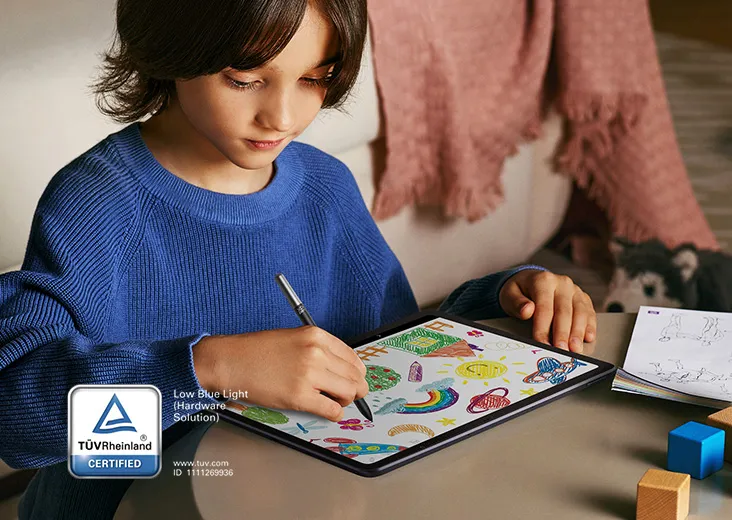
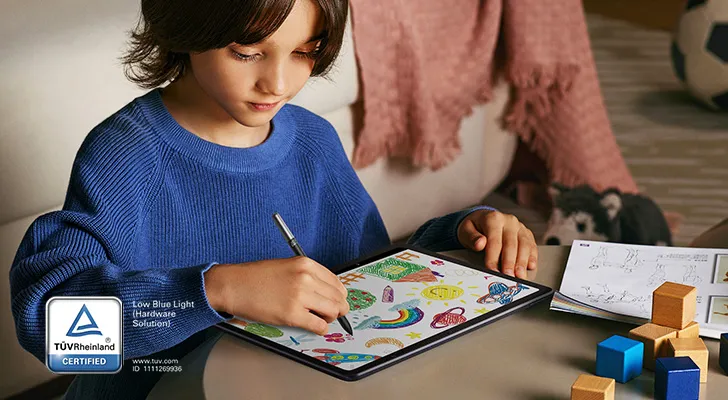
12.2" Anti-Glare Etched X-Paper Display
3 Months of ibis Paint X
£381.99£449.99
Ends in
New Product
Shipped from the UK
Estimated delivery time: 3 to 5 working days
FAST FREE SHIPPING
Ship from the UK; Free shipping on all orders
24-MONTH-WARRANTY
Hassle-free warranty
QUALITY PURCHASE
30-day money-back guarantee
TECH SUPPORT
Lifetime customer support
Stock Situation:
In Stock Models
Recommended Accessories
Learn More
Quantity:
Total
£0.00








Worry-Free Delivery® available with seel
Estimate:
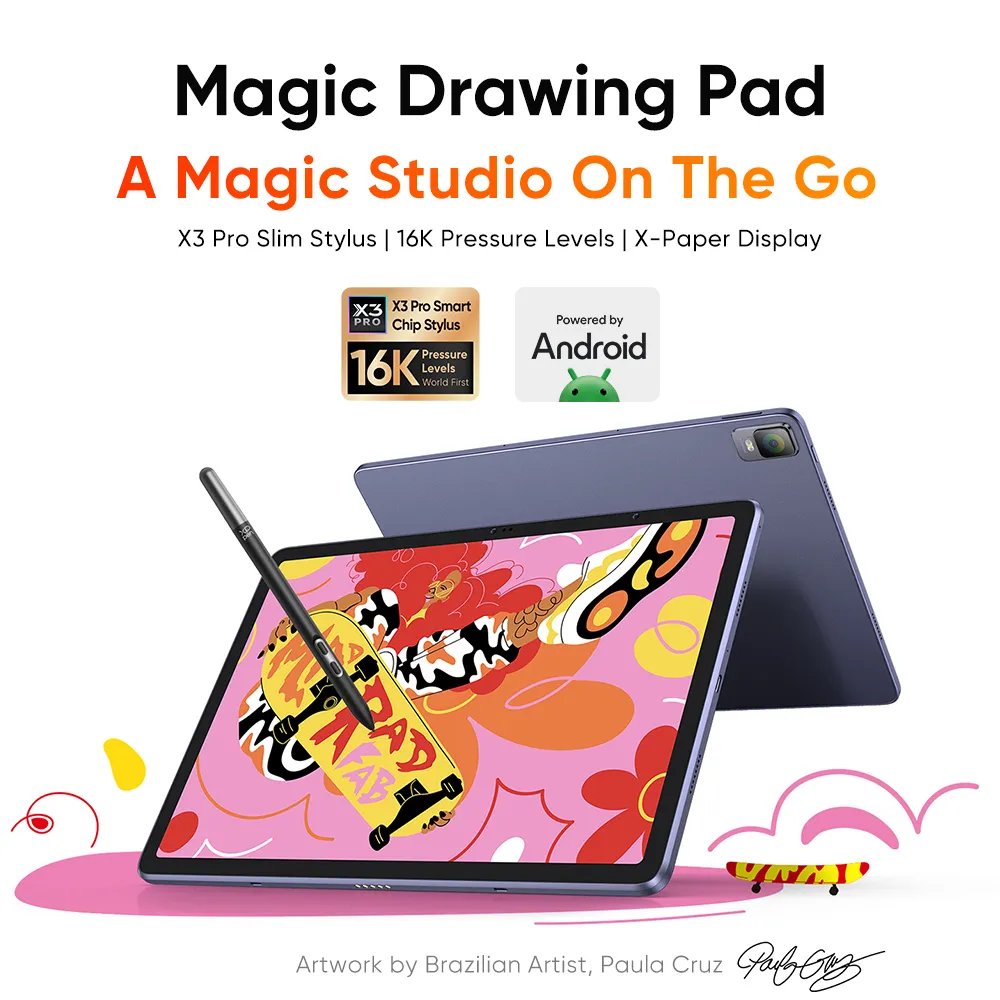
Magic Drawing Pad
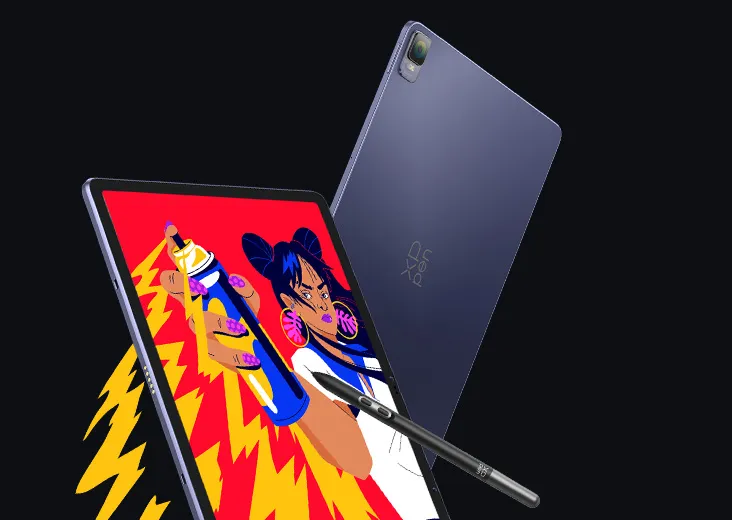
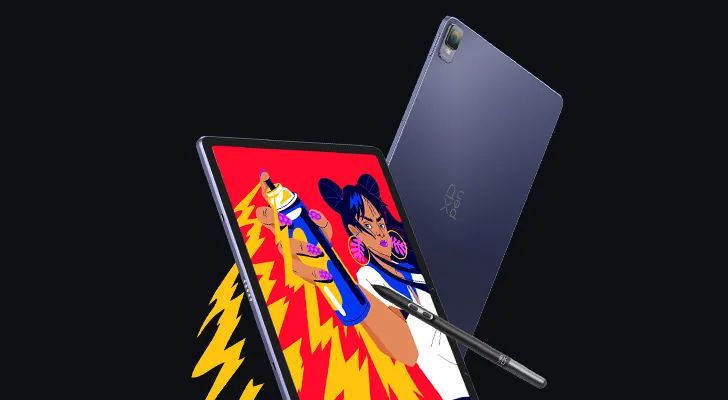
A Magic Studio On The Go
X3 Pro Slim Stylus |16K Pressure Levels |X-Paper Display


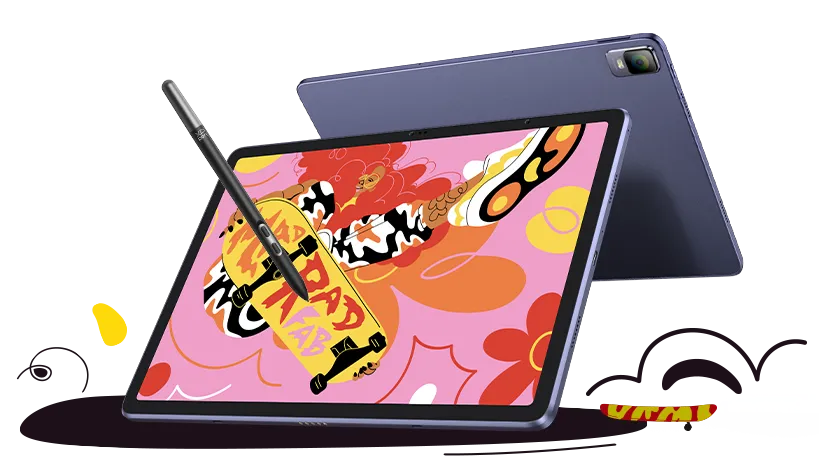
Artwork by world-renowned artist Paula Cruz
XPPen ArtMobile
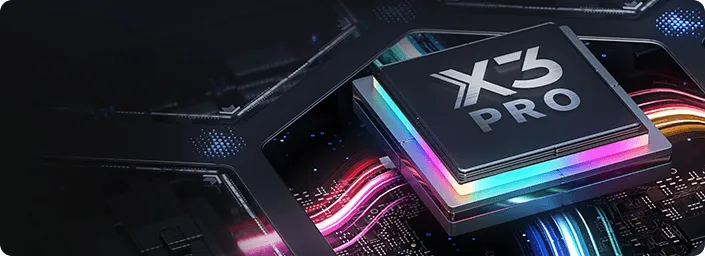
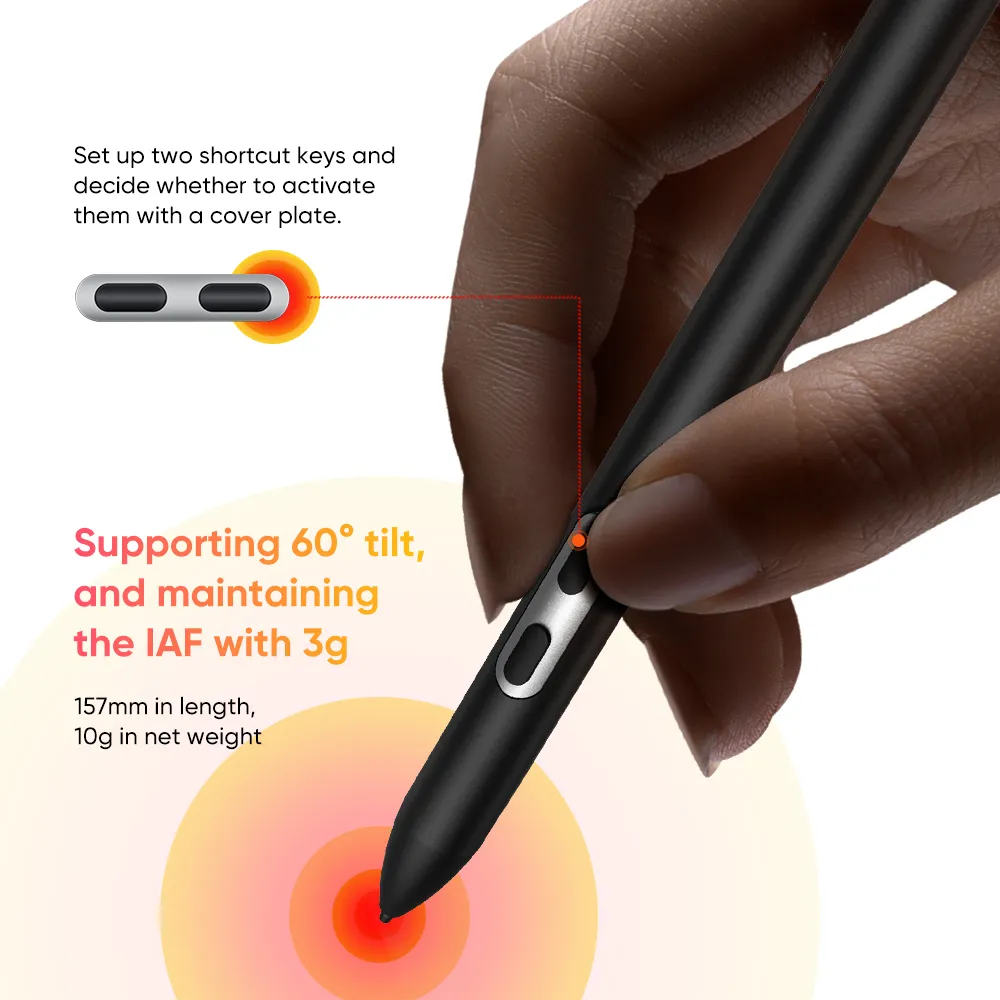
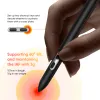
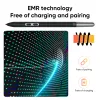
X3 Pro Slim Stylus
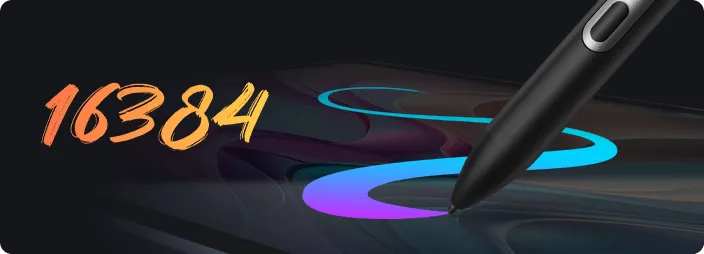
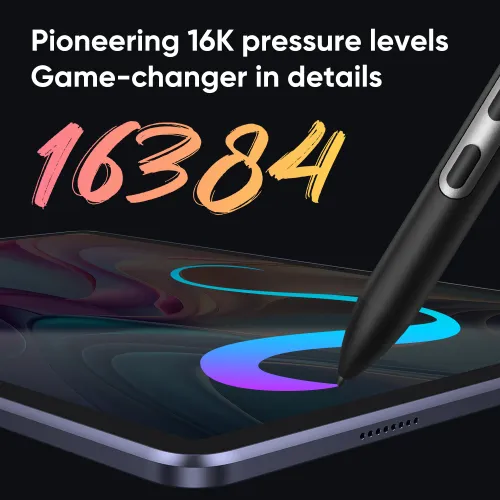
16K Pressure Levels


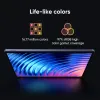
X-Paper Display


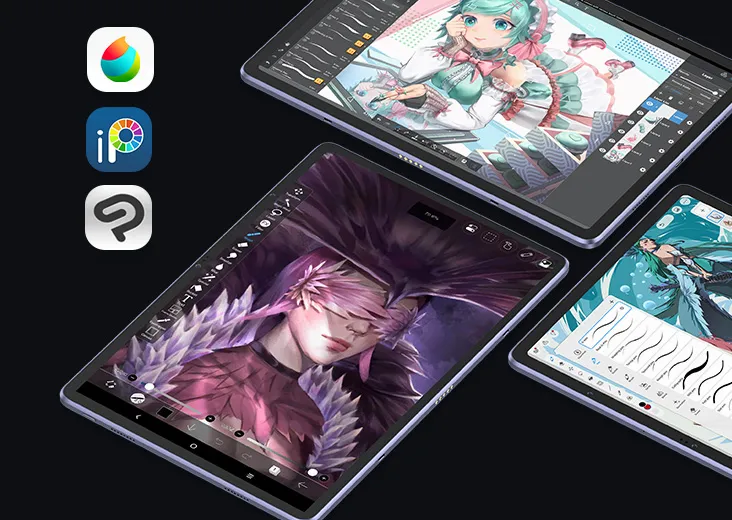
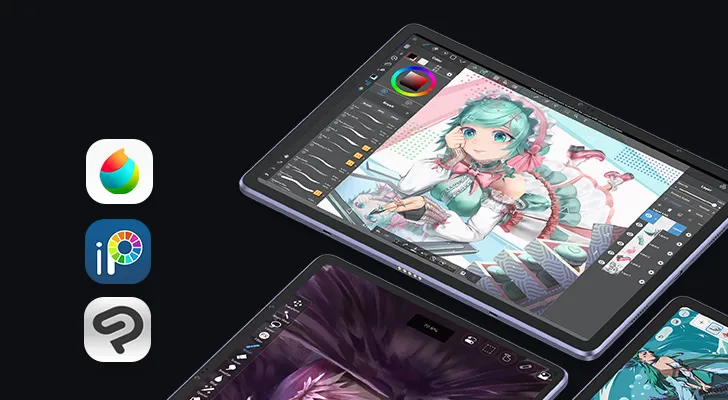
Pre-installed APPs
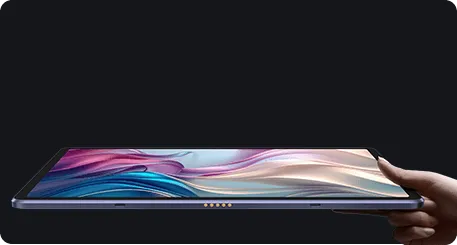
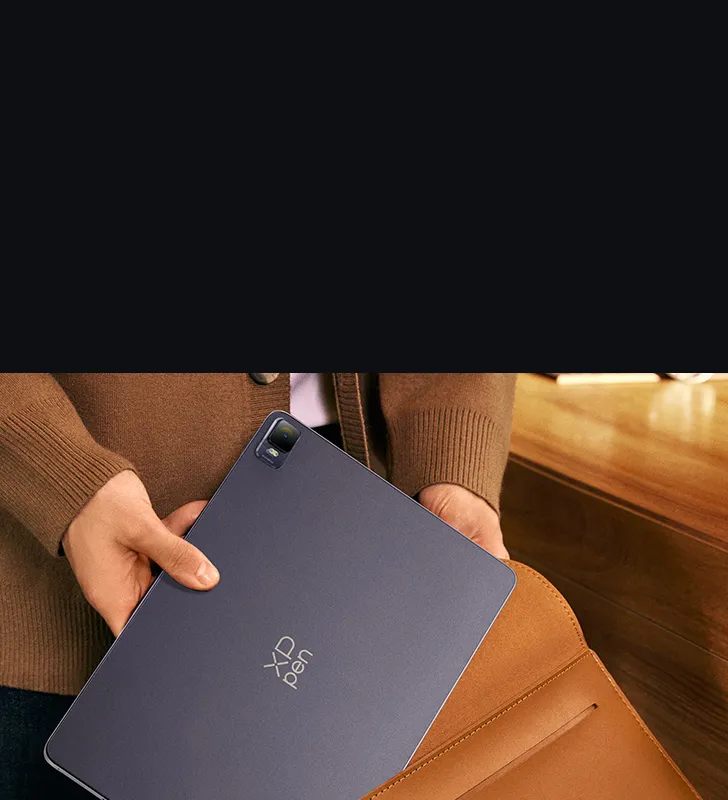
Super Portable
Slim: 6,9 mm
Light: 599 g






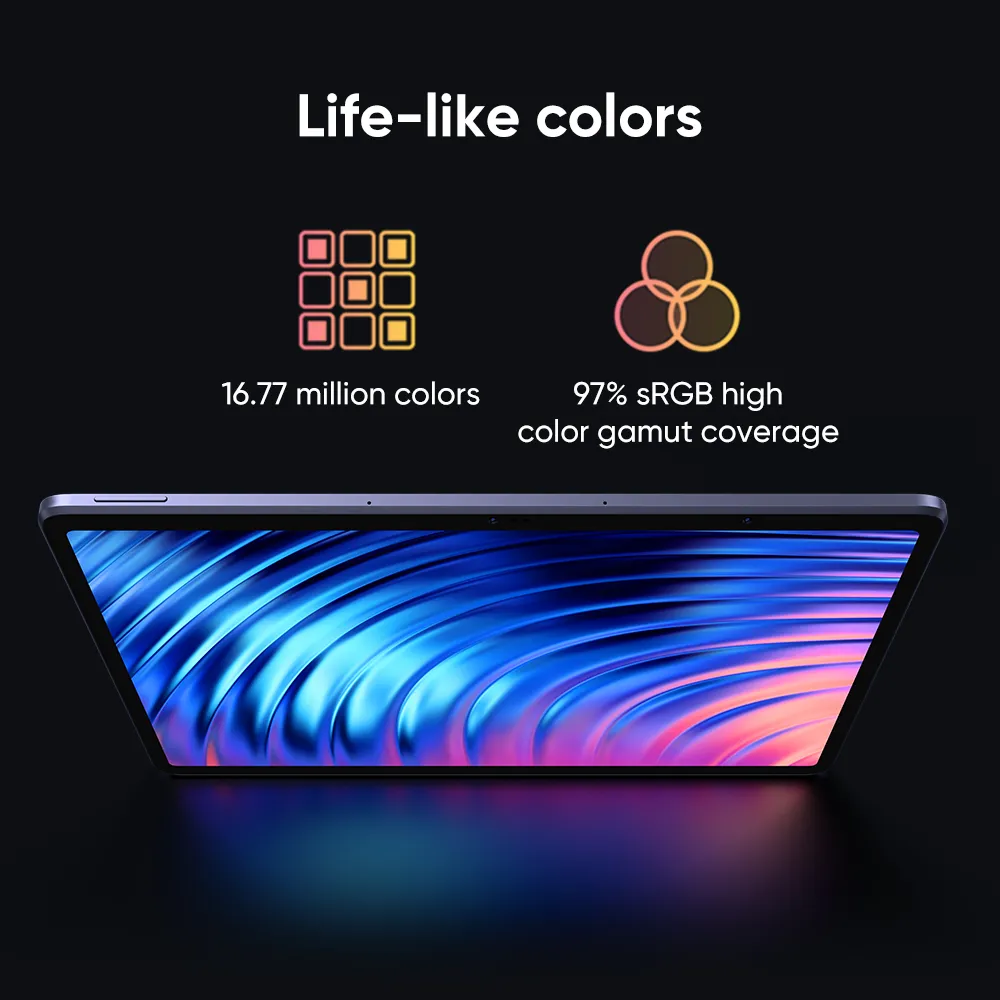
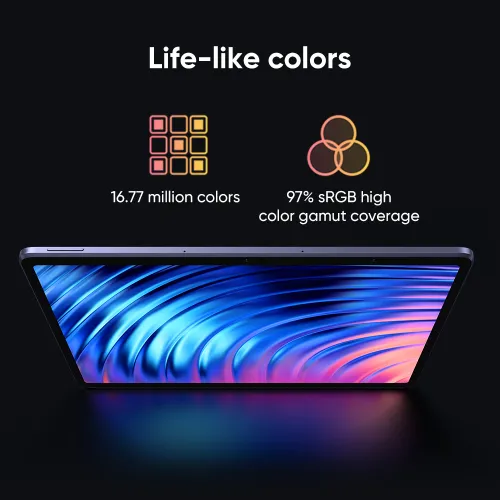
16.77 million colors

97 % RGB






1.65mm







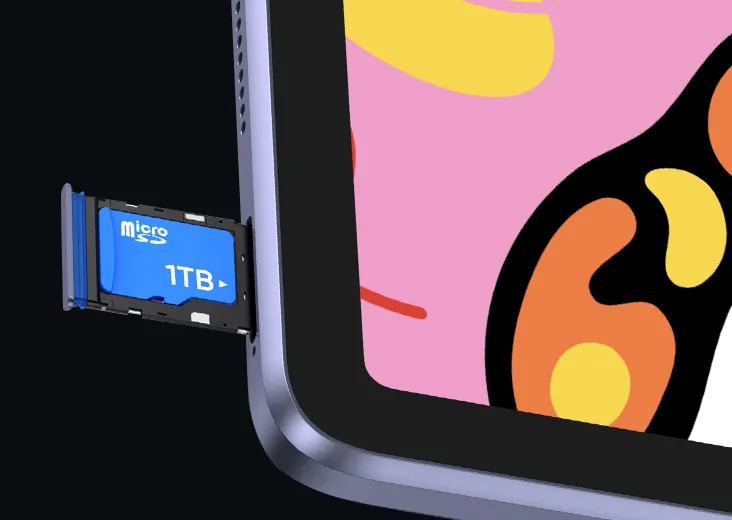







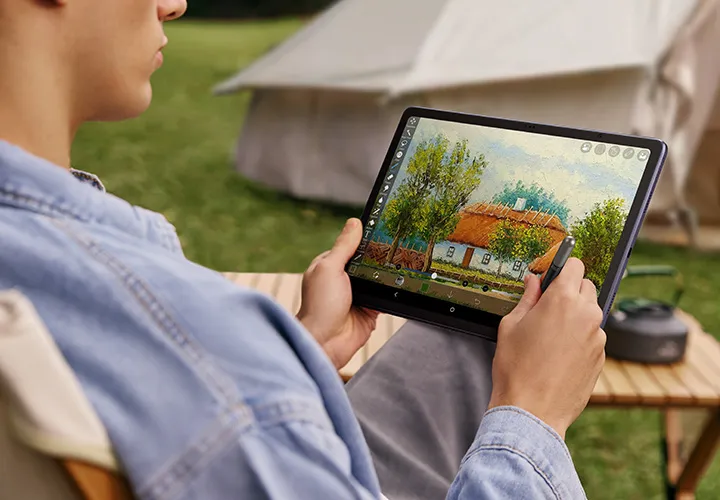
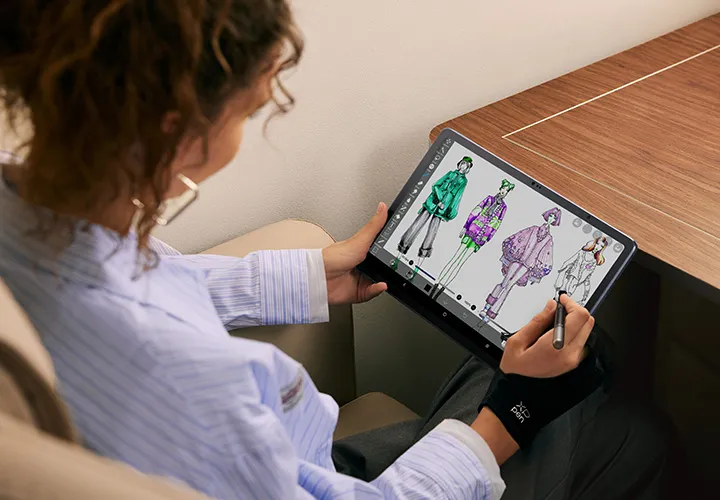

In The Box
*Power adapter is not included in some areas, subject to actual package content.

1 x Tablet

1 x X3 Pro Slin Sylus

1 x Glove
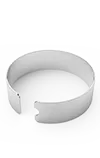
1 x Nib Extractor
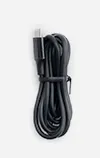
1 x Charging Cable
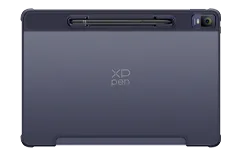
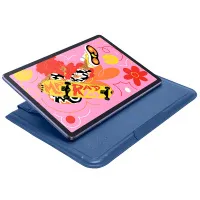
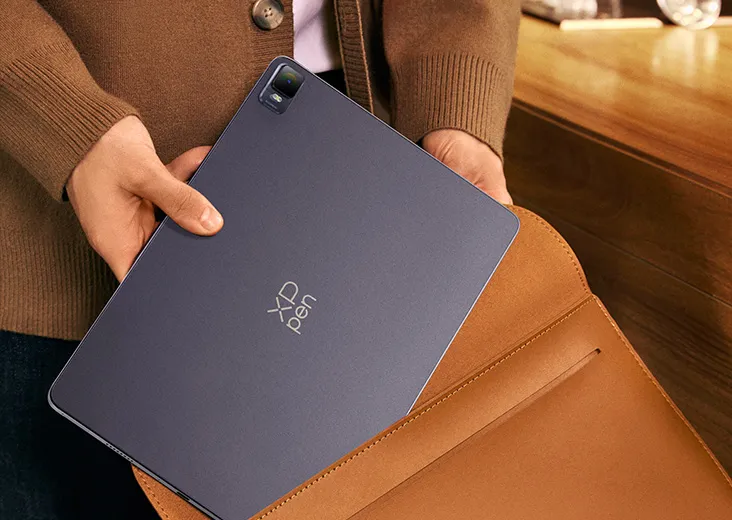
1 x Protective Case
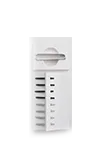
8 x Pen Nib
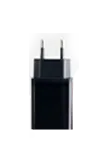
1 x Power Adapter*
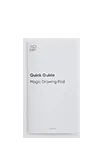
1 x Quick Guide

1 x Warranty Card
Accessoires optionnels exclusifs Magic Drawing Pad
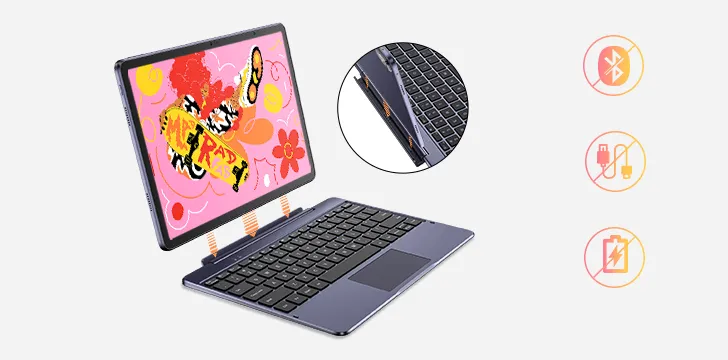
XPPen Smart Keyboard
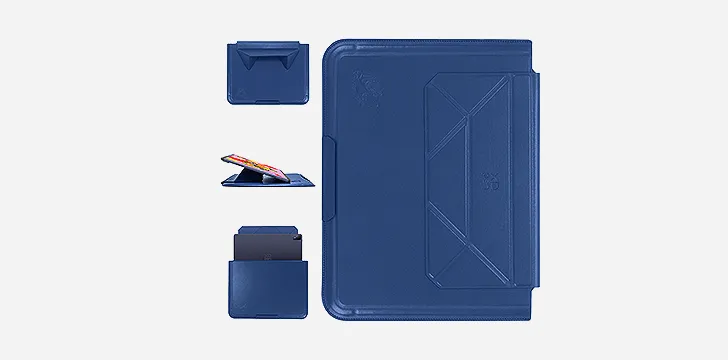
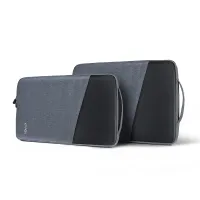
XPPen Tablet Sleeve Bag
In The Box
1 x Tablet
1 x Stylus
1 x Protective Case
1 x Power Adapter*
1 x Charging Cable
8 x Pen Nib
1 x Nib Extractor
1 x Glove
1 x Quick Guide
1 x Warranty Card
*Power adapter is not included in some areas, subject to actual package content.
Specifications
Show more
4.6


Based on 5
80%(4)

0(0)
20%(1)
0(0)
0(0)
Furby
Feb 13 ,2024 AM 00:50 Magic Drawing Pad
Digital Art on the Move
This was better than expected. I draw mainly using Ibis Paint and CSP, and for ages I have wanted a device I could shove in my bag and use anywhere. I contemplated Samsung many times, but all their bloat and numerous technical problems with their phones put me off spending money with them. Then this device came along. The screen size is great, and so bright and pack a punch with the colour saturation. The matt screen and the stylus, with a felt tip, make a great surface to draw upon. Both Ibis Paint and CSP work smoothly. I can connect my bluetooth headphones and draw away. Wonderful. Battery life seems amazing. Great work Xp-Pen.
Useful(6)+1
CurseOfTheRaven
Mar 01 ,2024 PM 12:58 Magic Drawing Pad
Best Drawing Tablet for On The Go!
So, I've been waiting years for a drawing tablet that ticks everything that I've been looking for. I've kept an eye on XP Pen and I'm so glad I did, this tablet is the best. I can't stop drawing which feels fantastic as I haven't drawn in years, due to lack of motivation and ideas, but this tablet has revived my creative brain and I love love love it! I'm so happy to finally be able to draw again. I've had this tablet for over a month and it's spectacular, I love the pen and that it comes with spare nibs and I absolutely love the case, it's comfy to hold, a great balance in weight and is super portable. I highly recommend this tablet.
Useful(5)+1
XFANS68zd7fe9
May 01 ,2024 PM 17:42 Magic Drawing Pad
Better Than Ever
It's so nice and so much bigger than I expected. it feels so good to draw on and glad I can take it when I get out to place. so glad to have preordered it and it's finally arrived. Can't wait to see any new future drawing displays.
Useful(3)+1
Learn More
XFANSpojauxje
Dec 22 ,2024 PM 18:39 Magic Drawing Pad
Is this compatible with Adobe software and if so- is the ram interchangeable? My only concern is that 8gb of ram is barely enough to run Photoshop
Reply0
XFANSpojauxje
Dec 22 ,2024 PM 18:39 Magic Drawing Pad
Is this compatible with Adobe software and if so- is the ram interchangeable? My only concern is that 8gb of ram is barely enough to run Photoshop
Reply0
XFANSx9ezmvlo
Dec 15 ,2024 AM 08:33 Magic Drawing Pad
Can you explain how to change the quick action for the stylus button? I can't figure it out and it's been a couple of months since I got my MDP.
Reply0
XFANSx9ezmvlo
Dec 15 ,2024 AM 08:33 Magic Drawing Pad
Can you explain how to change the quick action for the stylus button? I can't figure it out and it's been a couple of months since I got my MDP.
Reply1
dan73
Apr 09 ,2025 PM 14:54
As far as I know you assign from within a drawing app, I use ibis paint, in the settings you can pick what you want the button to do.
Reply to this review
XFANSv52ltvaw
Dec 06 ,2024 AM 07:07 Magic Drawing Pad
How do I set a use for the button on the stylus?
Reply0
XFANSb994tw4m
Dec 04 ,2024 PM 20:43 Magic Drawing Pad
Can I change the wallpaper of the magic drawing tablet??
Reply0
XFANSay9ki9b9
Dec 02 ,2024 AM 03:28 Magic Drawing Pad
Can it be used for good animation and support it
Reply0
XFANSypm3csfa
Nov 18 ,2024 PM 20:18 Magic Drawing Pad
Does the Xp tab come with the Stylus, or would I have to order that separately?
Reply1
XFANSb994tw4m
Dec 04 ,2024 PM 20:23
It says on the product description that it comes with 1 x Tablet 1 x Stylus 1 x Protective Case 1 x Power Adapter 1 x Charging Cable 8 x Pen Nib 1 x Nib Extractor 1 x Glove 1 x Quick Guide 1 x Warranty Card
Reply to this review
XFANStmo9s7r5
Oct 11 ,2024 AM 04:21 Magic Drawing Pad
Can procreate be installed?
Reply2
See more answers(1)
XFANSvc969zcu
Apr 29 ,2025 AM 01:57
I have been told that\'s it can\'t since this device is an android. I use Procreate too, and have been looking for a new device instead of getting a new iPad but I not having any luck so far. Hope this answers any questions you have.
Reply to this review
XFANStmo9s7r5
Oct 11 ,2024 AM 04:21 Magic Drawing Pad
Can procreate be installed?
Reply0
Learn More