


Getting started with your
XP-PEN Star Tablet
1/3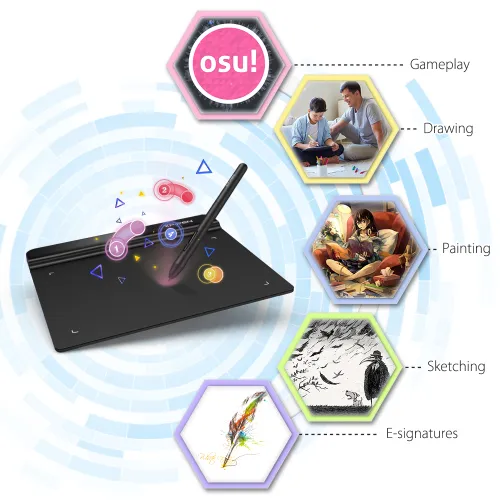
Star G640(OSU Friendly!!)
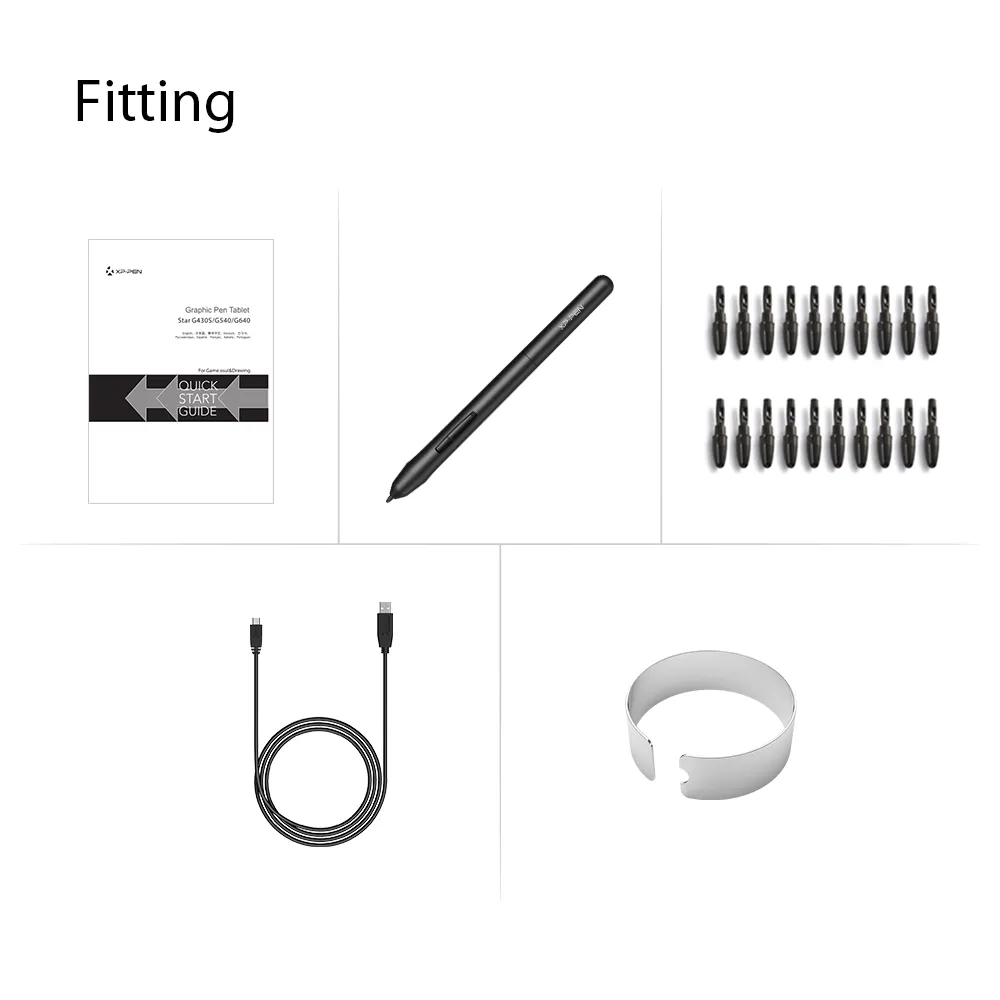
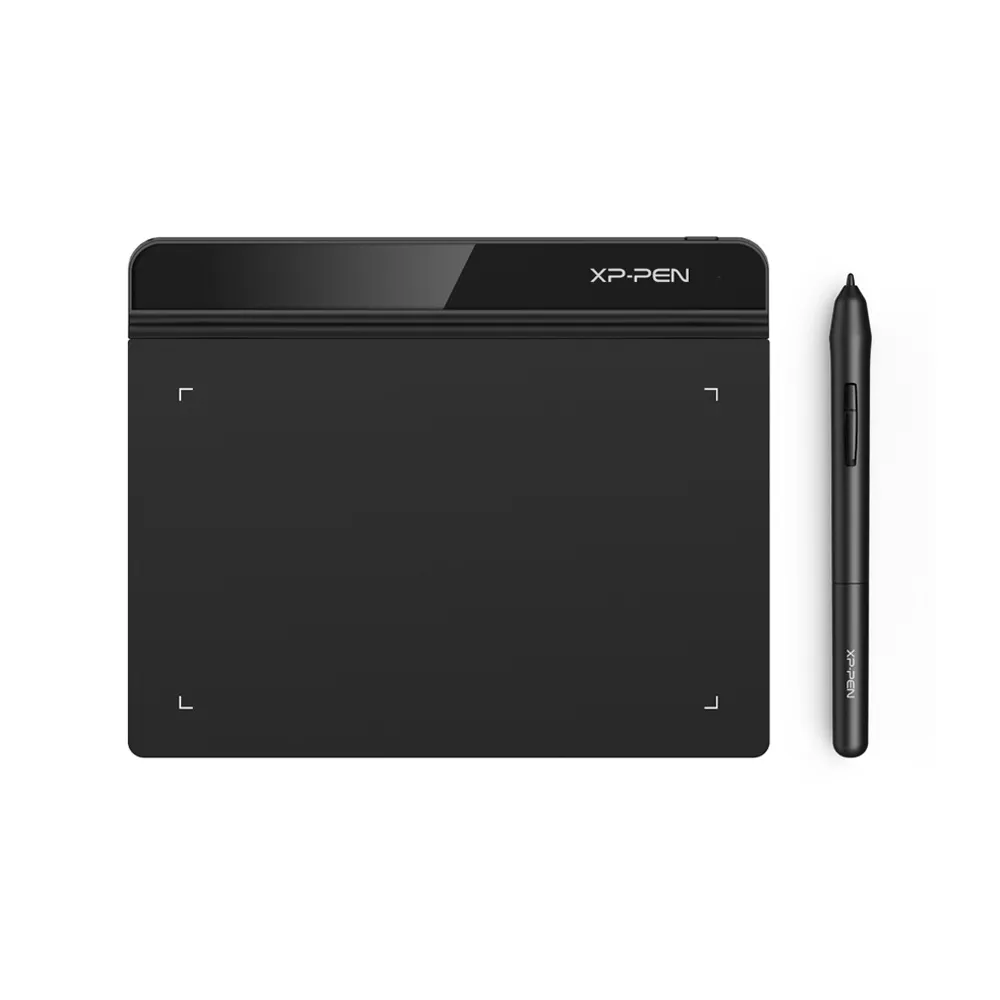
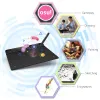
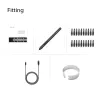
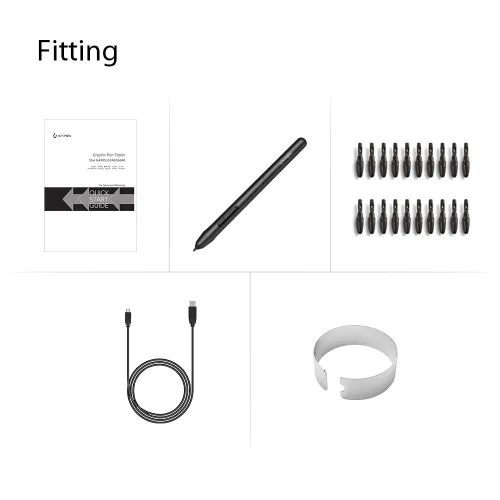
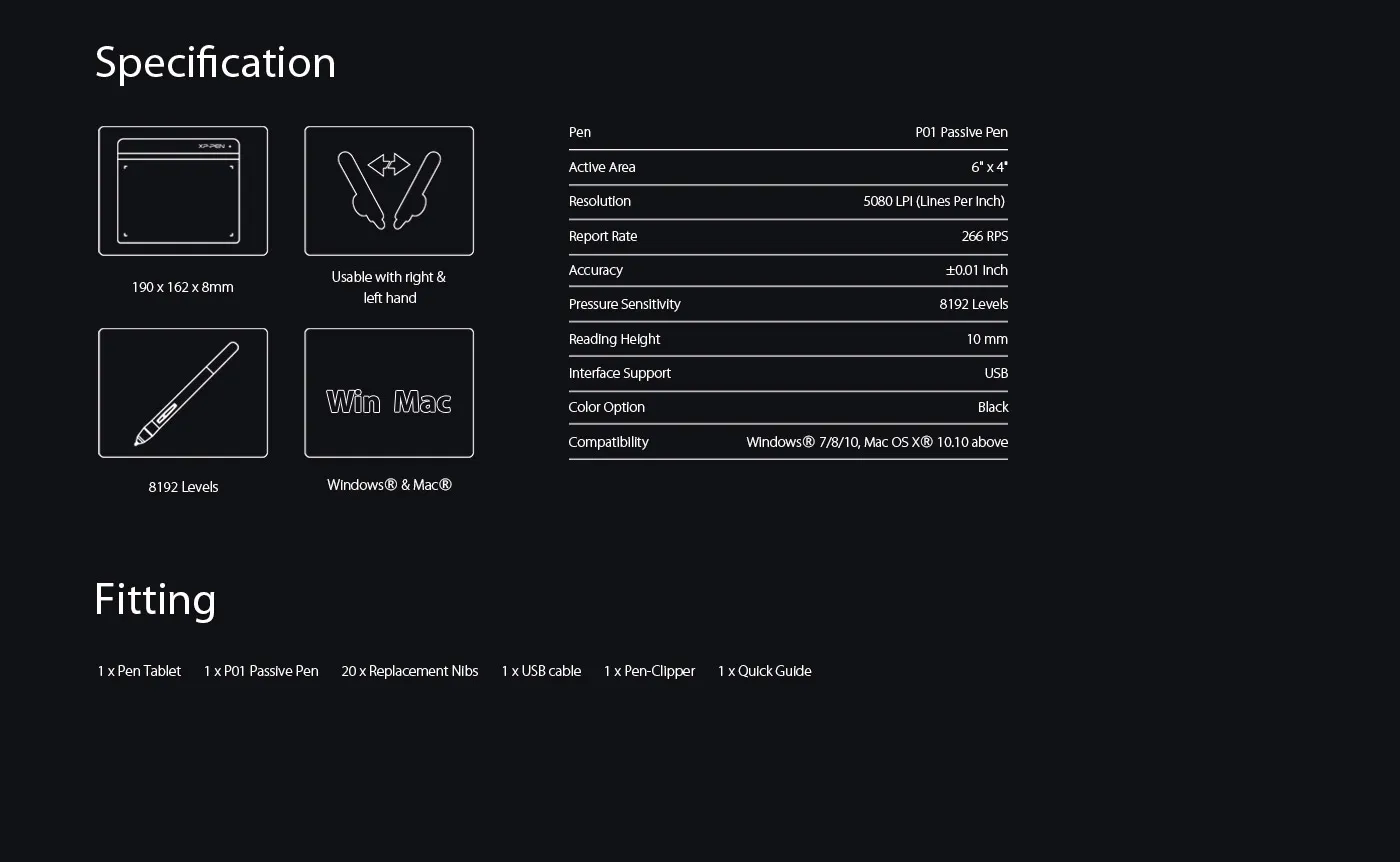
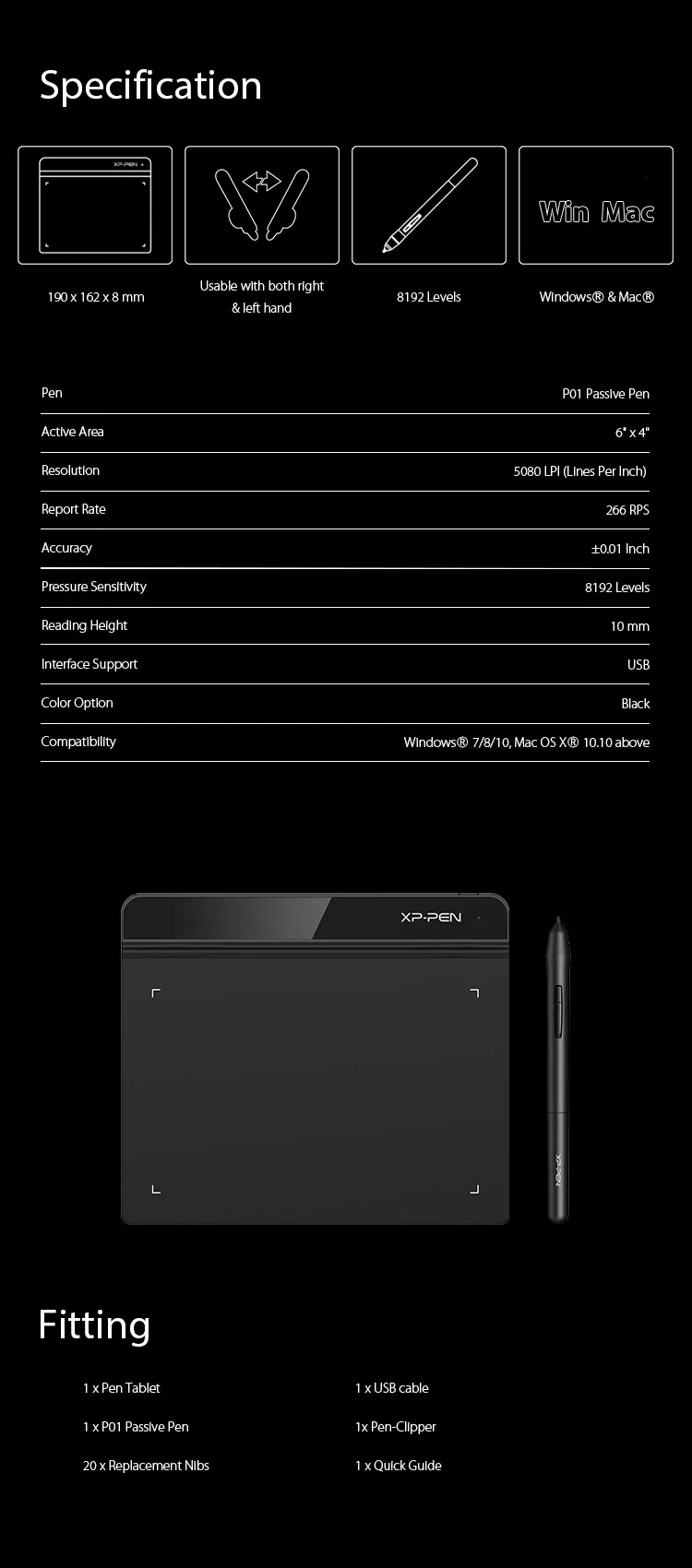
6 x 4 inch, battery-free stylus with 20 replacement nibs.
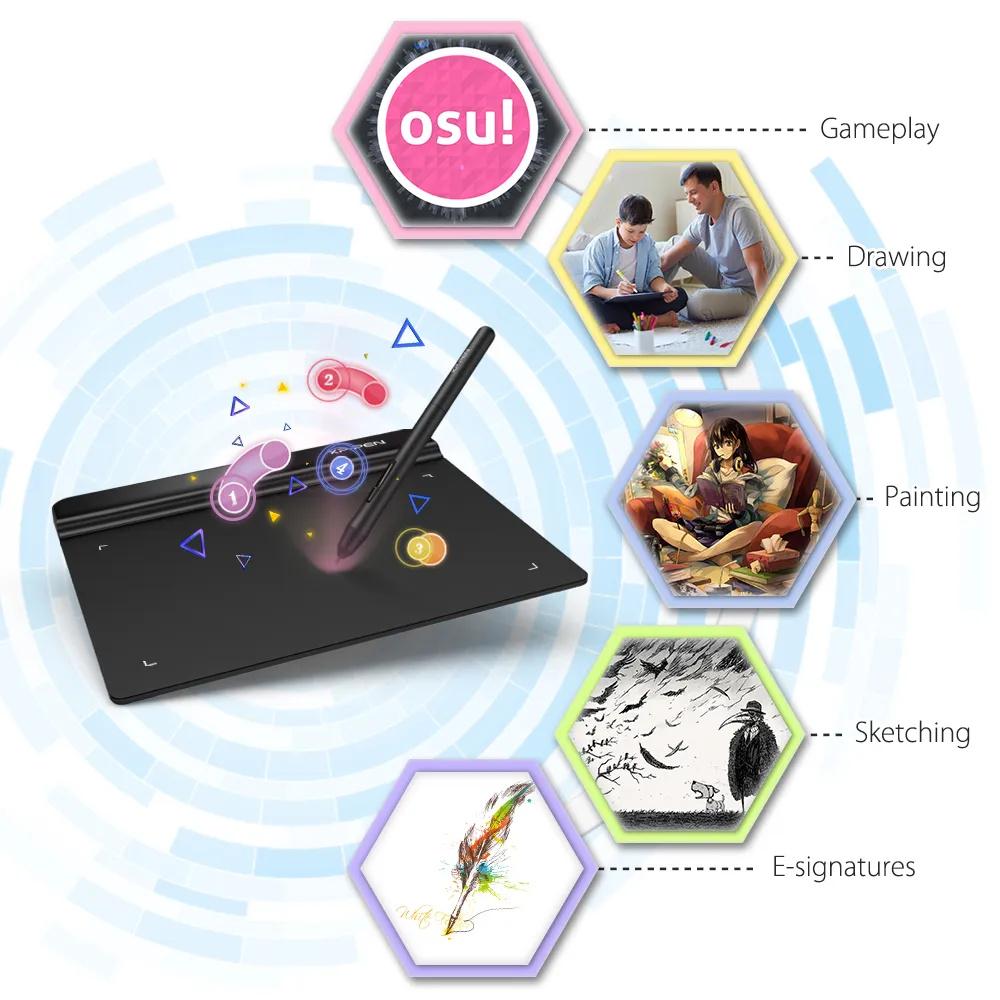
Digital signature pad, great for OSU! game play .
A low-cost option for teachers to create and present online Classes.
£29.99
FAST FREE SHIPPING
Ship from the UK; Free shipping on all orders
24-MONTH-WARRANTY
Hassle-free warranty
QUALITY PURCHASE
30-day money-back guarantee
TECH SUPPORT
Lifetime customer support
Colour:
Black
Recommended Accessories
Quantity:
Total
£0.00
 Log in and purchase to receive an estimated 0 X-Coins






Worry-Free Delivery® available with seel
Estimate:
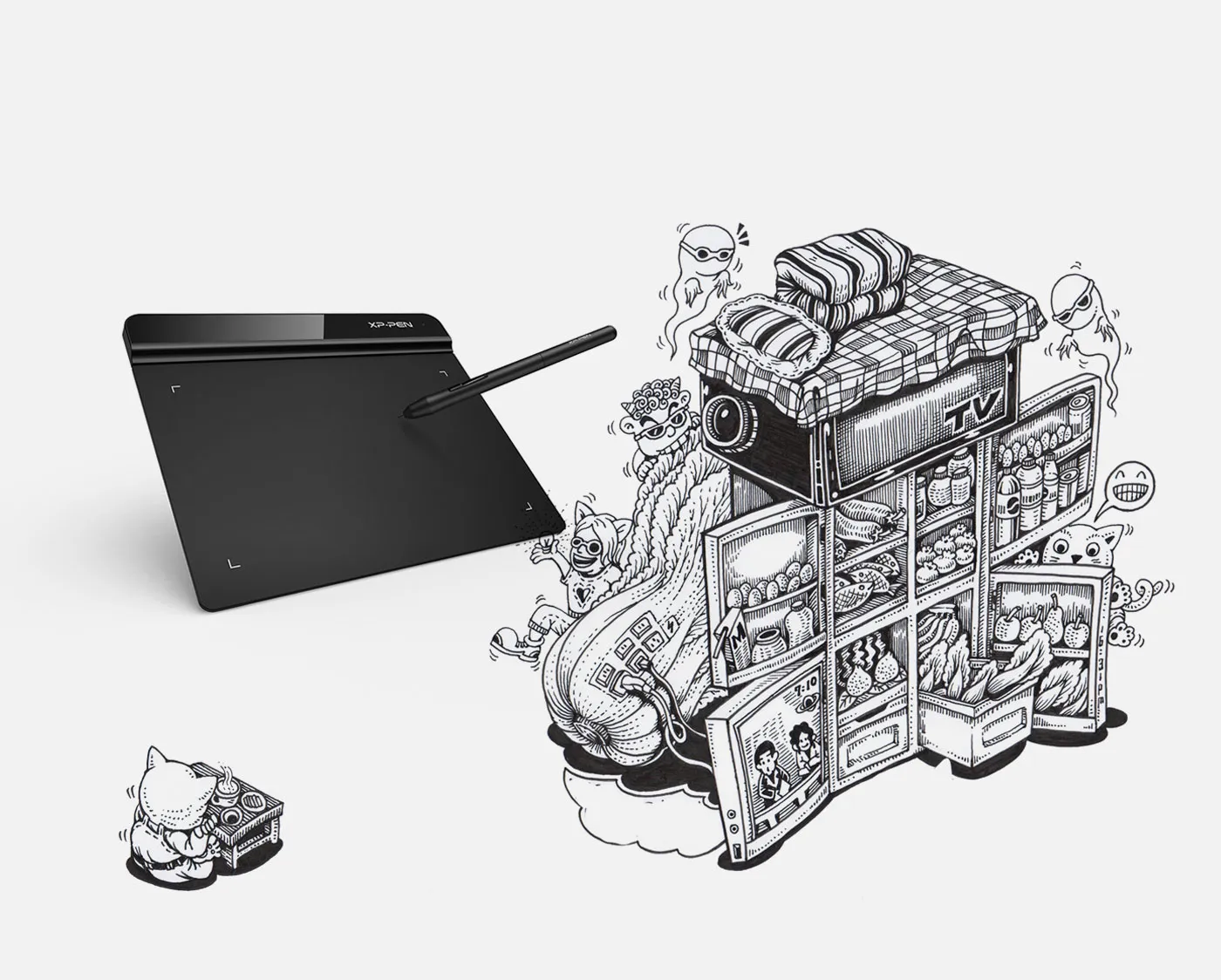
Star G640
Just for fun.
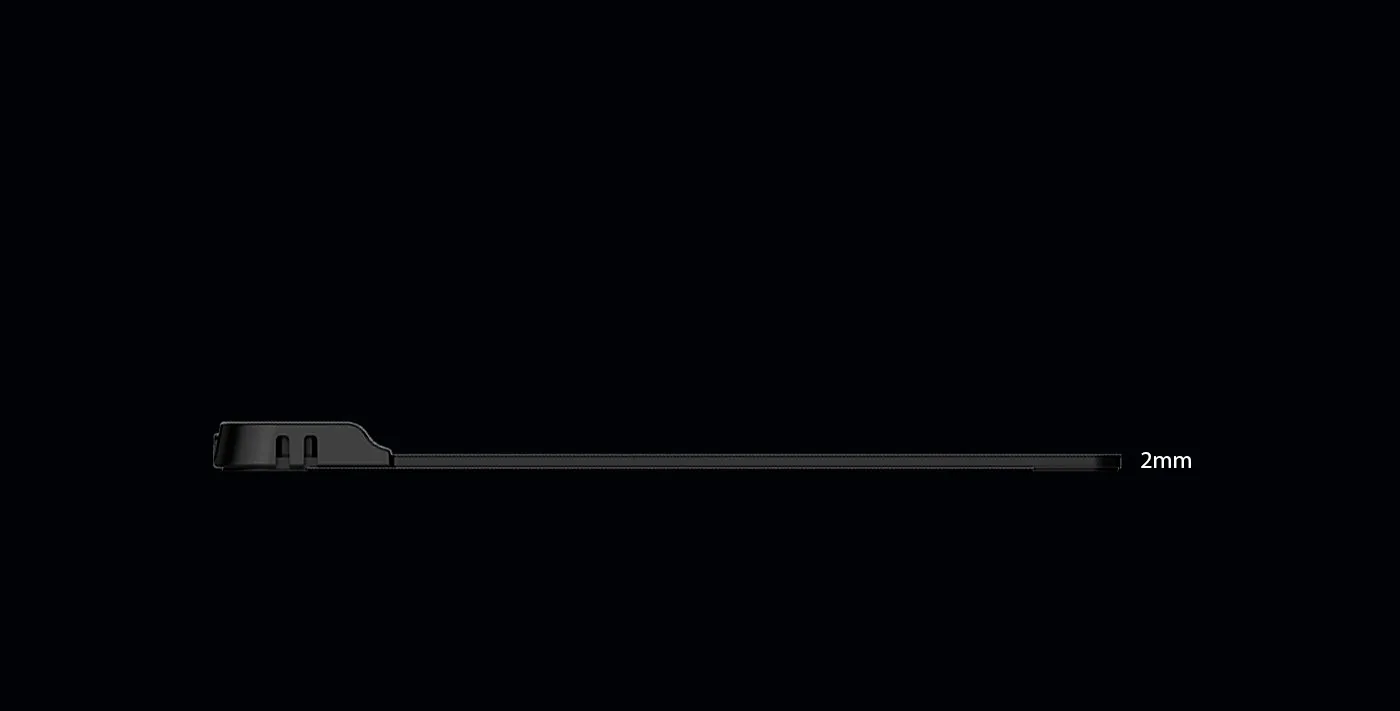
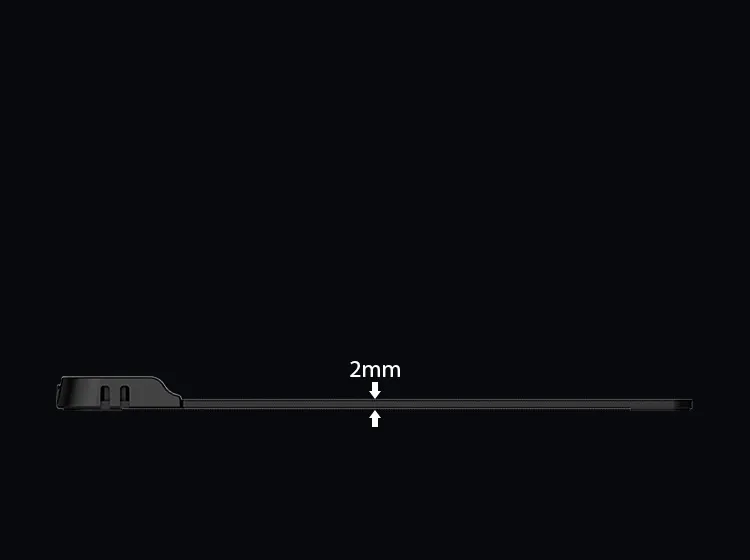
Concise and sleek.
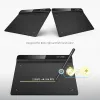
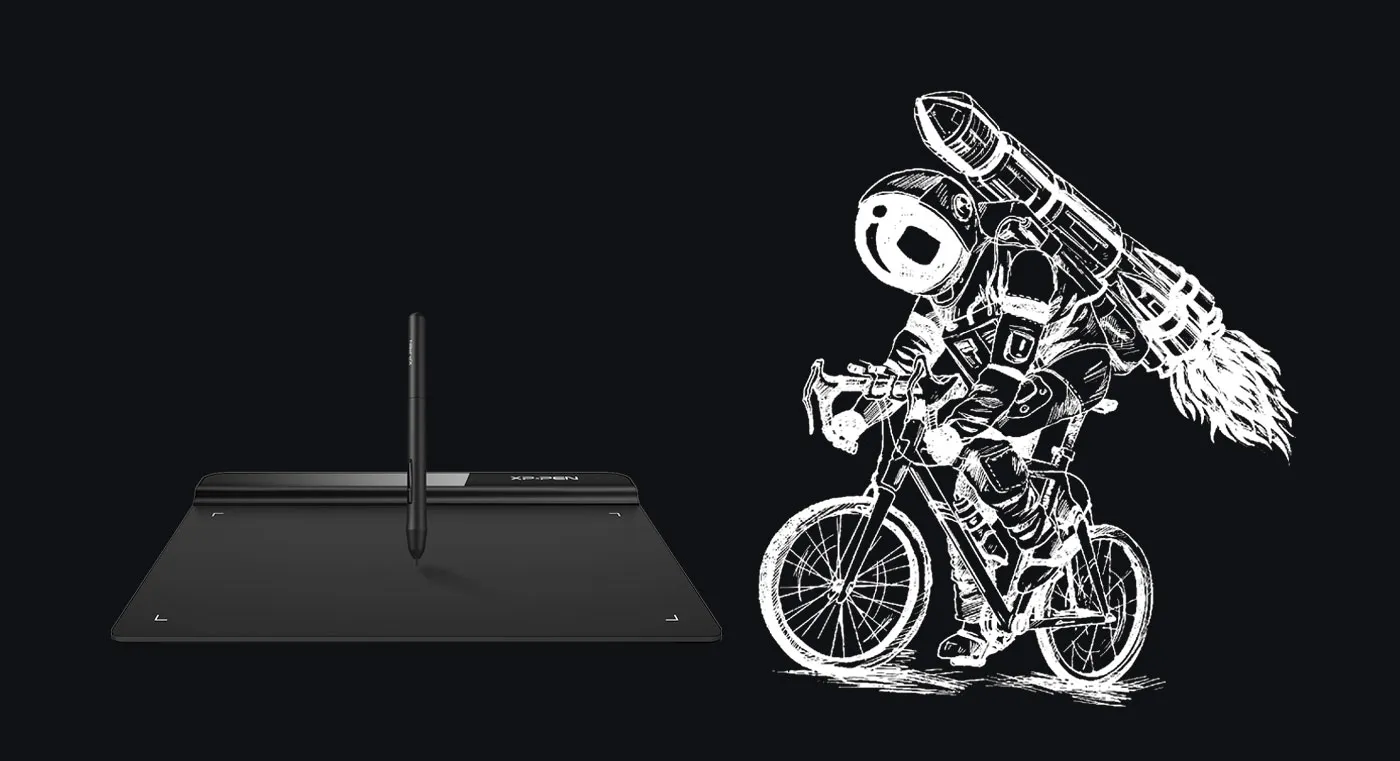
Enjoy the light weight and sleek design of the new G640. The G640 is only 2mm thick, it’s as slim as all primary level graphic tablets, allowing you to carry it with you on the go.
Wider active area
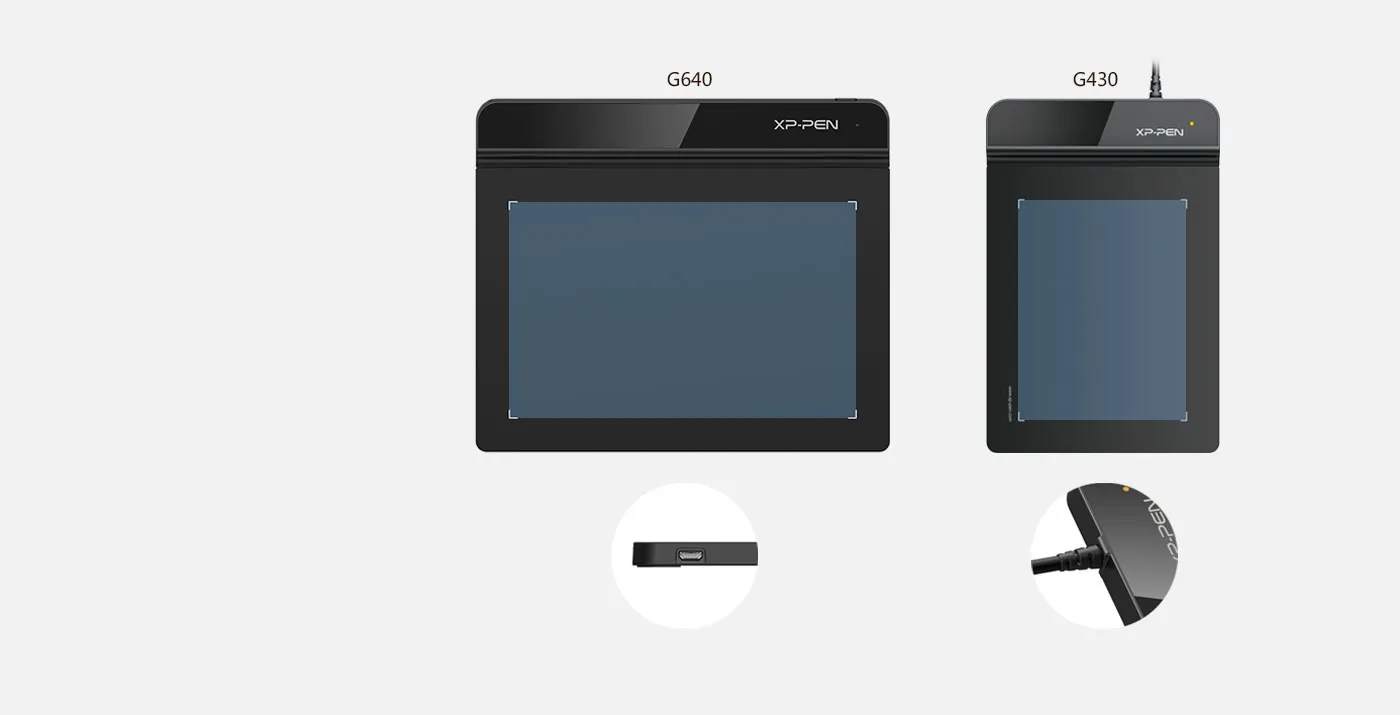
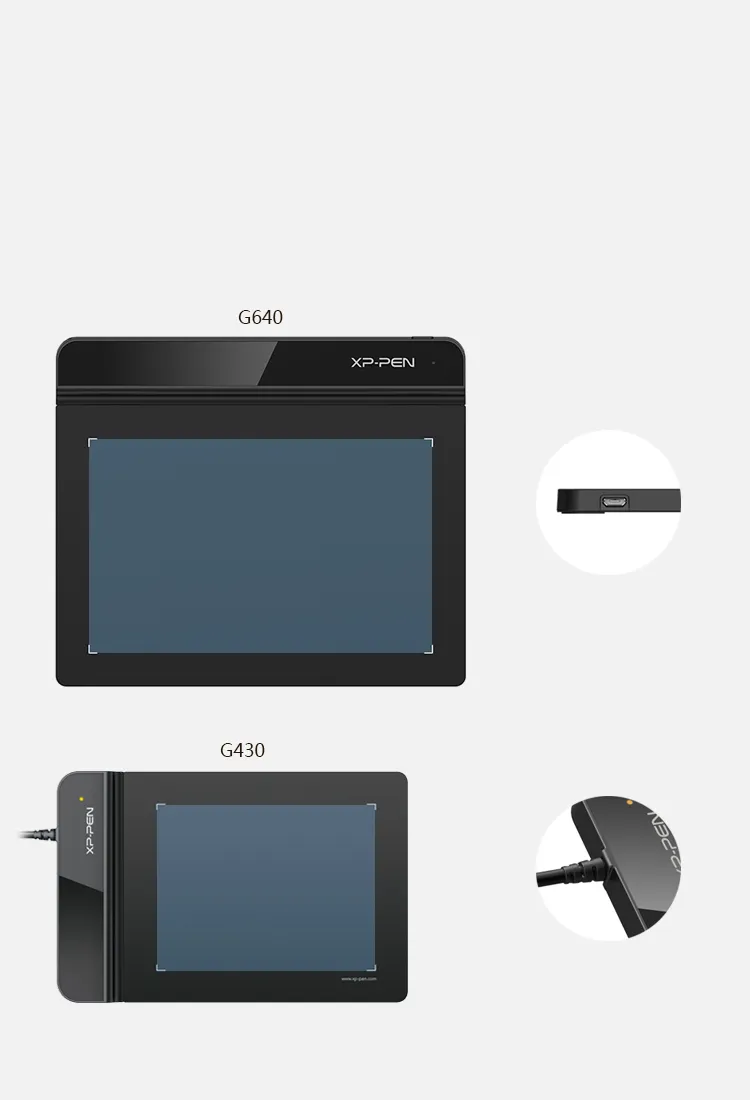
Compare to the G430, the G640 provides a wider active area for drawing & gameplay! Down to the position of the USB cable, the G640 is designed to fit your drawing and playing lifestyle.
G640 interfaces
G430 interfaces
6x4 inch
4x3 inch
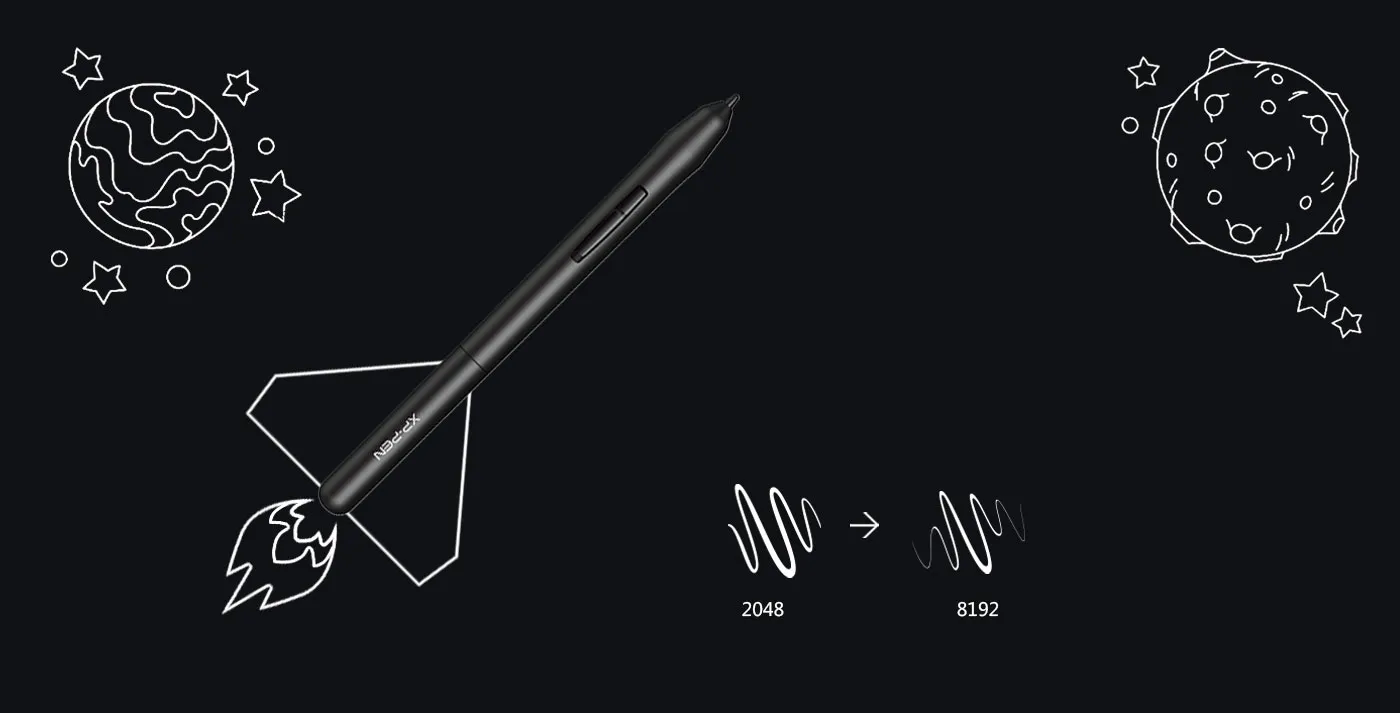
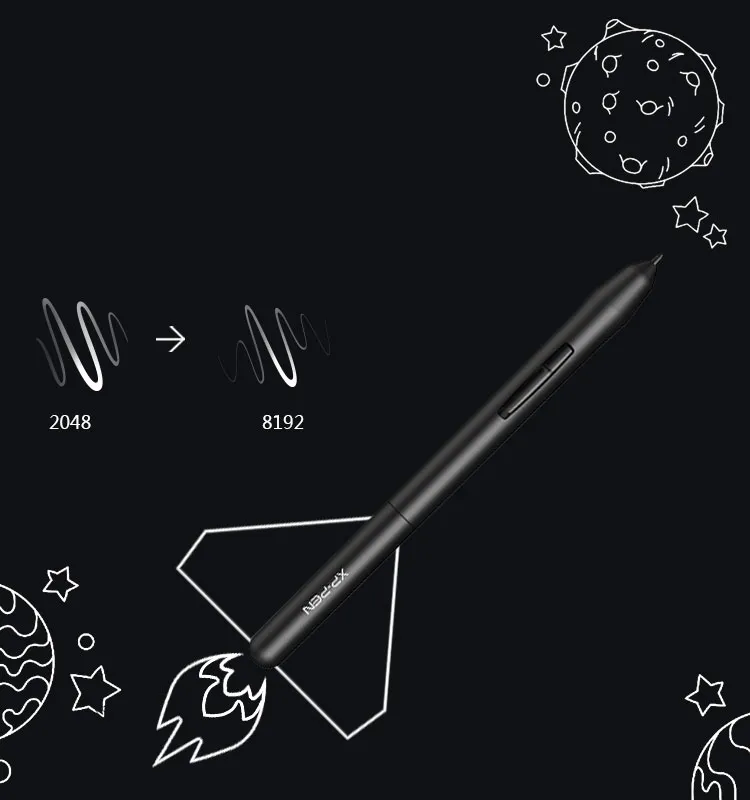
8192 levels of pressure sensitivity.
8192 levels of pressure sensitivity, giving it the intelligence to modify, navigate and create with a full pallet of brush and pens.
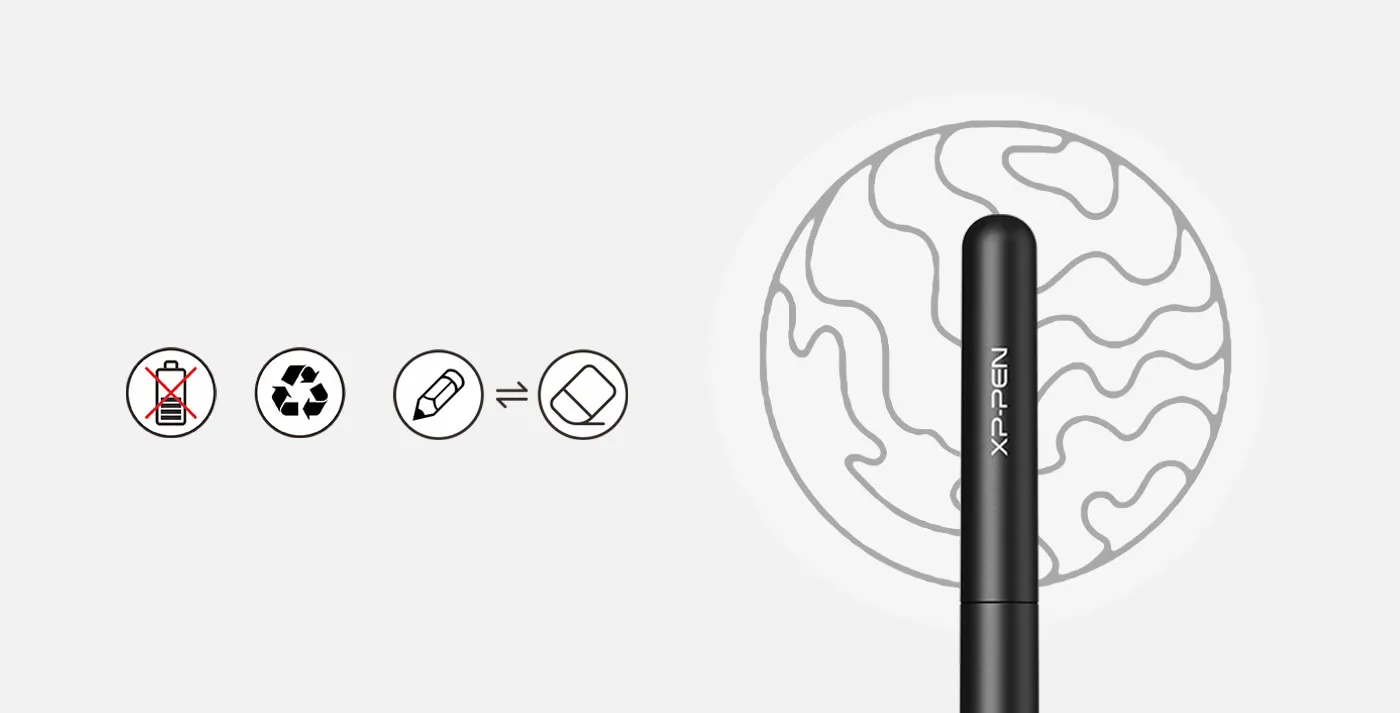
Battery-free stylus.
The P01 works just like a real pen, no battery and no charging required!
no battery
environmental
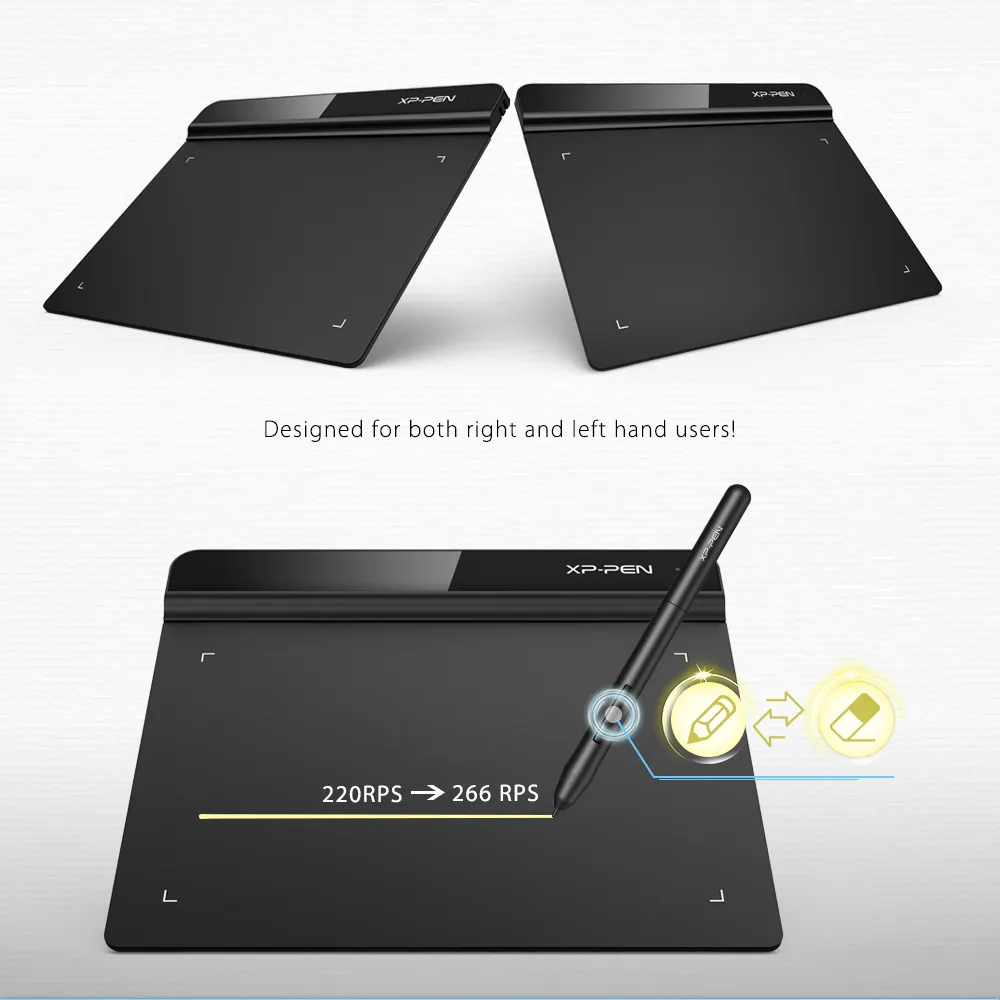
quick switch
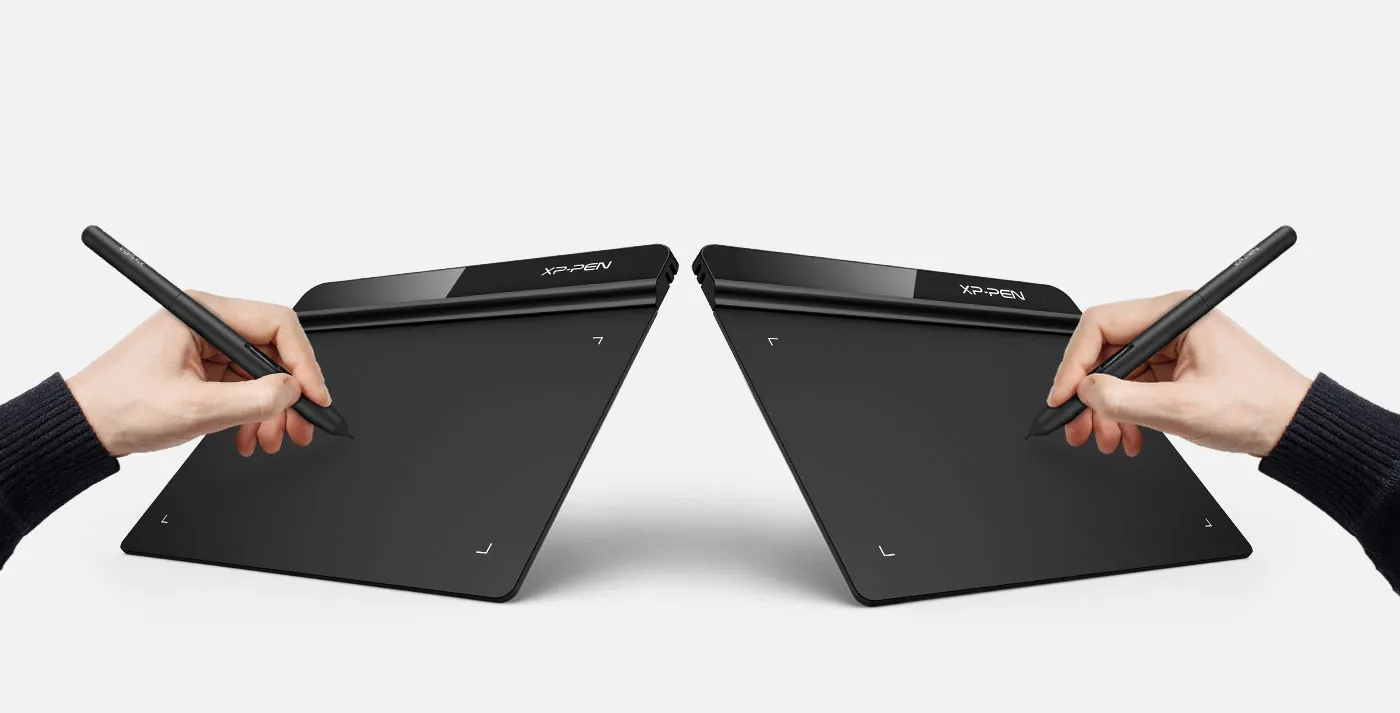
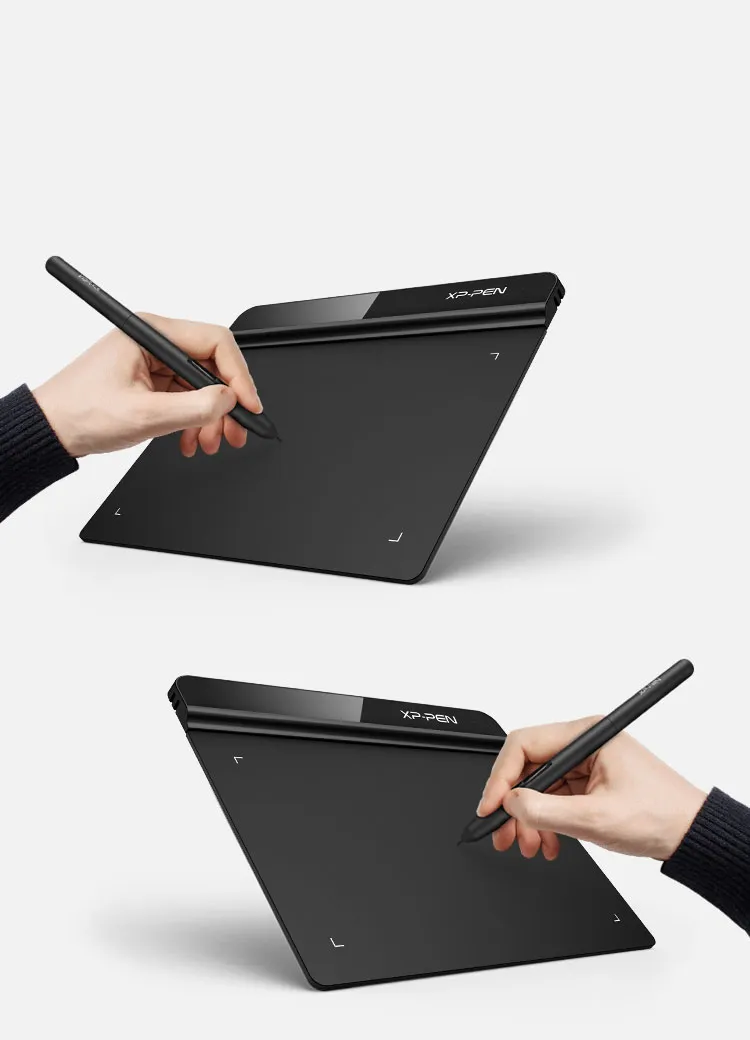
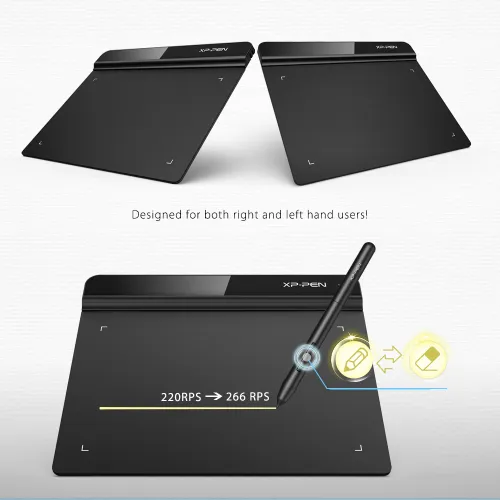
Both right and left hand use.
Designed for both right and left hand users, now you can set it to left hand or right hand mode through easy access.
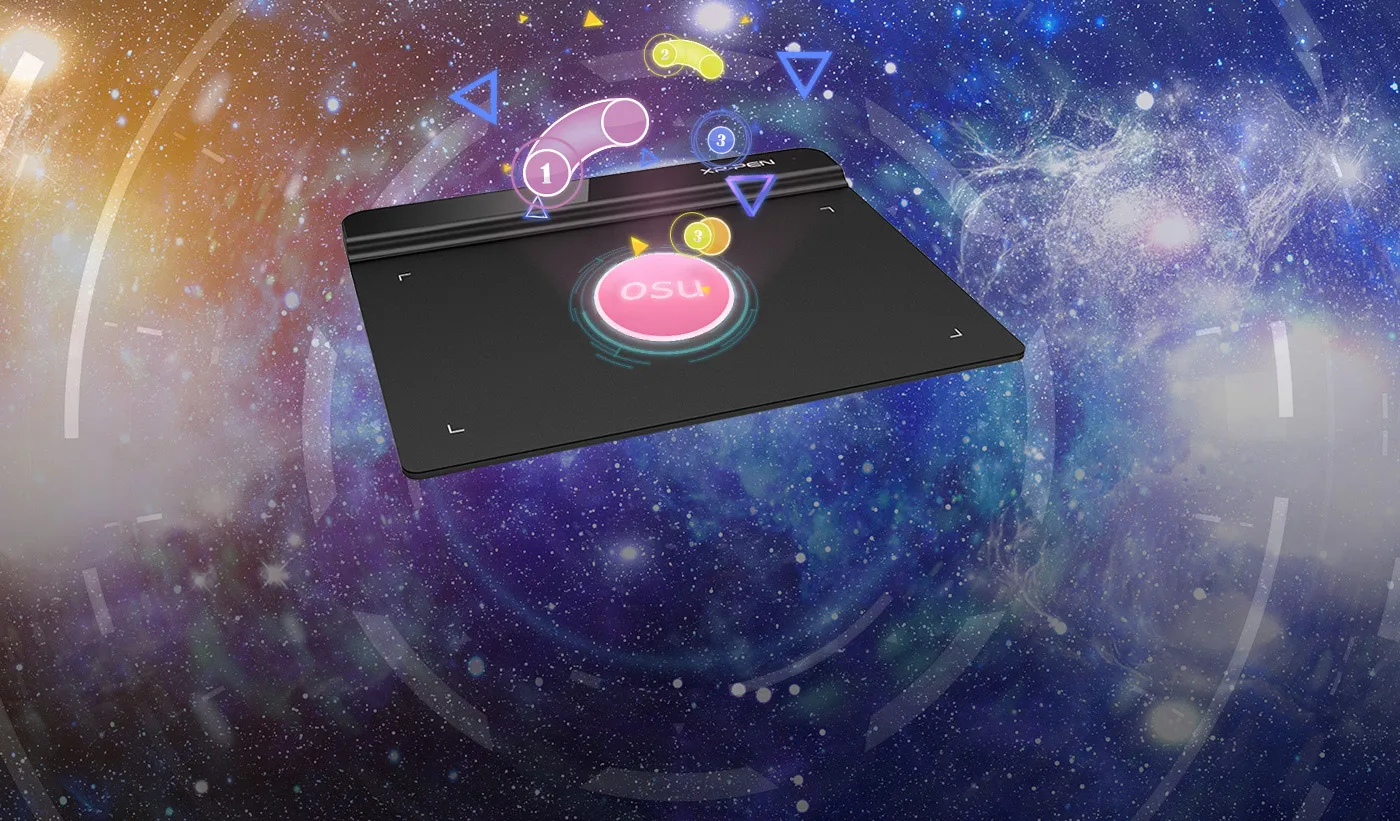

OSU!Assistant
Special for OSU! gamer! You do not need to any driver software
to use the tablet for OSU! . Battery free, sensitive brush,
allowing you to play with music and enjoy the game.
Ideal for your web conferencing or distance learning.
Simultaneous digital inking with an XP-Pen graphics tablet compatible with Microsoft Office apps like Word, PowerPoint, OneNote and more. Visually present your handwritten notes and signatures precisely – ideal for your web conferencing or online teaching needs.
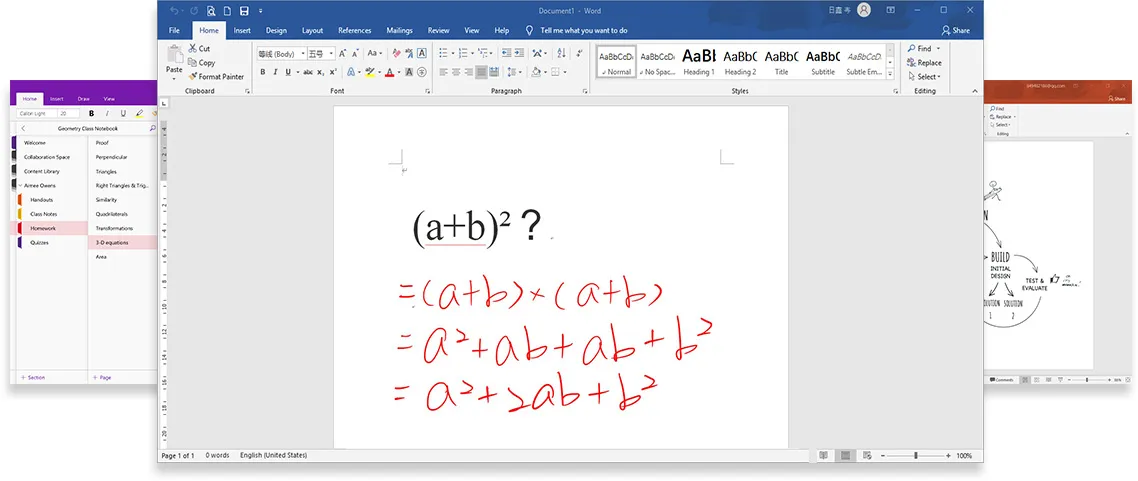
Engage, inspire, and immerse students and attendees like never before.
Teachers and speakers can create and explain interactive content visually by writing, editing, and annotating directly in files and sharing their screen in real time while streaming, broadcasting, or web conferencing. This flexibility allows the flow of creative ideas and the problem-solving process to be presented intuitively and efficiently.
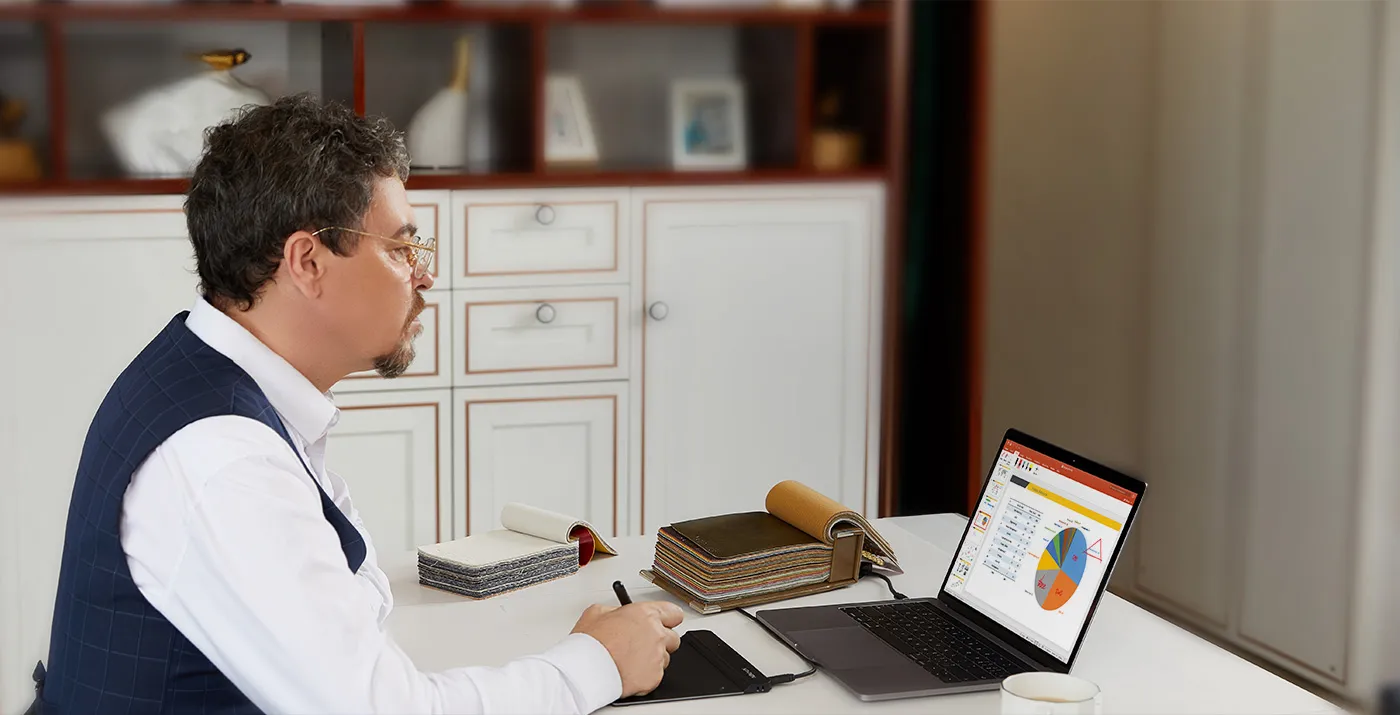
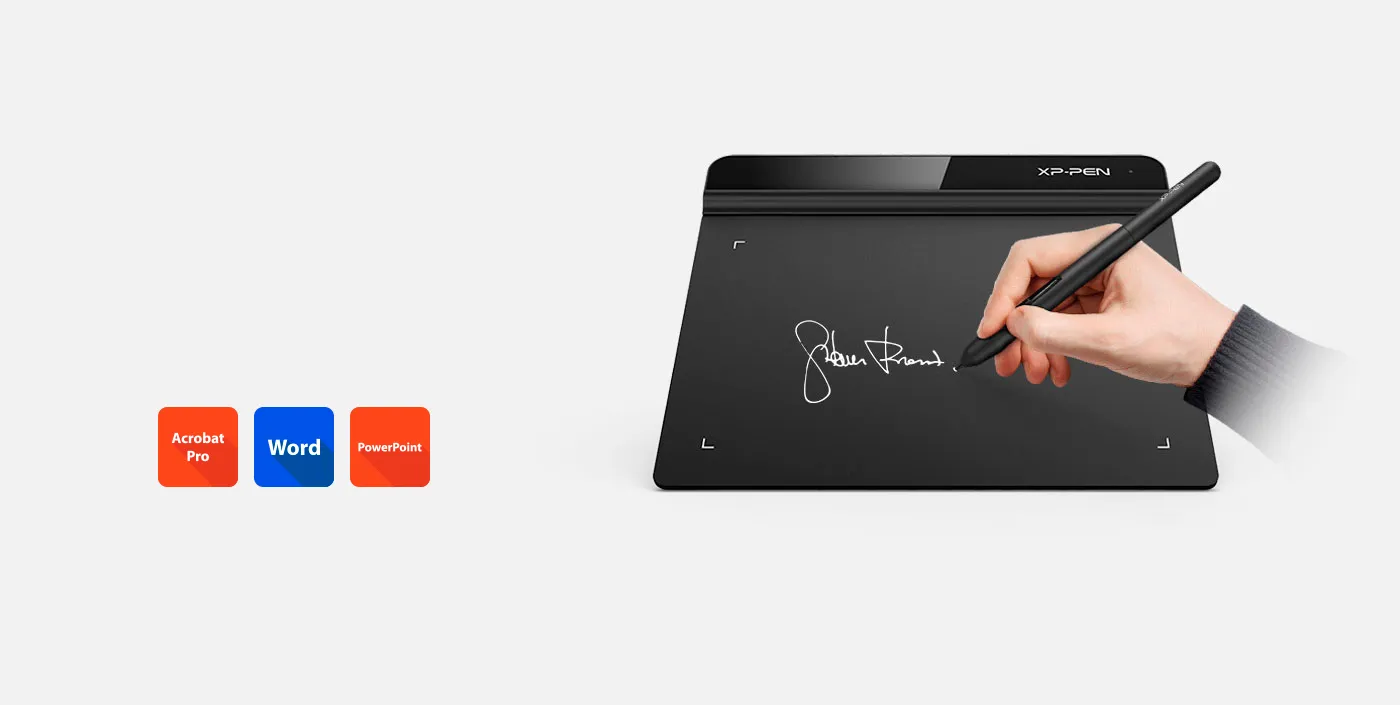
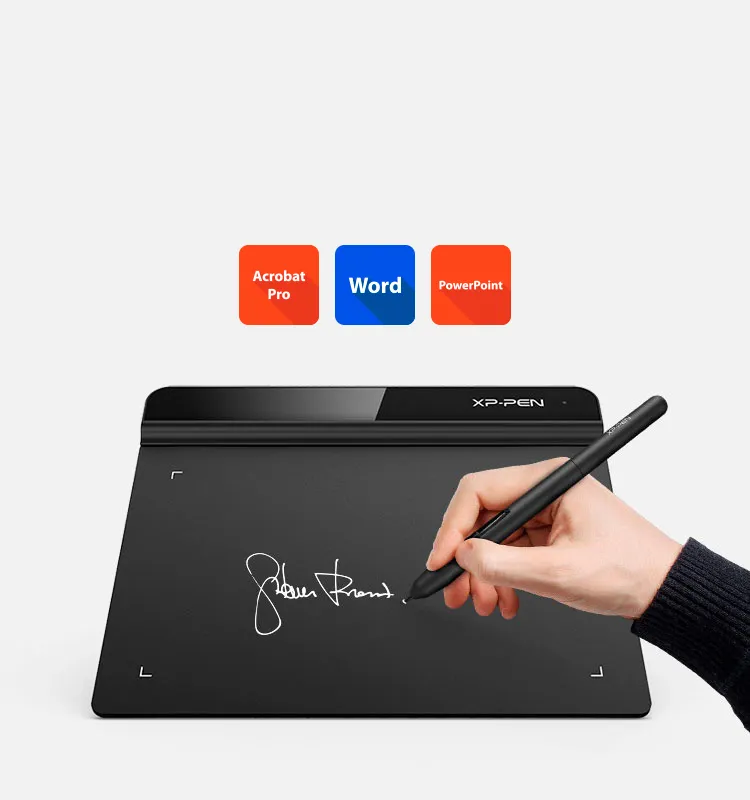
Business Signature
Synchronize with Adobe Acrobat Reader DC® signature Application, satisfied with the need of digital business signature.
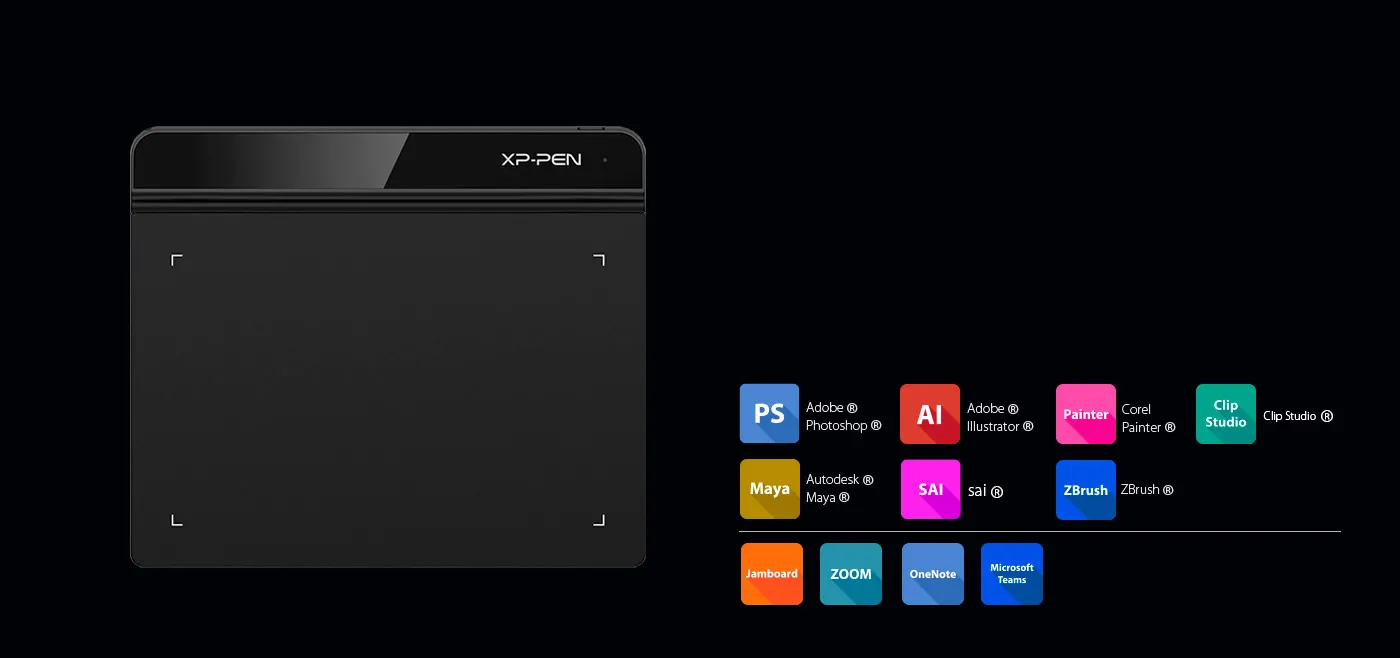
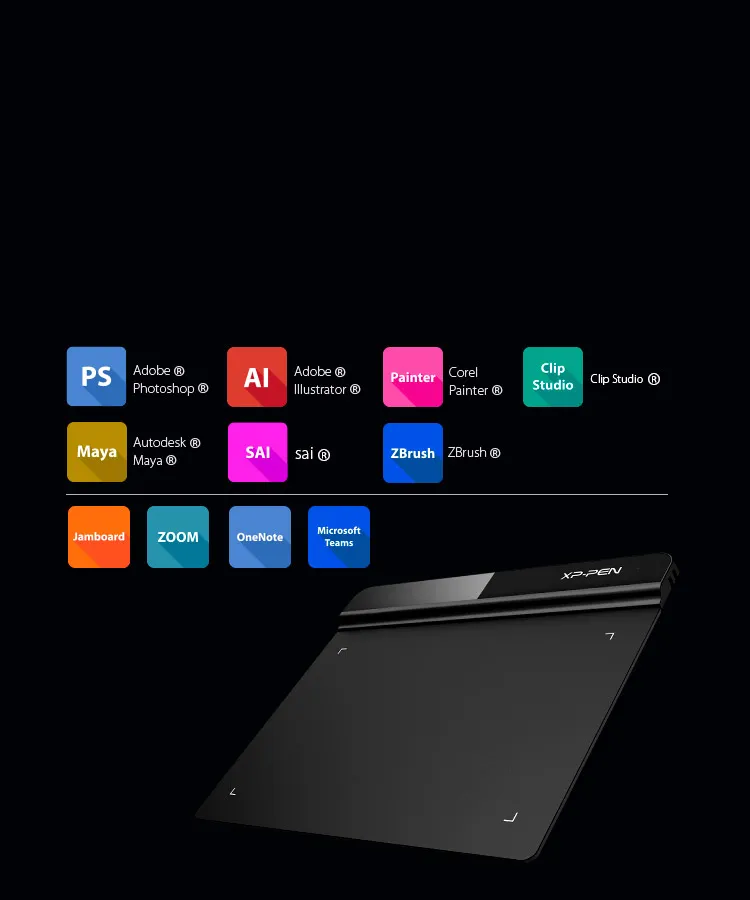
Compatible with most Operating Systems and applications.
Compatible with Windows® 10/8/7, Linux (Detailed versions), Mac OS X® 10.10 and above. Also compatible with many major designer software such as Photoshop®, SAI®, Painter®, Illustrator®, Clip Studio®, and more.
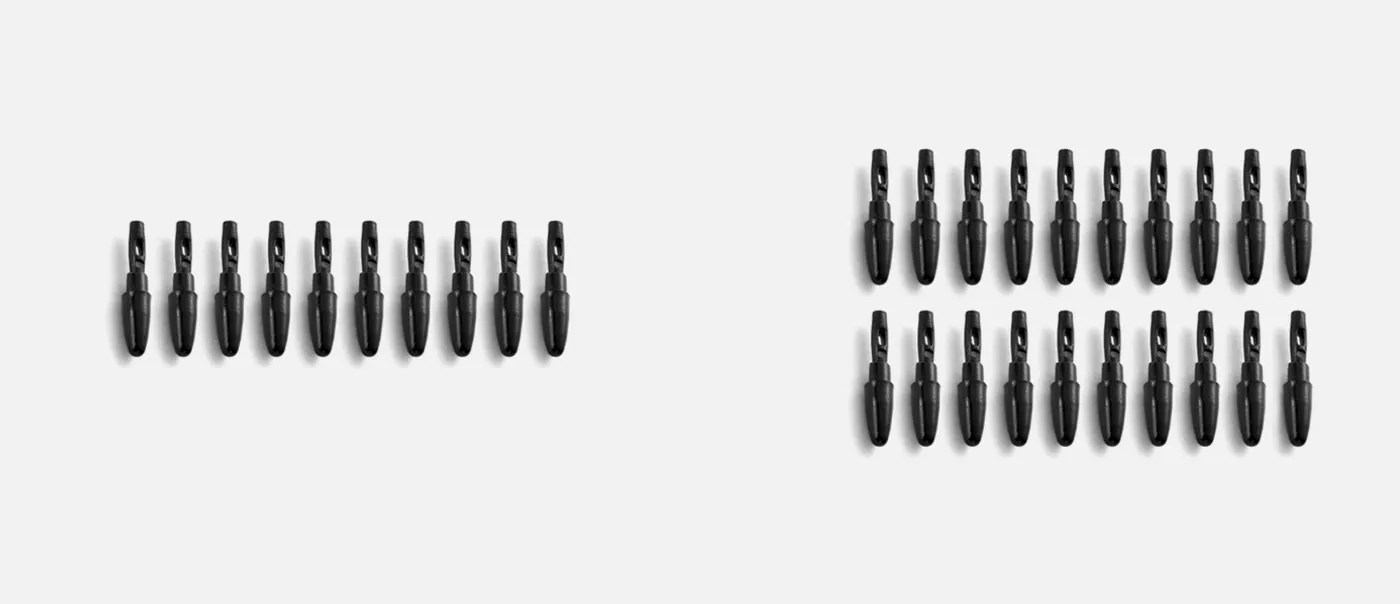
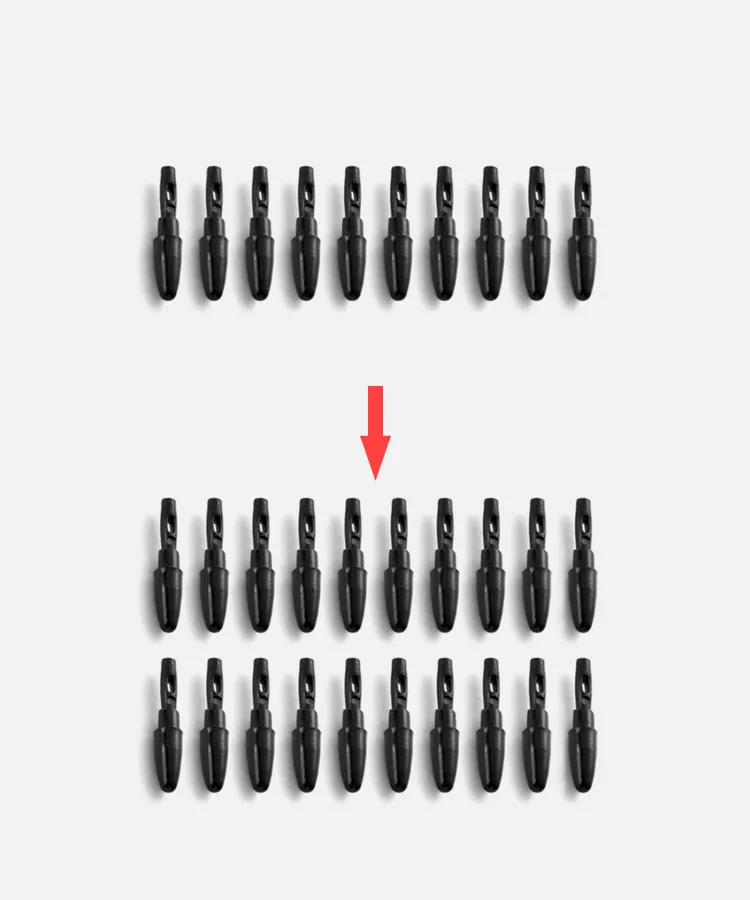
More nibs for you
G430 10 nibs
G640 20 nibs
| Linux OS | Version | Package Format | Supported Software |
| Arch | Arch Linux2019.12.01(64-bit) | .deb, .sh | GIMP, Krita |
| Centos | Centos7.0(64-bit) | .rpm, .sh | GIMP |
| Centos8(64-bit) | .rpm, .sh | GIMP, Krita | |
| Debian | debian-9.5.0-amd64-netinst(64-bit) | .deb, .sh | GIMP, Krita |
| elementary OS | elementary OS 5.0(64-bit) | .deb, .sh | GIMP, Krita |
| ezgo Linux | ezgo14(64-bit) | .deb, .sh | GIMP, Krita |
| Fedora | Fedora32(64-bit) | .rpm, .sh | GIMP, Krita |
| Mageia | Mageia-7.1(64-bit) | .rpm, .sh | GIMP, Krita |
| Manjaro | manjaro-xfce-20.1.2-201019(64-bit) | .deb, .sh | GIMP |
| Mint | linuxmint-18.2-cinnamon-64bit | .deb, .sh | GIMP, Krita |
| OpenSUSE | openSUSE-Tumbleweed(64-bit) | .rpm, .sh | GIMP, Krita |
| Pop!_OS | pop-os_19.10(64-bit) | .deb, .sh | GIMP, Krita |
| Red Hat | Red Hat7(64-bit) | .rpm, .sh | GIMP |
| Ubuntu | Ubuntu14.04(64-bit) | .deb, .sh | GIMP, Krita |
| Ubuntu16.04(64-bit) | .deb, .sh | GIMP, Krita | |
| Ubuntu17.04(64-bit) | .deb, .sh | GIMP, Krita | |
| Ubuntu18.04(64-bit) | .deb, .sh | GIMP, Krita | |
| Ubuntu19.04(64-bit) | .deb, .sh | GIMP, Krita | |
| Ubuntu20.04(64-bit) | .deb, .sh | GIMP, Krita |
| Function | Krita 4.3.0 | Gimp 2.10.20 | Inkscape 0.92 |
| Pen Pressure Sensitivity | |||
| Tilt | |||
| Mouse Function | |||
| Eraser Button (Stylus:PH01, P06) | |||
| Switch between Pen and Eraser Modes | |||
| *If you have any further queries, please do not hesitate to contact us at service@xp-pen.com. | |||
Linux OS
Arch
Version
Arch Linux2019.12.01(64-bit)
Package Format
.deb, .sh
Supported Software
GIMP, Krita
Centos
Version
Centos7.0(64-bit)
Centos8(64-bit)
Centos8(64-bit)
Package Format
.rpm, .sh
.rpm, .sh
.rpm, .sh
Supported Software
GIMP
GIMP, Krita
GIMP, Krita
Debian
Version
debian-9.5.0-amd64-netinst(64-bit)
Package Format
.deb, .sh
Supported Software
GIMP, Krita
elementary OS
Version
elementary OS 5.0(64-bit)
Package Format
.deb, .sh
Supported Software
GIMP, Krita
ezgo Linux
Version
ezgo14(64-bit)
Package Format
.deb, .sh
Supported Software
GIMP, Krita
Fedora
Version
Fedora32(64-bit)
Package Format
.rpm, .sh
Supported Software
GIMP, Krita
Mageia
Version
Mageia-7.1(64-bit)
Package Format
.rpm, .sh
Supported Software
GIMP, Krita
Manjaro
Version
manjaro-xfce-20.1.2-201019(64-bit)
Package Format
.deb, .sh
Supported Software
GIMP
Mint
Version
linuxmint-18.2-cinnamon-64bit
Package Format
.deb, .sh
Supported Software
GIMP, Krita
OpenSUSE
Version
openSUSE-Tumbleweed(64-bit)
Package Format
.rpm, .sh
Supported Software
GIMP, Krita
Pop!_OS
Version
pop-os_19.10(64-bit)
Package Format
.deb, .sh
Supported Software
GIMP, Krita
Red Hat
Version
Red Hat7(64-bit)
Package Format
.rpm, .sh
Supported Software
GIMP
Ubuntu
Version
Ubuntu14.04(64-bit)
Ubuntu16.04(64-bit)
Ubuntu17.04(64-bit)
Ubuntu18.04(64-bit)
Ubuntu19.04(64-bit)
Ubuntu20.04(64-bit)
Ubuntu16.04(64-bit)
Ubuntu17.04(64-bit)
Ubuntu18.04(64-bit)
Ubuntu19.04(64-bit)
Ubuntu20.04(64-bit)
Package Format
.deb, .sh
.deb, .sh
.deb, .sh
.deb, .sh
.deb, .sh
.deb, .sh
.deb, .sh
.deb, .sh
.deb, .sh
.deb, .sh
.deb, .sh
Supported Software
GIMP, Krita
GIMP, Krita
GIMP, Krita
GIMP, Krita
GIMP, Krita
GIMP, Krita
GIMP, Krita
GIMP, Krita
GIMP, Krita
GIMP, Krita
GIMP, Krita
Function
Pen Pressure Sensitivity
Krita 4.3.0
Gimp 2.10.20
Inkscape 0.92
Tilt
Krita 4.3.0
Gimp 2.10.20
Inkscape 0.92
Mouse Function
Krita 4.3.0
Gimp 2.10.20
Inkscape 0.92
Eraser Button(Stylus:PH01, P06)
Krita 4.3.0
Gimp 2.10.20
Inkscape 0.92
Switch between Penand Eraser Modes
Krita 4.3.0
Gimp 2.10.20
Inkscape 0.92
*If you have any further queries, please do not hesitate to contact us at service@xp-pen.com.
4.7


Based on 7
71%(5)

29%(2)
0(0)
0(0)
0(0)
Potato
Aug 04 ,2021 PM 21:35 Star G640(OSU Friendly!!)
Cheap n works well for osu.
Cheap tablet works well just gotta make sure u revision A if ur using it for osu, love it.
Useful(0)+1
Elham Rafiei
May 31 ,2020 AM 02:12 Star G640(OSU Friendly!!)
The delivery service is awesome
The delivery service is awesome. It takes only two days to receive my order. The package and the items inside the box are exactly the same in the website. It is my first time using pen tablet. I installed the driver and try to use for the first time. I like the style of pen. It is not too small or too large and it is light and convenient.
Useful(0)+1
Tranc Ratonu
Jun 03 ,2020 AM 00:53 Star G640(OSU Friendly!!)
Absolutely amazing
I've bought this tablet mainly for the game Osu. First time when I opened the game, it blew my mind of how good the tablet is. The input lag it's almost absent which is great. The size is perfect, many people say that the material is not great but I think they only looked at the tablet in a picture because it's great. Talking about drawing, I am a beginner but drawing on this feels amazingly easy and comfortable. The pen is thin and light, which feels great. Some people might have used a thicker pen and switching might take from minutes to maybe hours so don't judge too quickly. Overall I am really satisfied with this tablet and there isn't much to say about it. So, if you are a drawer and you want a first tablet, then this will probably be your first and only tablet. Thank you XP PEN for making this tablet.
Useful(0)+1
Learn More
XFANSw8di8jcy
Sep 23 ,2026 PM 19:58 Star G640(OSU Friendly!!)
Does this product still have hardware smoothing issues and is there a way to nullify those issues? Thanks
Reply0
XFANS58gkwf5x
Jan 06 ,2025 PM 21:47 Star G640(OSU Friendly!!)
Please confirm whether this is compatible with Ibis Paint X?
Reply0
XFANSotj6lqoy
Apr 17 ,2024 PM 20:10 Star G640(OSU Friendly!!)
Hi, I have a question. Is this item G640 Android compatible?
Reply0
XFANS97sx3sxv
Feb 25 ,2023 AM 08:29 Star G640(OSU Friendly!!)
does this product work on chromebooks?
Reply0
XFANShuat3lga
Dec 07 ,2021 AM 00:11 Star G640(OSU Friendly!!)
is this tablet also the one with the cover?
Reply0
XFANShuat3lga
Dec 02 ,2021 AM 03:03 Star G640(OSU Friendly!!)
i saw a video by Binfy saying there was a flaw and that flaw was the raw input there is a version with 240+ and one will 200 i want to know if this tablet is the one with 240 and it doesn't fell like your moving the pen through syrup
Reply1
Official mall
Dec 02 ,2021 AM 10:28
Dear Customer,
It\'s the one with 240.
Thanks
Reply to this review
XFANSrse5dr41
Nov 19 ,2021 AM 01:40 Star G640(OSU Friendly!!)
Do you guys still sell the Rev A version? If you do, how can I get exactly Rev A and not the Rev B one?
Reply1
Official mall
Nov 19 ,2021 PM 14:24
Hi, please leave a note that you want a Rev A when order. Thank you so much : )
Reply to this review
sanket Gandhi
Jan 10 ,2021 AM 08:34 Star G640(OSU Friendly!!)
Price in New year sale section 34.99 but not get applied on buy now option
Reply0
The Diep
Jan 09 ,2021 AM 05:34 Star G640(OSU Friendly!!)
Hi
How much movement should there be for the pen tip?
I assume the in and out movement is for pressure sensitivity, but there is also movement from side to side.
If I do small handwriting, the up and down strokes are being absorbed and it end up with a much flatter text than I had intended.
So, should the pen nib wobble?
Reply1
Official mall
Jan 09 ,2021 AM 09:43
Hi,
To assist you better with technical problems, please write to service@xp-pen.com for professional technical help. Thank you so much : )
Reply to this review
Terry James
Dec 07 ,2020 PM 18:44 Star G640(OSU Friendly!!)
I understand that the working area of the XP-PEN Star G640 Drawing Tablet Signature osu! is 6" x4". I assumed that the measurements were taken horizontally and vertically, however your online video indicates they are diagonal. Please confirm which is correct.
Regards
Terry James
Reply1
Official mall
Dec 08 ,2020 AM 09:38
Hi, it is measured horizontally and vertically.
Reply to this review
Learn More