


Getting started with your
XP-Pen Deco Tablet
1/6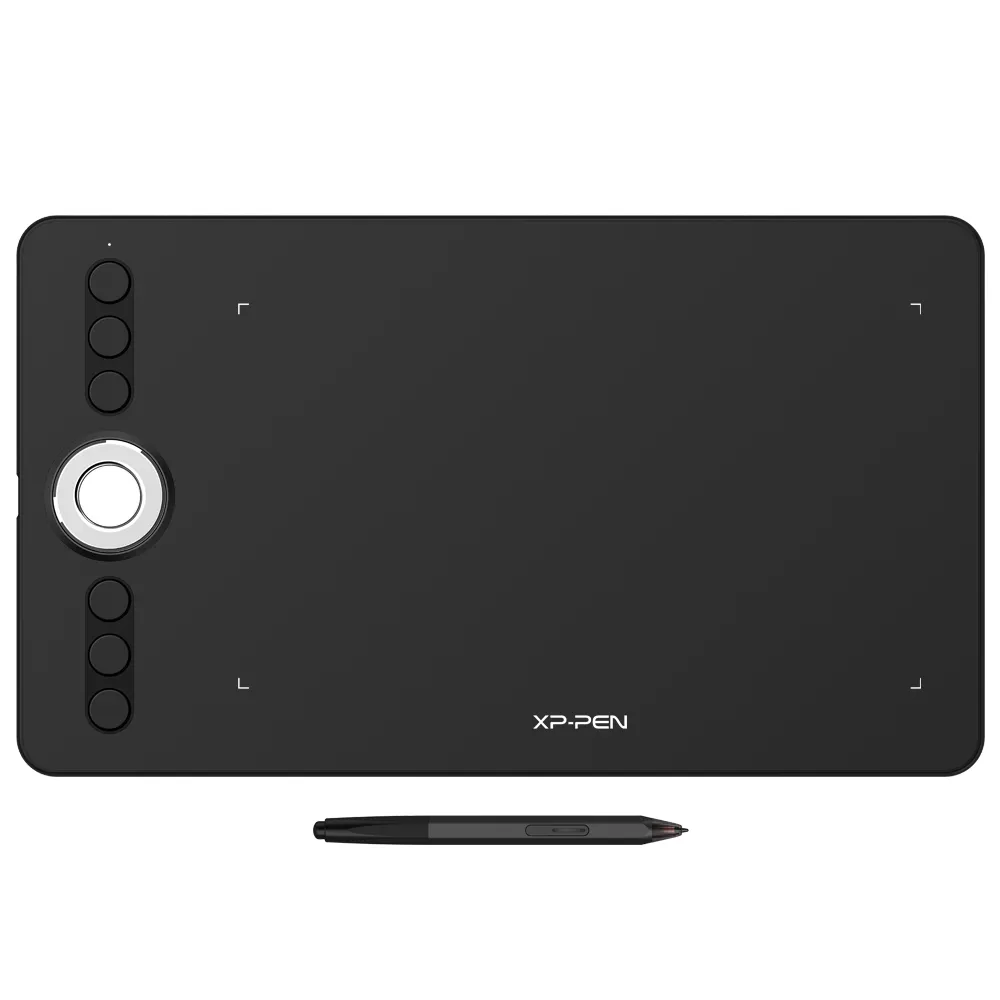
![https://resource.xp-pen.com/Uploads/uk/goods/20200819/1d882ea888ff127435f3c429145d2443_500_500.webp]()
![https://resource.xp-pen.com/Uploads/uk/goods/20190613/ecc94ac9d318e0aeb14eb85e6ada8f4a_500_500.webp]()
![https://resource.xp-pen.com/Uploads/uk/goods/20190613/f3102dfd122f66748bc0928edf704ce7_500_500.webp]()
![https://resource.xp-pen.com/Uploads/uk/goods/20190613/32aee7c706868a0bf8144fc7eb3feb6c_500_500.webp]()
![https://resource.xp-pen.com/Uploads/uk/goods/20190613/8a21ee49fdd0729c821860544888341a_500_500.webp]()
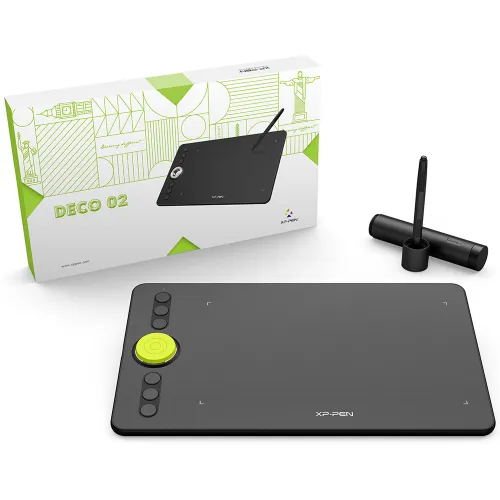
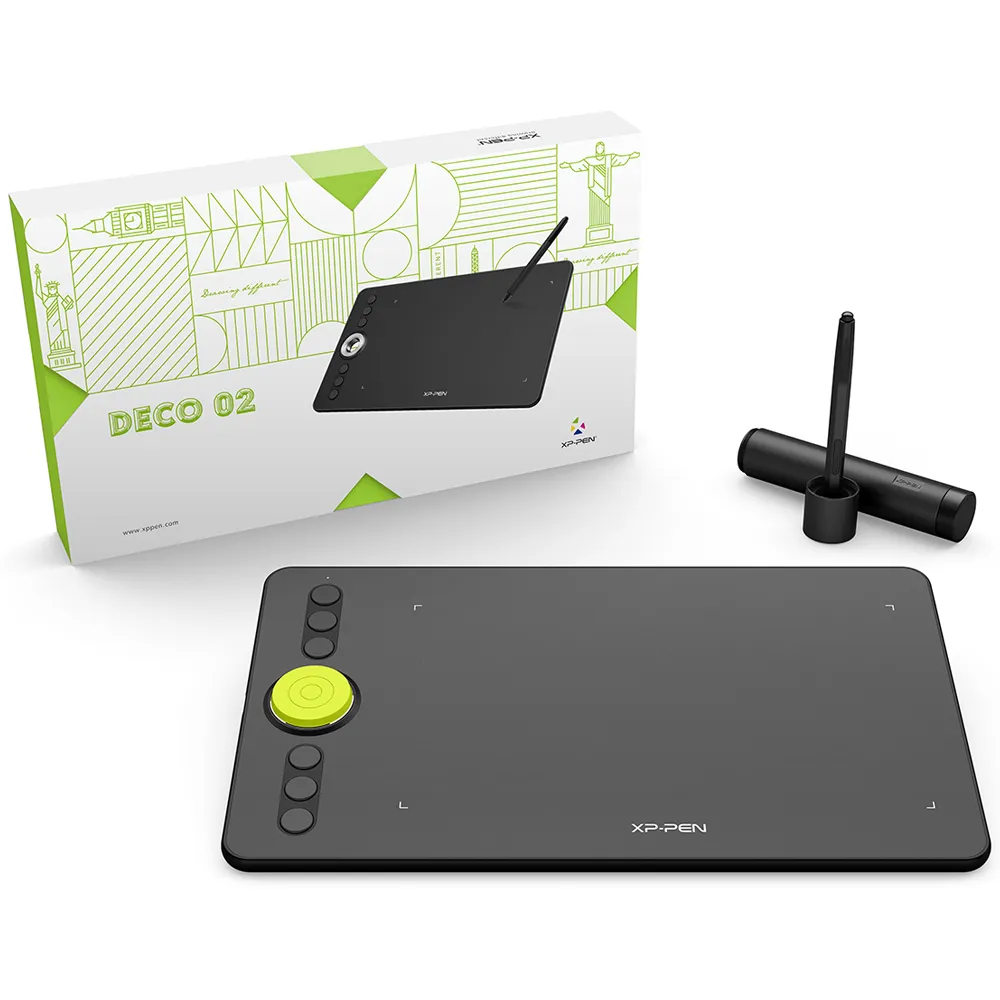
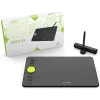
Deco 02
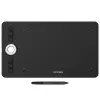
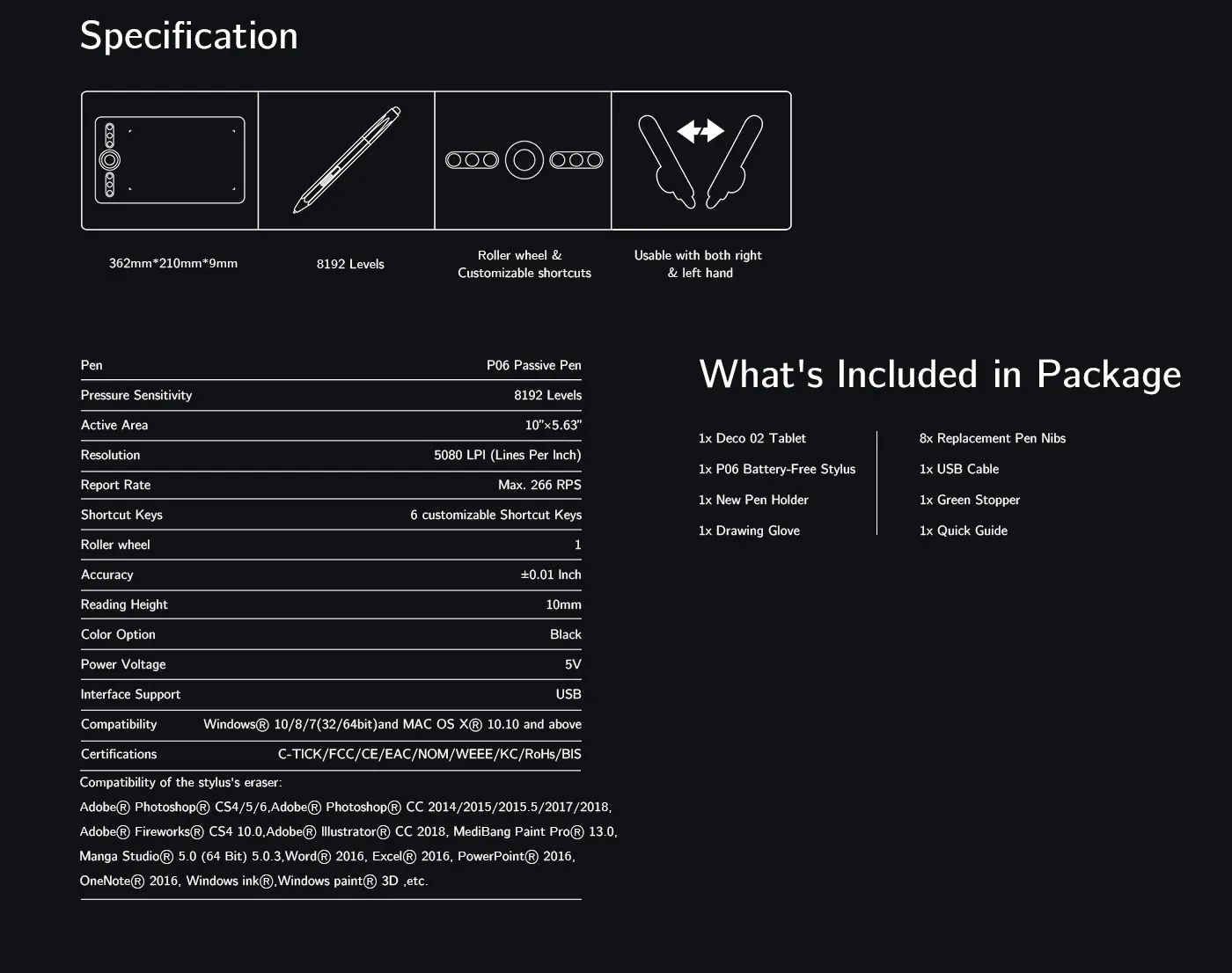
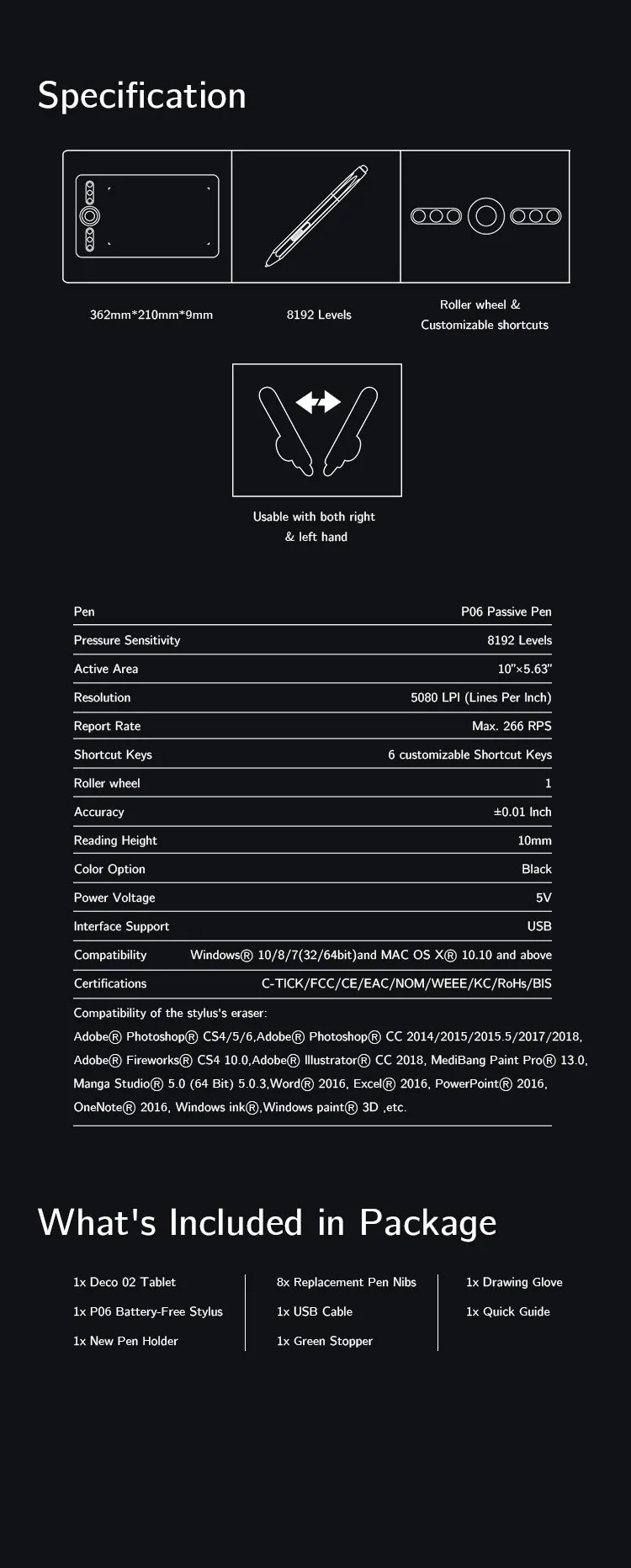
10 x 5.63 inches active area, EMR stylus with a digital eraser.
A silver hollow roller and 6 programmable Express Keys.
8192 Levels of pressure sensitivity.
£79.99
FAST FREE SHIPPING
Ship from the UK; Free shipping on all orders
24-MONTH-WARRANTY
Hassle-free warranty
QUALITY PURCHASE
30-day money-back guarantee
TECH SUPPORT
Lifetime customer support
Colour:
Black
Recommended Accessories
Quantity:
Total
£0.00






Worry-Free Delivery available with seel
Estimate:
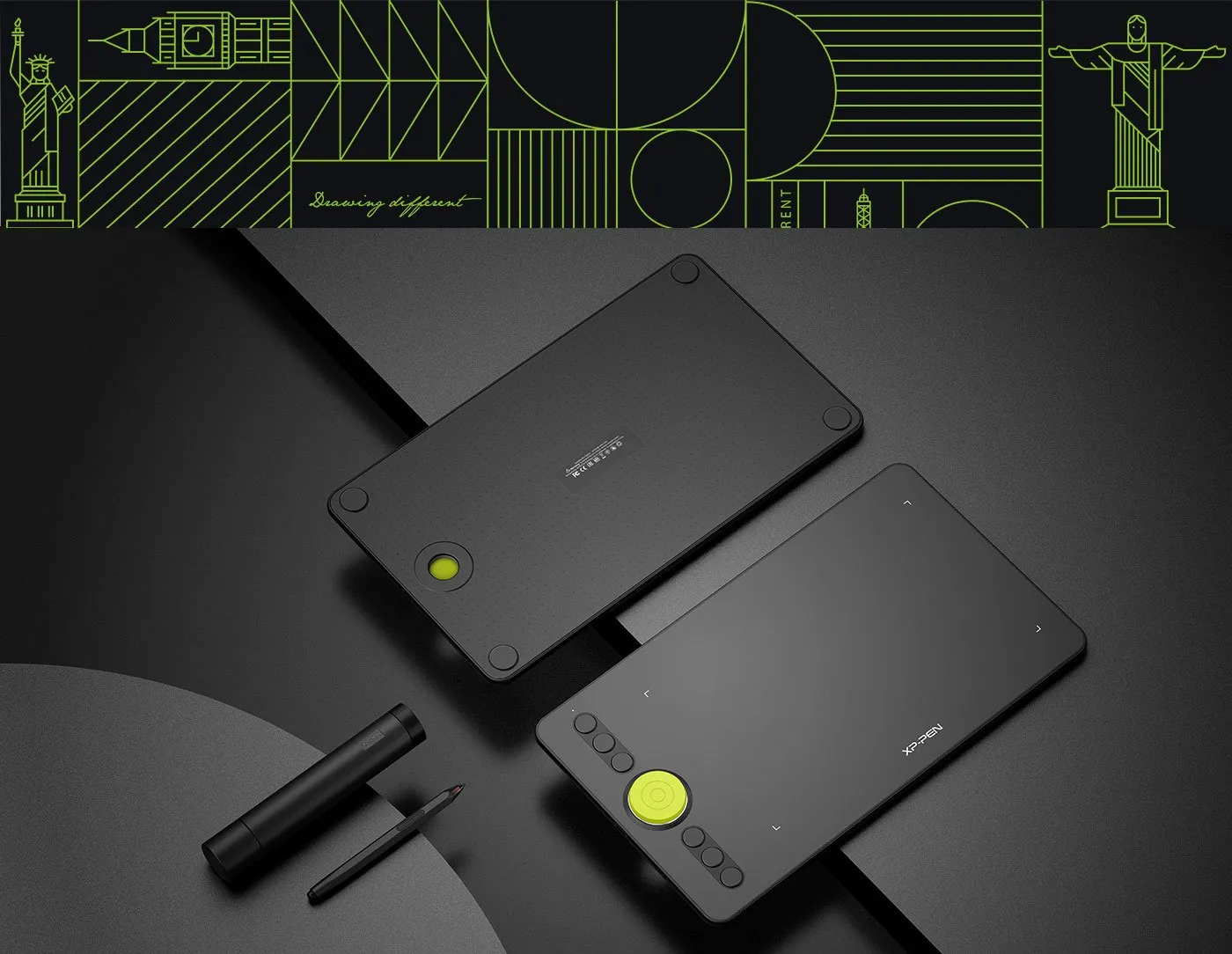
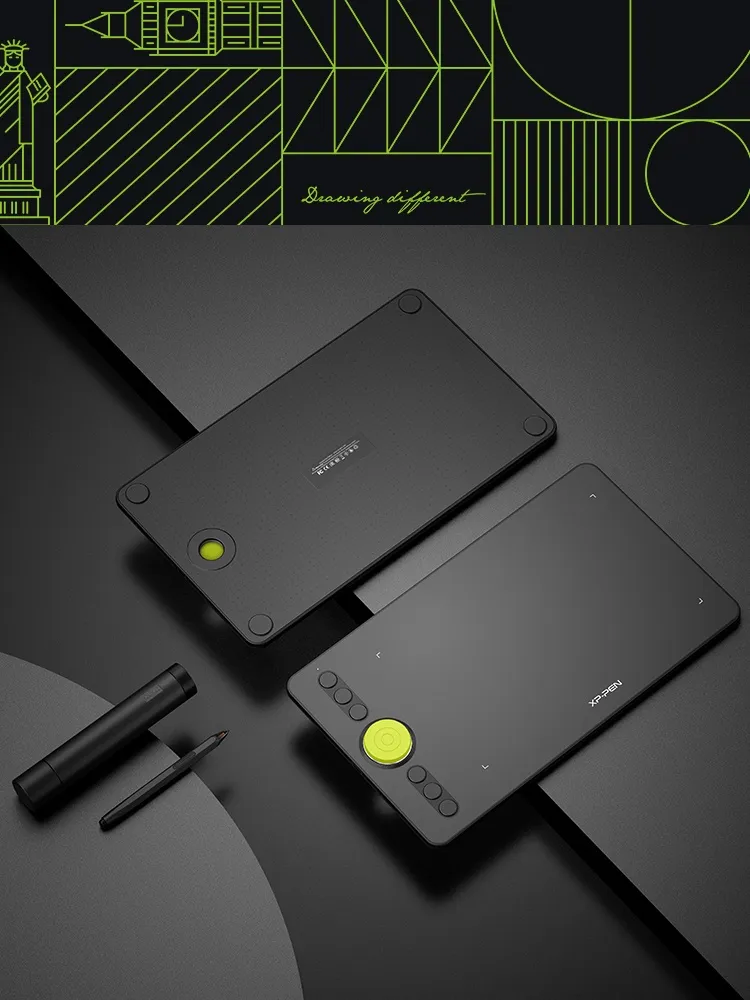
Deco 02
Taking Your Creativity Further.
Spark your creativity!
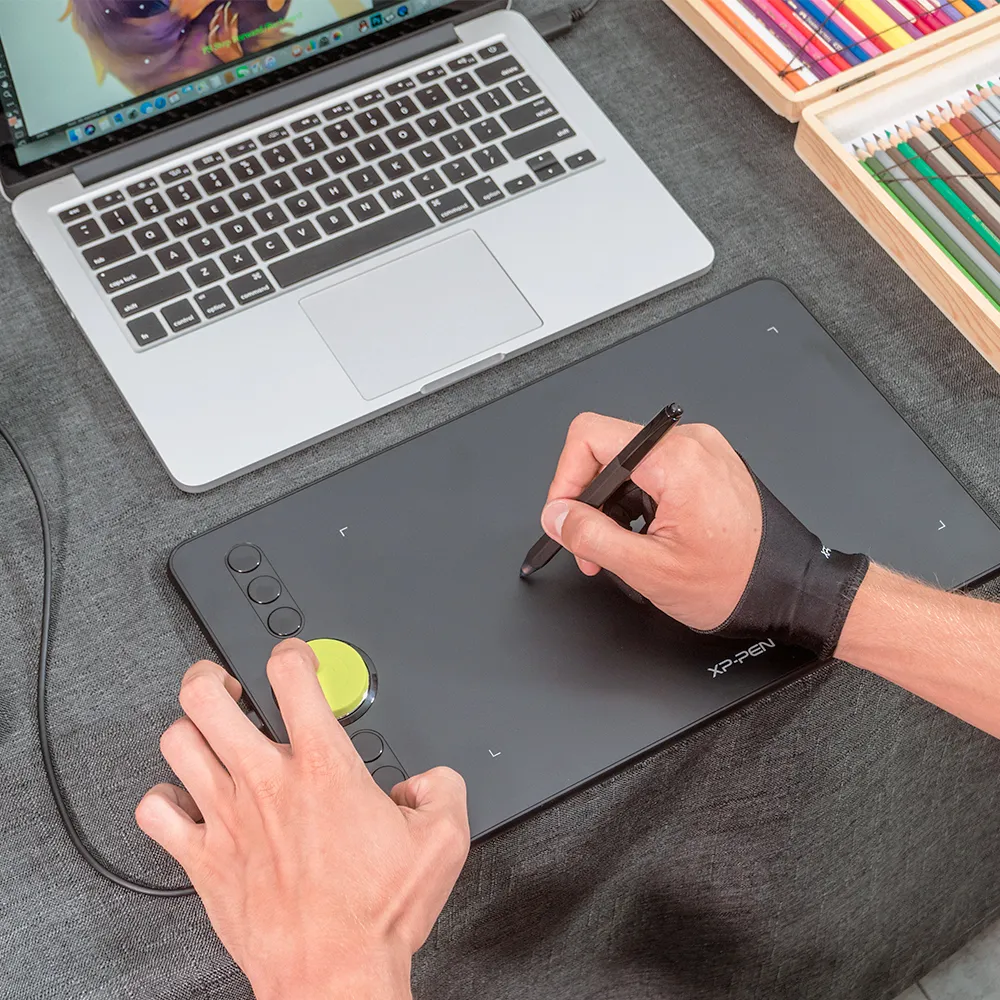
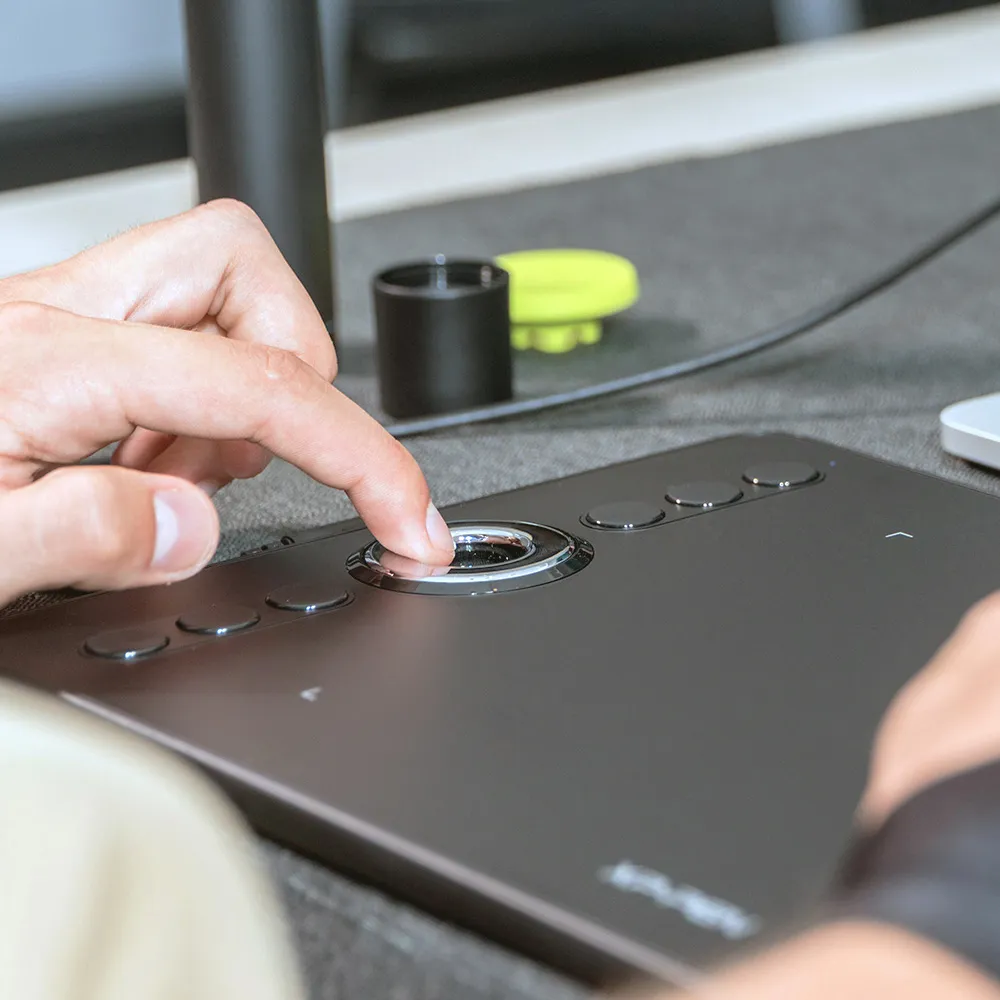
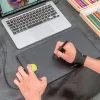
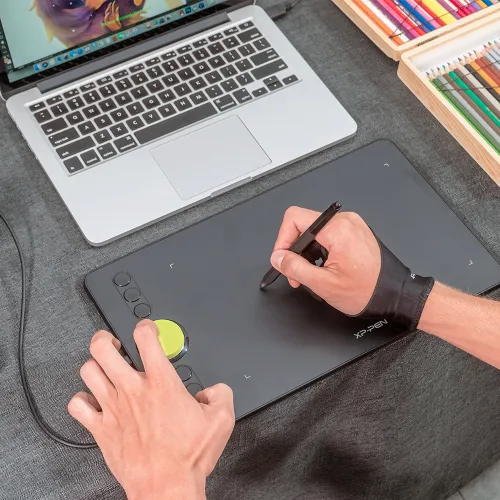
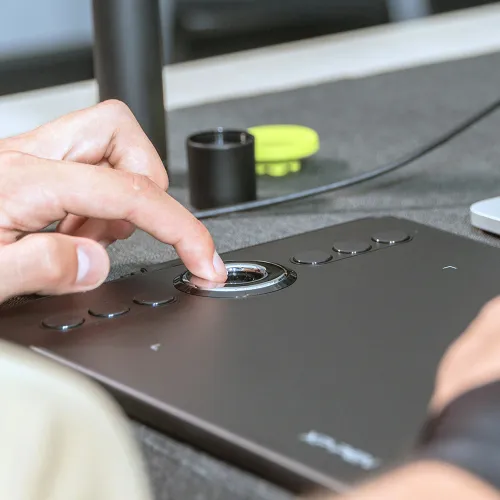
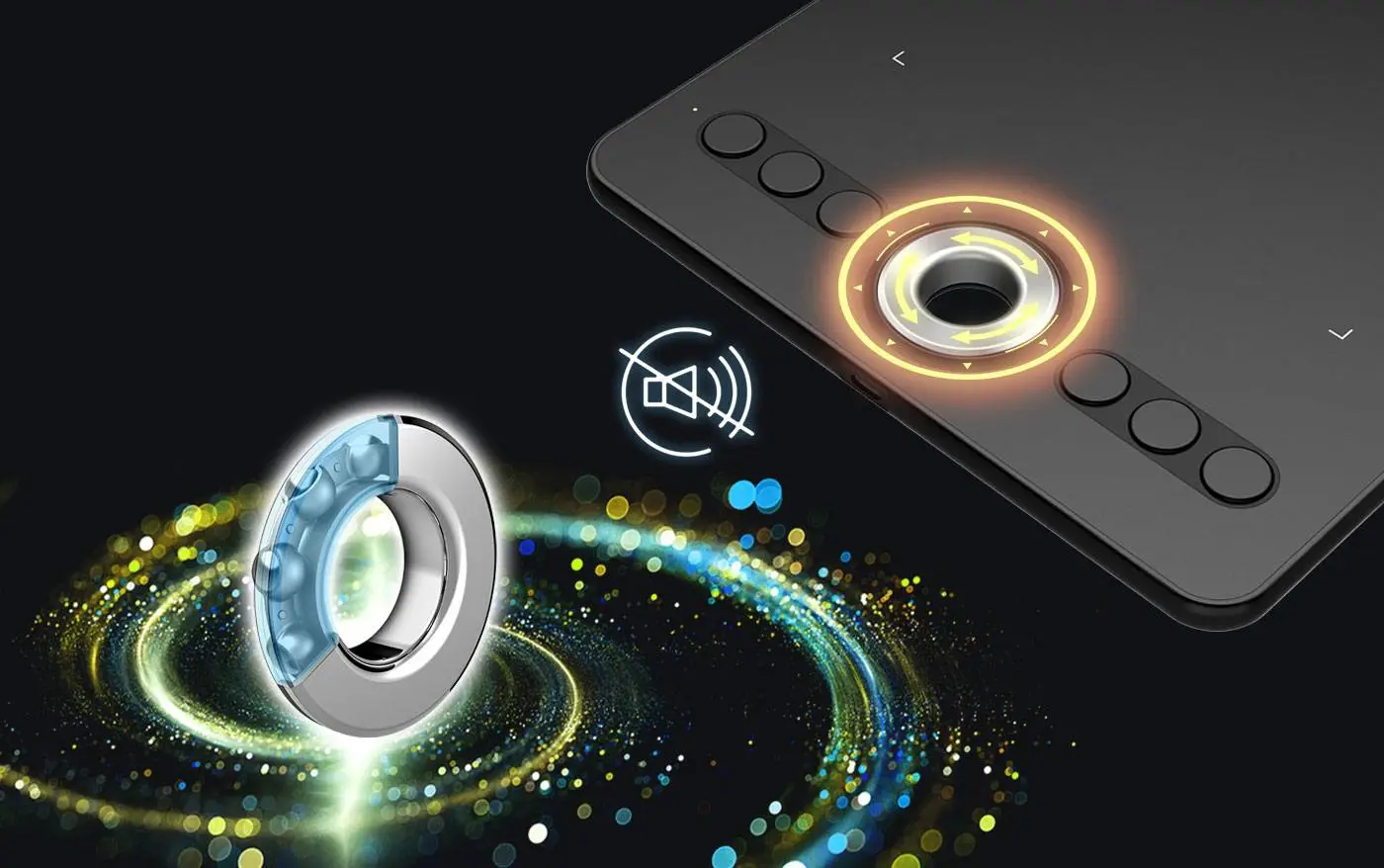
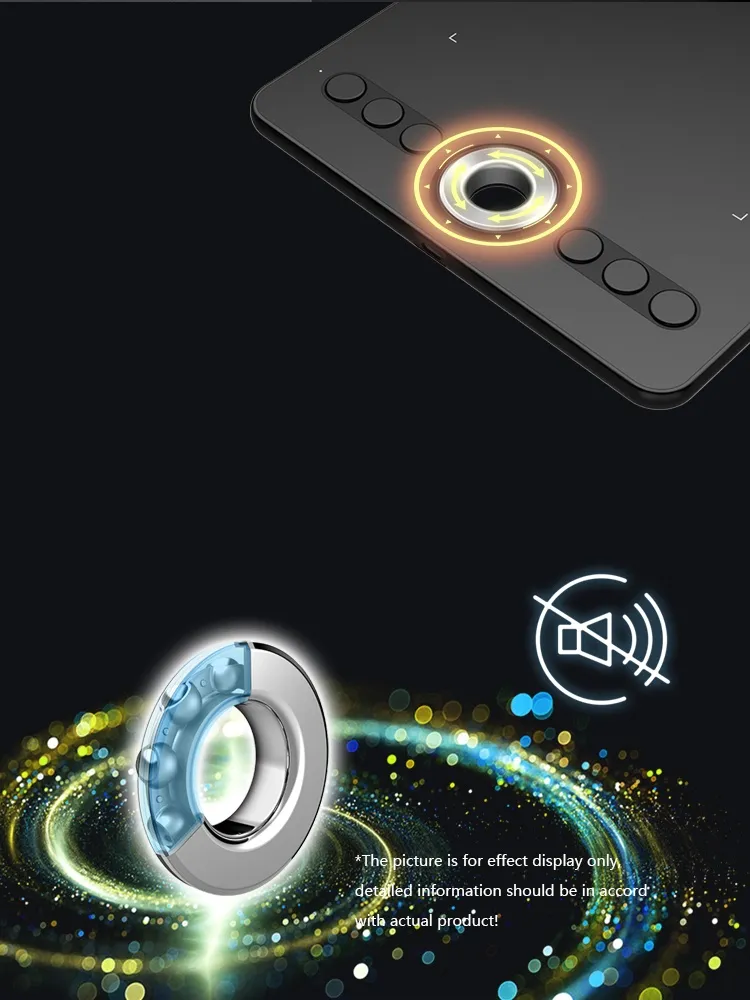
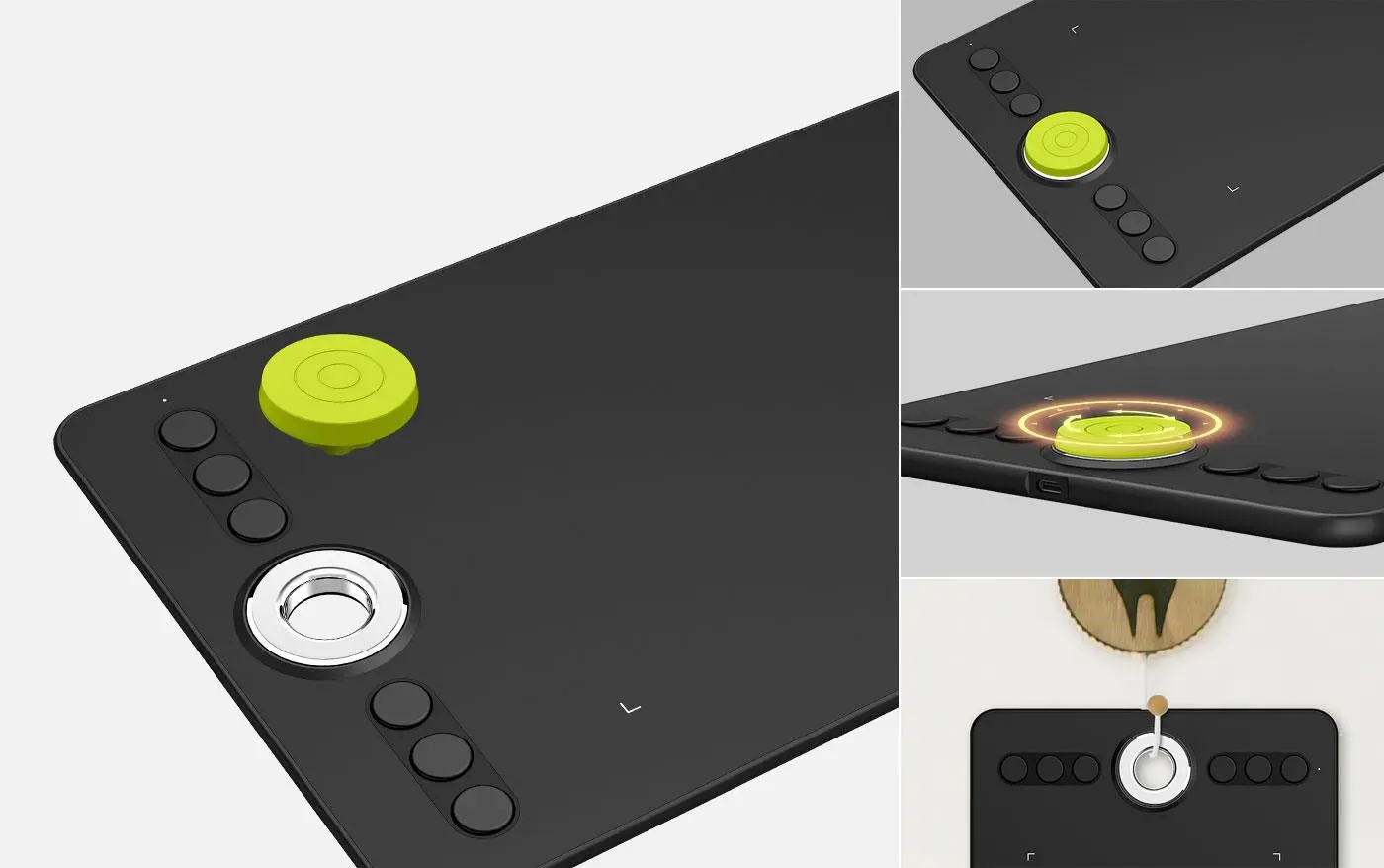
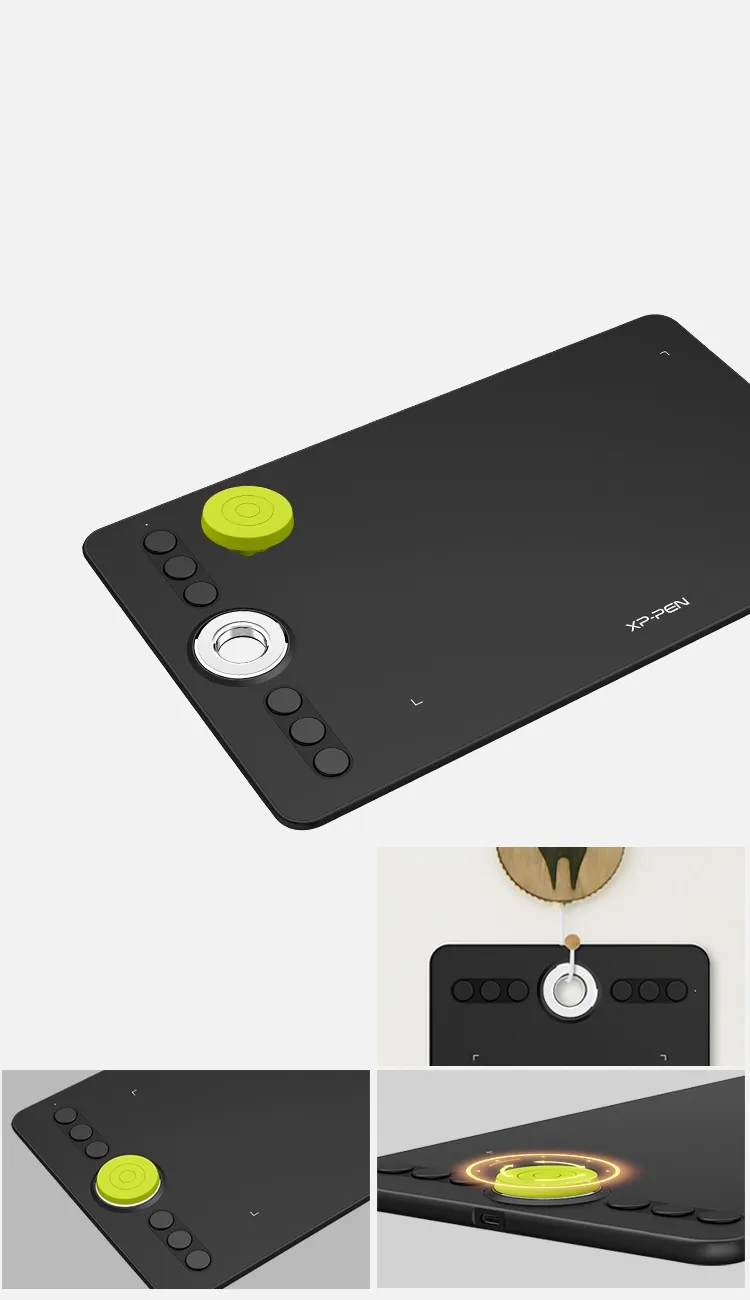
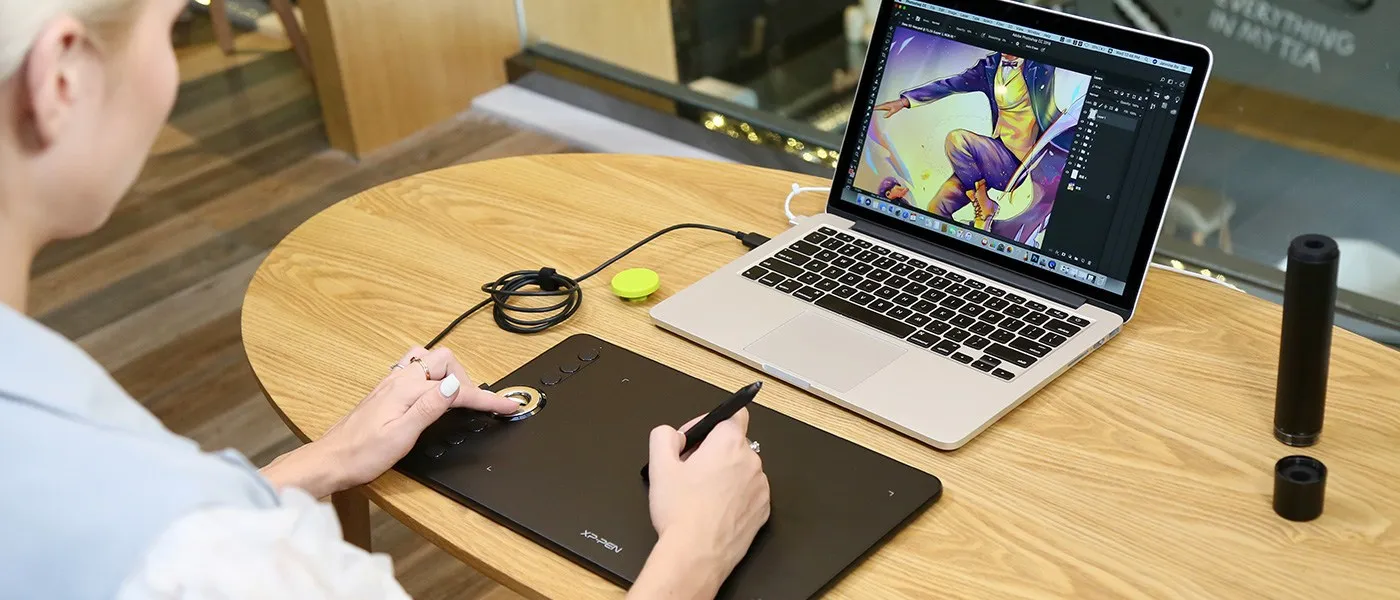
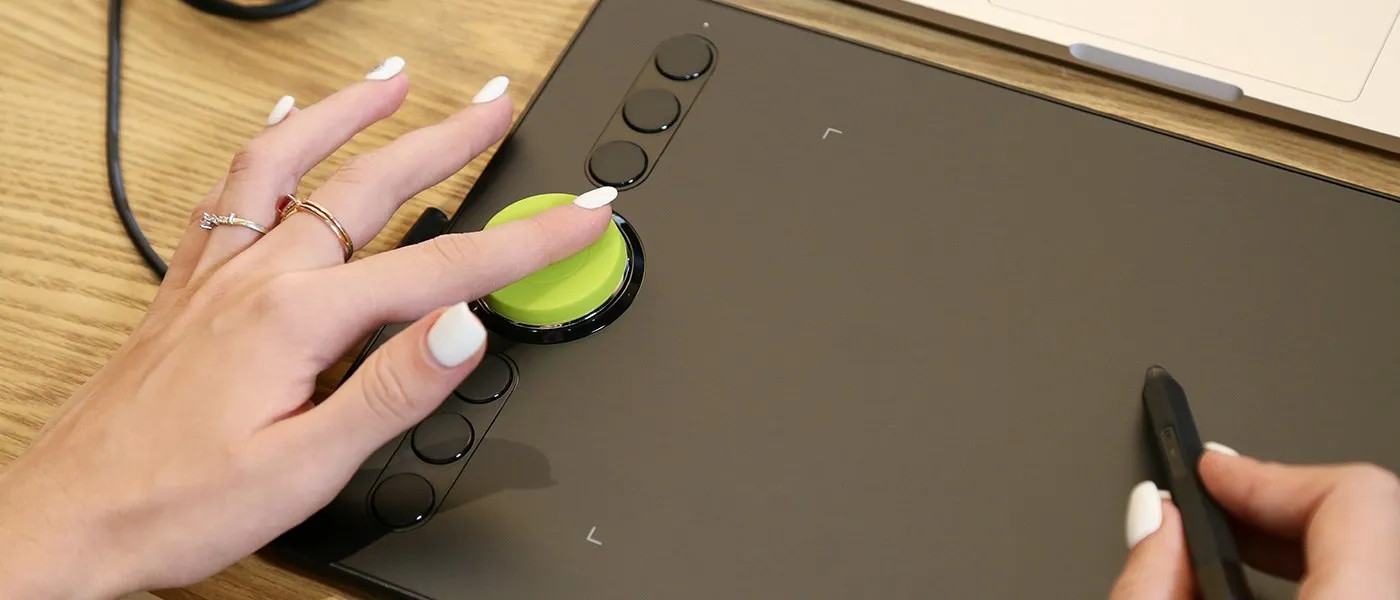
A sleek newly designed silver roller with hollow mirror plating conveniently placed in the lateral center of the tablet making the roller easily accessible for left and right handed users. The Roller Wheel is designed to streamline your workflow and operate non intrusively through it's silent dial roll. Roll the dial on both sides to make your adjustments and navigate around your work space effortlessly.
*The picture is for effect display only, detailed information should be in accord with actual product!
A touch of personality.
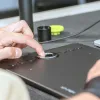
The roller wheel comes with a green stopper as your little personal touch to make the tablet feel truly yours. Remove the stopper to hang up your Deco 02 through the silver hollow ring. Save storage space while your Deco is nestled safely on a hook.
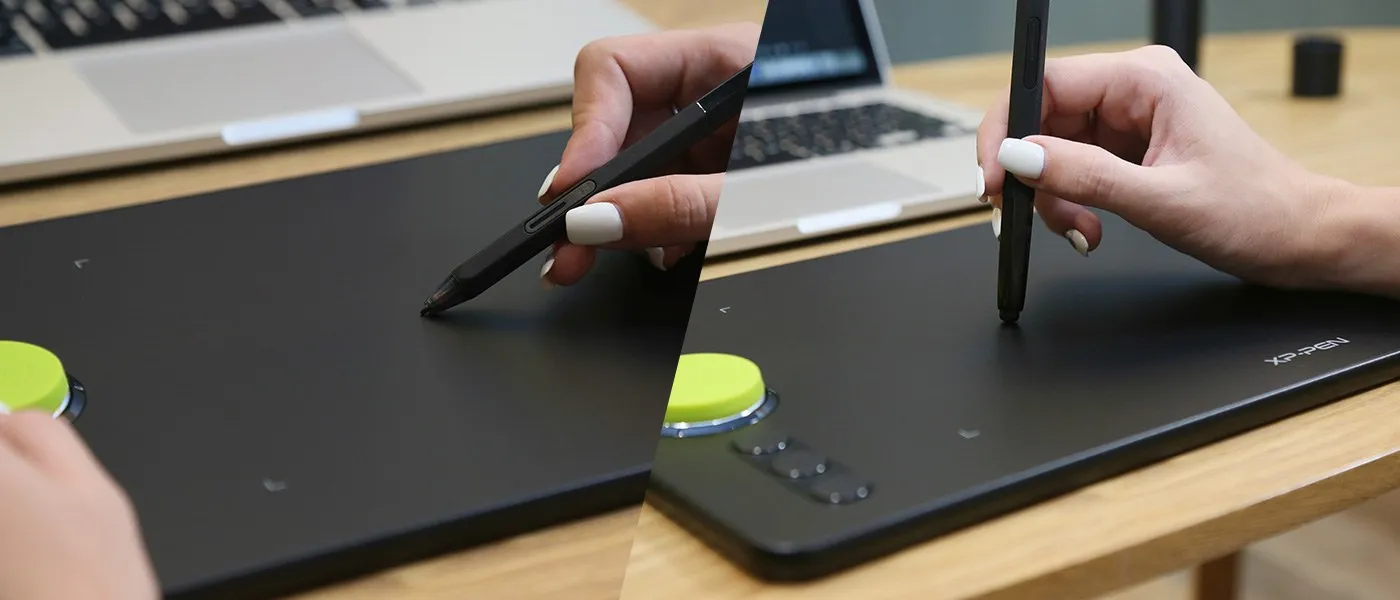
Advanced P06 passive pen for a traditional pencil-like feel!
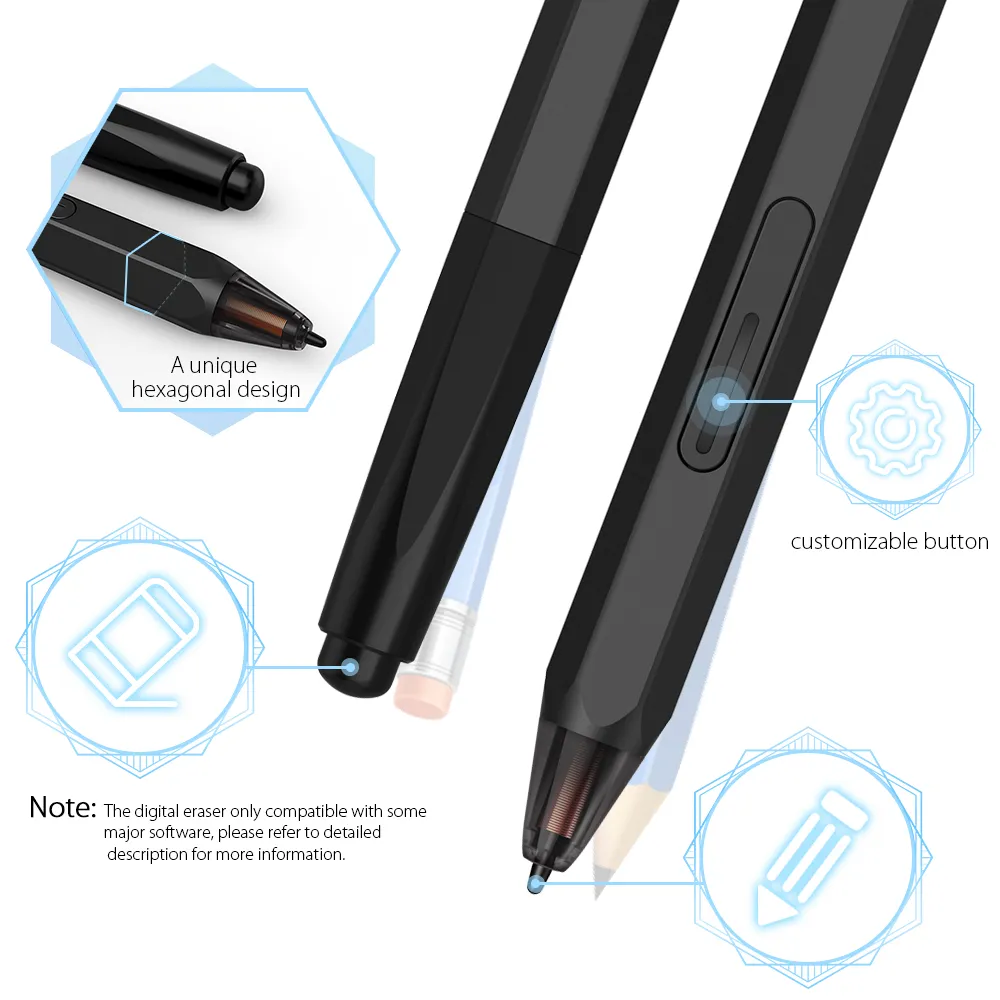
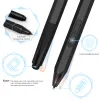
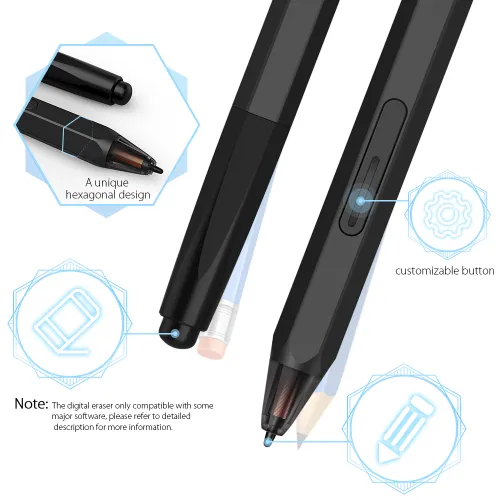
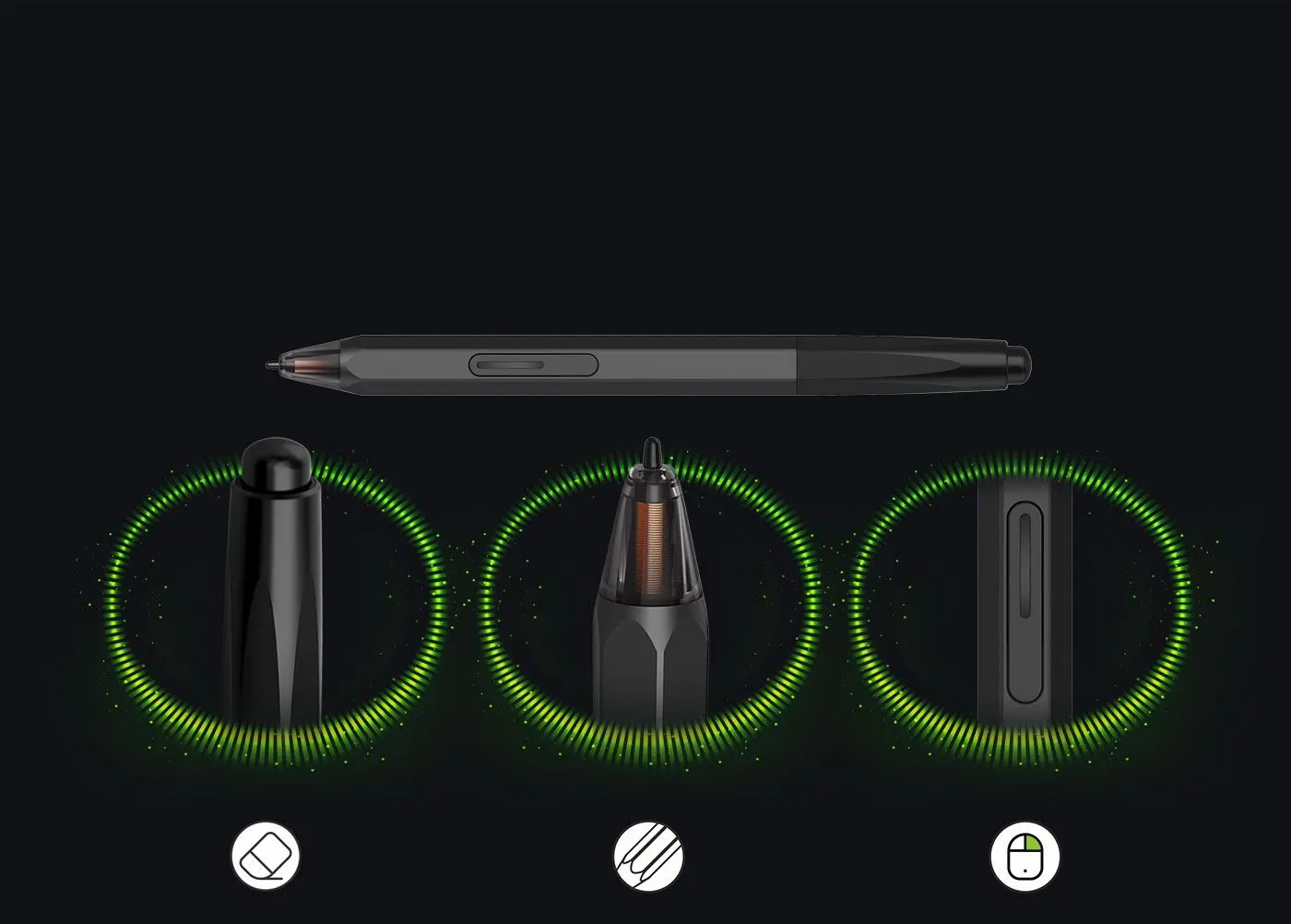
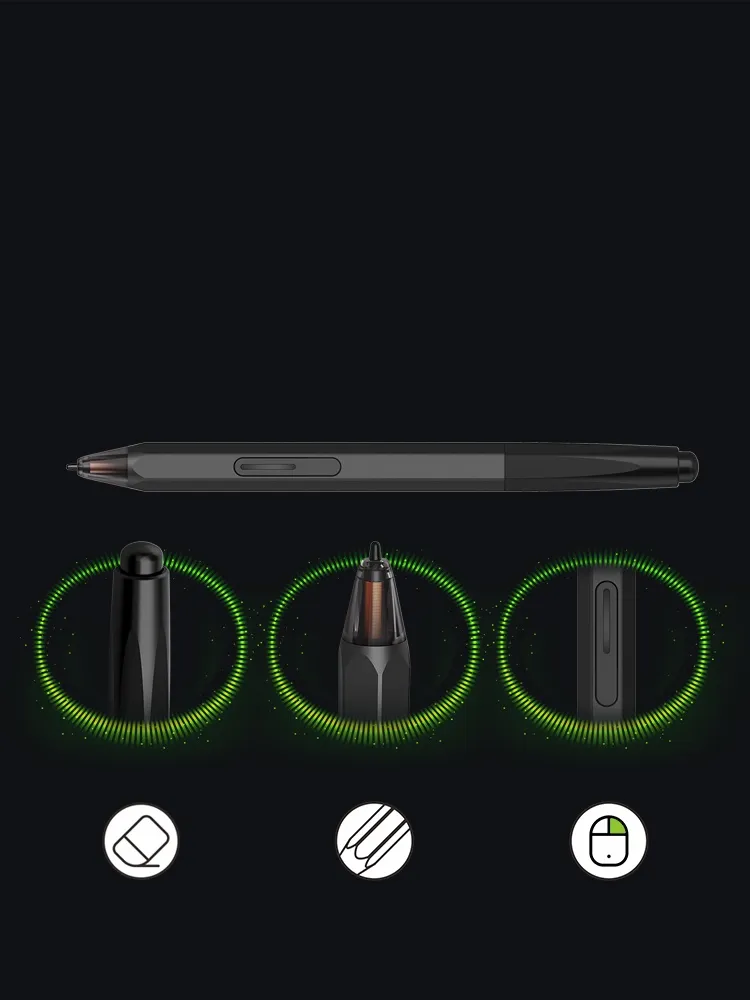
XP-Pen latest battery-free P06 stylus pen specially designed for the Deco 02! Featuring a unique hexagonal design, non-slip & tack-free flexible glue grip, partial transparent pen tip, and an eraser at the end! Delivering technical sense, high efficiency, with a fashionable and comfortable grip!
Note: The digital eraser only compatible with some major software, please refer to "Specification" part for more information.
digital eraser
partially transparent pen tip
right mouse click
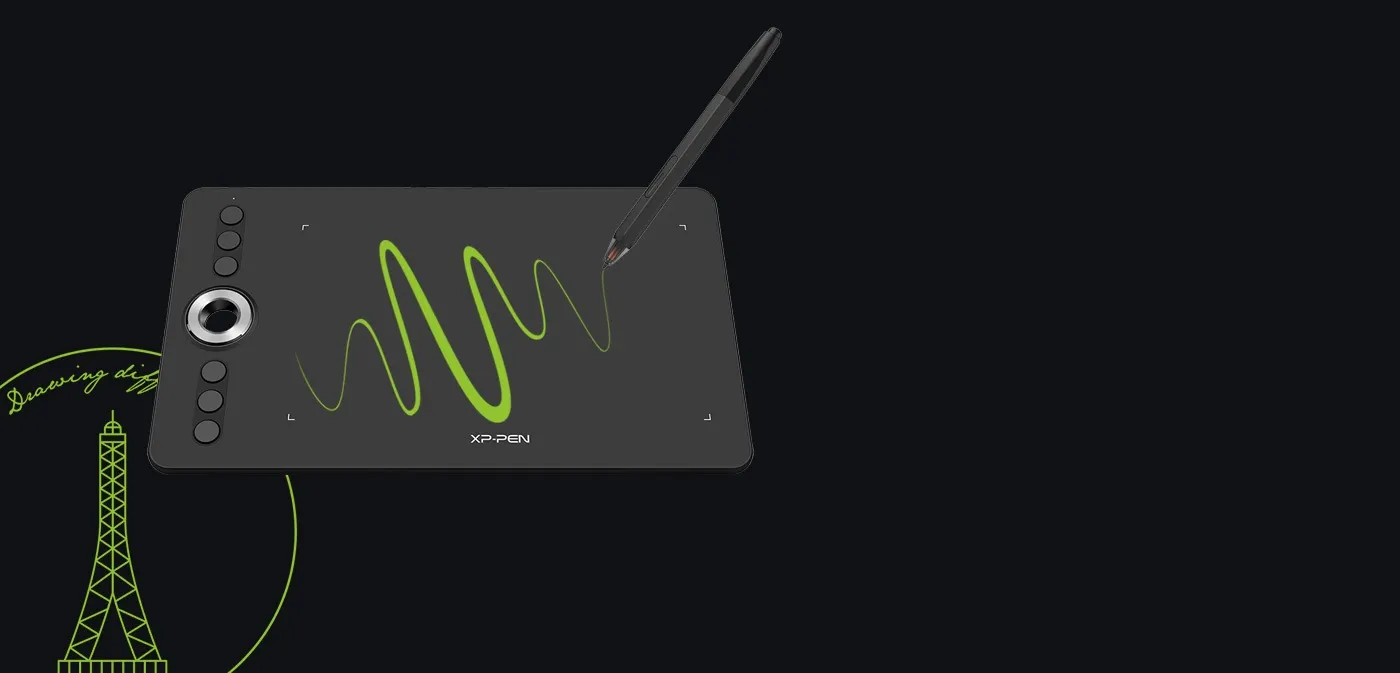
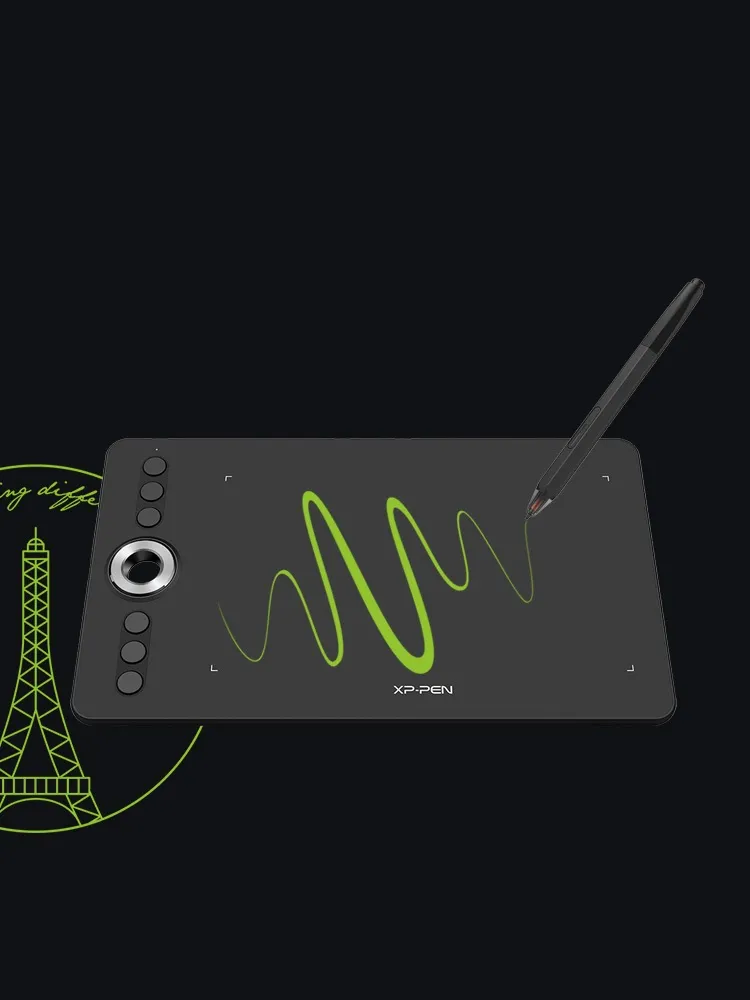
Take your artwork to the next level.
Reaching 8192 levels of pen pressure sensitivity to accelerate your every stroke for fast and fluid performance.
8192 level
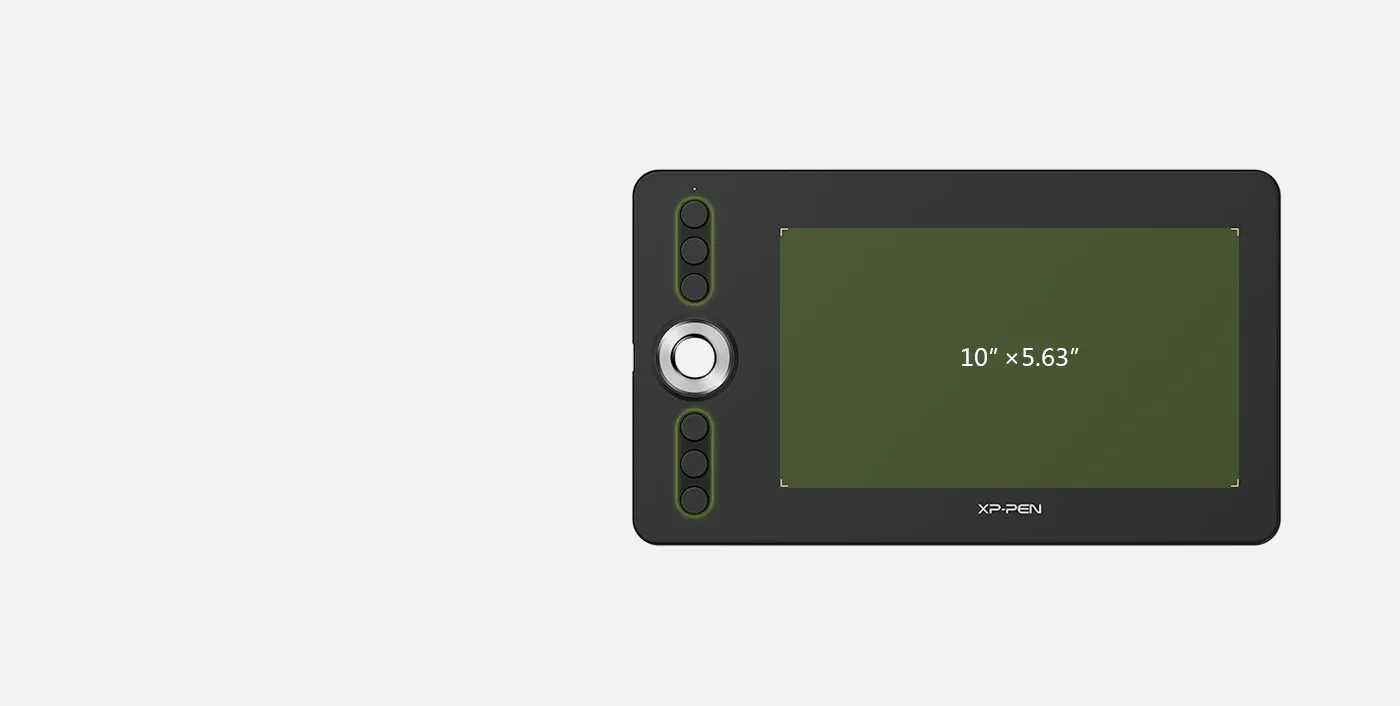

More efficiency, less inconvenience.
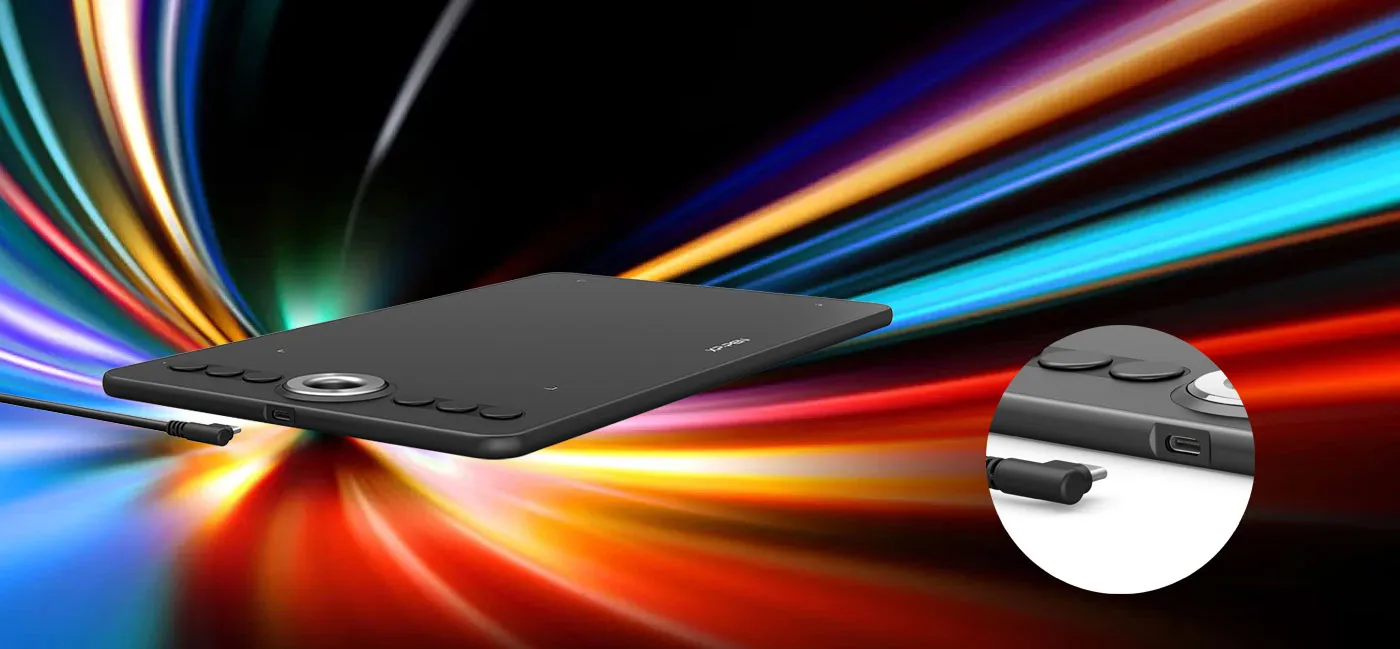
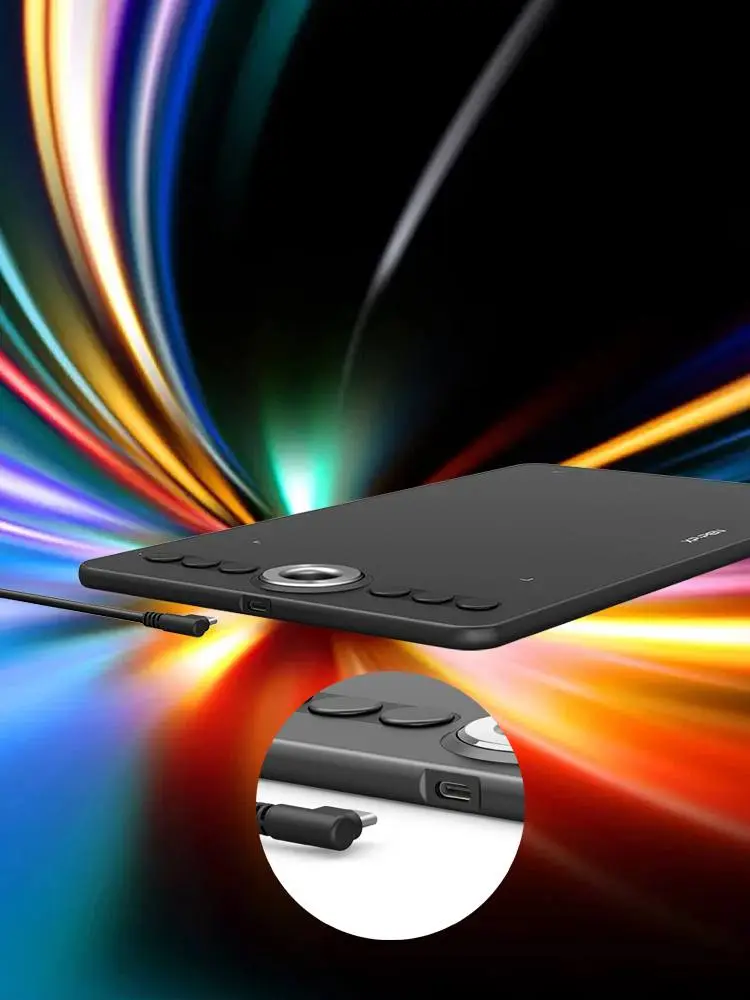
10 x 5.63 inch working area, offering you enough space to draw and create with ease. Six round, customizable shortcut keys that fit easily to your finger tip for creating a highly ergonomic and convenient work platform.
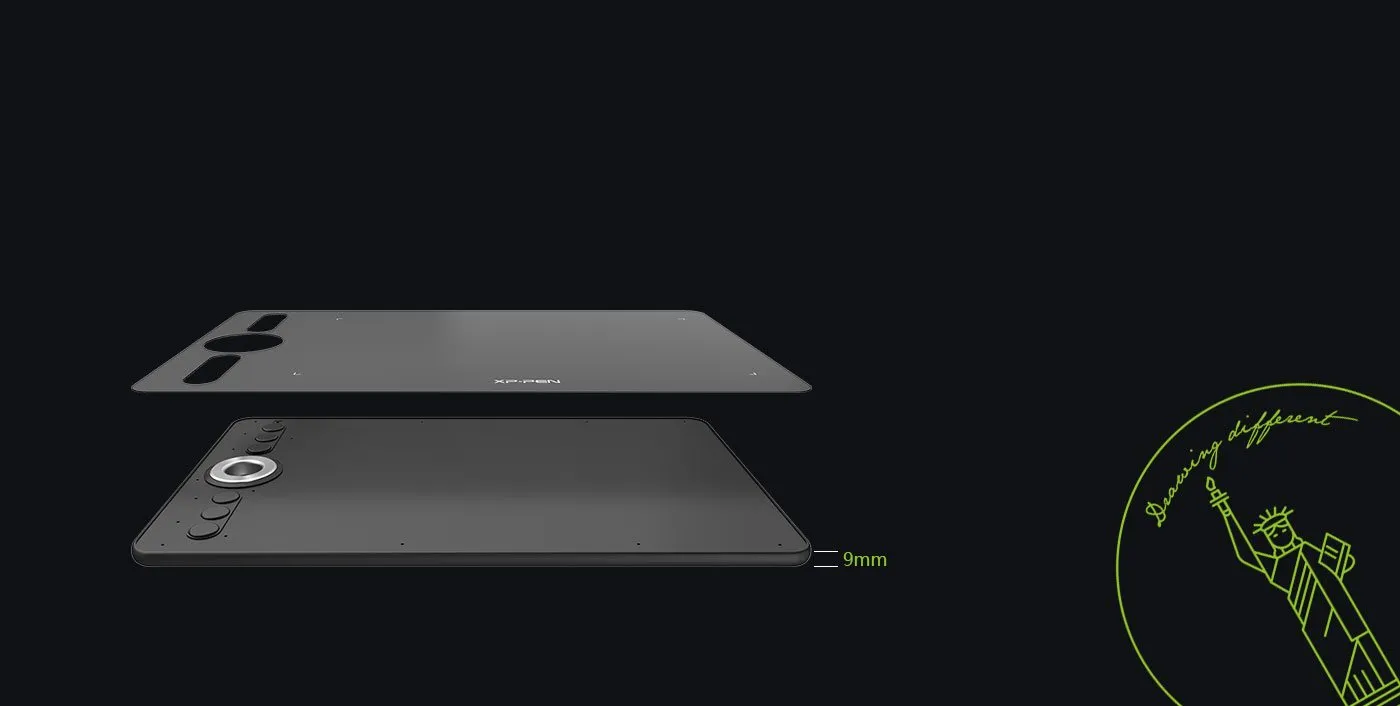
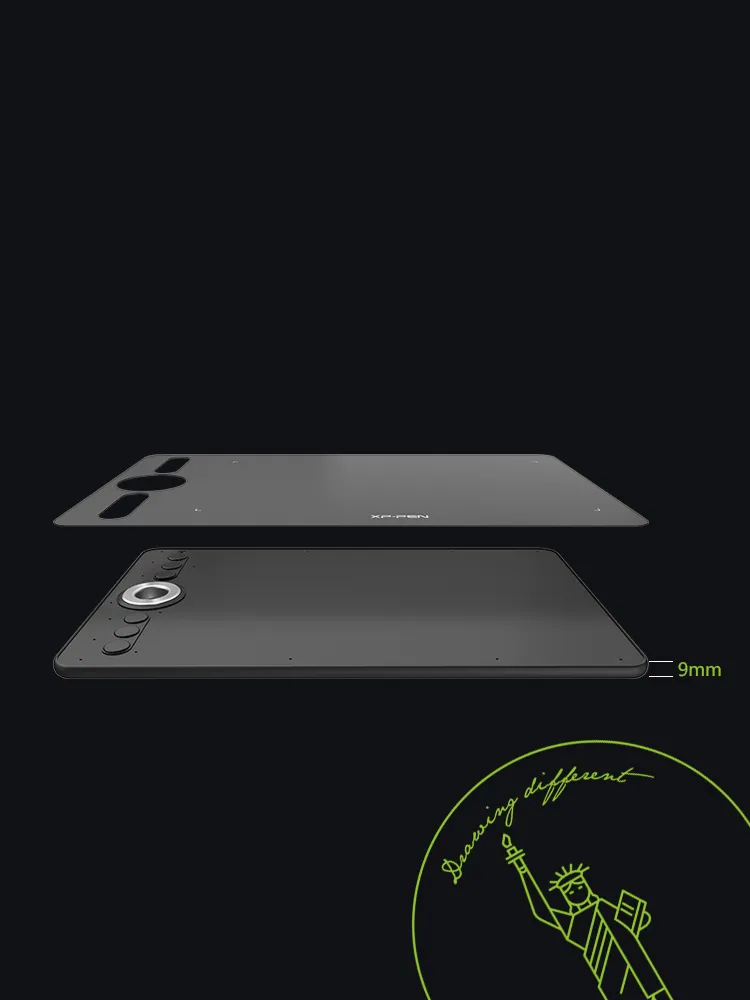
Portable & durable designed.
The Deco 02 is only 9mm thick, allowing for easy portability. Comes fully bonded with drawing film, making it durable to use.
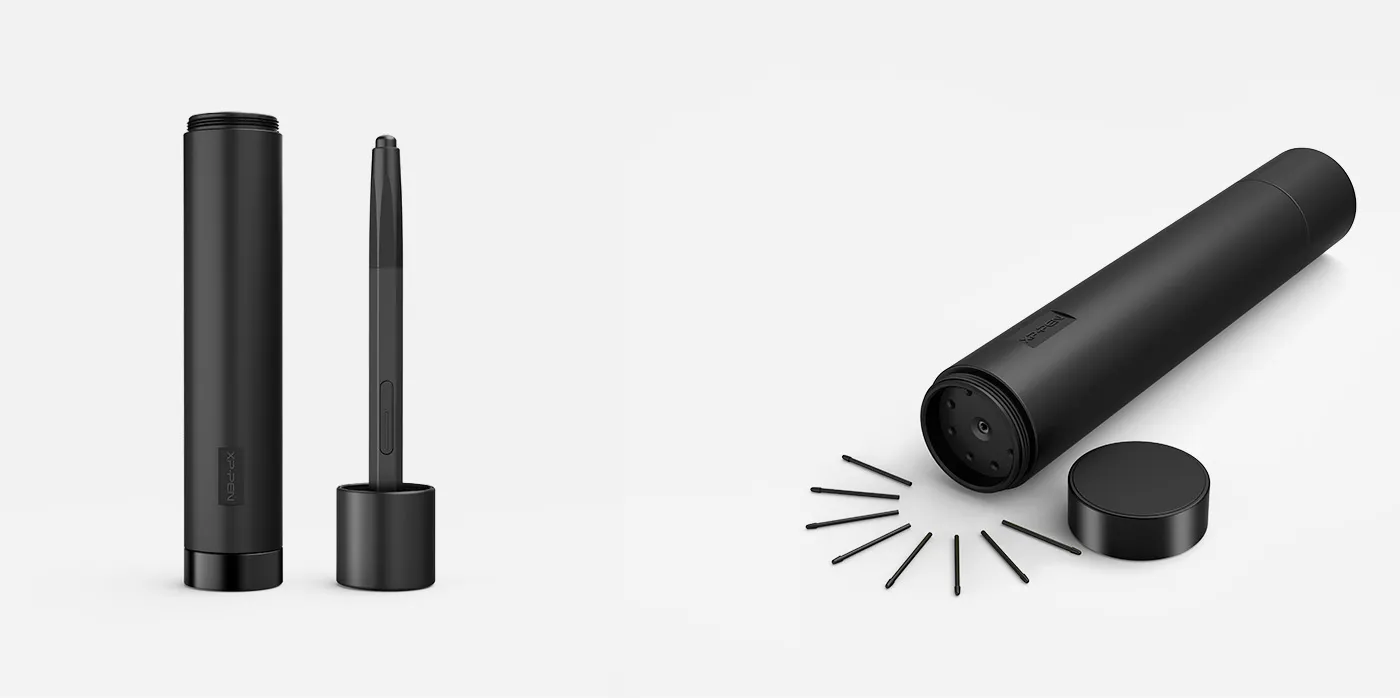

Multi-function Pen Holder.
XP-Pen multi-function pen holder is included to keep your pen and pen nibs safe. You can use it as a pen stand or a pen holder, taking it wherever you go.
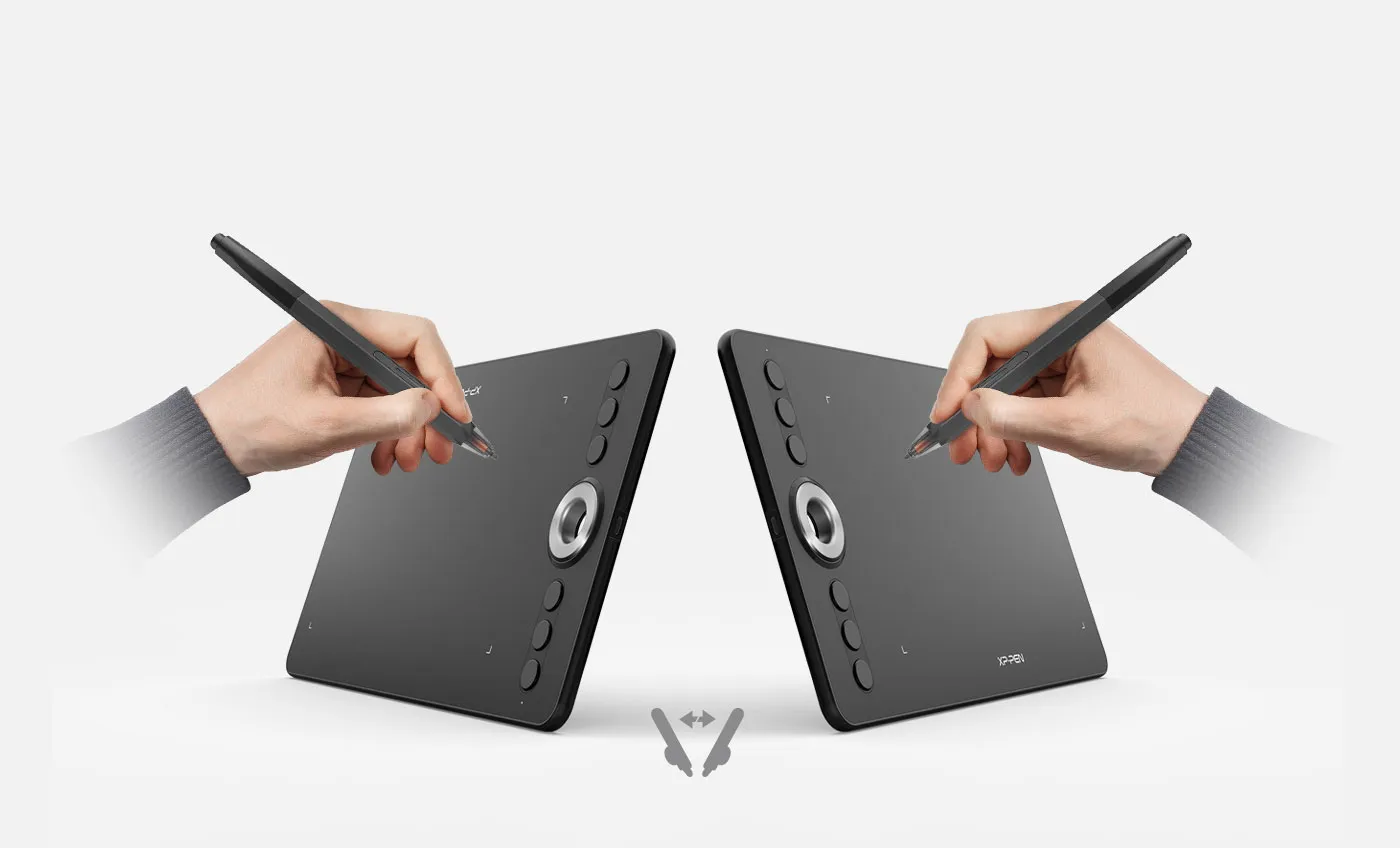
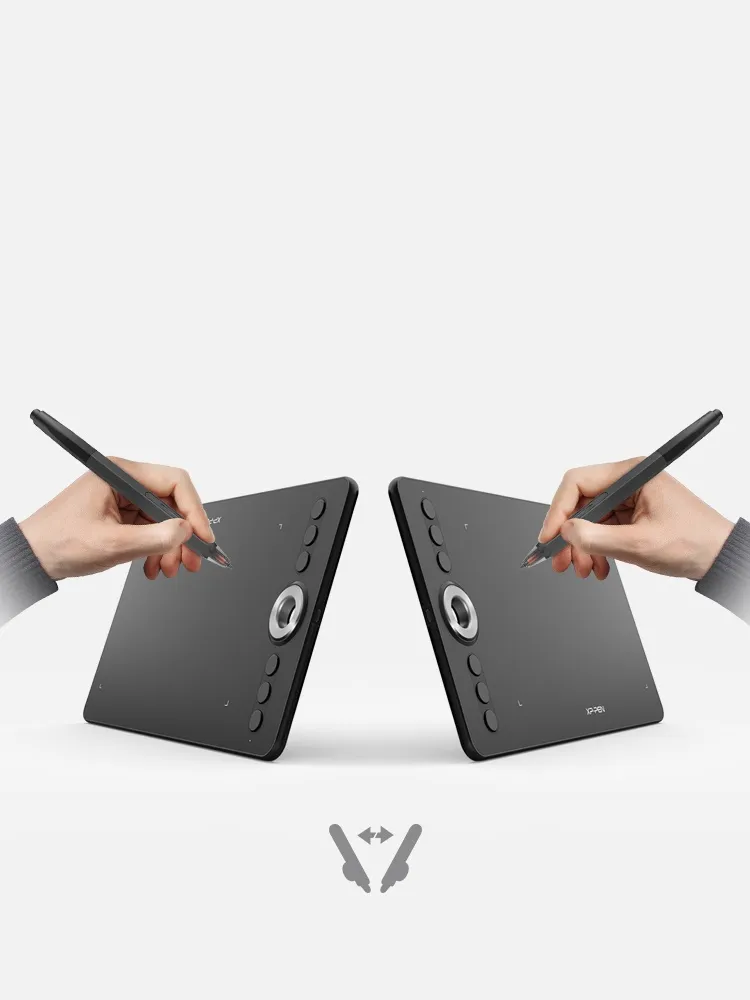
Enjoyable for both hands.
Designed for both right and left hand users, now you can enjoy drawing with left hand or right hand mode through easy access.
Usable with both right & left hand
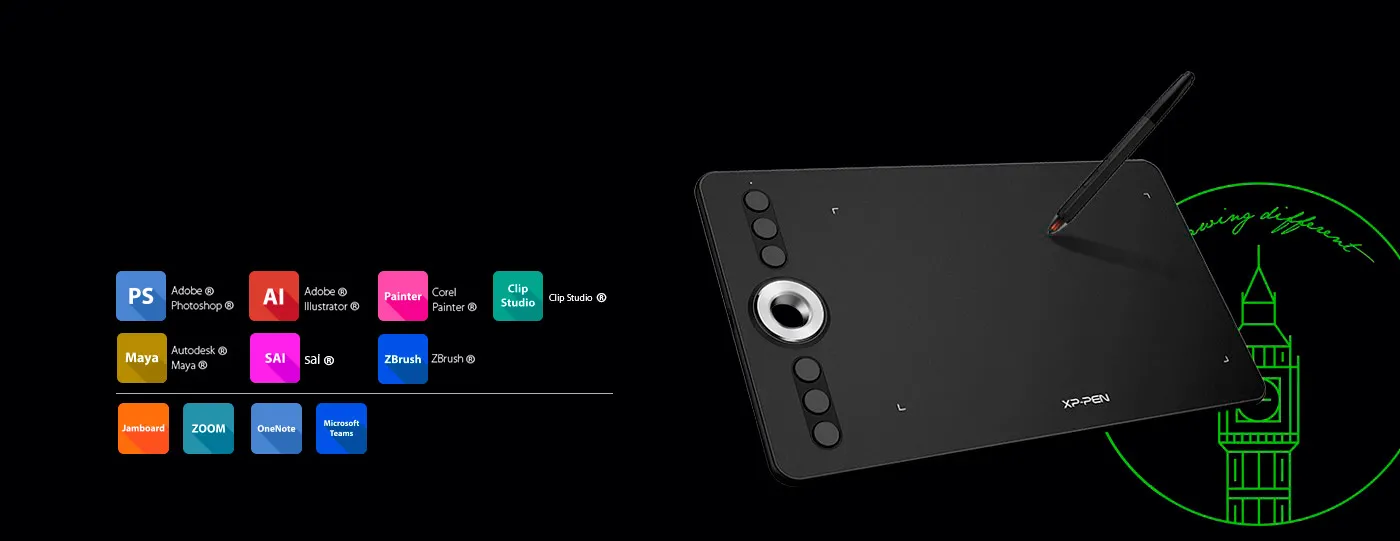
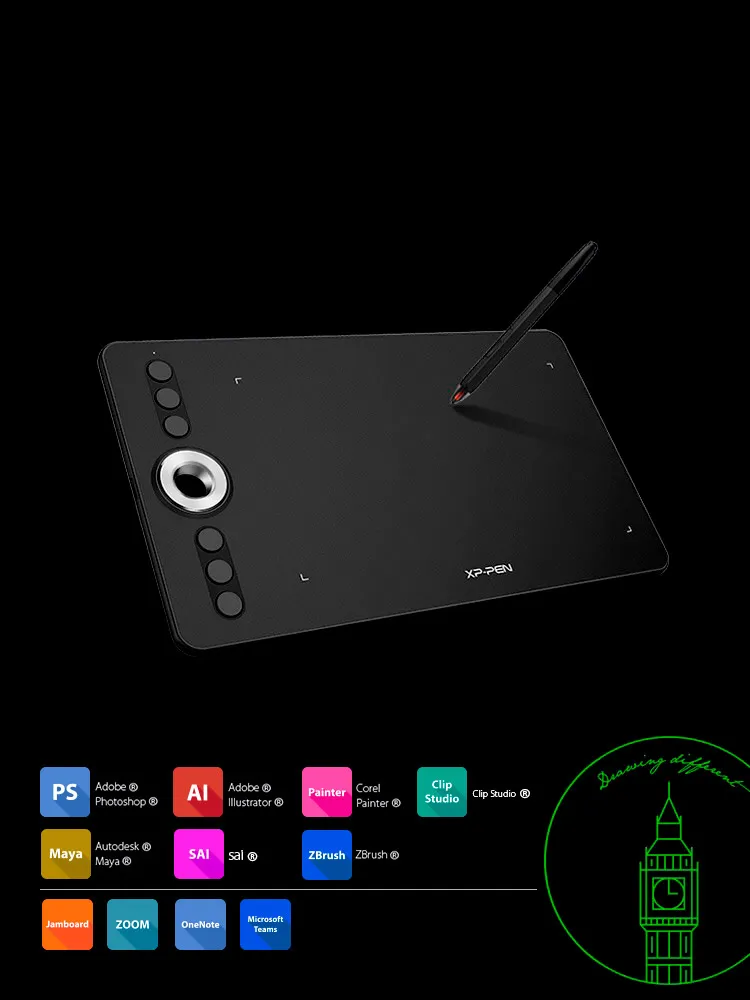
Versatility and compatibility.
XP-Pen Deco 02 supports Windows® 10/8/7, Linux (Detailed versions), Mac OS X® 10.10 and above. Also compatible with many major designer software such as Photoshop®, SAI®, Painter®, Illustrator®, Clip Studio®, and more.


| Linux OS | Version | Package Format | Supported Software |
| Arch | Arch Linux2019.12.01(64-bit) | .deb, .sh | GIMP, Krita |
| Centos | Centos7.0(64-bit) | .rpm, .sh | GIMP |
| Centos8(64-bit) | .rpm, .sh | GIMP, Krita | |
| Debian | debian-9.5.0-amd64-netinst(64-bit) | .deb, .sh | GIMP, Krita |
| elementary OS | elementary OS 5.0(64-bit) | .deb, .sh | GIMP, Krita |
| ezgo Linux | ezgo14(64-bit) | .deb, .sh | GIMP, Krita |
| Fedora | Fedora32(64-bit) | .rpm, .sh | GIMP, Krita |
| Mageia | Mageia-7.1(64-bit) | .rpm, .sh | GIMP, Krita |
| Manjaro | manjaro-xfce-20.1.2-201019(64-bit) | .deb, .sh | GIMP |
| Mint | linuxmint-18.2-cinnamon-64bit | .deb, .sh | GIMP, Krita |
| OpenSUSE | openSUSE-Tumbleweed(64-bit) | .rpm, .sh | GIMP, Krita |
| Pop!_OS | pop-os_19.10(64-bit) | .deb, .sh | GIMP, Krita |
| Red Hat | Red Hat7(64-bit) | .rpm, .sh | GIMP |
| Ubuntu | Ubuntu14.04(64-bit) | .deb, .sh | GIMP, Krita |
| Ubuntu16.04(64-bit) | .deb, .sh | GIMP, Krita | |
| Ubuntu17.04(64-bit) | .deb, .sh | GIMP, Krita | |
| Ubuntu18.04(64-bit) | .deb, .sh | GIMP, Krita | |
| Ubuntu19.04(64-bit) | .deb, .sh | GIMP, Krita | |
| Ubuntu20.04(64-bit) | .deb, .sh | GIMP, Krita |
| Function | Krita 4.3.0 | Gimp 2.10.20 | Inkscape 0.92 |
| Pen Pressure Sensitivity | |||
| Tilt | |||
| Mouse Function | |||
| Eraser Button (Stylus:PH01, P06) | |||
| Switch between Pen and Eraser Modes | |||
| *If you have any further queries, please do not hesitate to contact us at service@xp-pen.com. | |||
Linux OS
Arch
Version
Arch Linux2019.12.01(64-bit)
Package Format
.deb, .sh
Supported Software
GIMP, Krita
Centos
Version
Centos7.0(64-bit)
Centos8(64-bit)
Centos8(64-bit)
Package Format
.rpm, .sh
.rpm, .sh
.rpm, .sh
Supported Software
GIMP
GIMP, Krita
GIMP, Krita
Debian
Version
debian-9.5.0-amd64-netinst(64-bit)
Package Format
.deb, .sh
Supported Software
GIMP, Krita
elementary OS
Version
elementary OS 5.0(64-bit)
Package Format
.deb, .sh
Supported Software
GIMP, Krita
ezgo Linux
Version
ezgo14(64-bit)
Package Format
.deb, .sh
Supported Software
GIMP, Krita
Fedora
Version
Fedora32(64-bit)
Package Format
.rpm, .sh
Supported Software
GIMP, Krita
Mageia
Version
Mageia-7.1(64-bit)
Package Format
.rpm, .sh
Supported Software
GIMP, Krita
Manjaro
Version
manjaro-xfce-20.1.2-201019(64-bit)
Package Format
.deb, .sh
Supported Software
GIMP
Mint
Version
linuxmint-18.2-cinnamon-64bit
Package Format
.deb, .sh
Supported Software
GIMP, Krita
OpenSUSE
Version
openSUSE-Tumbleweed(64-bit)
Package Format
.rpm, .sh
Supported Software
GIMP, Krita
Pop!_OS
Version
pop-os_19.10(64-bit)
Package Format
.deb, .sh
Supported Software
GIMP, Krita
Red Hat
Version
Red Hat7(64-bit)
Package Format
.rpm, .sh
Supported Software
GIMP
Ubuntu
Version
Ubuntu14.04(64-bit)
Ubuntu16.04(64-bit)
Ubuntu17.04(64-bit)
Ubuntu18.04(64-bit)
Ubuntu19.04(64-bit)
Ubuntu20.04(64-bit)
Ubuntu16.04(64-bit)
Ubuntu17.04(64-bit)
Ubuntu18.04(64-bit)
Ubuntu19.04(64-bit)
Ubuntu20.04(64-bit)
Package Format
.deb, .sh
.deb, .sh
.deb, .sh
.deb, .sh
.deb, .sh
.deb, .sh
.deb, .sh
.deb, .sh
.deb, .sh
.deb, .sh
.deb, .sh
Supported Software
GIMP, Krita
GIMP, Krita
GIMP, Krita
GIMP, Krita
GIMP, Krita
GIMP, Krita
GIMP, Krita
GIMP, Krita
GIMP, Krita
GIMP, Krita
GIMP, Krita
Function
Pen Pressure Sensitivity
Krita 4.3.0
Gimp 2.10.20
Inkscape 0.92
Tilt
Krita 4.3.0
Gimp 2.10.20
Inkscape 0.92
Mouse Function
Krita 4.3.0
Gimp 2.10.20
Inkscape 0.92
Eraser Button(Stylus:PH01, P06)
Krita 4.3.0
Gimp 2.10.20
Inkscape 0.92
Switch between Penand Eraser Modes
Krita 4.3.0
Gimp 2.10.20
Inkscape 0.92
*If you have any further queries, please do not hesitate to contact us at service@xp-pen.com.
4.8


Based on 6
83%(5)

17%(1)
0(0)
0(0)
0(0)
Jade Ra
Apr 17 ,2020 PM 20:45 Deco 02
Love it!!!
I've bought another tablet in the past which lasted 5 moths. hopefully this one lasts longer since i spent my hard earnt saving on this xD. Apart from that i'm loving the design of this tablet and the performance has improves a lot. I'd recommend it if you're a beginner or just wanting a budget tablet
Useful(2)+1
XFANS88s0j8uh
Jan 04 ,2024 PM 21:48 Deco 02
Great tool to add flexibility
I got this to make drawing on screen a more organic experience as I find drawing with a mouse is just painful. Jotting down notes highlighting items in documents and diagrams is so much easier using a pen. The scroll wheel makes zooming nice and easy. Shortcut keys can easily be reprogrammed for different applications. I even use the shortcut keys with Microsoft Visual Studio which has no need for any drawing ability.
Useful(0)+1
XFANSiahb582j
Aug 30 ,2025 AM 00:32 Deco 02
Amazing tablet
Just received my new tablet and so happy I ordered this one. I love the roller, drawing with it makes it much more comfortable. The pen is working perfectly. The rubber on the other end is working automatically when is close to the tablet. The new pen design is as comfortable as on previous version. One more thing I love about the tablet is its surface. I already did some drawing on it, and there is no spot on it Highly recommend
Useful(0)+1
Learn More
Serge Chabert
Nov 18 ,2020 AM 08:29 Deco 02
I have tried to contac support, but got no answer. y Deco 02 tablet stopped working under Mac OS Big Sur and I cannot find a driver for Big Sur on your website, this is extremely frustrating. Is the tablet not supported on Big Sur??
Reply1
Official mall
Nov 19 ,2020 AM 09:46
Hi, it supports being used on Big Sur. Please follow the instruction here: https://www.youtube.com/watch?v=p9IlxzMOjS8 and try again.
Thank you so much : )
Reply to this review
Angela Gardner
Jun 14 ,2020 PM 18:26 Deco 02
does the deco 02 have the free rotation that the deco 01 v2 has?
Reply1
Official mall
Jun 15 ,2020 AM 10:01
Hi, you can set it up in the driver interface to rotate the tablet.
Reply to this review
Josef Verovsky
Dec 05 ,2019 PM 22:09 Deco 02
Hello,
I would like to ask if this tablet is compatible with Adobe Photoshop CC 2019 version. Your description says the last supported version is 2018.
Thank you in advance.
Reply1
Official mall
Dec 07 ,2019 AM 11:58
Hi,
Yes. it supports 2019 version
Yes. it supports 2019 version
Reply to this review
Rebecca Street
Nov 06 ,2019 AM 04:59 Deco 02
Can I download pictures onto this device to trace over and add my own details?
Reply1
Official mall
Nov 06 ,2019 AM 10:00
Hi,
Please kindly note that XP-PEN Deco 02 Drawing Pen Tablet needs to be connected to a computer when using.
It just like a second monitor.
Download pictures in your computer, then you can use DECO 02 to trace pictures. Thank you.
Please kindly note that XP-PEN Deco 02 Drawing Pen Tablet needs to be connected to a computer when using.
It just like a second monitor.
Download pictures in your computer, then you can use DECO 02 to trace pictures. Thank you.
Reply to this review